


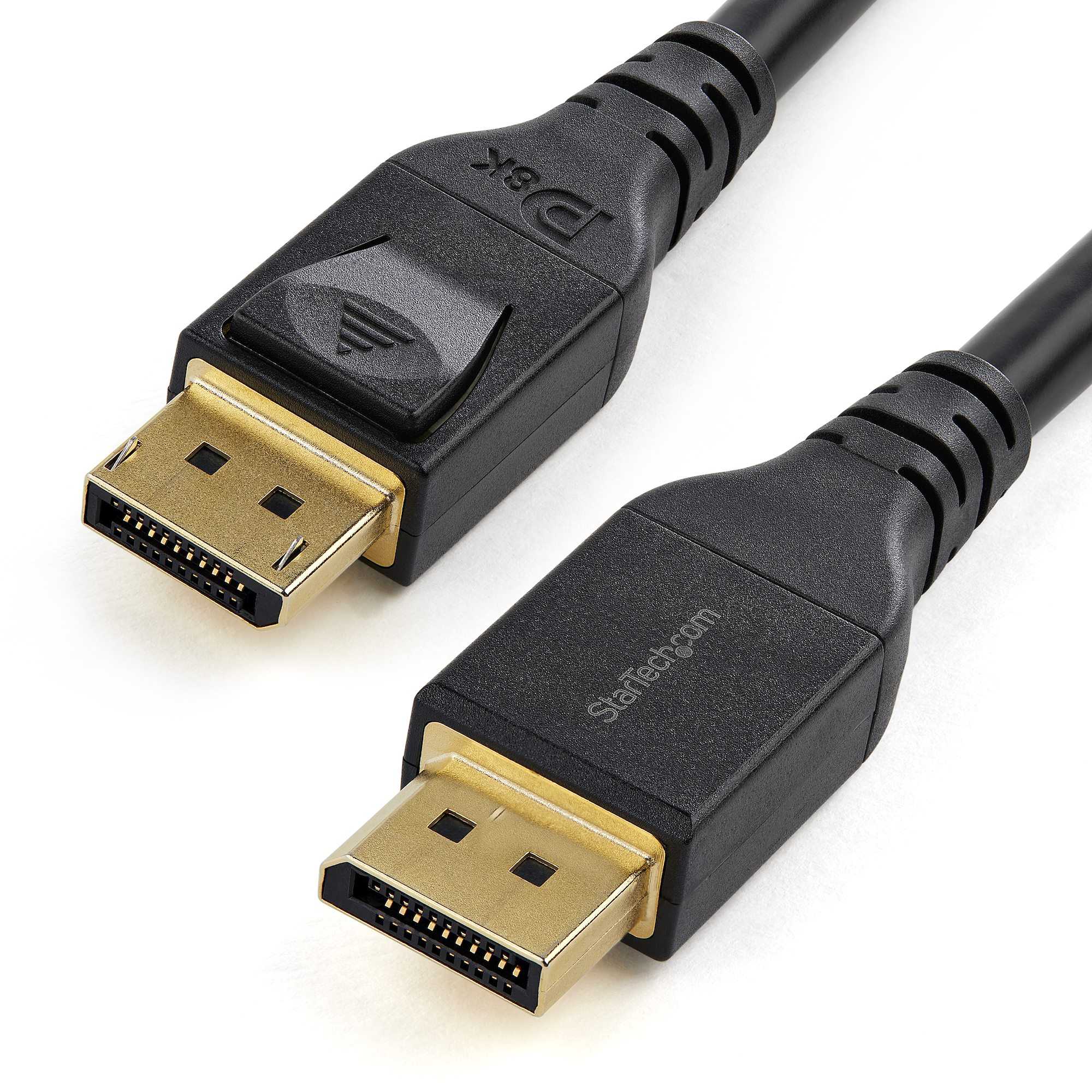
Quick answer: HDR monitors generally benefit most from DisplayPort 1.4 due to its higher bandwidth capabilities, which allow for better color depth and higher resolutions. However, not all HDR monitors require DisplayPort 1.4; some can function well with earlier versions or HDMI alternatives, depending on their specifications.
Thinking about upgrading your gaming or professional display? If you’re curious whether HDR monitors need DisplayPort 1.4, the answer depends on the monitor’s features and your intended use. DisplayPort 1.4 supports the high bandwidth needed for true 4K HDR at higher refresh rates, making it ideal for premium HDR experiences. But some HDR monitors can perform adequately with older ports or HDMI 2.0, especially if you don’t need the maximum resolution or refresh rate. Knowing the specific requirements of your monitor and how you plan to use it can help decide whether you need this latest version of DisplayPort. With the rapid evolution of display technology, it’s worth understanding what each port version offers to maximize your visual experience.

Do HDR Monitors Need DisplayPort 1.4?
Understanding HDR and Its Requirements
High Dynamic Range (HDR) enhances the picture quality by offering a wider range of colors and improved contrast. To fully enjoy HDR content, monitors need to support certain specifications, including sufficient bandwidth. The connection interface between your computer and monitor plays a key role in delivering this high-quality experience.
What Is DisplayPort 1.4?
DisplayPort 1.4 is an advanced digital display interface designed to transmit high-resolution images and high-bitrate audio. It offers a bandwidth of up to 32.4 Gbps, enabling it to handle 4K, 5K, and even 8K resolutions with HDR content smoothly. This version supports features like High Bit Rate 3 (HBR3), Display Stream Compression (DSC), and HDR metadata, making it suitable for modern high-performance monitors.
Why Is DisplayPort 1.4 Important for HDR Monitors?
HDR monitors require significant data transfer capabilities to display richer colors and better contrast. DisplayPort 1.4 provides the necessary bandwidth and features to support these demands. While older versions like DisplayPort 1.2 offer some HDR support, they may struggle with the highest resolutions and color depths.
Compared to HDMI and Other Interfaces
| Interface | Maximum Bandwidth | HDR Support | Resolution Support |
|---|---|---|---|
| DisplayPort 1.4 | 32.4 Gbps | Yes, with HDR metadata | Up to 8K at 60Hz, 4K at 120Hz+ |
| HDMI 2.0 | 18 Gbps | Yes, with HDR | Up to 4K at 60Hz |
| HDMI 2.1 | 48 Gbps | Yes, with advanced HDR | Up to 10K at 120Hz |
While HDMI 2.1 surpasses DisplayPort 1.4 in bandwidth, many high-end HDR monitors specifically support DisplayPort 1.4 for its robustness and widespread compatibility with gaming and professional setups.
Do All HDR Monitors Require DisplayPort 1.4?
Not every HDR monitor needs DisplayPort 1.4. Lower resolutions and lower refresh rates can often be supported comfortably with earlier standards. However, for users seeking 4K at high refresh rates or 8K displays, DisplayPort 1.4 becomes essential.
When Do You Need DisplayPort 1.4 for HDR?
- You want to play games in 4K at 120Hz with HDR.
- You plan to use an 8K monitor with HDR support.
- You want to ensure future-proofing for upcoming HDR content or higher resolutions.
- You need to connect multiple monitors using daisy chaining, which benefits from the higher bandwidth of DisplayPort 1.4.
What If Your Monitor Supports HDR But Not DisplayPort 1.4?
Some monitors support HDR through HDMI 2.0 or earlier DisplayPort versions but may have limitations in resolution, refresh rate, or HDR metadata handling. Always check your monitor’s specifications to ensure compatibility with your intended setup.
Can You Use HDMI Instead of DisplayPort for HDR?
Yes, HDMI offers excellent HDR support, especially with HDMI 2.0 and HDMI 2.1. For 4K gaming at high refresh rates, HDMI 2.1 provides comparable or better performance. However, for certain professional and gaming setups, DisplayPort 1.4 might deliver more stable performance or better compatibility with specific GPUs.
Additional Features of DisplayPort 1.4 Supporting HDR
- Display Stream Compression (DSC): Allows high-resolution HDR content with less bandwidth use, making 8K HDR feasible.
- HDR Metadata Support: Ensures color accuracy and contrast levels are maintained during the transfer.
- Multi-Stream Transport (MST): Connect multiple monitors via a single DisplayPort connection, beneficial for HDR workflows involving several displays.
Choosing the Right Cable and GPU Compatibility
Ensure that your DisplayPort cable is certified to support DisplayPort 1.4 standards. Additionally, your graphics card must be capable of outputting at the desired resolution and HDR quality—most modern GPUs support DisplayPort 1.4, but verifying specifications is recommended.
Summary of When DisplayPort 1.4 Is Necessary
- If you want to experience 4K at 120Hz or higher with HDR, DisplayPort 1.4 is highly recommended.
- For 8K HDR content, DisplayPort 1.4 with DSC is essential due to its high bandwidth capacity.
- In multi-monitor setups or professional environments requiring high data transfers, DisplayPort 1.4 offers advantages over older standards.
In many cases, HDR monitors do benefit significantly from using DisplayPort 1.4, especially when dealing with high resolutions, high refresh rates, or multiple displays. While HDMI 2.0 and newer HDMI standards also support HDR, DisplayPort 1.4 provides the bandwidth and features necessary for the most demanding HDR setups. Users should consider their specific needs, monitor specifications, and GPU capabilities to determine whether DisplayPort 1.4 is essential for their HDR experience.
HDMI vs DisplayPort for PC Gaming
Frequently Asked Questions
Can I use an HDR monitor without a DisplayPort 1.4 connection?
Yes, you can use an HDR monitor without DisplayPort 1.4, but your experience might be limited. Many HDR monitors are compatible with HDMI 2.0 or HDMI 2.1, which also support HDR content. However, to fully utilize HDR features, especially at higher resolutions and refresh rates, a connection supporting DisplayPort 1.4 or HDMI 2.1 is often recommended. Without these, you may not achieve the maximum brightness, color depth, or smoothness HDR offers.
Why do some HDR monitors specifically require DisplayPort 1.4?
Some HDR monitors demand DisplayPort 1.4 to handle high bandwidth requirements necessary for 4K or higher resolutions at high refresh rates with HDR enabled. DisplayPort 1.4 provides sufficient bandwidth to transmit detailed HDR content without compression artifacts, ensuring the display can render vibrant colors and deep contrast. This ensures you get optimal visual quality, especially for gaming or professional editing where color accuracy is critical.
Are there alternative connections that support HDR for monitors besides DisplayPort 1.4?
Yes, HDMI 2.1 is a key alternative that supports HDR with comparable bandwidth to DisplayPort 1.4. Many modern HDR monitors come equipped with HDMI 2.1 ports, enabling high-resolution, high-refresh-rate HDR content. When choosing a connection, verify that both your monitor and graphics card support the same standard to ensure seamless HDR performance. HDMI 2.0 can also support HDR but may have bandwidth limitations if you aim for very high resolutions or refresh rates.
Does enabling HDR require a specific version of DisplayPort on my GPU?
Enabling HDR depends on both your GPU and the accompanying connection standard. For optimal HDR performance, your GPU must support DisplayPort 1.4 or higher. Verify your graphics card specifications to ensure compatibility. Connecting via an earlier version of DisplayPort might limit HDR capabilities or prevent HDR from functioning altogether. Always match your GPU’s output capabilities with the monitor’s inputs for the best experience.
Is it necessary to have a high-bandwidth cable for HDR over DisplayPort 1.4?
Yes, using a cable that supports the high bandwidth of DisplayPort 1.4 is essential for transmitting HDR content effectively. High-quality cables ensure that data transfer remains stable and minimizes compression artifacts, delivering vivid colors and high contrast ratios. Investing in certified DisplayPort 1.4 cables guarantees that your connection meets the bandwidth requirements for smooth, high-quality HDR video output.
Final Thoughts
Les moniteurs HDR offrent des images éclatantes et des détails précis, mais leur compatibilité dépend des connexions utilisées.
Do HDR monitors need displayport 1.4? La réponse dépend de la résolution et du taux de rafraîchissement souhaités. Pour profiter pleinement du HDR, la norme DisplayPort 1.4 est souvent recommandée, car elle supporte des contenus haute résolution avec un débit élevé.
En conclusion, pour bénéficier d’une expérience HDR optimale, il est préférable d’utiliser un moniteur compatible avec displayport 1.4, surtout si vous souhaitez exploiter ses capacités à leur maximum.



