


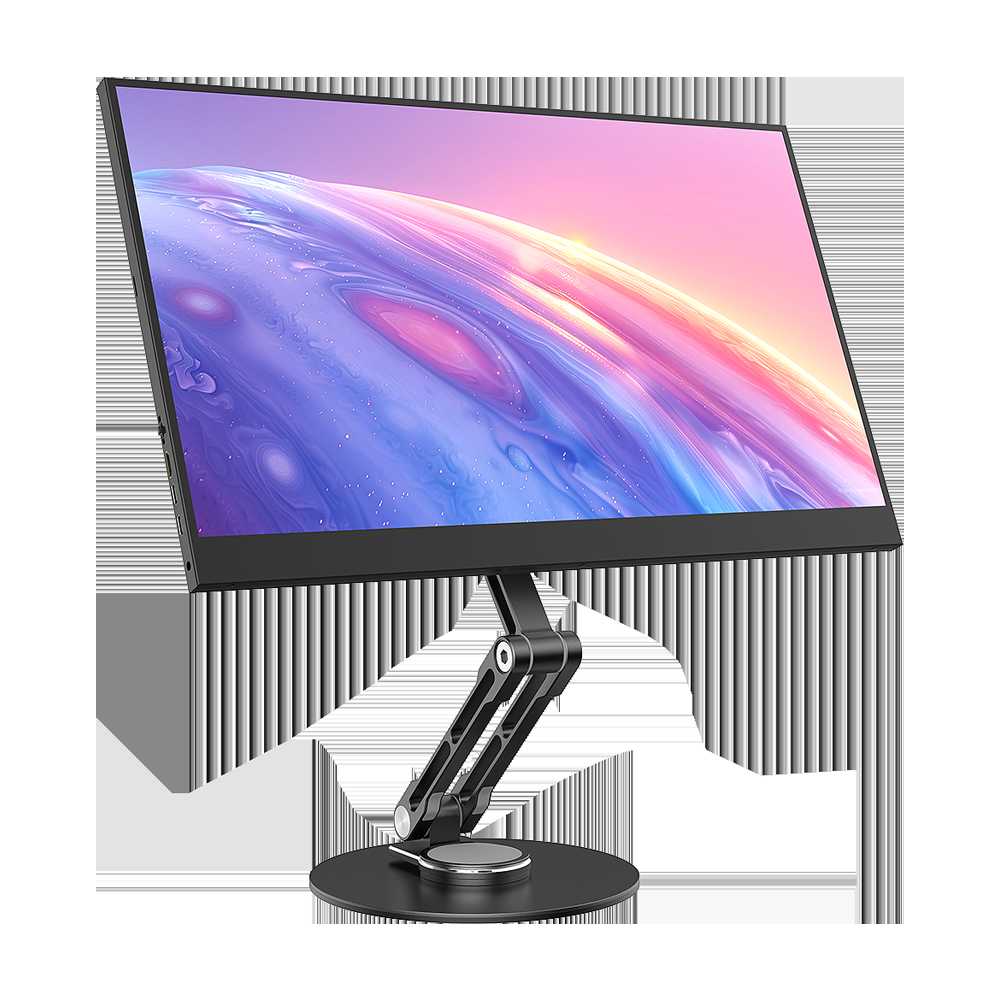
Yes, most 27-inch monitors do support VESA mounts, making it easy to customize your workspace. Whether you want to save desk space or set up multiple screens, VESA compatibility offers a flexible and sleek solution. Before buying, always check the specific model’s specifications to ensure compatibility, as not all 27-inch monitors come with VESA mounting options.
Many users wonder if their large monitor can be mounted for better ergonomics and aesthetics. The good news is that many 27-inch monitors are designed with VESA mounting holes, typically 100x100mm or 75x75mm patterns. This standard allows you to attach your monitor to various stands or wall mounts easily, transforming your setup into an organized, clutter-free environment that boosts productivity and comfort. Just double-check the monitor’s specifications to confirm VESA support before purchasing any mounting accessories.

Do 27 Inch Monitors Support VESA Mount?
Understanding VESA Mount Compatibility for 27 Inch Monitors
Many users wonder if their 27 inch monitors can be mounted using the VESA standard. VESA mounts are widely used for adjusting monitor positions easily and saving desk space. Usually, VESA compatibility depends on two main factors: the monitor’s design and the mounting hole pattern.
Most 27 inch monitors are designed with VESA mounting in mind. These monitors typically include a VESA mounting interface on the back panel. This feature allows users to attach the monitor to various mounts such as wall mounts, monitor arms, or desk clamps. However, some models may not support VESA mounting due to their construction or integrated stands.
What is the VESA Standard?
VESA, or Video Electronics Standards Association, sets technical standards for monitor mounting interfaces. The most common VESA patterns are 75×75 millimeters and 100×100 millimeters. These numbers refer to the distance between mounting holes horizontally and vertically.
For 27 inch monitors, most support at least the 100×100 mm pattern. Less expensive or specialized models might only support the smaller 75×75 mm pattern. It’s essential to verify your monitor’s VESA pattern before purchasing a mount.
Common VESA Mount Sizes for 27 Inch Monitors
| VESA Pattern | Suitable for Monitors Up to | Typical Use |
|————–|——————————|————–|
| 75×75 mm | Smaller, lightweight monitors | Basic desk setups |
| 100×100 mm | Standard 27 inch monitors and larger | Adjustable mounts and wall mounts |
The 100×100 mm pattern is more common for 27 inch screens, providing better stability and compatibility with a wider range of mounts.
Checking if a 27 Inch Monitor Supports VESA Mounts
To determine if your monitor supports VESA mounting, look at the back panel for four threaded holes arranged in a square or rectangular pattern. These holes are often marked with mounting specifications. Refer to your monitor’s user manual or specifications sheet for VESA compatibility details.
If you do not find the mounting holes, your monitor might have a non-removable stand or an integrated mount that doesn’t support VESA. In such cases, you may need an adapter or an alternative mounting solution.
How to Confirm VESA Compatibility Before Purchase
Before buying a 27 inch monitor, check the product specifications online or in the manual. Look specifically for VESA pattern support and the maximum weight capacity for mounts. Some manufacturers list this information clearly in the product details.
Additionally, reading reviews or Q&A sections can reveal whether the model supports VESA mounting. If in doubt, contact the seller or manufacturer directly to confirm compatibility.
Mounting Options for 27 Inch Monitors That Support VESA
Once confirmed VESA support is available, users have many options, including:
- Wall mounts for saving desk space and creating an ergonomic setup
- Adjustable monitor arms for greater flexibility and improved posture
- Desk-mounted stands that offer height, tilt, and swivel adjustments
Choosing the right mounting option depends on your workspace setup, preferences, and budget.
Choosing the Right VESA Mount for Your 27 Inch Monitor
When selecting a VESA mount, consider these factors:
- VESA pattern size (75×75 mm or 100×100 mm)
- Maximum weight capacity (ensure it can support your monitor’s weight)
- Adjustment features such as tilt, swivel, height adjustment, or rotation
- Mount type (wall, desk clamp, articulated arm)
High-quality mounts will offer better stability and durability, especially for larger screens like 27 inches.
How to Install a VESA Mount on Your 27 Inch Monitor
Installation generally involves removing the existing stand and attaching the VESA plate using screws. Carefully follow the mount’s instructions and use the correct screws specified for your monitor’s VESA pattern.
Ensure the monitor is laid flat on a soft surface or held securely during installation to prevent damage. After attaching the VESA plate, mount the monitor onto the arm or wall bracket securely.
Potential Issues with VESA Mounting on 27 Inch Monitors
Some challenges may arise, such as:
- Incompatibility due to non-standard VESA patterns
- Limited space or clearance behind the monitor for installation
- Added weight that exceeds the mount’s capacity
- Difficulty in accessing ports or controls after mounting
Carefully check all specifications and ensure compatibility before attempting the installation.
Benefits of VESA Mounting for 27 Inch Monitors
Mounting your 27 inch monitor with a VESA-compatible stand or arm offers multiple benefits:
- Improved ergonomics and comfort at work or gaming stations
- Enhanced desk organization by freeing up space
- Flexible positioning for better viewing angles
- Reduced strain on your neck and eyes
These advantages make VESA mounting a popular choice for both home and professional use.
Summary of Key Points
- Most 27 inch monitors support the VESA 100×100 mm pattern, but always verify through specifications.
- Check for mounting holes on the back panel or consult the user manual to confirm compatibility.
- Choose a mount that matches your monitor’s VESA pattern, weight capacity, and desired adjustment features.
- Proper installation is crucial to ensure safety and longevity of your setup.
Additional Tips and Recommendations
For best results, always purchase mounts from reputable brands and compatible with your monitor’s weight. Regularly check for secure installation and avoid over-tightening screws to prevent damage.
If your 27 inch monitor does not support VESA mounting, consider alternative solutions like clamp mounts or custom brackets designed for non-VESA displays.
Related Topics
Exploring related options can improve your overall setup. Consider researching:
Monitor arm types and features
Best VESA mounts for 27 inch monitors
How to adjust monitor ergonomics for comfort
Wall mount installation tips and safety measures
Having the right information ensures you select the best VESA mount solution for your 27 inch monitor.
—
This detailed overview provides comprehensive insights into whether 27 inch monitors support VESA mounts, detailing compatibility, selection tips, troubleshooting, and benefits. Remember to always verify your monitor’s specifications before mounting to ensure a safe and effective setup.
The vesa adaptor and the mount works for my HP27f4k
Frequently Asked Questions
Are all 27-inch monitors compatible with VESA mounts?
No, not all 27-inch monitors support VESA mounting. Compatibility depends on whether the monitor has VESA mounting holes on its back. Some models come with these holes pre-installed, while others do not. It’s essential to check the specifications or look for a VESA pattern on the back of the monitor before purchasing an adapter or mount.
What are the common VESA mount patterns found on 27-inch monitors?
The most common VESA mounting pattern for 27-inch monitors is 100x100mm. However, some models may feature larger patterns, such as 75x75mm or even 200x200mm. Confirm the specific VESA pattern on your monitor to ensure compatibility with the mount you choose, as using the wrong size can result in improper fitting or damage.
How can I identify if my 27-inch monitor supports VESA mounting?
Check the back panel of your monitor for four screw holes arranged in a square or rectangular pattern. These holes are usually marked with VESA measurements like 75x75mm or 100x100mm. Additionally, you can review the monitor’s user manual or specifications sheet, which typically mention VESA compatibility. If you’re unsure, contact the manufacturer or seller to confirm.
Does the weight of a 27-inch monitor affect VESA compatibility?
Yes, weight plays a role in VESA compatibility. Most mounts specify a maximum supported weight—ensure your monitor falls within this limit to avoid potential damage or instability. 27-inch monitors are generally lightweight enough for standard VESA mounts, but always double-check the weight specifications to choose the appropriate mounting solution.
Are there specific types of VESA mounts suitable for larger 27-inch displays?
For larger or heavier 27-inch monitors, consider using heavy-duty or adjustable VESA mounts that support higher weight capacities. Fixed mounts are suitable for smaller monitors, while full-motion or articulating mounts offer better flexibility for larger screens. Always verify the mount’s compatibility with your monitor’s size and weight before installation.
Final Thoughts
27 inch monitors often support VESA mounts, but compatibility depends on the model. Many manufacturers include VESA mounting holes for versatile setup options.
Before purchasing, check the monitor’s specifications for VESA compatibility and the supported pattern size. Not all 27 inch monitors come equipped with VESA mounts, so verify this feature.
In conclusion, do 27 inch monitors support VESA mount? Yes, many do, but always confirm the specific model’s compatibility to ensure a proper fit.



