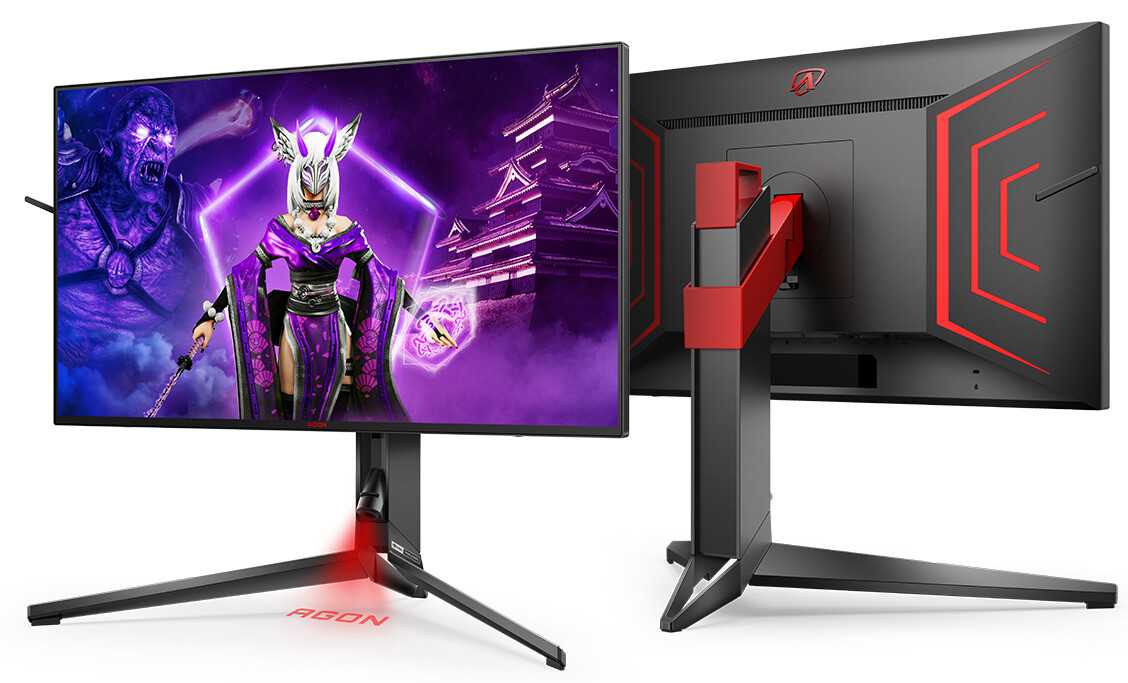
Mini LED monitors are making waves for their incredible display quality and smooth performance. So, what refresh rates do they support? Typically, these monitors can handle refresh rates ranging from 60Hz to an impressive 240Hz, catering to gamers and professionals alike. Whether you’re into fast-paced gaming or detailed graphic work, there’s a Mini LED monitor out there with a refresh rate that suits your needs.
Mini LED monitors can support a range of refresh rates, mostly between 60Hz and 240Hz, providing smooth visuals for gaming, video editing, and everyday use. These high refresh rates help ensure fluid motion and reduce lag, making for a more immersive experience. In this article, we’ll explore what determines a monitor’s refresh rate, how it impacts your viewing, and what to look for when choosing a Mini LED monitor that meets your performance expectations.

What Refresh Rates Do Mini LED Monitors Support?
Mini LED monitors are becoming increasingly popular because of their bright displays and high contrast ratios. One important feature that affects how well they perform is the refresh rate. The refresh rate tells us how many times the monitor updates the image per second. Knowing the supported refresh rates helps users choose a monitor suited to their needs, whether for gaming, work, or entertainment.
Understanding Refresh Rates and Why They Matter
Refresh rate is measured in Hertz, or Hz. A higher Hz means the monitor updates the screen more frequently. For example, a 60Hz display updates 60 times each second, while a 144Hz display updates 144 times.
In simple terms, a higher refresh rate makes motion look smoother. This is especially noticeable when playing fast-paced video games or watching videos with rapid movements. Users who value smooth visual experiences should pay close attention to the monitor’s supported refresh rates.
Typical Refresh Rates for Mini LED Monitors
Mini LED monitors can support a range of refresh rates depending on their design and purpose. Most models cater to different user needs, from basic use to high-end gaming.
Common refresh rates for mini LED monitors include:
- 60Hz: Suitable for everyday tasks like browsing or office work.
- 120Hz: Offers smoother visuals for casual gaming and media consumption.
- 144Hz: A popular choice among gamers for fast-paced gameplay.
- 165Hz and above: Found in high-end gaming monitors, providing ultra-smooth performance.
How Different Refresh Rates Impact User Experience
Choosing the right refresh rate depends on what you use your monitor for. For basic tasks like watching videos or working on documents, 60Hz is usually enough. However, for gaming and fast-motion video editing, higher refresh rates like 144Hz or 165Hz offer a noticeable improvement.
Higher refresh rates can reduce motion blur, making fast-moving objects clearer. This helps in competitive gaming when quick reactions are needed. It also lessens eye strain during long gaming sessions or extended work periods.
Supported Refresh Rates and How They Vary by Model
Not all mini LED monitors support the same refresh rates. Some models are built specifically for high performance, while others focus on color accuracy and HDR features. Always check the manufacturer specifications for supported refresh rates.
For example, a high-end mini LED gaming monitor might support up to 240Hz, providing ultra-smooth gameplay. Conversely, a professional mini LED monitor may prioritize color precision and support only 60Hz or 120Hz, suitable for detailed image work.
Factors Influencing Refresh Rate Support in Mini LED Monitors
Panel Technology
The type of panel used in the monitor influences its maximum refresh rate. TN panels are generally capable of higher refresh rates but may lack color accuracy. IPS panels often support up to 144Hz or 165Hz, combining good color reproduction with decent refresh rates.
Graphics Card Compatibility
The monitor’s supported refresh rate also depends on the graphics hardware connected to it. A powerful GPU is necessary to fully utilize higher refresh rates like 144Hz, 165Hz, or 240Hz. Without appropriate GPU support, the monitor’s potential remains underutilized.
Connector Types
HDMI, DisplayPort, and Thunderbolt connections are common in mini LED monitors. Each has different bandwidth capabilities affecting the maximum refresh rate. DisplayPort 1.4 and HDMI 2.1 can support higher refresh rates at higher resolutions.
Optimal Refresh Rate Settings for Different Uses
Office Work and Media Consumption
For daily activities like browsing or editing documents, 60Hz is sufficient. It ensures smooth motion without demanding much from your hardware.
Gaming
Gamers should look for monitors with at least 120Hz to 165Hz for a seamless experience. High refresh rates combined with low response times offer the best results for competitive games.
Video Editing and Creative Work
While high refresh rates are beneficial, color accuracy and HDR support may be more critical. Monitors supporting 60Hz or 120Hz coupled with excellent color performance are ideal choices.
Future Trends in Refresh Rates for Mini LED Monitors
The trend indicates an increase in support for even higher refresh rates, such as 240Hz and beyond. As hardware becomes more capable, mini LED monitors are likely to adopt these standards.
Additionally, variable refresh rate technologies such as G-Sync and FreeSync are becoming common. These synchronize the monitor’s refresh rate with the GPU’s frame rate to reduce screen tearing and stuttering, providing smoother visuals.
Summary of Supported Refresh Rates in Mini LED Monitors
| Monitor Type | Common Refresh Rates | Ideal For |
|---|---|---|
| Basic Mini LED Monitors | 60Hz | Office work, browsing, watching videos |
| Mid-Range Mini LED Monitors | 120Hz to 144Hz | Casual gaming, media editing |
| High-Performance Mini LED Monitors | 165Hz and above | Fast-paced gaming, professional video editing |
Mini LED monitors support a variety of refresh rates, typically ranging from 60Hz up to 240Hz or higher. The supported refresh rate depends on factors like panel technology, hardware compatibility, and intended use. Choosing an appropriate refresh rate ensures optimal performance, whether for gaming, editing, or everyday tasks. Always check the specifications of a monitor before making a purchase to ensure it aligns with your needs and hardware capabilities.
Can Mini LED compete with OLED? – MSI MPG 274URDFW E16M review
Frequently Asked Questions
What is the range of refresh rates available on mini LED monitors?
Mini LED monitors typically support refresh rates ranging from 60Hz up to 240Hz or higher. The most common models in this category offer 120Hz or 144Hz, providing smooth visuals suitable for gaming and high-paced content. Higher-end options may support even faster refresh rates, catering to professional gamers and content creators who require the best performance.
Can mini LED monitors handle high refresh rates for competitive gaming?
Yes, many mini LED monitors are designed with high refresh rates, making them ideal for competitive gaming. Some models support up to 240Hz, allowing for ultra-smooth motion and quicker response times. These features help gamers react faster and enjoy a seamless experience during fast-paced gameplay.
Are there any trade-offs between refresh rate and display quality on mini LED monitors?
While higher refresh rates enhance motion clarity, they can sometimes lead to increased power consumption and heat generation. However, mini LED monitors are engineered to balance high refresh rates with display quality, offering superior contrast and color accuracy. It’s essential to choose a model that aligns with your specific needs to optimize both performance and visual fidelity.
Final Thoughts
Mini LED monitors typically support refresh rates ranging from 60Hz to 240Hz. Higher refresh rates provide smoother visuals, especially in fast-paced gaming or detailed video editing.
Understanding what refresh rates do mini LED monitors support helps users choose the right model for their needs. Generally, gamers favor 144Hz or 240Hz for a more responsive experience.
In summary, what refresh rates do mini LED monitors support? Most models offer between 60Hz and 240Hz, ensuring options for both casual use and high-performance gaming.

With experience in IT support and consumer technology, I focus on step-by-step tutorials and troubleshooting tips. I enjoy making complex tech problems easy to solve.