


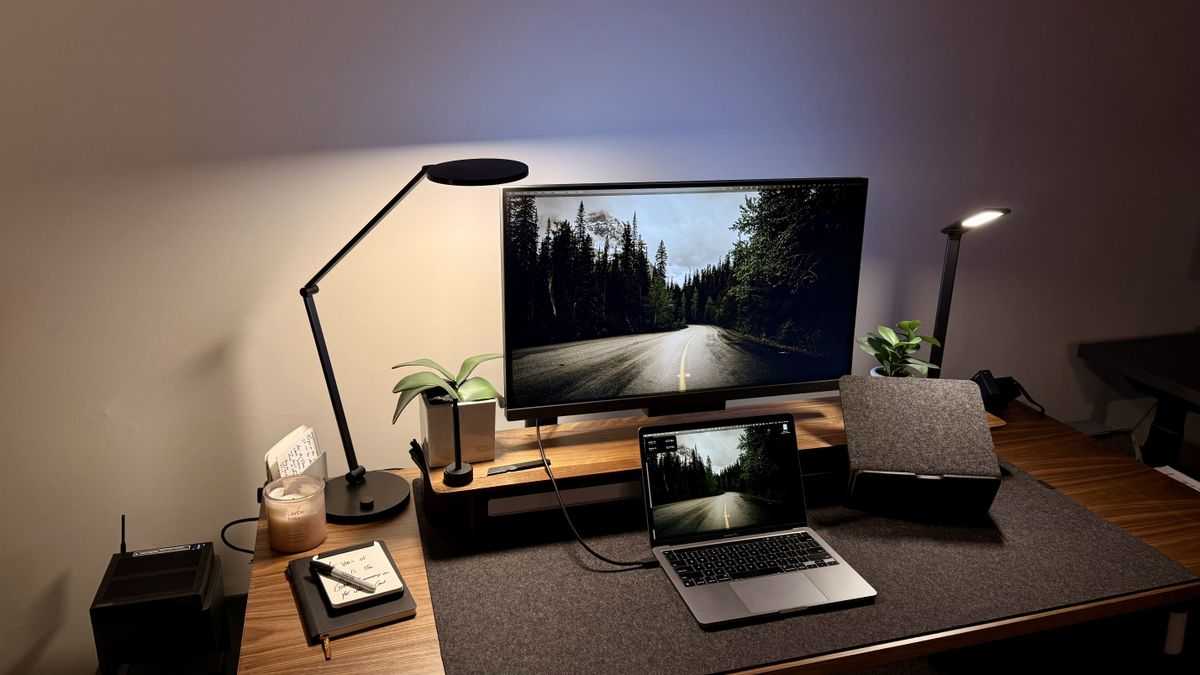
Mini LED monitors are increasingly popular among programmers, thanks to their bright displays, excellent contrast, and vibrant colors, making coding sessions more comfortable and less straining on the eyes. They offer an immersive experience with detailed visuals that help in debugging and clarity, especially when working with complex code or multitasking. So, are Mini LED monitors good for programming? Absolutely — they provide superior display quality, better contrast, and improved eye comfort, which all contribute to a more efficient and enjoyable coding experience.
If you’re considering upgrading your workspace and want a monitor that enhances your productivity and visual comfort, investing in a Mini LED monitor could be a smart move. These monitors combine advanced display tech with sleek design, making them ideal for long hours of programming. Whether you’re a professional developer or a hobbyist, Mini LED monitors can significantly elevate your programming environment.

Are Mini LED Monitors Good for Programming?
Understanding Mini LED Technology
Mini LED monitors use tiny light-emitting diodes to create brighter and more vibrant displays. Unlike traditional LED screens, these have thousands of dimming zones, which provide better contrast and deeper blacks. This makes visuals more rich and detailed, which can be beneficial during long programming sessions.
Why Brightness and Contrast Matter for Programmers
Good brightness helps reduce eye strain, especially when working in well-lit environments. High contrast levels make text stand out more clearly, reducing eye fatigue over hours of coding. Mini LED monitors excel in delivering these features because their individually controlled zones offer superior contrast compared to standard displays.
Color Accuracy and Its Importance in Coding
While color accuracy is more critical for designers, programmers also benefit from true-to-life colors. Precise color reproduction helps in identifying syntax highlighting and differentiating code segments. Mini LED screens provide consistent and accurate colors, ensuring that your coding environment remains clear and readable.
Resolution and Screen Size Considerations
High resolution displays, such as 4K or higher, reveal more code on the screen, which reduces scrolling. Mini LED monitors often come in large sizes like 27 inches or larger, offering ample space for multitasking. The combination of screen size and resolution enhances workflow and makes complex projects easier to manage.
Viewing Angles and Comfort for Prolonged Use
A wide viewing angle ensures that the display remains clear from different positions, which is crucial during collaborative work or when viewing from different spots. Mini LED panels typically maintain color consistency and clarity even at wide angles, making them suitable for long hours of programming.
Reflections and Glare Control
Reflective screens can cause eye strain and discomfort. Many mini LED monitors feature anti-reflective coatings or matte finishes, reducing glare and making screens easier to view in bright lighting. This feature is especially useful for programmers working in diverse environments.
Response Time and Refresh Rate for Coding Tasks
While response time and refresh rates are more relevant for gaming, they can influence overall display smoothness. Mini LED monitors often have higher refresh rates and quick response times, providing smooth visuals that reduce flickering and eye fatigue during extended coding sessions.
Durability and Build Quality
Durability matters for a monitor that will be used every day. Mini LED monitors are typically built with sturdy materials and undergo rigorous testing. Their longevity means fewer replacements and consistent performance over time, making them a reliable choice for programmers.
Connectivity Options and Compatibility
A variety of ports like HDMI, DisplayPort, and USB-C ensure compatibility with multiple devices. Mini LED monitors often support these connections, allowing seamless integration with laptops, desktops, and even tablets. This flexibility simplifies working with different tools and setups.
Energy Efficiency and Environmental Impact
Mini LED displays consume less power compared to traditional LCDs with backlights of the same size. Reduced energy consumption means lower electricity bills and a smaller carbon footprint, which appeals to environmentally conscious users.
Cost and Budget Considerations
While mini LED monitors tend to be more expensive than standard displays, their advanced features justify the investment for many programmers. Prices vary based on size, resolution, and additional features, so it’s wise to weigh these factors against your budget needs.
Potential Downsides of Mini LED Monitors for Programming
Despite their numerous benefits, mini LED monitors can be costly and may have complex calibrations. Some models might also have limited availability or higher repair costs. Considering these factors ensures a realistic view of their suitability for your specific needs.
Related Topics to Consider
- Ultra-wide monitors: Offer more workspace for multitasking and are compatible with mini LED technology.
- Ergonomic features: Adjustable stands and blue light filters enhance comfort during long coding sessions.
- Display calibration: Ensures color accuracy and optimal picture quality for coding environments.
Mini LED monitors bring exceptional contrast, brightness, and color accuracy, making them a good choice for programmers seeking high-quality displays. Their advanced features support reducing eye strain and improving workflow efficiency. While they come with a higher price tag, their durability and performance benefits often justify the investment, especially for those working long hours on complex coding projects.
Is OLED a Mistake? – OLED vs Mini LED Monitors
Frequently Asked Questions
How does the brightness of mini LED monitors benefit programming tasks?
Mini LED monitors typically offer higher brightness levels compared to traditional displays. This increased brightness improves visibility in well-lit environments, reducing eye strain during long coding sessions. Enhanced brightness also makes it easier to distinguish subtle color differences, which can be beneficial when working with color-coded code editors or design tools.
Are mini LED monitors effective for managing multiple windows and multitasking?
Yes, mini LED monitors usually come with larger screen sizes and high resolutions, enabling users to open and view multiple applications simultaneously without clutter. Their uniform backlighting and high contrast ratios help in clearly differentiating between windows, making multitasking more efficient for programmers who need to reference various documents or codebases at once.
Can mini LED monitors reduce eye fatigue during extended programming periods?
<]p>Mini LED monitors often feature advanced backlighting technology that provides consistent and flicker-free illumination. These features help reduce eye strain by minimizing flickering and providing stable lighting. Additionally, many models include blue light filters and customizable brightness settings, which support comfortable viewing during prolonged coding sessions.
How does contrast ratio on mini LED displays enhance code readability?
Mini LED displays typically deliver superior contrast ratios due to their precise local dimming capabilities. This results in deeper blacks and brighter whites, making text and code stand out more distinctly. Improved contrast enhances readability and reduces eye fatigue, especially when working with complex or densely packed code.
Are mini LED monitors suitable for color-sensitive programming tasks?
Many mini LED monitors support wide color gamuts and have accurate color calibration options. This makes them suitable for programming tasks that involve color coding, UI design, or any work where precise color representation is crucial. The uniform backlighting and high-quality panels help maintain color consistency across the display.
Final Thoughts
Mini LED monitors offer excellent contrast, vibrant colors, and wide viewing angles, making them suitable for programming tasks. Their high-quality displays help reduce eye strain during long coding sessions.
These monitors deliver consistent brightness and clarity, which improves focus and accuracy. They are a practical choice for developers seeking visual comfort and performance.
In conclusion, are mini led monitors good for programming? Yes, they provide the visual benefits and reliability needed for productive coding.



