


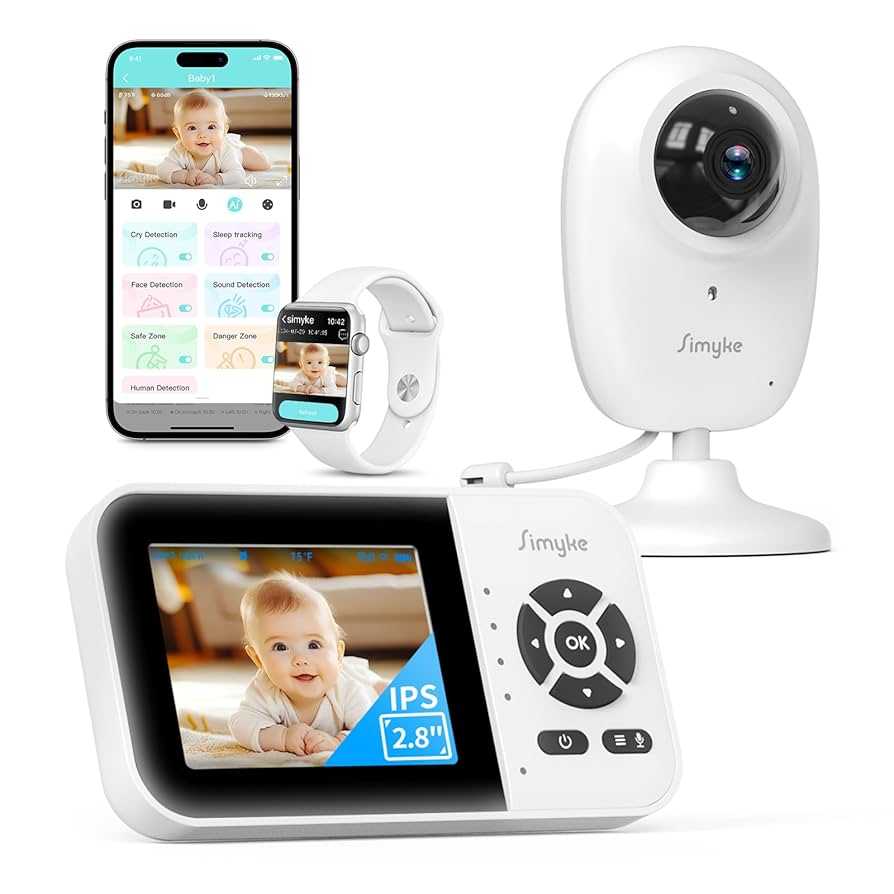
Yes, IPS monitors can be reliable for long hours if used properly, thanks to their generally good color accuracy and viewing angles. However, like any display, extended use may lead to issues such as eye strain or burn-in if not managed correctly. Overall, with proper adjustments and breaks, an IPS monitor can be a dependable choice for prolonged usage.
IPS monitors are increasingly popular for their vibrant colors and wide viewing angles, making them ideal for long hours of work or entertainment. But are they truly reliable for extended periods? If you’re considering using an IPS monitor all day, you’ll want to know about potential downsides like eye fatigue or screen durability. The good news is, with the right settings, regular breaks, and good ergonomic habits, IPS displays can serve you well over many hours without significant issues. Their superior image quality makes them a favorite among professionals and gamers alike who rely on consistent color and clarity. So, with mindful use, an IPS monitor can be both a reliable and enjoyable tool for your daily routine.

Is IPS Monitor Reliable for Long Hours?
Understanding IPS Technology and Its Benefits
IPS, or In-Plane Switching, technology was developed to overcome the color and viewing angle limitations of older screen types. It offers wider angles, better color accuracy, and more consistent images from different perspectives. This makes IPS monitors popular among professionals and gamers who need high-quality visuals. However, the question remains whether they are reliable for extended use.
Are IPS Monitors Suitable for Long Durations?
Many users spend hours working or gaming in front of screens. IPS monitors are generally suitable for long use because they provide comfortable viewing angles and reduced color shifts. These features help prevent eye strain during extended periods of use. But, like any display technology, certain factors influence their long-term reliability.
Eye Comfort Features of IPS Monitors
Most IPS monitors come with anti-glare coatings to reduce light reflections, which can cause eye fatigue over time. Additionally, many models include flicker-free technology that minimizes screen flickering. Some also have blue light filters to lessen blue light exposure, making prolonged usage more comfortable. Customers should look for these features when choosing an IPS monitor for long hours.
Panel Uniformity and Color Consistency
IPS panels are known for excellent panel uniformity, which means consistent brightness and color across the entire screen. This uniformity reduces eye strain because the eyes do not have to constantly adjust to different brightness levels. Consequently, high-quality IPS monitors tend to be more reliable for long-term use.
Potential Drawbacks of Using IPS Monitors for Extended Periods
Despite their advantages, IPS monitors can face certain issues when used for long hours. Being aware of these potential drawbacks can help users make informed choices.
Backlight Bleeding and Clouding
Some IPS monitors exhibit backlight bleeding or clouding, where light leaks around the edges or patches appear on the screen. These issues can cause eye discomfort and reduce visual clarity over time. High-quality monitors often minimize these problems, but lower-end models may be more susceptible.
Response Times and Motion Blur
Although IPS panels offer crisp images and accurate colors, their response times are often slower compared to TN panels. Slower response times can lead to motion blur, which might strain the eyes during fast-paced gaming or video editing. Choosing an IPS monitor with a high refresh rate can mitigate this concern.
Long-Term Durability of IPS Monitors
Durability is crucial for devices used extensively. Quality IPS monitors are built with sturdy materials and are designed to withstand prolonged use. However, their lifespan depends largely on manufacturing quality and proper maintenance.
Common Wear and Tear
Over years of use, IPS monitors may experience issues such as pixel degradation or backlight dimming. While these problems are less frequent with premium models, they can affect reliability over time. Regular cleaning and avoiding physical shocks can extend the lifespan of the monitor.
Impact of Brightness and Color Settings
Consistently using high brightness levels or incorrect color settings can accelerate panel wear. It’s advisable to adjust brightness and contrast settings to comfortable levels and avoid unnecessary strain on the screen.
Health and Safety Tips for Long Hours in Front of IPS Monitors
Using any monitor for extended periods requires precautions to protect your eyesight and overall health.
The 20-20-20 Rule
Every twenty minutes, look at something twenty feet away for at least twenty seconds. This helps reduce eye fatigue caused by staring at screens for long durations.
Proper Ergonomics
Position the monitor so that the top of the screen is at eye level. Keep the screen about an arm’s length away to minimize neck and eye strain. Good posture can significantly improve comfort during long work sessions.
Adjusting Brightness and Contrast
Set your monitor’s brightness to match the ambient lighting in your workspace. High contrast and brightness levels can increase eye strain during extended use. Use blue light filters or night modes to further reduce eye fatigue.
Comparing IPS Monitors with Alternative Display Technologies
While IPS monitors are popular, they are not the only choice for long hours of use. It helps to compare them with other display types.
TN (Twisted Nematic) Panels
TN panels are known for very fast response times and higher refresh rates, making them suitable for gaming. However, their color reproduction and viewing angles are inferior to IPS, which can cause discomfort during prolonged use.
VA (Vertical Alignment) Panels
VA monitors offer better contrast ratios and deeper blacks than IPS. They tend to have slower response times, but their color accuracy is decent. They can be good for long hours if contrast is more important than color accuracy.
OLED Displays
OLED monitors deliver stunning picture quality with perfect blacks and vibrant colors. They are often more expensive and may have issues like burn-in over time, which can impact long-term reliability.
Choosing the Right IPS Monitor for Extended Use
Selecting a reliable IPS monitor for long hours involves considering several important factors.
Key Features to Look For
- Blue Light Filtering: Reduces eye strain during long sessions.
- Flicker-Free Technology: Prevents flickering that causes fatigue.
- High Refresh Rate: At least 75Hz or more for smoother images.
- Adjustable Brightness and Ergonomics: Ensures comfortable viewing angles and lighting levels.
Brands and Models Known for Reliability
Some brands like Dell, ASUS, LG, and BenQ offer models with excellent build quality and feature sets designed for long-term use. Researching reviews and user experiences can help identify monitors that last longer.
Maintenance and Care for Longevity
Proper maintenance is essential to ensure your IPS monitor remains reliable over time.
Regular Cleaning
Use a soft, lint-free cloth to dust the screen gently. Avoid harsh chemicals that can damage the panel or coatings.
Proper Usage Habits
Turn off the monitor when not in use. Use power-saving modes and avoid leaving static images on the screen for prolonged periods to prevent burn-in or image retention.
Environmental Considerations
Keep the monitor in a cool, dry place. Avoid direct sunlight or high humidity, which can degrade electronic components over time.
IPS monitors are generally reliable for long hours thanks to their wide viewing angles, accurate color reproduction, and health-friendly features. Like any technology, their longevity depends on quality, proper usage, and maintenance. Careful selection based on features and brand reputation ensures that your investment remains functional and comfortable for years to come.
OLED vs IPS — Why I’ll Never Go Back…
Frequently Asked Questions
Can prolonged use of an IPS monitor cause eye strain?
Extended use of an IPS monitor may lead to eye strain if proper precautions are not taken. IPS screens generally produce accurate colors and wide viewing angles, but staring at any screen for long periods without breaks can cause discomfort. To minimize eye strain, follow the 20-20-20 rule: every 20 minutes, look at something 20 feet away for at least 20 seconds. Adjusting the monitor’s brightness and contrast to match ambient lighting can also help reduce fatigue.
Are IPS monitors suitable for professional work that requires long hours of screen time?
Yes, IPS monitors are well-suited for professional tasks that involve long hours of screen time. Their color accuracy and wide viewing angles make them ideal for graphic design, photo editing, and other creative work. Additionally, many IPS monitors include features such as flicker-free technology and blue light filters, which help reduce eye fatigue during extended use.
Does the display quality of an IPS monitor degrade over time with continuous use?
Typically, the display quality of an IPS monitor remains stable over time if the monitor is of good quality and used under normal conditions. However, like all electronic displays, IPS panels can experience some decline in brightness or color accuracy after many years of use. Regular calibration and proper maintenance can help sustain optimal display performance for a longer period.
What features should I look for in an IPS monitor to ensure reliability during long working hours?
When choosing an IPS monitor for extended use, look for features such as flicker-free technology, low blue light modes, and adjustable brightness levels. Ergonomic designs with adjustable stands for height, tilt, and swivel also contribute to comfort. High resolution, good contrast ratios, and anti-glare coatings help reduce eye strain and improve overall viewing experience during long sessions.
Is it beneficial to take breaks when using an IPS monitor for many hours?
Absolutely. Taking regular breaks is essential regardless of the monitor type. It helps prevent eye fatigue, reduces physical strain, and improves overall comfort. Short breaks, combined with proper ergonomics and eye care practices, ensure that you can work efficiently and comfortably over long periods without risking health issues.
Final Thoughts
An IPS monitor is generally reliable for long hours of use due to its excellent color accuracy and wide viewing angles. Its consistent display quality reduces eye strain, making it suitable for extended periods. While some models may experience slight backlight bleed or flickering, choosing reputable brands minimizes these issues.
In conclusion, is IPS monitor reliable for long hours? Yes, when selected carefully, it offers durability and comfort for prolonged use, making it a smart choice for those working or gaming for hours on end.



