


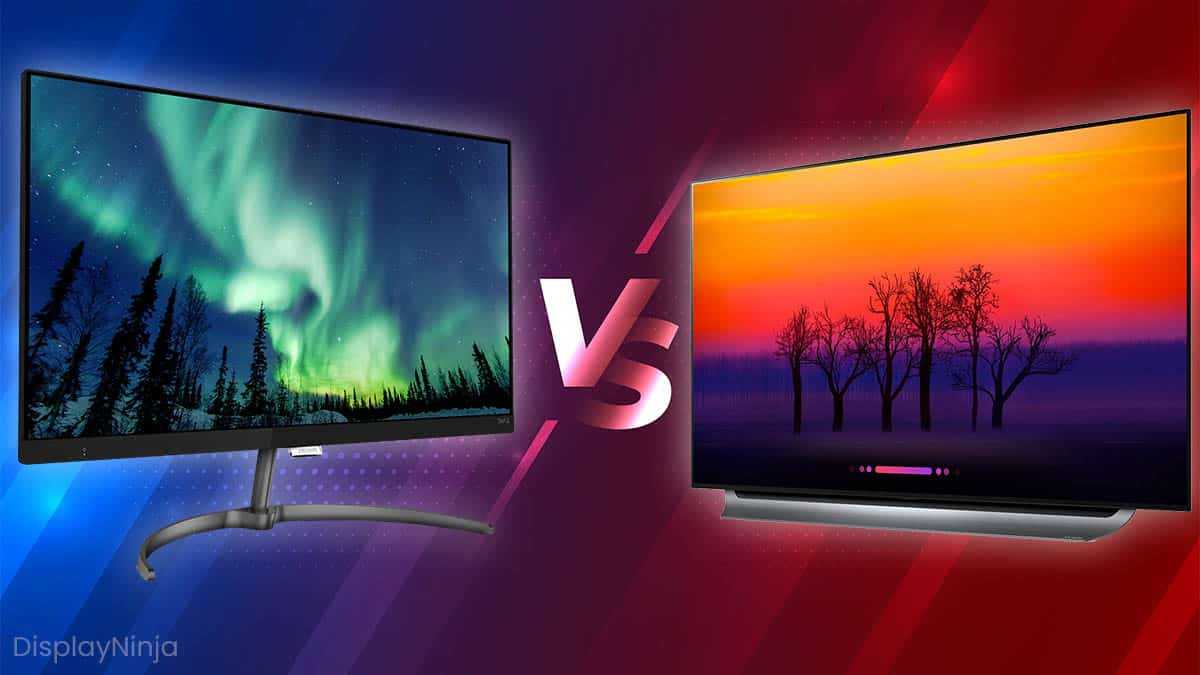
If you’re serious about photo editing, choosing the right display can make all the difference. IPS screens generally offer more accurate color reproduction and wider viewing angles, making them a reliable choice for detailed editing work. OLED displays, on the other hand, deliver higher contrast and more vibrant colors, which can make your images pop. Ultimately, for the most precise color accuracy, IPS is often preferred, but OLED’s stunning visuals can be appealing for creative projects.
In short, IPS monitors are typically better for photo editing due to their consistent color accuracy and stability, while OLED screens excel in delivering rich visuals but may face challenges with long-term color stability. Your choice depends on whether you prioritize true-to-life colors or stunning visual effects.
Choosing the right monitor for photo editing can be overwhelming, especially with all the new technology hitting the market. IPS (In-Plane Switching) and OLED (Organic Light Emitting Diode) are two of the most popular options, but they each have their pros and cons. IPS panels are known for their reliable color accuracy, consistency, and wider viewing angles, which are crucial for editing images that need precise color matching. OLED screens, meanwhile, offer extraordinary contrast ratios, deep blacks, and vibrant colors that make images look stunning. However, they can be more expensive and sometimes suffer from color retention issues over time. Understanding the differences can help you make a more informed decision to enhance your photo editing experience.

Is IPS or OLED Better for Photo Editing?
Understanding Display Technologies: IPS and OLED
Before diving into which display is better for photo editing, it’s important to understand how IPS and OLED screens work. IPS, or In-Plane Switching, is a type of LCD panel known for its consistent color reproduction and wide viewing angles. OLED, or Organic Light Emitting Diode, screens use organic compounds that emit light when energized, creating images with vibrant colors and deep blacks.
Each technology has its own strengths and weaknesses. IPS panels are appreciated for their color accuracy and affordability, while OLED screens excel in contrast and color richness. Knowing these basic differences helps make an informed decision tailored to photo editing needs.
Color Accuracy and Reproduction
Why Color Accuracy Matters in Photo Editing
Color accuracy is crucial because it ensures your edits will look consistent across different devices and in print. A display that reproduces colors faithfully allows photographers to see the true tones of their images.
How IPS Displays Perform
IPS panels are renowned for their excellent color accuracy and consistency. They cover broad color gamuts like sRGB and Adobe RGB, which are essential for professional photo editing. Many IPS screens are factory-calibrated to ensure precise color reproduction right out of the box.
OLED’s Color Capabilities
OLED screens are capable of displaying a wider range of colors with more vibrancy. Their ability to produce deep blacks and high contrast ratios enhances color depth and detail. However, OLED displays may sometimes struggle with color consistency over time, especially if not properly calibrated.
Contrast Ratio and Black Levels
Importance of Contrast in Photo Editing
High contrast ratios help in viewing subtle differences in shadows and highlights. This is vital when fine-tuning images for maximum detail and depth.
Contrast on IPS vs OLED
IPS panels typically have lower contrast ratios because they can’t turn off individual pixels. Blacks may look dark gray compared to OLED’s true black capabilities. OLED’s self-emitting pixels can completely turn off for pure black levels, creating a stunning visual experience.
Viewing Angles and Uniformity
Impact of Viewing Angles
Wide viewing angles ensure that colors and brightness remain consistent when viewing the screen from different positions. IPS displays generally maintain color fidelity across wide angles, making them reliable for collaborative editing sessions.
OLED Consistency
OLED screens also offer excellent viewing angles with minimal color shift. Yet, some displays might exhibit slight uniformity issues, such as uneven brightness or slight color shifts across the panel, especially in larger screens.
Brightness and HDR Performance
Brightness Levels for Photo Editing
Bright screens help in accurately assessing images in well-lit environments. IPS panels can reach high brightness levels suitable for most editing tasks.
HDR Capabilities of OLED
OLED displays excel in displaying high dynamic range (HDR) content thanks to their high contrast ratios. This allows editors to see details in both shadows and highlights, especially useful in HDR photography and post-processing.
Response Time and Motion Clarity
Why Response Time Matters
While response time is less critical for photo editing than for gaming, smoother transitions can still make the editing experience more comfortable.
Differences in Response Time
OLED screens often have faster response times, reducing motion blur and ghosting effects. IPS panels typically have slower response times but are adequate for static image editing tasks.
Price and Availability
Cost Differences
IPS monitors are generally more affordable and widely available. OLED screens tend to have a higher price point due to their advanced technology and manufacturing complexity.
Long-term Value
While OLED displays may be more expensive initially, their superior contrast and black levels can improve the overall editing experience. However, issues like screen burn-in might affect long-term usage, especially with static elements.
Durability and Longevity
Screen Lifespan
IPS panels usually have a longer lifespan with less risk of image retention or burn-in. OLED displays, despite improvements, can be susceptible to burn-in if static images are displayed for prolonged periods.
Maintenance and Calibration
Both types of screens require proper calibration for accurate colors. IPS displays are generally less sensitive to calibration drift over time compared to OLEDs.
Portability and Practical Considerations
Monitoring Flexibility
For portable photo editing, laptops with OLED screens offer stunning visual quality but may need careful handling to avoid burn-in. IPS monitors are more durable and less prone to static image issues, making them a safer choice for long-term use.
Compatibility with Editing Software
Both display types work well with popular photo editing software like Adobe Photoshop and Lightroom. The choice largely depends on personal preference for contrast and color vibrancy.
Choosing between IPS and OLED for photo editing depends on your specific needs and budget. IPS screens provide excellent color accuracy, consistency, and affordability, making them a solid choice for most photographers. OLED displays, with their high contrast ratios and vibrant colors, offer a compelling visual experience but come with higher costs and some risks of burn-in. Assess your workflow, environment, and long-term plans to determine which technology aligns best with your editing style.
OLED better than LCD for photo editing? ASUS ProArt PA27DCE-K Review
Frequently Asked Questions
How does color accuracy compare between IPS and OLED displays for photo editing?
IPS panels typically provide more consistent color accuracy across wide viewing angles, making them reliable for detailed color work. OLED screens offer vibrant colors with high contrast but can sometimes display slight color shifts when viewed from different angles. For precise color editing, an IPS display might be preferable, but high-quality OLEDs can also deliver excellent accuracy if calibrated properly.
Which display type offers better contrast for detailed photo editing tasks?
OLED screens excel in contrast ratios because each pixel emits its own light, allowing for true blacks and vibrant highlights. This high contrast enhances the depth and detail in photos, especially in images with dark areas. IPS displays generally have lower contrast ratios due to their backlighting technology, which can make dark scenes appear less detailed. Therefore, OLEDs often provide a better experience for viewing high-contrast images.
What are the longevity considerations when choosing between IPS and OLED for photo editing?
LED-based IPS displays tend to have longer lifespans and are less prone to image retention or burn-in issues. OLED panels, while capable of stunning visuals, may suffer from burn-in over extended periods, especially if static images are displayed frequently. For ongoing photo editing workflows, consider an IPS monitor if longevity and consistent performance are priorities, but high-quality OLEDs can also perform well with proper usage practices.
How do brightness and HDR support influence photo editing on IPS versus OLED screens?
OLED displays typically deliver higher peak brightness levels and superior HDR capabilities, making them ideal for editing high-dynamic-range images. IPS screens generally have lower maximum brightness but can still produce accurate images with good color reproduction. If HDR support is important in your editing process, an OLED monitor might offer significant advantages, though some high-end IPS screens also support HDR standards effectively.
Are there significant differences in price and availability between IPS and OLED displays for professional photo editing?
OLED monitors tend to cost more due to their advanced technology and manufacturing complexity. They are also less common, especially in larger sizes suitable for professional editing setups. IPS monitors are usually more affordable, widely available, and come in a broader range of sizes and specifications. When choosing between them, consider your budget and whether the benefits of OLED justify the higher cost for your specific editing needs.
Final Thoughts
The choice between IPS and OLED for photo editing depends on your priorities. IPS screens offer accurate color reproduction and wide viewing angles, making them reliable for precise edits. OLED displays provide deeper blacks and higher contrast, which can enhance detail in photos.
However, OLEDs may suffer from burn-in over time, which could impact long-term use. For overall color accuracy and consistency, IPS remains a popular choice among professionals.
In conclusion, is ips or oled better for photo editing? While OLEDs excel in contrast and vibrant visuals, IPS screens generally provide more stable and reliable color accuracy, making them preferable for detailed photo work.



