


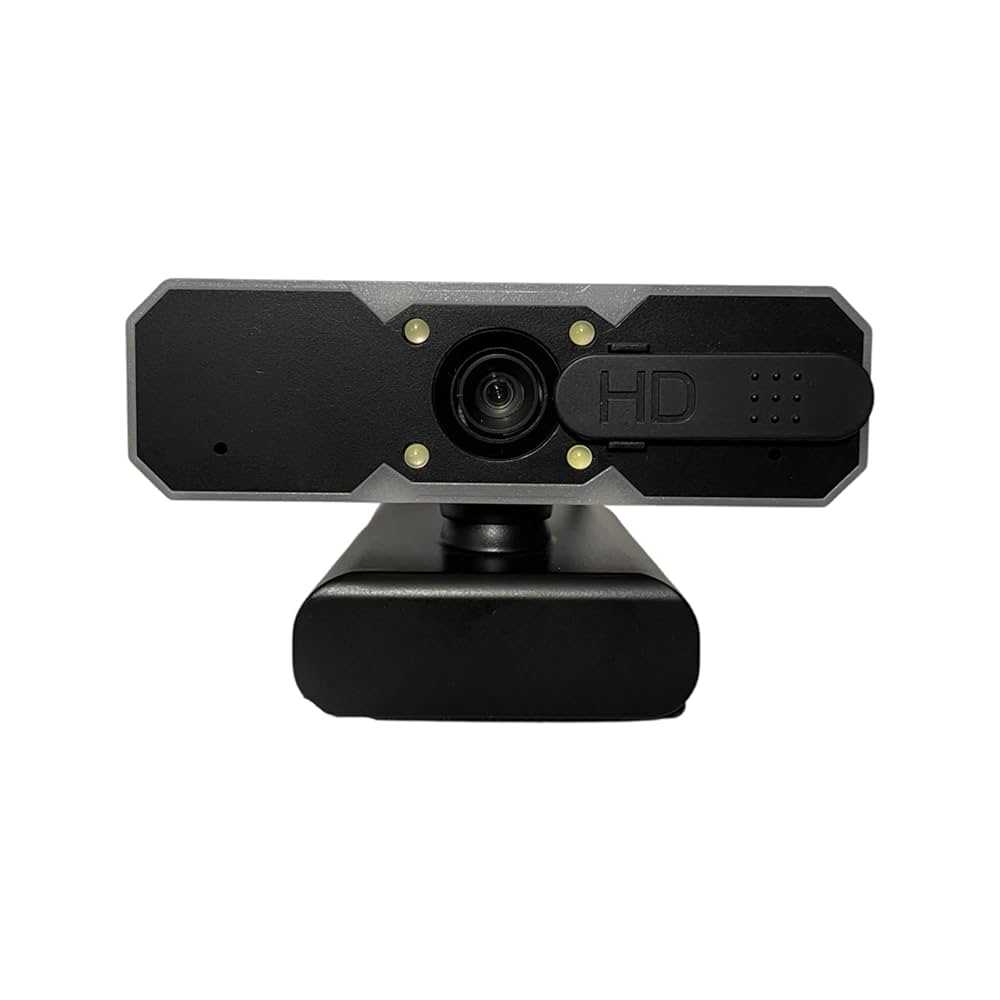
Yes, autofocus webcams can be reliable for live broadcasts, especially with modern technology that ensures quick and accurate focus adjustments. While they are generally dependable, their performance can vary based on quality and specific circumstances.
Autofocus webcams are increasingly popular among streamers and professionals because they simplify the setup process and keep your image sharp without manual adjustments. However, their reliability depends on factors like the quality of the camera and the environment. In well-lit settings, autofocus works smoothly, but in low light or with rapid movements, it may sometimes struggle. Overall, if you choose a high-quality model, an autofocus webcam can be a dependable tool for live broadcasts, providing clear visuals and allowing you to focus on your content rather than technical adjustments.

Is Autofocus Webcam Reliable for Live Broadcast?
Many people wonder if autofocus webcams are dependable during live streams. Because live broadcasts often require quick adjustments, knowing how well autofocus works is essential for content creators. This section explores how autofocus technology functions in webcams and whether it can keep up with live broadcast demands.
Understanding How Autofocus Works in Webcams
Autofocus in webcams uses sensors and algorithms to automatically adjust the lens for sharp images. It detects contrast changes in the scene to find the clearest focus.
This technology can respond to movement and changes in lighting, which are common during live streams. As a result, autofocus helps keep the subject clear without manual adjustments.
However, not all autofocus systems are created equal. Some use passive contrast detection, while others feature active phase detection for faster focus shifts.
Types of Autofocus Systems in Webcams
- Contrast Detection Autofocus: Uses image contrast to find the highest sharpness. It’s accurate but sometimes slow to adjust, especially in low light.
- Phase Detection Autofocus: Uses specialized sensors to determine focus speed. It offers quicker responses and better performance in dynamic scenes.
- Hybrid Autofocus: Combines both methods for a more balanced approach, improving speed and accuracy during live broadcasts.
The choice of autofocus system impacts how reliable it is during live streaming, especially when subject movement or scene lighting changes rapidly.
Advantages of Autofocus in Webcams for Live Streaming
- Automatic Adjustment: Keeps the subject sharp without manual focus, saving time and effort.
- Focus Tracking: Follows moving subjects smoothly, ideal for presenters or dynamic content.
- Consistent Image Quality: Maintains clarity throughout the broadcast, enhancing viewer experience.
These benefits make autofocus a popular feature, especially for casual streamers or those who need quick setup times.
Limitations of Autofocus Webcams During Live Broadcasts
Response Time Challenges
Sometimes autofocus may lag behind rapid movements or abrupt scene changes, causing focus shifts that disrupt the stream. This is especially noticeable with lower-quality lenses or older autofocus systems.
Focus Hunting
This occurs when the camera repeatedly searches for focus, creating distracting flickering. Focus hunting can be caused by poor lighting or busy backgrounds.
Lighting Conditions
Autofocus relies heavily on good lighting. In dim environments, it may struggle to find the correct focus, resulting in blurry images during live broadcasts.
Factors Affecting Autofocus Reliability in Webcams
Camera Quality and Sensor Technology
Higher-end webcams tend to have more sophisticated autofocus systems, resulting in better focus stability. Cheaper models may have slower or inconsistent autofocus performance.
Lighting Conditions
Bright, even lighting improves autofocus accuracy. Poor or uneven lighting can cause focus issues, especially in low-light scenarios.
Scene Complexity and Movement
Fast movements or cluttered backgrounds can confuse autofocus sensors, making it harder to lock focus correctly.
Lens Quality
High-quality lenses help maintain sharpness and facilitate quicker autofocus responses. Lower-quality lenses may cause focus drift or hunting.
Autofocus Webcam Features That Improve Reliability
- Face Tracking: Keeps your face in focus as you move around, ensuring consistent image quality.
- Background Blur: Some webcams offer background separation, which the autofocus system maintains with ease.
- Manual Focus Adjustment: Allows fallback if autofocus fails, providing control when needed.
Features like face tracking and manual focus options enhance reliability and give broadcasters more control over focus behavior.
Tips for Optimizing Autofocus Performance in Live Broadcasts
- Improve Lighting: Use soft, even lighting to help autofocus sensors work accurately.
- Position Your Camera Properly: Keep the camera at a suitable distance for autofocus to work best and avoid extreme close-ups or distant shots.
- Keep the Scene Simple: Reduce background clutter to prevent autofocus confusion.
- Use Manual Focus When Necessary: Switch to manual focus if autofocus becomes unreliable, especially during complex scenes.
- Update Firmware and Drivers: Ensure your webcam has the latest software for optimal autofocus performance.
Comparative Analysis: Autofocus Webcams vs. Manual Focus Webcams
| Feature | Autofocus Webcams | Manual Focus Webcams |
|---|---|---|
| Ease of Use | High; automatically adjusts focus | Requires manual adjustment to focus |
| Responsiveness to Movement | Good with fast autofocus systems | Dependent on user adjustment |
| Reliability in Dynamic Scenes | Can struggle if autofocus fails | Consistent if properly focused |
| Best for | Rapid scene changes, live presentations | Static scenes, controlled environments |
Choosing between autofocus and manual focus webcams depends on your broadcast style and environment.
Related Topics and Emerging Trends
- AI-Powered Autofocus: New webcams incorporate artificial intelligence to improve focus accuracy and speed.
- Resolution and Autofocus Compatibility: Higher resolutions demand more precise autofocus for clarity.
- Webcam Mounts and Stabilization: Proper mounting reduces jitter and improves focus stability during movement.
As technology advances, autofocus systems will continue to improve, making webcams more reliable for live broadcasting.
Autofocus webcams are generally reliable for live broadcasts, especially those with advanced autofocus systems. However, they do have limitations in low-light scenarios or with fast movements. For best results, optimize your environment, consider manual focus options, and choose high-quality webcams with hybrid autofocus features. When used correctly, autofocus can significantly improve your live streaming experience by maintaining sharp, consistent images throughout your broadcast.
Best Webcam for Streaming
Frequently Asked Questions
How consistent is autofocus performance during live broadcasts?
Autofocus webcams can vary in consistency depending on the quality and technology used. Higher-end models typically maintain sharp focus more reliably, even when the subject moves or changes distance. However, cheaper webcams may struggle to keep up, resulting in occasional focus shifts or blurriness. It’s important to choose a webcam with advanced autofocus features for more stable performance during live streams.
Can autofocus webcams handle changing lighting conditions effectively?
Many autofocus webcams are equipped with sensors that adapt to different lighting environments, but their effectiveness can fluctuate. In well-lit settings, autofocus tends to work smoothly, ensuring clear video. Conversely, in low-light or rapidly changing light conditions, the autofocus system might lag or produce inconsistent results. Selecting a model with low-light correction capabilities can improve reliability in various lighting scenarios.
Is there a risk of autofocus causing distracting shifts in focus during a live broadcast?
Yes, some autofocus webcams may produce noticeable focus transitions if the subject moves suddenly or if background elements shift. These adjustments can appear distracting to viewers. Opting for webcams with smooth and quick autofocus adjustments, or manual focus options, helps minimize this issue and provides a more stable viewing experience.
How does autofocus affect the overall image quality in live streaming?
Autofocus helps maintain sharpness, especially when the subject is moving, which enhances the overall image quality. However, if the autofocus system is not fast or accurate enough, it may cause fluctuations in clarity. Choosing a webcam with high-precision autofocus ensures the video remains consistently clear during live broadcasts.
What should I consider when selecting an autofocus webcam for professional live streaming?
Look for webcams with advanced autofocus technology, quick response times, and good low-light performance. Consider models with manual focus options for situations where autofocus might be unreliable. Additionally, check reviews and specifications to ensure the autofocus functions smoothly without distracting focus shifts, as this will contribute to a more professional broadcast quality.
Final Thoughts
Autofocus webcams offer convenience and quick adjustments during live broadcasts. They can keep your image sharp without manual focus, reducing interruptions. However, their reliability depends on the quality of the lens and sensor.
In fast-moving scenarios, autofocus can sometimes hunt or lag, affecting video quality. Consistent performance is key for professional streams. Overall, autofocus webcam reliability for live broadcast varies with device quality and usage conditions.



