


Yes, you can use a webcam without a USB port, but it depends on the type of webcam you have and the device you’re using. Wireless webcams connect via Wi-Fi or Bluetooth, eliminating the need for a USB connection. Some webcams are designed to work with built-in ports or can be integrated into other devices like smart TVs or laptops with different interface options.
In short, while most webcams rely on USB ports, there are alternatives like wireless or integrated webcams that can function without one. Your choice depends on your setup and the kind of webcam you want to use.
If you’re wondering whether you can bypass the traditional USB connection to use a webcam, you’re not alone. Many users want more flexible options, especially with the rise of wireless technology. Whether you’re looking to set up a camera for your smart home, a conference room, or just want more convenience, understanding your options can make all the difference. Luckily, advancements in wireless and built-in camera technology mean you aren’t limited to just USB ports anymore. From Wi-Fi-enabled cameras to smart displays with integrated webcams, there are plenty of ways to get your camera working without a USB connection. So, let’s explore how you can use a webcam without relying solely on traditional USB ports.

Can I Use a Webcam Without a USB Port?
Many people wonder if they can use a webcam without a USB port. Since most webcams connect via USB, it seems impossible at first glance. But, there are alternative methods and devices that can make this possible in specific situations.
Understanding How Webcams Typically Connect
Most webcams are designed to connect through a USB port because it provides both power and data transfer. The USB connection is standard because it is widely available on computers.
However, some webcams and camera systems use other connection types, though they are less common. Knowing these options helps you explore ways to use a webcam without a USB port.
Are There Webcams That Don’t Use USB?
Yes, there are webcams and camera systems that do not rely on USB connections. These include models that connect via other interfaces or operate through different technologies.
Some alternative connection types include HDMI, Ethernet, or wireless connections like Wi-Fi or Bluetooth. These options allow you to use webcams without traditional USB ports on your device.
Using Webcams with HDMI Connections
Some high-end webcams or camcorders come equipped with HDMI outputs. You can connect these directly to a monitor or capture card with HDMI inputs. This setup allows video transmission without a USB connection.
For computers without HDMI ports, you might need an HDMI capture card. This device captures the video signal from the HDMI source and connects to your computer via USB or PCIe. Although it uses USB at some point, it enables the use of HDMI-only webcams or cameras.
Ethernet and Network-Based Webcams
Many security cameras or IP webcams connect over Ethernet or Wi-Fi. These cameras operate over a network, transmitting video data wirelessly or wired over an Ethernet cable.
This setup removes the need for a USB connection entirely. Instead, you’ll access the camera feed through network protocols like RTSP or HTTP using specific software.
Wireless Cameras and Bluetooth Options
Some cameras connect wirelessly via Bluetooth or Wi-Fi, making USB connection unnecessary. These cameras often come with dedicated apps for easy setup and real-time video streaming.
They are suitable for portable or casual use but may have limitations in video quality or latency compared to wired solutions.
Using Capture Devices for Non-USB Cameras
If you have an HDMI or SDI camera but your device lacks a USB port, a capture device can help. These devices convert signals into a format that your computer recognizes, typically via USB.
For example, an HDMI-to-USB capture card allows you to connect an HDMI camera to your computer without using a USB webcam, enabling high-quality video input.
Wireless and App-Based Webcam Use
Some webcams operate entirely through a smartphone app, eliminating the need for USB connections. These cameras typically connect over Wi-Fi and stream video directly to your device.
This setup is ideal for mobile or temporary setups where connecting via USB is not an option.
Devices That Rely on Thunderbolt or PCIe
High-end professional webcams or video capture cards may connect through Thunderbolt or PCIe slots. These connections bypass standard USB ports and can offer faster data transfer rates.
However, they still require compatible hardware and aren’t suitable for casual or budget setups.
Limitations of Using Webcams Without USB
While there are ways to use a webcam without a USB port, each method has its restrictions. Wireless webcams may have higher latency and lower resolution.
Using HDMI or Ethernet connections can involve extra hardware like capture cards or network configurations, increasing setup complexity.
Choosing the Right Setup for Your Needs
When deciding how to use a webcam without a USB port, consider your primary needs. For instance, security cameras work well over Wi-Fi, while high-quality streaming may require HDMI or PCIe solutions.
Assess factors like video quality, ease of setup, and budget to select the best alternative for your situation.
Summary of Key Alternatives to USB Webcams
| Connection Type | Best For | Pros | Cons |
|---|---|---|---|
| HDMI | High-quality video, professional use | Excellent video quality, direct connection | Requires capture card, more setup steps |
| Ethernet/Wi-Fi | Security, surveillance, remote streaming | Wireless, flexible placement | Latency issues, setup complexity |
| Bluetooth | Casual use, portability | Wireless, simple setup | Lower video quality, limited range |
| Thunderbolt/PCIe | Professional broadcasting, high-end streaming | Fast data transfer, professional-grade quality | Expensive, requires compatible hardware |
Final Thoughts on Using Webcams Without USB
While USB remains the most common connection method, alternatives like HDMI, Ethernet, and wireless options expand the possibilities. Carefully consider your intended use, budget, and technical skills before choosing a method. With the right setup, you can use a webcam without a USB port effectively and achieve high-quality video streaming or recording.
You DON'T Need a Webcam if You Have THIS!
Frequently Asked Questions
Can I connect a webcam to my computer without using a USB port?
Connecting a webcam without a USB port depends on the device’s design. Some webcams are built into laptops or computers and do not require a separate connection. For external webcams, USB ports are typically necessary, but certain models use alternative connections like Thunderbolt or HDMI. Ensure your device supports these interfaces before attempting to connect a webcam without a USB port.
Are there wireless options for using a webcam without a USB connection?
Yes, wireless webcams enable you to use a camera without a physical USB connection. These cameras often connect via Wi-Fi or Bluetooth, allowing you to place them at a distance from your device. Wireless models generally require initial setup through an app or network connection, but they offer greater flexibility in positioning and accessibility.
What are the alternatives to traditional USB webcams for use without a USB port?
Alternatives include built-in webcams integrated into laptops or monitors, as well as network-based cameras such as IP cameras. Some advanced systems use HDMI or Thunderbolt connections, providing high-quality video output without relying on USB ports. Check your equipment capabilities and compatibility to choose the best option for your setup.
Can I use a USB webcam with a USB-C or other non-USB-A ports on my device?
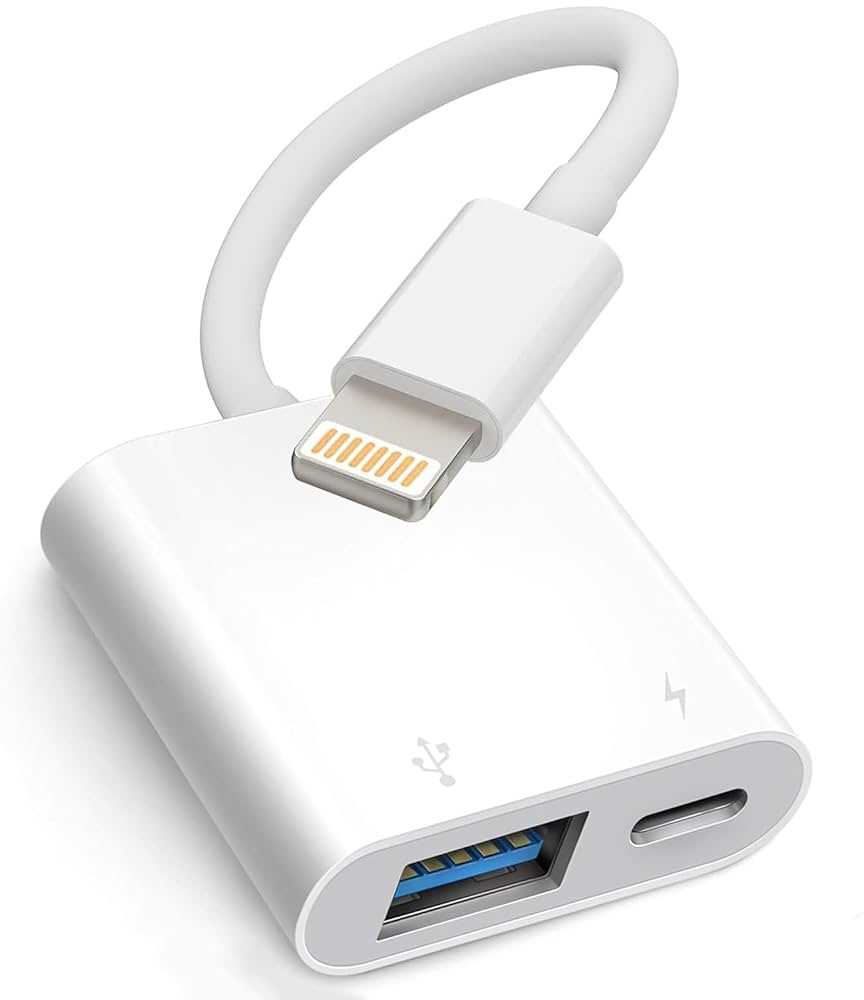
Yes, you can use a USB webcam with USB-C or other ports by employing appropriate adapters or dongles. These adapters convert USB-A connectors to fit into newer port types, enabling seamless connection. Ensure the adapter supports data transfer standards compatible with your webcam for proper functionality.
Is it possible to use a webcam on devices that lack USB ports, like some tablets or smartphones?
Some tablets and smartphones support external webcams through specific adapters or connections like USB OTG (On-The-Go). You need compatible hardware and apps that recognize the external camera. However, compatibility varies, so check your device specifications before attempting to connect an external webcam.
Final Thoughts
Using a webcam without a USB port is possible through alternative methods such as built-in cameras on laptops or using network-enabled cameras. Some webcams connect via Bluetooth or Wi-Fi, eliminating the need for a USB connection.
However, most external webcams rely on USB ports for connectivity. Without a USB port, options become limited, and compatibility issues may arise.
In conclusion, can I use webcam without usb port? Yes, in specific cases with wireless or integrated options. For external webcams that typically use USB, alternative connections are less common.



