


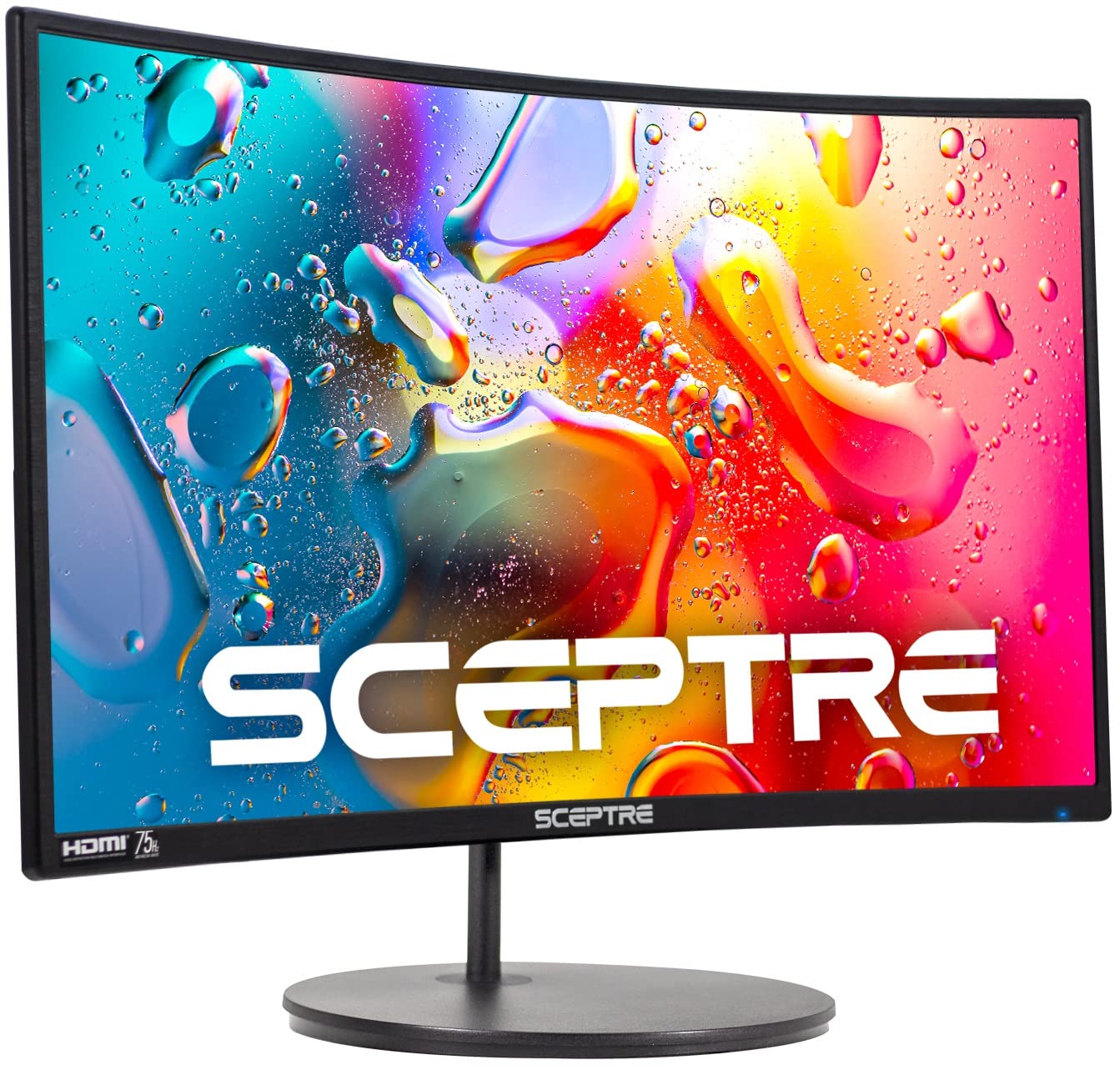
Sceptre Curved 24
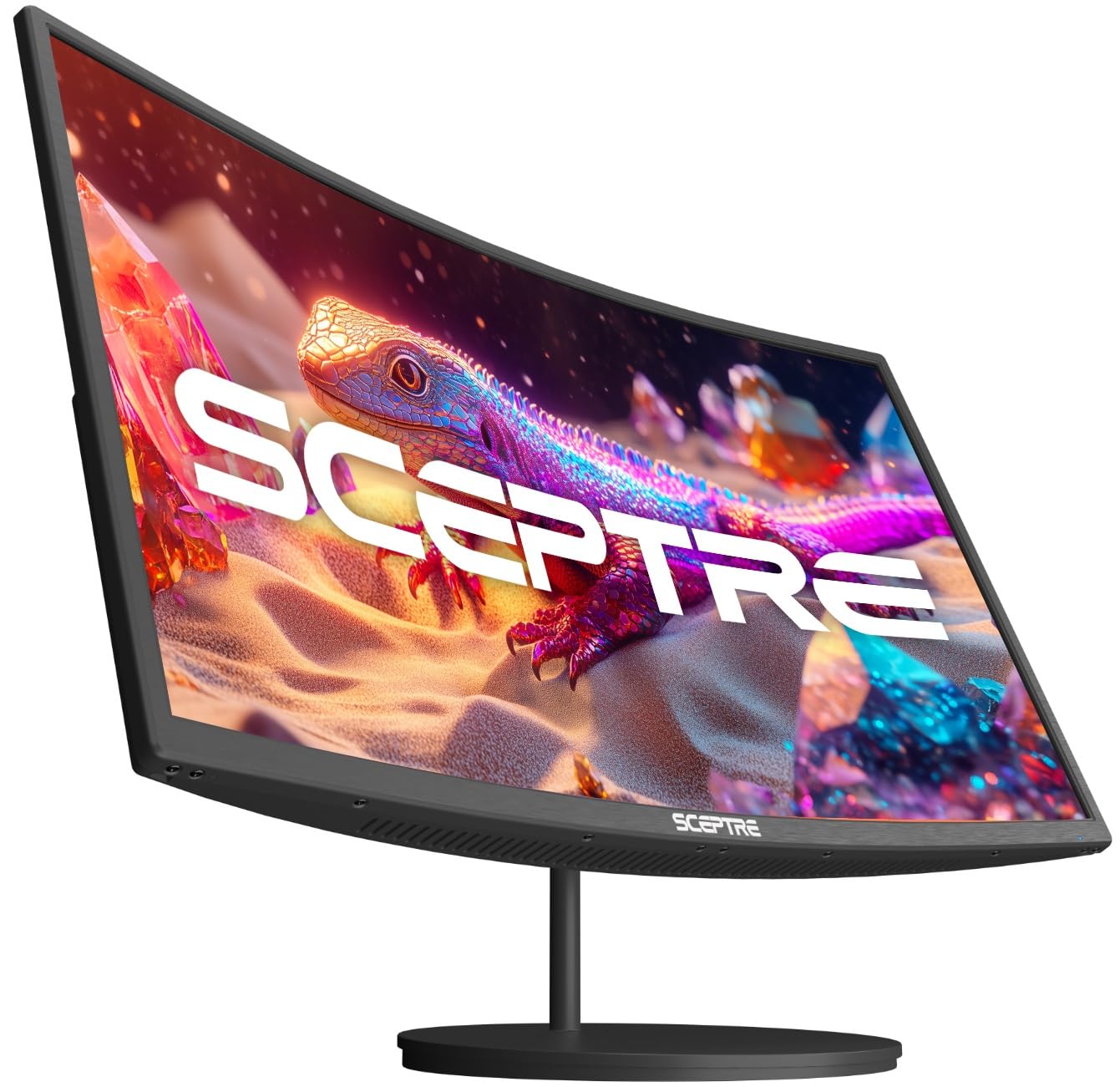
Sceptre Curved 27
Choosing the right monitor can feel like a big decision. You want something that fits your desk, your budget, and your needs. Today, we are putting two popular and affordable curved monitors from Sceptre head-to-head: the Sceptre Curved 24-inch Gaming Monitor (C248W-1920RN) and the Sceptre Curved 27-inch Prime Monitor (C275W-1920RN).
Both promise an immersive experience with their curved screens, solid 1080p resolution, and built-in speakers. But the devil is in the details. Is the larger screen and slightly higher refresh rate of the 27-inch model worth the extra investment? Or does the compact and efficient 24-inch version offer everything you need? This comparison matters because it is about finding the perfect balance between size, performance, and price for your specific setup.
We will break down every feature, from curvature and color performance to real user experiences. By the end of this guide, you will know exactly which Sceptre curved monitor belongs on your desk. Let us dive in.
In-Depth Look: Sceptre Curved 24
The Sceptre Curved 24 is the more compact entry in this duo. It promises a curved gaming experience without demanding a lot of desk real estate or money from your wallet. Let us see what it offers.
Key Features Analysis
The standout feature is its 1800R curved VA panel. This curve is gentle but effective. It pulls you into the action just enough to feel more immersive than a flat screen. At 24 inches, the 1080p resolution looks sharp. The pixel density is good, so you will not easily see individual pixels during normal use.
It has a 75Hz refresh rate. That is a nice step up from the standard 60Hz. Scrolling feels smoother, and casual gaming benefits from the extra fluidity. For fast-paced competitive shooters, it is not high-end, but for most people, 75Hz is a welcome upgrade.
Color performance is solid with 98% sRGB coverage. This means colors look vibrant and accurate enough for everyday tasks, gaming, and streaming movies. Do not expect professional-grade color for photo editing, but it is great for general use.
Connectivity is straightforward: two HDMI ports and one VGA port. This lets you connect a PC and a game console at the same time. The built-in speakers are a convenience. They are there if you need them in a pinch, but as users note, do not expect rich audio.
The stand is basic. It offers tilt adjustment but no height or swivel. However, the monitor is VESA mount compatible (75x75mm). This is a huge plus. You can easily attach it to a monitor arm to free up desk space and gain full adjustability.
Pros and Cons
Pros:
- Excellent Value: Often the most affordable curved monitor option.
- Space-Saving Design: The 24-inch size and thin bezels fit on any desk.
- VESA Mount Ready: Easy to upgrade to a flexible arm.
- Smooth 75Hz Refresh: Better than standard 60Hz for a fluid feel.
- Good Color Coverage: 98% sRGB makes content look lively.
Cons:
- Basic Stand: Tilt-only adjustment limits ergonomics.
- Weak Built-in Speakers: Audio quality is functional at best.
- No Adaptive Sync: Lacks technology to prevent screen tearing in games.
What Real Customers Say
Users love the value and the surprising sense of screen size. One reviewer said, “Larger than advertised… The rim around the monitor is almost non-existent making the screen larger and easier to see.” This bezel-less design gets praised often.
Another happy customer mentioned the easy setup and picture quality: “The picture is amazing… very happy to find that it had speakers on it.” However, they, like others, acknowledge the speakers’ limits. A third review sums it up: “Great monitor. Only drawback being is the speakers… performs great otherwise looks crisp.”
Best For:
The Sceptre Curved 24 is perfect for budget-conscious buyers, students, or anyone with a small desk. It is a fantastic secondary monitor or a primary screen for everyday computing, casual gaming, and media consumption where space and price are key concerns.
In-Depth Look: Sceptre Curved 27
The Sceptre Curved 27 steps things up. It offers a larger canvas and some gamer-centric features that its little brother lacks. It is designed to be the centerpiece of your setup.
Key Features Analysis
The first thing you will notice is the size. A 27-inch curved screen is commanding. It fills more of your field of view. The curve is also more aggressive at 1500R compared to the 24-inch model’s 1800R. This means the screen bends more sharply, wrapping around your vision for a deeper sense of immersion. It is great for gaming and watching movies.
It keeps the 1080p resolution. On a 27-inch screen, the pixels are a bit more spread out. If you sit very close, you might notice some softness compared to a higher-resolution monitor. For a typical viewing distance of 2-3 feet, it remains perfectly fine for gaming and general use.
The refresh rate jumps to 100Hz. Combined with AMD Adaptive Sync (FreeSync), this is a significant upgrade for gaming. Adaptive Sync matches the monitor’s refresh rate with your graphics card’s output. This eliminates screen tearing and stuttering. Games look incredibly smooth. The jump from 60Hz to 100Hz is very noticeable.
Color quality gets a tiny bump to 99% sRGB. In practice, the difference from 98% is negligible. Both look great. The built-in speakers are marketed as “robust & smooth.” User feedback suggests they are serviceable for system sounds and casual video, but serious audio still needs dedicated speakers or a headset.
Like its sibling, it has a basic tilt-only stand and full VESA mount compatibility. Ports include two HDMI and one VGA, supporting the 100Hz refresh rate over HDMI.
Pros and Cons
Pros:
- Immersive 1500R Curve & Large Screen: Truly feels like you are inside the action.
- Superior Gaming Performance: 100Hz refresh rate with Adaptive Sync is a game-changer.
- Excellent Color Fidelity: 99% sRGB ensures vibrant, true-to-life images.
- Great for Multitasking: The larger screen real estate allows for more windows side-by-side.
- VESA Compatible: Ready for a monitor arm upgrade.
Cons:
- Lower Pixel Density: 1080p on 27 inches is not as sharp as on 24 inches.
- Requires More Desk Space: You need a deeper or wider desk to accommodate it comfortably.
- Basic Stand: Still only offers tilt adjustment.
What Real Customers Say
Users are impressed with the value for a larger curved screen. One said, “Great 27 inc curved monitor, perfect for online classes and comes with built in speaker.” They highlight its dual-purpose functionality.
Another praised the visual comfort: “Nice curve and size, and clear and easy on my eyes. I love its quality.” A third user commented on the easy setup and size: “The screens are bigger than expected… Easy to adjust the tilt… no ability to adjust height but that is fine for me.” This echoes the common sentiment that the stand is functional but basic.
Best For:
The Sceptre Curved 27 is ideal for gamers who want smooth, tear-free gameplay without spending a fortune. It is also perfect for anyone who wants a more immersive, theater-like experience for movies and streaming, and has the desk space to enjoy it as a primary monitor.
Head-to-Head Comparison
Now, let us put them side-by-side across key categories to see where each one truly shines.
Immersion and Visual Experience
This is about the “wow” factor. The Sceptre Curved 27 wins on pure immersion. Its larger 27-inch screen combined with the tighter 1500R curve creates a more enveloping experience. You feel more surrounded by the content. The Sceptre Curved 24 is still immersive, especially for its size, but it is a more modest, space-efficient kind of immersion.
Gaming Performance
For serious gaming, the Sceptre Curved 27 is the clear choice. The 100Hz refresh rate makes motion noticeably smoother than 75Hz. The inclusion of Adaptive Sync is the critical differentiator. It ensures buttery-smooth gameplay without tearing, a must-have for many gamers. The Sceptre Curved 24 offers a decent casual gaming experience, but it lacks the fluidity and sync technology of its bigger brother.
Desktop Real Estate and Sharpness
This is a trade-off. The Sceptre Curved 27 gives you more screen space for multitasking. You can have a document and a web browser open comfortably. However, the Sceptre Curved 24 offers a sharper image because the same 1080p pixels are packed into a smaller area. If you sit very close or prioritize crisp text, the 24-inch model has an edge in pixel density.
Value and Budget
The Sceptre Curved 24 almost always holds the price advantage. It delivers the core curved monitor experience at a very accessible point. The Sceptre Curved 27 costs more, but you are paying for the larger size, more aggressive curve, higher refresh rate, and Adaptive Sync. It offers more features per dollar if those features matter to you.
Setup and Ergonomics
They are tied here. Both monitors have the same basic tilt-only stand. Both are VESA mount compatible, which is their saving grace for ergonomics. Your experience will be identical unless you invest in a separate monitor arm, which works wonderfully with either.
Frequently Asked Questions
Q: Is 1080p resolution good enough on a 27-inch monitor?
A: It depends on your distance and use. For gaming and general media consumption from a normal viewing distance (2-3 feet), 1080p on a 27-inch screen is perfectly acceptable and common. If you do detailed photo editing or sit very close, you might prefer a 1440p monitor. For most people, it is fine.
Q: Can either monitor be used for console gaming (PS5/Xbox Series X)?
A: Yes, both have HDMI ports. The Sceptre Curved 27 is the better choice for modern consoles due to its 100Hz refresh rate, which can take advantage of higher frame rate modes in some games. Its Adaptive Sync also helps with smoother VRR (Variable Refresh Rate) gameplay if supported.
Q: Are the built-in speakers good enough to skip buying external ones?
A> No, not really. On both models, the speakers are a convenience feature. They are fine for system sounds, a quick video call, or background music. For gaming, movies, or music where audio quality matters, you will want to use a dedicated pair of computer speakers or a headset.
Q: Which one is better for a dual-monitor setup?
A: The Sceptre Curved 24 is often the better choice for a dual setup. Its smaller footprint allows you to fit two side-by-side on a standard desk without overwhelming it. Two Sceptre Curved 27 monitors would require a very large, deep desk.
Q: Do I need a special graphics card to use the 100Hz or Adaptive Sync on the Sceptre Curved 27?
A> To use the full 100Hz, you just need a graphics card with an HDMI output that can support that resolution and refresh rate (most modern cards can). For Adaptive Sync (which is AMD FreeSync), an AMD Radeon graphics card is ideal for full compatibility, though some NVIDIA cards can also use it over HDMI.
Q: Is the curve distracting for office work or reading text?
A> Most users adapt to it quickly. The curve can actually reduce eye strain by ensuring all parts of the screen are a more equal distance from your eyes. For spreadsheets or long documents, some prefer a flat screen, but many find the curve comfortable for all-day use.
Final Verdict: Which One Should You Choose?
Both the Sceptre Curved 24 and Sceptre Curved 27 are outstanding values in the world of curved monitors. Your choice boils down to your priorities.
Choose the Sceptre Curved 24 if: Your budget is tight, your desk space is limited, or you need a sharp secondary monitor. It is the king of value, delivering a surprisingly immersive curved experience in a compact package. It is perfect for students, home office workers, and casual gamers.
Choose the Sceptre Curved 27 if: You want a more immersive, theater-like experience and smoother gaming performance. The larger screen, more aggressive 1500R curve, 100Hz refresh rate, and Adaptive Sync technology make it a superior choice for dedicated gamers and media enthusiasts who have the desk space for it.
You cannot go wrong with either. The Sceptre Curved 24 is the practical, space-saving champion. The Sceptre Curved 27 is the feature-rich, immersive experience upgrade. Think about your desk, your wallet, and what you will primarily use it for. That will lead you to the perfect curved monitor for your needs.



