
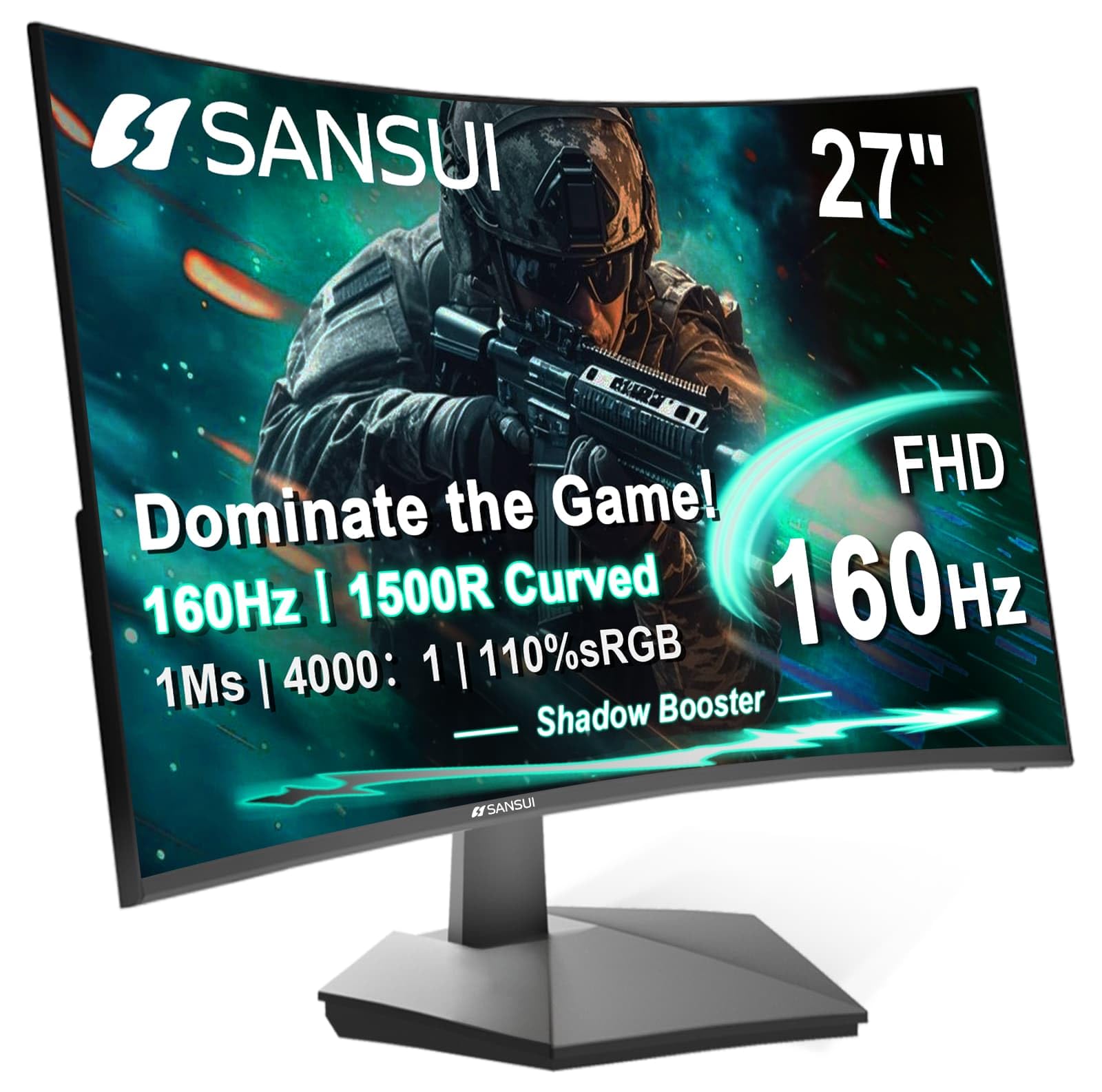
SANSUI 27 Inch Curved
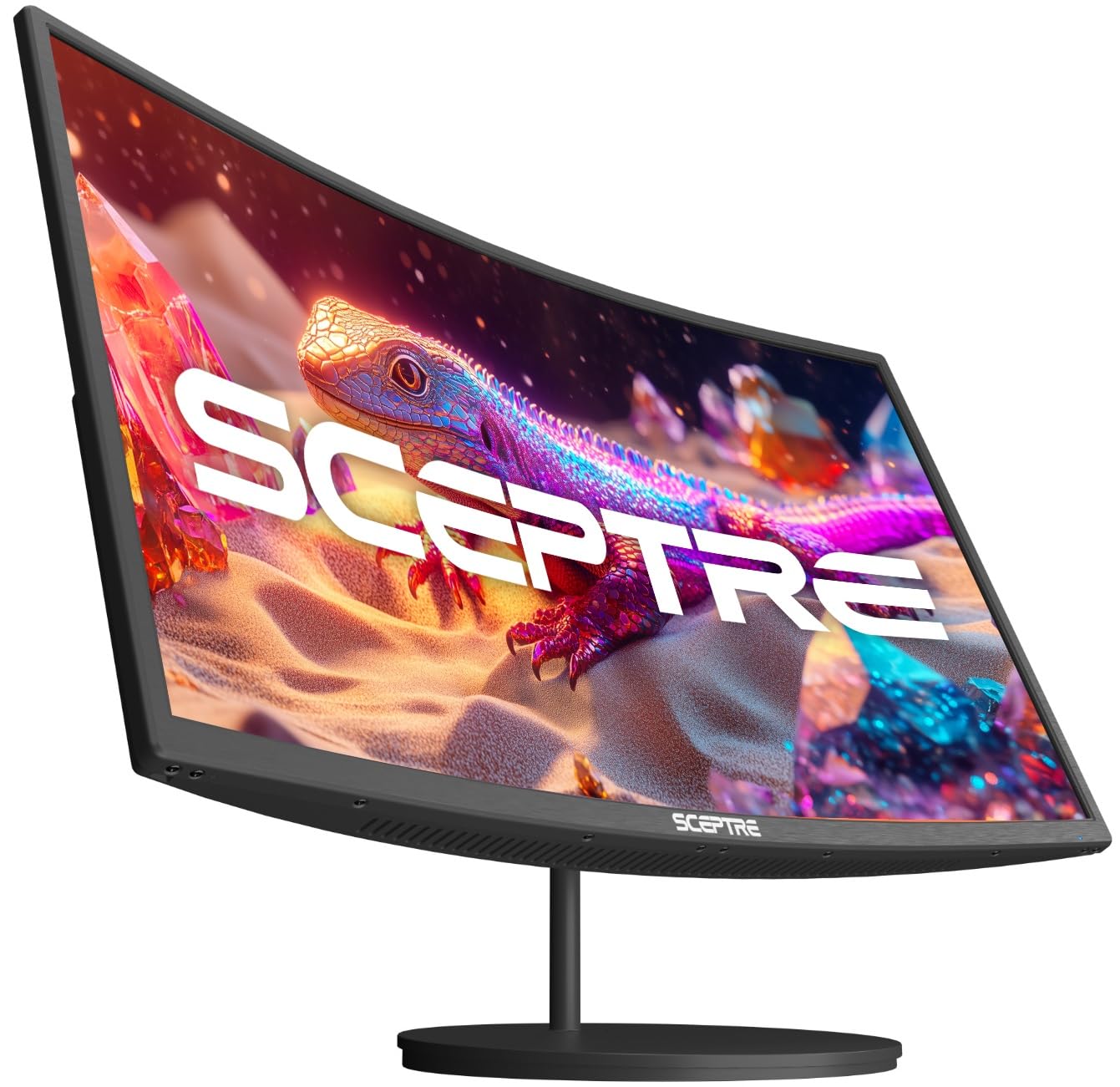
Sceptre Curved 27
Choosing a new monitor can feel overwhelming. So many specs, so many brands. If you are looking at curved 27-inch screens, you have likely seen the SANSUI 27 Inch Curved 160Hz Gaming Monitor and the Sceptre Curved 27-inch Prime Monitor. Both promise an immersive experience without breaking the bank. But which one is right for your desk?
This comparison matters because not all curved monitors are created equal. One might be a speed demon for gamers. The other could be a versatile all-rounder. Your choice affects your daily comfort, work efficiency, and gaming joy. We will dive deep into every detail.
By the end of this article, you will know the key strengths and weaknesses of each monitor. You will see how they perform in real life. And you will get a clear verdict on which model suits your needs best. Let us get started.
In-Depth Look: SANSUI 27 Inch Curved
The SANSUI 27 Inch Curved monitor is built for speed. It targets gamers who want a smooth, responsive experience. From the moment you unbox it, you notice the focus on performance. The stand is simple but sturdy. The curve feels natural. Let us break down what makes it tick.
Key Features Analysis:
- High Refresh Rate and Response Time: The 160Hz refresh rate is a standout. In simple terms, this means the screen updates 160 times per second. For fast-paced games, this reduces motion blur. The 1ms MPRT response time helps with clear motion. But note, MPRT is different from GTG. It is still very fast for gaming.
- Gamer-Centric Tools: The Game Assistant is a nice touch. You get a black level adjustment to see in dark scenes. A crosshair for aiming. Even a timer and counter. These small features can give you an edge in competitive play.
- Color Performance: With 110% sRGB coverage, colors pop. The 4000:1 contrast ratio means deep blacks and bright whites. HDR support adds depth, but only via HDMI. For most content, the image is vibrant and clear.
- Connectivity and Ergonomics: You have HDMI 2.0 and DisplayPort 1.4. Both support the full 160Hz. There is a 3.5mm audio jack for headphones. The stand tilts from -5 to 15 degrees. It does not swivel or adjust in height. So, you might need a VESA mount for perfect positioning.
Pros and Cons:
- Pros: Blazing fast refresh rate. Useful gaming features. Rich colors with wide sRGB coverage. Includes DisplayPort for high bandwidth. Good customer service based on reviews.
- Cons: No built-in speakers. Stand has limited adjustability. Some users report ghosting in fast motion. HDR only works over HDMI.
Customer Reviews Snapshot:
One user said: “Update: Seller warrantied the monitor. New monitor does not have the problems of the old. For the price, and panel type, this is a good gaming. Manufacturer stands by their product and warranty! Picture is very clear, if still. Any movement has bad ghosting and pixelation.” This shows that while there can be issues, support is responsive.
Another shared: “I love it. I used it to replace a flat 24″ monitor. What difference going up to 27″ has made as well as the curvature.” This highlights the immersive benefit of the curve.
Best For: The SANSUI 27 Inch Curved is best for gamers who prioritize speed. If you play FPS, racing, or action games, the high refresh rate and quick response will serve you well. It is also good for content creators who need accurate colors. But if you need speakers or more ergonomic adjustability, look elsewhere.
In-Depth Look: Sceptre Curved 27
The Sceptre Curved 27 takes a different approach. It is more of an all-purpose monitor. It aims to balance work, play, and everyday use. The design is sleek. The built-in speakers add convenience. Let us explore its details.
Key Features Analysis:
- Solid Curved Display: The 1500R curve is the same as the SANSUI. It wraps around your vision. This reduces eye strain during long sessions. The 1080p resolution is sharp on a 27-inch screen.
- Color Accuracy: With 99% sRGB coverage, colors are vibrant and true. It is not as wide as the SANSUI, but for most users, it is plenty. Viewing angles are decent thanks to the curve.
- Connectivity Simplicity: You get two HDMI ports and one VGA port. This is great for connecting multiple devices, like a PC and a console. The VGA port is a nod to older systems. But note, the refresh rate maxes at 100Hz over HDMI.
- Built-in Speakers: This is a big plus. The speakers are not audiophile quality, but they save desk space. For casual videos or meetings, they work fine. No need for external speakers right away.
- Adaptive Sync: Like FreeSync, Adaptive Sync reduces screen tearing. It matches the monitor’s refresh rate with your GPU’s output. This makes gameplay smoother, even at 100Hz.
Pros and Cons:
- Pros: Built-in speakers for convenience. Multiple HDMI ports for flexibility. Good color coverage for the price. Adaptive Sync for smoother gaming. Often more affordable.
- Cons: Lower refresh rate at 100Hz. No DisplayPort connection. Stand is tilt-only with no height adjustment. Response time not specified, which might mean it is slower.
Customer Reviews Snapshot:
A happy customer noted: “Great 27 inc curved monitor, perfect for online classes and comes with built in speaker. Good functionality and price.” This underscores its value for everyday tasks.
Another said: “Nice curve and size, and clear and easy on my eyes. I love its quality.” The comfort factor is key here.
Best For: The Sceptre Curved 27 is best for users who want a versatile monitor. If you mix work, study, and light gaming, it fits well. The speakers make it great for small spaces. It is also a good choice for budget-conscious buyers who still want a curved immersive experience.
Head-to-Head Comparison
Now, let us pit these monitors against each other in key areas. This will help you see where each one shines.
Gaming Performance: Speed vs Smoothness
The SANSUI 27 Inch Curved wins on raw speed. 160Hz and 1ms response are hard to beat. Fast games feel incredibly fluid. The Sceptre Curved 27 offers 100Hz and Adaptive Sync. It is smooth but not as blistering. For competitive gamers, SANSUI is the pick. For casual gamers, Sceptre is enough.
Image Quality: Color and Clarity
Both have excellent color coverage. SANSUI boasts 110% sRGB, Sceptre has 99%. In practice, both deliver vibrant images. SANSUI’s higher contrast ratio might give slightly deeper blacks. But for most eyes, the difference is minimal. Both are great for movies and general use.
Connectivity and Convenience
SANSUI includes DisplayPort, which is better for high refresh rates on PCs. Sceptre relies on HDMI and adds VGA for legacy devices. Sceptre’s built-in speakers are a convenience win. SANSUI requires external audio. Think about your setup. Do you have speakers already? Then SANSUI’s ports might be more useful.
Ergonomics and Design
Both have tilt-only stands. They are basic. Neither swivels or adjusts in height. So, for ergonomics, they are similar. The curve is the same 1500R on both. It comes down to aesthetics. SANSUI looks more gaming-oriented. Sceptre has a cleaner, prime design.
Value for Money
Sceptre often comes at a lower price point. You get speakers and decent performance. SANSUI costs more but delivers higher specs for gaming. It is about priorities. If budget is tight, Sceptre offers great value. If you can spend more for gaming edge, SANSUI justifies its price.
Frequently Asked Questions
Q: Which monitor is better for competitive gaming like FPS?
A: The SANSUI 27 Inch Curved is better. Its 160Hz refresh rate and 1ms response time give you a tangible edge in fast games. The game tools like crosshair help too.
Q: I need a monitor for work and occasional movies. Which one?
A: The Sceptre Curved 27 is a strong choice. The built-in speakers are handy for calls and videos. The curve reduces eye strain during long work hours.
Q: Do either of these monitors have speakers?
A: Yes, the Sceptre Curved 27 has built-in speakers. The SANSUI 27 Inch Curved does not. You will need headphones or external speakers with the SANSUI.
Q: Can I mount these on a monitor arm?
A: Both support VESA 100x100mm mounts. So, yes, you can use a monitor arm for better positioning. This solves the limited stand adjustability.
Q: Which has better color accuracy for photo editing?
A: The SANSUI 27 Inch Curved has slightly wider sRGB coverage (110% vs 99%). For casual editing, both are fine. For professional work, consider a monitor with even higher color accuracy.
Q: Are these good for console gaming like PlayStation or Xbox?
A: Yes, both work with consoles via HDMI. The SANSUI’s HDR support over HDMI can enhance console gaming visuals. The Sceptre’s Adaptive Sync also helps with smooth gameplay.
Q: Which is easier to set up?
A: Both are straightforward. They come with stands that attach easily. The Sceptre might be simpler since it has more HDMI ports for plug-and-play with multiple devices.
Final Verdict: Which One Should You Choose?
Choosing between the SANSUI 27 Inch Curved and the Sceptre Curved 27 depends on your main use case.
If you are a gamer who craves speed, go with the SANSUI 27 Inch Curved. The 160Hz refresh rate, 1ms response, and gaming features make it a powerhouse. It is worth the extra investment for buttery-smooth gameplay. Just remember to add speakers if you need them.
If you want a versatile, budget-friendly all-rounder, the Sceptre Curved 27 is your match. The built-in speakers, multiple ports, and solid 100Hz performance cover work, play, and entertainment. It delivers great value without compromising on the immersive curve.
In summary, both are excellent curved 27-inch monitors. The SANSUI excels in high-performance gaming. The Sceptre shines in everyday versatility. Assess your needs, check your budget, and pick the one that fits your desk and your life.
Ready to make your choice? Click below to check the latest prices and see current deals on Amazon.

I’m passionate about hardware, especially laptops, monitors, and home office gear. I share reviews and practical advice to help readers choose the right devices and get the best performance.
