


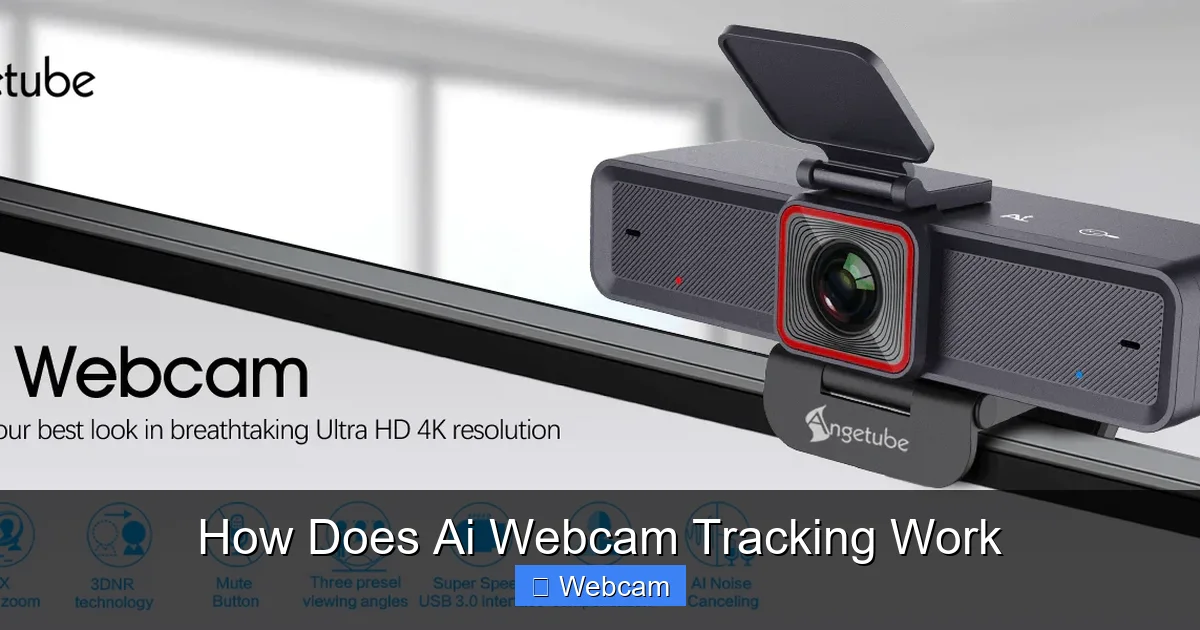
AI webcam tracking is a technology that enables cameras to automatically detect and follow moving objects or people. Using advanced algorithms and computer vision, these webcams can enhance security, streaming, and video conferencing. In this guide, you’ll learn how AI webcam tracking works step-by-step and how to utilize it effectively.
Key Takeaways
- AI Webcam Tracking: Uses artificial intelligence and computer vision to identify and follow moving objects or people in real-time.
- Core Technologies: Combines machine learning models, object detection, and facial recognition for accurate tracking.
- How It Works: The camera captures video, processes frames with AI algorithms, and adjusts its orientation or focus accordingly.
- Applications: Used in security cameras, virtual meetings, live streaming, and interactive displays.
- Setup Tips: Proper placement, good lighting, and updated software ensure optimal performance.
- Limitations & Troubleshooting: Performance issues may arise due to poor lighting, obstructions, or outdated hardware/software.
How Does AI Webcam Tracking Work?
You’ve probably seen webcams that can automatically follow you during a video call or security cameras that lock onto moving objects. But how does this technology work? In this guide, we’ll explore the ins and outs of AI webcam tracking, breaking down the process into simple steps. Whether you’re a tech enthusiast or just curious, you’ll learn how these smart cameras recognize and follow movement, making your experience smoother and more engaging.
1. Understanding the Basics of AI Webcam Tracking
What Is AI Webcam Tracking?
AI webcam tracking is a feature that allows a camera to automatically detect, focus on, and follow a person or object within its field of view. This is achieved through the use of artificial intelligence (AI), which enables the camera to interpret visual data in real time. Think of it as a smart eye that can lock onto a moving target and keep it centered in the frame.

Visual guide about How Does Ai Webcam Tracking Work
Image source: w3process.com
Why Is It Important?
This technology enhances security, improves streaming quality, and creates more interactive experiences. For example, during a video call, AI tracking can keep your face centered even if you move around. In security, it helps monitor specific areas without constantly adjusting the camera manually.
2. The Core Technologies Behind AI Webcam Tracking
Computer Vision
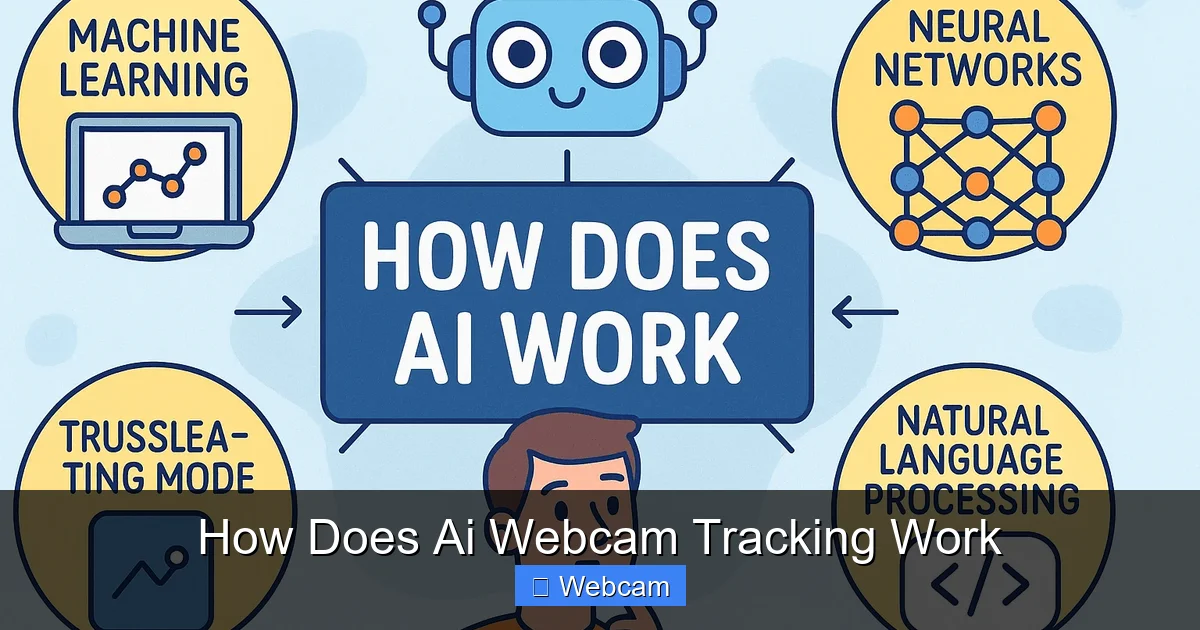
This is a field of AI that enables computers to interpret visual data from the world. Using computer vision, the webcam can recognize objects, faces, or bodies in its view.
Visual guide about How Does Ai Webcam Tracking Work
Image source: itarian.com
Machine Learning & Deep Learning
These techniques involve training models on large datasets so they can accurately identify and predict objects’ movements. Convolutional Neural Networks (CNNs) are commonly used for image recognition tasks.
Object Detection Algorithms
Algorithms like YOLO (You Only Look Once) or SSD (Single Shot Multibox Detector) quickly identify and locate objects within frames, enabling real-time tracking.
3. How AI Webcam Tracking Works Step-by-Step
Step 1: Video Capture
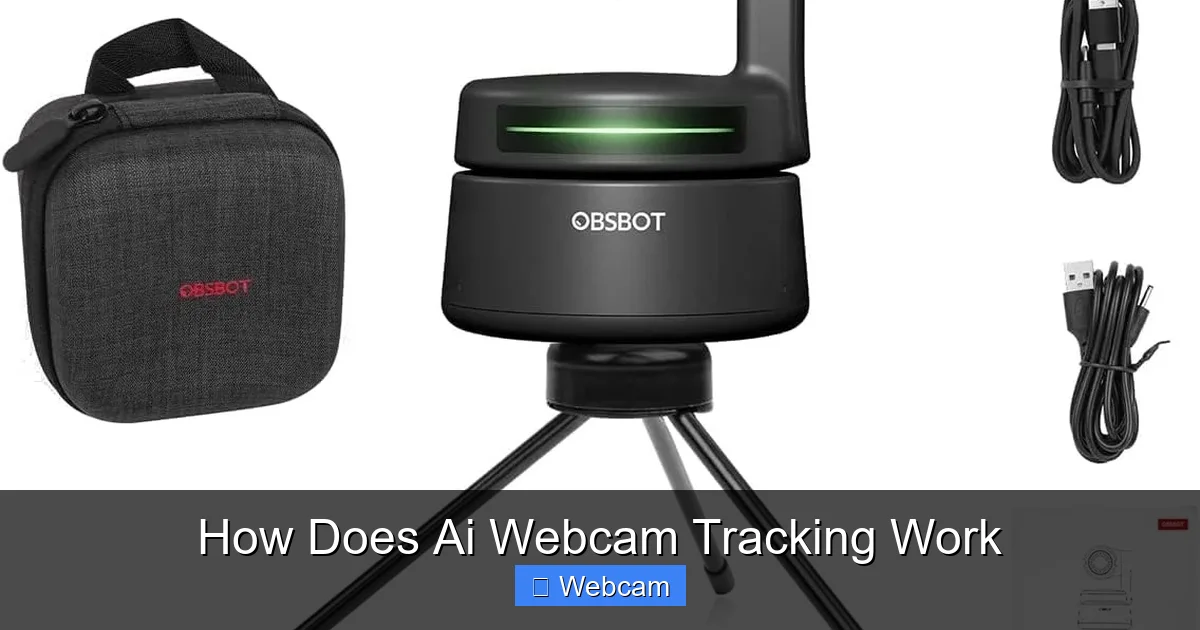
The webcam captures live video feed, converting real-world scenes into digital frames. High-quality sensors and lenses contribute to clearer images, which aids AI processing.
Visual guide about How Does Ai Webcam Tracking Work
Image source: m.media-amazon.com
Step 2: Frame Processing & Analysis
Each frame is passed through AI models that analyze the image. The system detects objects or faces based on trained data. The process involves:
- Object Detection: Identifying the presence and location of a person or object.
- Facial Recognition: Recognizing specific faces if needed.
- Pose Estimation: Understanding body positions for better tracking.
Step 3: Tracking & Prediction
Once an object or face is detected, the AI predicts its movement. This helps the camera keep the subject in frame, even if they move quickly.
Step 4: Camera Adjustment
The camera’s motorized components (pan, tilt, zoom) respond to the AI’s calculations. They adjust the camera’s orientation to follow the moving target smoothly.
Step 5: Continuous Monitoring
This process repeats constantly, creating a loop that ensures the camera stays locked onto the target as it moves or as the scene changes.
4. Practical Applications of AI Webcam Tracking
- Security Cameras: Automatically follow intruders or monitor specific zones without manual adjustments.
- Video Conferencing: Keeps your face centered during calls, even if you shift position.
- Live Streaming: Adds professionalism by maintaining focus on the streamer, regardless of movement.
- Interactive Displays: Responds to user movement for engaging presentations.
5. Setting Up AI Webcam Tracking
Choose the Right Hardware
Select a webcam with built-in AI tracking features or compatible with tracking software. Popular models include Logitech Brio, Logitech StreamCam, and AI-enabled security cameras.
Install Necessary Software
Many webcams come with dedicated apps. Alternatively, use third-party software like ManyCam, OBS Studio with AI plugins, or AI tracking tools such as Xeoma or OpenCV.
Configure Settings
Adjust tracking sensitivity, target detection parameters, and camera movement speed. Experiment to find the best setup for your environment.
Optimize Environment
Good lighting, minimal background clutter, and a stable mount improve detection accuracy and tracking smoothness.
6. Troubleshooting Common Issues
- Tracking Fails or Jumps: Ensure adequate lighting and clear backgrounds. Update software regularly.
- False Positives: Adjust detection sensitivity to avoid unintended objects being tracked.
- Lag or Delays: Use a high-performance computer and ensure your network has sufficient bandwidth if streaming.
- Camera Not Moving: Check motorized components and calibration settings.
7. Final Tips for Effective AI Webcam Tracking
- Place the webcam at eye level for optimal tracking.
- Use a well-lit environment to enhance detection accuracy.
- Regularly update your software and firmware.
- Test different settings to find the best configuration for your needs.
- Combine AI tracking with other features like background removal for a professional look.
Conclusion
AI webcam tracking is transforming how we use webcams and security cameras. By understanding the technology behind it, you can set up and optimize your own smart camera system. Whether for security, streaming, or professional meetings, AI tracking makes your camera smarter and more responsive. With the right hardware, software, and environment, you can enjoy seamless, accurate tracking that enhances your digital experience.



