


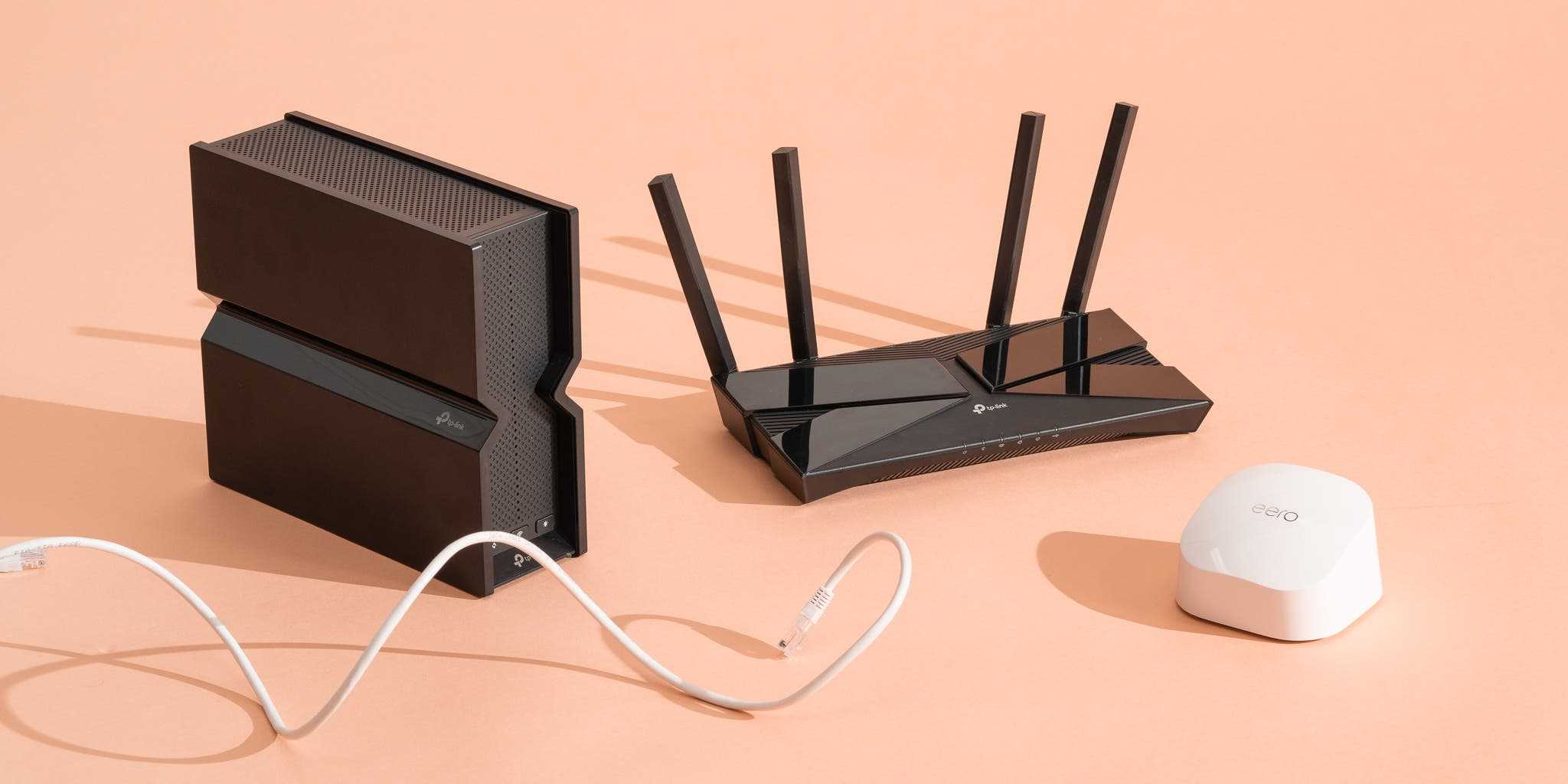
Looking for a WiFi router that won’t break the bank but still keeps your internet running smoothly? The good news is, you don’t have to spend a fortune to get reliable, high-performance WiFi. There are plenty of budget-friendly options out there that deliver solid speeds, good coverage, and dependable connectivity, making them perfect for everyday browsing, streaming, and even working from home. In this article, we’ll explore some of the best affordable WiFi routers that strike the perfect balance between cost and performance, so you can stay connected without overspending. Whether you live in a small apartment or a larger house, these routers are designed to provide consistent, reliable service at a price that won’t hurt your wallet.

Budget friendly WiFi routers with reliable performance
Understanding what makes a WiFi router budget friendly and reliable
A budget friendly WiFi router offers good value without breaking the bank. It should provide consistent internet speeds and a stable connection for everyday use. Reliability means the router maintains a steady connection and handles multiple devices smoothly.
Many affordable routers include essential features like decent range, security, and ease of setup. Choosing the right model depends on your specific needs, including the size of your home and the number of connected devices.
Key features to look for in budget WiFi routers
Speed and performance
Look for routers supporting at least AC1200 or higher for smooth streaming and gaming. The speed rating indicates the maximum data transfer rate, which impacts browsing and download times.
Range coverage
Ensure the router covers your living space adequately. Smaller homes may need routers with a range of 100-150 feet, while larger homes might require mesh systems or additional extenders.
Security features
Strong security protocols like WPA3 or WPA2 protect your network. Some budget routers include built-in firewalls and guest networks to keep your data safe.
Number of ports and connectivity options
Having multiple Ethernet ports allows wired connections for devices like computers or smart TVs. Additionally, look for dual-band support to reduce network congestion.
Top budget WiFi routers with reliable performance in 2023
TP-Link Archer A7
- Supports AC1750 speeds with dual-band WiFi
- Excellent coverage suitable for medium-sized homes
- Easy setup via mobile app
- Affordable price point
NETGEAR R6230
- Provides AC1200 speeds
- Reliable for streaming and browsing
- Includes guest WiFi and parental controls
- Simple installation process
ASUS RT-AC66U B1
- Supports AC1750 with robust performance
- Strong signal strength and range
- Offers dual-band connectivity for better device management
- Cost-effective for the features offered
Linksys EA6350
- AC1200 speed support with dual-band WiFi
- Provides consistent connection across multiple devices
- Includes USB port for file sharing
- Budget-friendly option for small families
How to choose the right budget WiFi router for your needs
Assess your internet usage
If your activities include streaming in HD, gaming, or video conferencing, prioritize routers with higher speed support. For light browsing and email, a basic model suffices.
Consider home size and layout
Large homes may require routers with broader range or mesh systems. Smaller spaces can work well with standard dual-band routers.
Number of connected devices
More devices lead to network congestion. Select routers supporting MU-MIMO technology to handle multiple streams efficiently.
Additional features worth considering
- Parental controls
- Guest network support
- Easy firmware updates
- Compatibility with smart home devices
Maintaining your budget WiFi router for optimal performance
Regular firmware updates improve security and fix bugs. Position the router centrally to maximize coverage and reduce interference from walls or appliances.
Change the default password and enable security features to protect your network from unauthorized access. Periodic resets can resolve connectivity issues and keep your network running smoothly.
Additional options for enhancing your WiFi experience affordably
WiFi extenders and mesh systems
- Budget extenders can boost coverage in larger homes
- Mesh systems offer seamless coverage and easy management
Powerline adapters
- Utilize existing electrical wiring to extend internet connectivity
- Ideal for areas where WiFi signals are weak
Network optimization tips
- Limit the number of devices connected simultaneously
- Switch to 5 GHz band for less congestion
- Set quality of service (QoS) rules to prioritize important devices or apps
Comparison table of popular budget WiFi routers
| Model | Speed Support | Range | Features | Price Range |
|---|---|---|---|---|
| TP-Link Archer A7 | AC1750 | 150 feet | Dual-band, Easy setup, Guest network | Under $100 |
| NETGEAR R6230 | AC1200 | 100 feet | Parental controls, Guest WiFi | Under $80 |
| ASUS RT-AC66U B1 | AC1750 | 200 feet | MIMO technology, Parental controls | Under $120 |
| Linksys EA6350 | AC1200 | 100 feet | USB port, Dual-band WiFi | Under $100 |
Final thoughts: making the most of your budget WiFi router
Choosing a budget WiFi router with reliable performance requires assessing your household’s internet needs and home layout. Focus on essential features like speed, range, and security to get a good balance of value and performance. Regular maintenance and strategic placement of your router will ensure consistent connectivity for all your devices. With the right router, you can enjoy fast, stable internet without overspending.
Frequently Asked Questions
What features should I look for in an affordable WiFi router to ensure reliable performance?
When choosing a budget-friendly WiFi router, focus on features like dual-band support, sufficient Ethernet ports, and the latest Wi-Fi standards such as 802.11ac or 802.11ax. These features help maintain stable connections across multiple devices, even in busy households. Additionally, look for easy setup options and firmware updates that keep your network secure and running smoothly.
How does the performance of budget routers compare to more expensive models?
While high-end routers often offer advanced features and higher speeds, many budget routers provide dependable performance that suits everyday browsing, streaming, and gaming. They typically handle multiple devices well without frequent drops or lag. For most home use, these routers deliver a balance of affordability and reliable connectivity.
Are there specific brands or models known for reliable budget WiFi routers?
Brands like TP-Link, ASUS, and Netgear produce reputable routers in the budget segment. Models such as the TP-Link Archer A7, ASUS RT-AC66U, and Netgear R6230 have gained popularity for their consistent performance and affordability. When selecting a model, check recent reviews and user feedback to ensure it meets your reliability expectations.
Can I improve WiFi performance with budget routers through simple setups or configurations?
Yes, optimizing your router’s placement, updating firmware, and adjusting settings like channel selection can significantly enhance performance. Clear obstructions, placing the router centrally, and minimizing interference from other electronic devices help maintain stable and faster connections across your home network.
What limitations should I expect from budget WiFi routers, and how can I address them?
Budget routers may have limited range, fewer advanced features, or reduced speeds compared to premium models. To mitigate these issues, consider positioning your router in a central location, using range extenders if needed, and limiting the number of connected devices during high-demand activities. Regular firmware updates also help keep the device functioning optimally.
Final Thoughts
Budget friendly WiFi routers with reliable performance provide an excellent balance of affordability and quality. They are easy to set up and deliver consistent internet speeds for daily browsing, streaming, and work needs. These routers ensure dependable connections without overspending. Choosing the right model helps users stay connected smoothly while sticking to their budget.



