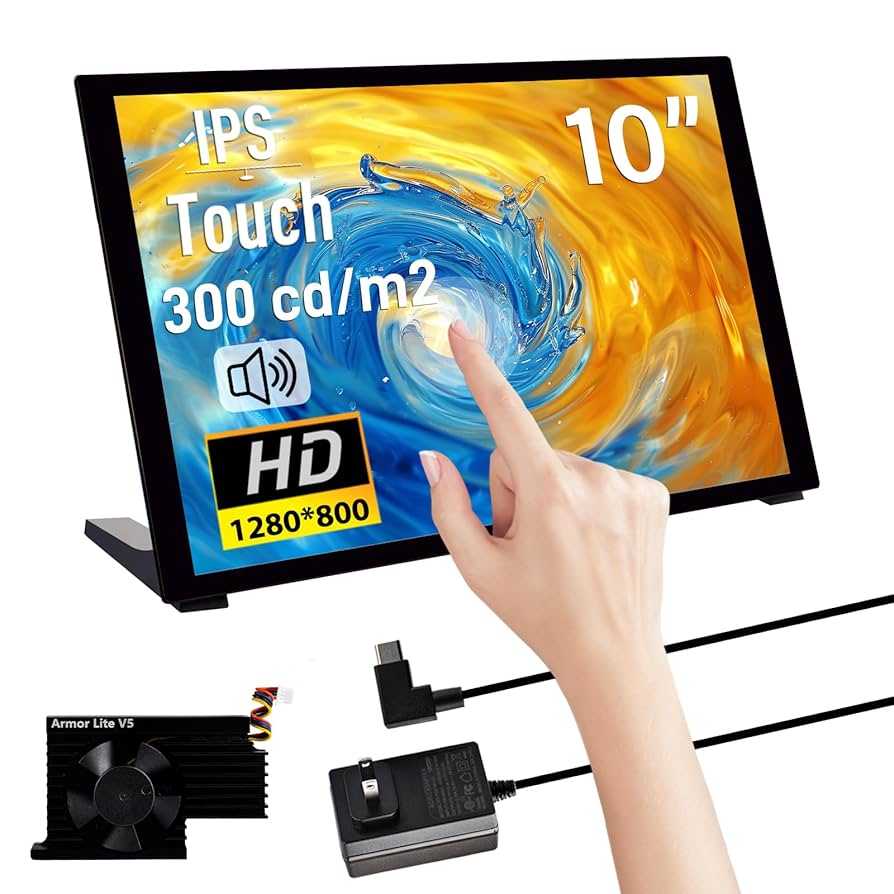
Touchscreen monitors are increasingly popular, but can they truly replace a traditional dual-monitor setup? The quick answer is that while touchscreen monitors can handle many tasks, they may not fully replace the efficiency and multitasking capabilities of a dual-screen setup for everyone. They offer convenience and flexibility, especially for creative work and quick interactions, but might fall short for heavy multitasking or professional workflows.
In today’s fast-paced digital world, many wonder if investing in a large touchscreen monitor could streamline their workspace and cut down on clutter. Touchscreens are intuitive and user-friendly, making them appealing for various applications, from casual browsing to design work. However, when it comes to extensive multitasking, the dual monitor setup still provides unmatched space and productivity. Balancing these options depends on your specific needs, preferences, and work habits.

Can Touchscreen Monitors Replace Dual Setup?
Introducing the Idea: Single Screen or Multiple Screens?
Many users wonder if upgrading to a large touchscreen monitor can eliminate the need for a dual monitor setup. Traditional dual setups offer multitasking benefits by providing more screen space, but touchscreen monitors promise a more interactive experience. The question is whether they can truly replace having two separate screens for work, gaming, or creative tasks.
The Benefits of Touchscreen Monitors
Touchscreen monitors provide an intuitive way to interact with your computer. They allow direct manipulation of objects on the screen, making tasks like photo editing, drawing, and navigation easier. Plus, they save desk space by combining the display and input device into one unit, reducing clutter.
Can a Touchscreen Monitor Handle Multiple Tasks?
Most modern touchscreen monitors support multitasking through multiple windows. You can open several applications side by side, resize and move them effortlessly with your fingers. However, because they are usually larger than standard monitors, they can provide ample space for multitasking, though the workflow may differ from using two monitors.
Comparing Screen Real Estate: Touchscreen Monitors vs. Dual Monitors
While dual monitor setups often consist of two separate screens with a combined width, a single touchscreen monitor offers one large, continuous surface.
- Touchscreen monitors: Typically range from 24 to 32 inches, but some models go larger, offering a single expansive display.
- Dual setup: Usually involves two monitors of the same size or varying sizes, placed side by side.
This difference impacts how users manage their workspace and spread out their tasks.
Limitations of Touchscreen Monitors as a Replacement
Despite their advantages, touchscreen monitors have some limitations that prevent them from fully replacing dual setups.
- Size constraints: Large, affordable touchscreen monitors are still less common than standard monitors, especially for professional needs.
- Cost: High-quality touchscreen monitors tend to be more expensive than regular monitors, making a dual setup more economical for some users.
- Ergonomics: Touchscreen use for extended periods can cause fatigue, especially if the monitor is mounted higher or placed awkwardly.
Performance and Responsiveness
Touchscreen monitors today offer fast response times and high accuracy, which is vital for tasks like digital art or design. However, casual users might notice slight lag or inaccuracies compared to traditional mouse and keyboard input. For high-precision tasks, dual monitors combined with a mouse and keyboard might still be preferable.
Touchscreen Monitors for Creative Work and Design
Artists and designers benefit significantly from touchscreen capabilities. Drawing directly on the screen simplifies workflows, especially when combined with styluses. Yet, a dual monitor setup with dedicated graphic tablets or pen displays can sometimes offer more precision and better ergonomics.
Using Touchscreen Monitors for Business and Productivity
Touchscreens excel in environments that benefit from quick, interactive inputs. For example, in retail or reception settings, touchscreen monitors streamline operations. For standard office work, dual monitors may better support extensive multitasking with less physical strain.
How Touchscreens Improve Business Operations
- Faster navigation through apps and files with touch gestures.
- Ease of data entry for forms and quick adjustments.
- Enhanced customer interaction in retail or service environments.
Are Touchscreen Monitors Suitable for Gaming?
While touchscreen monitors can handle casual gaming, they often fall short for more competitive or fast-paced titles. The latency and input method may hinder performance compared to traditional gaming setups. Dual monitors with dedicated gaming peripherals generally provide a better experience.
Practical Considerations for Replacing Dual Monitors
Before replacing a dual setup with a touchscreen monitor, consider the following:
- Desk space: Is the touchscreen large enough to meet your multitasking needs?
- Budget: Can you afford a high-quality large touchscreen versus two standard monitors?
- Work type: Do your tasks require multiple separate screens or a single unified display?
Summary of When Touchscreen Monitors Can Work Well
Touchscreen monitors are ideal for specific tasks:
- Creative industries like digital art and design.
- Interactive presentations or retail environments.
- Casual multitasking and general use where interaction is needed.
They are less suited when high precision, extensive multitasking, or cost efficiency are priorities.
Future Outlook: Will Touchscreens Fully Replace Dual Setups?
The technology continues to improve rapidly, making large, affordable touchscreen monitors more accessible. However, dual setups provide flexibility and efficiency that are hard to match with a single screen. It’s likely that both will coexist, serving different professional and personal needs.
While touchscreen monitors offer exciting opportunities for interaction and space-saving design, they cannot fully replace the versatility and efficiency of dual monitor setups for most users. The best choice depends on individual needs, budget, and the specific tasks at hand. For now, many find a hybrid approach, combining the two, provides the most balanced solution.
Budget Touchscreen Monitor UNBOXING – HGFRTEE 16" Portable monitor #portablemonitor
Frequently Asked Questions
How does a touchscreen monitor compare to a dual monitor setup in terms of productivity?
A touchscreen monitor can enhance productivity by allowing direct interaction with content, reducing the need for multiple devices or peripherals. However, it may lack the extensive screen real estate that a dual setup offers, which is beneficial for multitasking, data comparison, and detailed work. For tasks that require multiple windows open simultaneously, a dual monitor setup often provides a more efficient workspace.
Can a touchscreen monitor meet the demands of professional multitasking compared to dual monitors?
While touchscreen monitors support multitasking through touch interactions, they generally do not provide enough screen space for extensive multitasking needs. Dual monitors enable users to spread out applications and documents across separate screens, facilitating smoother workflow and better organization, especially for professionals who handle complex projects or large datasets.
What limitations might I encounter when replacing a dual setup with a touchscreen monitor?
Replacing a dual monitor setup with a single touchscreen monitor can limit your workspace, making it harder to view multiple applications simultaneously. Additionally, touchscreen interfaces may sometimes require more frequent calibration or adjustments, and prolonged use can lead to fatigue. For users who depend heavily on multiple screens for their tasks, a single touchscreen may not suffice.
Is a touchscreen monitor suitable for tasks that require precise control, like graphic design or video editing?
Touchscreen monitors offer intuitive control, which can be beneficial for certain creative tasks. However, for detailed graphic design or video editing work, many professionals prefer traditional monitors combined with a mouse and keyboard for precision. High-resolution monitors with stylus support or specialized input devices often deliver better accuracy and control for such tasks.
How does the ergonomic comfort of touchscreen monitors compare with dual setups?
Touchscreen monitors can promote natural interaction by allowing users to directly touch and manipulate content, which can be more comfortable than using a mouse. However, a single touchscreen might cause neck or arm strain if used extensively in a fixed position. Dual monitor setups offer flexible positioning options, enabling users to adjust screens for optimal ergonomic comfort, especially during long work sessions.
Final Thoughts
Touchscreen monitors can be a convenient alternative for some users, reducing the need for multiple displays. They offer intuitive interaction, saving desk space and simplifying workflows. However, they may not fully replace dual setups for tasks requiring extensive multitasking or high productivity.
Ultimately, can touchscreen monitors replace dual setup? While they provide flexibility and ease of use, they might not meet the demands of professionals needing multiple screens. For casual or light use, a touchscreen can be enough; for intensive work, a dual setup remains more effective.

With experience in IT support and consumer technology, I focus on step-by-step tutorials and troubleshooting tips. I enjoy making complex tech problems easy to solve.