
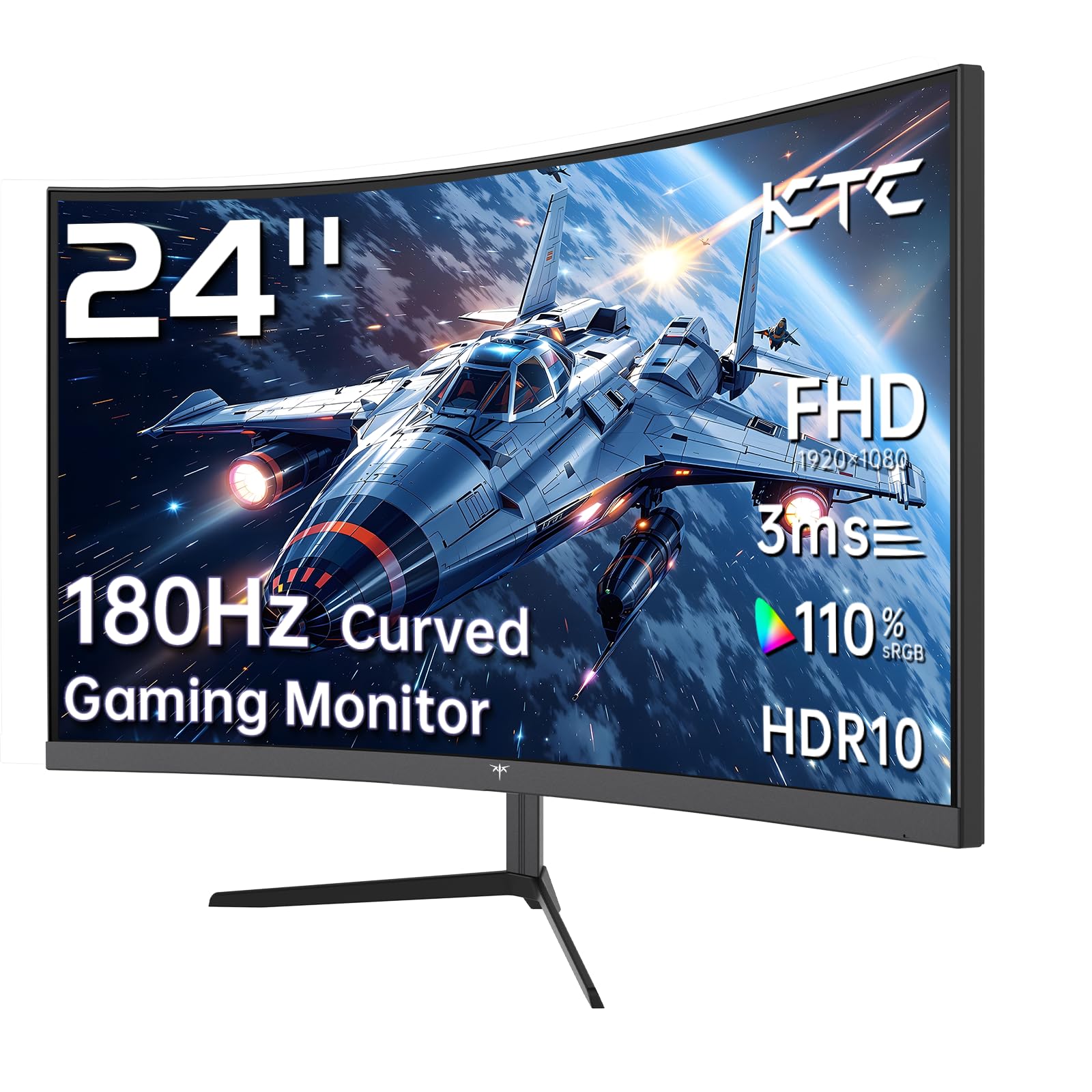
KTC 24 Inch 1500R
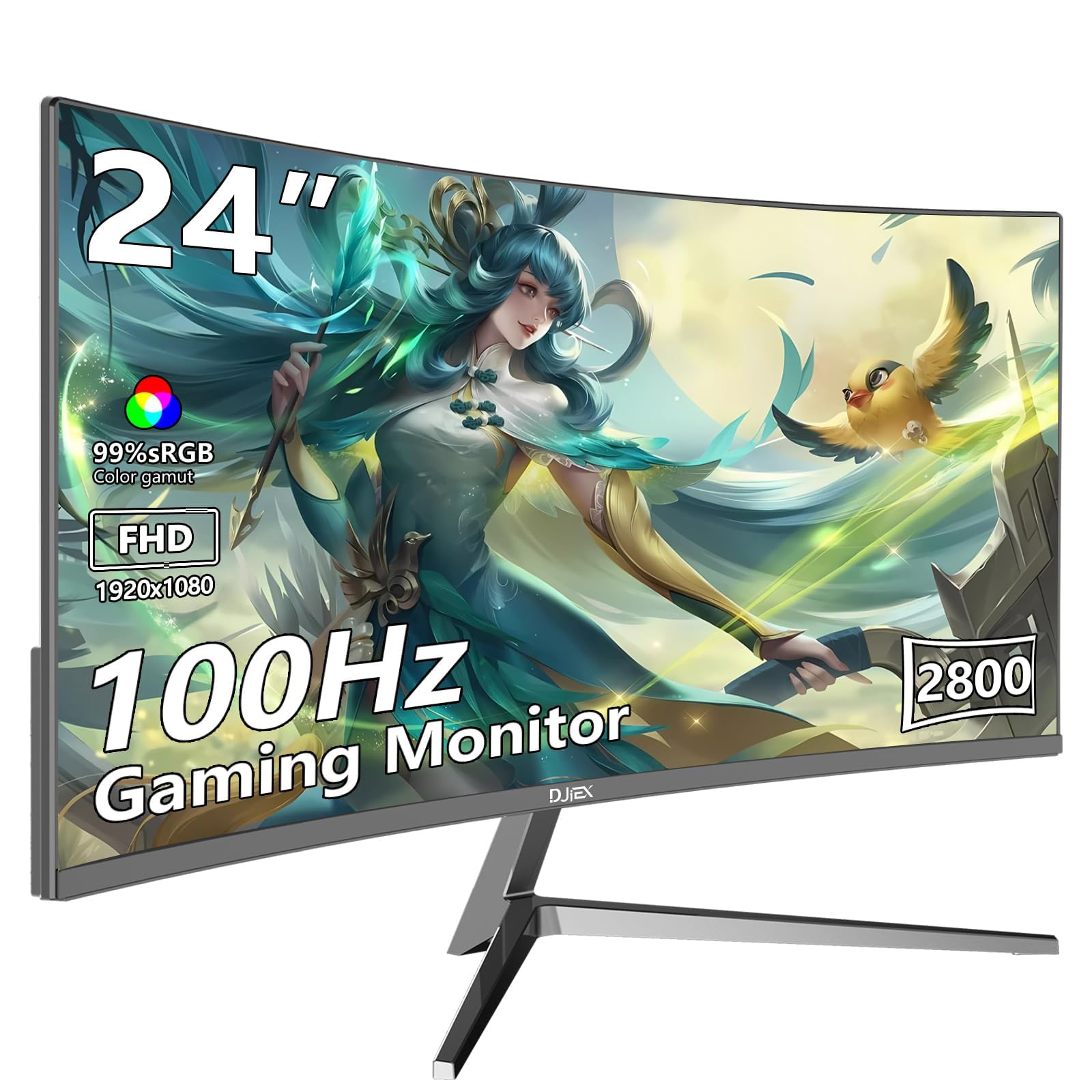
24 inch Curved Monitor
So, you’re thinking about getting a curved monitor for your setup. Maybe for gaming, work, or a bit of both. It’s a smart move. A curved screen can make everything feel more immersive and easier on the eyes. But with so many options out there, how do you choose? Today, we’re putting two popular 24-inch curved monitors side by side: the KTC 24 Inch 1500R Curved Gaming Monitor and the more generically named 24 inch Curved Monitor. Both promise a great visual experience without breaking the bank.
This comparison matters because, on the surface, they might look similar. Both are 24 inches, Full HD, and curved. But dig a little deeper, and you’ll find key differences that could make or break your decision. Whether you’re a hardcore gamer needing every frame to count, or someone who wants a reliable screen for office tasks and casual use, the right pick depends on the details.
In this article, we’ll break down every aspect. We’ll look at specs, features, real user experiences, and value. By the end, you’ll know exactly which monitor fits your needs and budget. Let’s dive in.
In-Depth Look: KTC 24 Inch 1500R
The KTC 24 Inch 1500R is marketed squarely at gamers. From its specs, it’s clear why. This monitor packs features that aim to deliver a smooth, responsive, and immersive experience. Let’s unpack what it offers.
Key Features Analysis
First, the curvature. At 1500R, this monitor has a pronounced curve. It wraps around your field of view. This makes games and movies feel more engaging. It can also reduce eye strain by keeping all parts of the screen at a similar distance.
The refresh rate is a standout. It boasts 180Hz, though the product features mention 165Hz. Either way, it’s high. For fast-paced games like shooters or racing sims, this means smoother motion. Less tearing, less stuttering. Paired with a 1ms response time, actions feel instantaneous. No blurring when things move quickly.
Color performance is another strong point. With 110% sRGB and 90% DCI-P3 coverage, colors pop. It supports HDR, which adds depth to contrast. For games that support HDR, this is a nice bonus. The VA panel offers good contrast ratios, so blacks look deep.
Connectivity is versatile. You get two HDMI 2.0 ports and a DisplayPort 1.4. This means you can hook up multiple devices, like a PC and a gaming console. There’s also an audio out for headphones or speakers. The VESA 100x100mm mount support lets you use a monitor arm for a cleaner desk setup.
Comfort features are included. Flicker-free technology and a blue light filter help during long sessions. The tilt adjustment from -5 to 20 degrees lets you find the perfect angle.
Pros and Cons
Pros:
- High Refresh Rate: 180Hz/165Hz is excellent for gaming.
- Fast Response Time: 1ms reduces motion blur.
- Adaptive Sync: FreeSync support for smoother gameplay.
- Rich Colors: Wide color gamut and HDR support.
- Good Connectivity: Multiple modern ports.
Cons:
- Price: Likely higher than the generic option.
- Power User Focus: Overkill for basic office tasks.
- VA Panel Limitations: Viewing angles might not be as wide as IPS, but still good.
What Customers Are Saying
From the reviews, users are impressed. One user mentioned building a “dream machine” and finding this monitor a great fit. Another highlighted the value for money, getting a 1440p monitor for cheap—though note this review might be for a different model, so we’ll focus on the sentiment of satisfaction. A third user praised it for 1080p gaming, saying the trade-off for a slightly bigger screen is worth it if the price is right.
Common themes: good performance for gaming, vibrant colors, and solid build quality. Some noted it feels premium.
Best For
The KTC 24 Inch 1500R is best for gamers, especially those into competitive or fast-paced games. It’s also great for content creators who need accurate colors. If you have a powerful PC or console and want a monitor that keeps up, this is a top contender.
In-Depth Look: 24 inch Curved Monitor
The 24 inch Curved Monitor takes a more general approach. It’s designed for work and play, without the hardcore gaming specs. It promises a curved visual experience for everyday use. Let’s see what it brings to the table.
Key Features Analysis
The curvature here is less defined. The features mention “3000° curvature,” which likely means a 3000R curve. This is gentler than the KTC’s 1500R. It still provides immersion but might be subtler. For office work, this can reduce eye strain without being too aggressive.
Refresh rate is 100Hz. That’s above the standard 60Hz, so things will feel smoother than on a basic monitor. But it’s not as high as the KTC. For casual gaming or scrolling through documents, it’s a nice upgrade.
Color quality is decent. With 98% sRGB coverage and 16.7 million colors, images look rich. The dynamic contrast ratio of 4000:1 might make blacks appear deeper. It lacks HDR support, so don’t expect the same contrast punch as the KTC.
Connectivity is simpler. It has HDMI and VGA ports. VGA is an older analog connection, which might be useful for older computers, but it’s not ideal for modern devices. No DisplayPort is a limitation for higher refresh rates.
The design is sleek. Three-sided narrow bezels give it a modern look. This is great for multi-monitor setups where bezels can be distracting. The tilt adjustment from -5 to 15 degrees is standard.
Comfort features include blue light filtering and flicker-free technology. These help during long work sessions.
Pros and Cons
Pros:
- Affordable: Likely priced lower than the KTC.
- Good for General Use: 100Hz is smooth for everyday tasks.
- Sleek Design: Narrow bezels look premium.
- Eye Comfort: Blue light filter and flicker-free.
- VESA Compatible: Can be wall-mounted.
Cons:
- Lower Refresh Rate: Not ideal for competitive gaming.
- No Adaptive Sync: Might experience screen tearing in games.
- Limited Ports: No DisplayPort, only HDMI and VGA.
- Color Gamut: Less extensive than the KTC.
What Customers Are Saying
Reviews are mixed but generally positive. One user called it a “massive upgrade” for their gaming PC, praising the immersive curve and color accuracy. Another loved the aesthetic, mentioning a pink color option and vibrant screen. A third noted some quality control issues, like used packaging or minor blemishes, but said it works great and is easy on the eyes.
Common themes: good value for money, immersive curve for multitasking, and some concerns about build consistency.
Best For
The 24 inch Curved Monitor is best for budget-conscious users who want a curved screen for mixed use. Think home office work, studying, casual gaming, and media consumption. If you don’t need the highest refresh rates but appreciate a smoother visual experience, this could be your pick.
Head-to-Head Comparison
Now, let’s pit these monitors against each other in key areas. This will help you see where each one shines or falls short.
Performance: Gaming and Responsiveness
The KTC 24 Inch 1500R is the clear winner for gaming. With up to 180Hz refresh rate, 1ms response time, and Adaptive Sync, it’s built for speed. Games feel fluid, with minimal input lag. The 24 inch Curved Monitor at 100Hz is no slouch, but it’s not in the same league. For casual games, it’s fine, but for esports or action-packed titles, the KTC is better.
Visual Quality: Colors and Contrast
Both use VA panels, so contrast is good. But the KTC goes further with 110% sRGB, 90% DCI-P3, and HDR support. Colors are more vibrant and accurate. The generic monitor has 98% sRGB, which is respectable, but lacks HDR. For photo editing or watching HDR content, the KTC is superior.
Design and Ergonomics
Both have curved screens and tilt adjustments. The KTC has a more aggressive 1500R curve, which might be better for immersion. The generic monitor has a gentler curve and narrow bezels, which look sleek. Both support VESA mounts, so you can customize your setup. The KTC offers a wider tilt range (-5 to 20 degrees) compared to the generic (-5 to 15 degrees).
Connectivity and Future-Proofing
The KTC wins here with HDMI 2.0, DisplayPort 1.4, and audio out. DisplayPort is essential for high refresh rates at full resolution. The generic monitor has HDMI and VGA—VGA is outdated and can’t carry high refresh signals well. If you plan to connect modern devices, the KTC is more versatile.
Value for Money
This depends on your needs. The 24 inch Curved Monitor likely costs less, offering great value for general use. The KTC 24 Inch 1500R is more expensive but justifies it with gaming-centric features. If you’re on a tight budget and don’t game heavily, the generic monitor is sufficient. If gaming is a priority, the KTC is worth the extra investment.
Frequently Asked Questions
Q: Which monitor is better for competitive gaming like Fortnite or Call of Duty?
A: Hands down, the KTC 24 Inch 1500R. Its high refresh rate (180Hz), fast 1ms response time, and Adaptive Sync give you a competitive edge. You’ll see smoother motion and less tearing. The generic monitor at 100Hz is okay for casual play but won’t match the performance. Check the KTC on Amazon for gaming setups.
Q: I work from home and need a monitor for Excel, browsing, and video calls. Which one should I choose?
A: The 24 inch Curved Monitor is probably all you need. The curve reduces eye strain during long hours, and 100Hz makes scrolling smoother. It’s likely more affordable. Save the extra cash for other home office gear. See the generic monitor on Amazon here.
Q: Does either monitor support PS5 or Xbox Series X gaming?
A: Yes, both can connect via HDMI. However, the KTC 24 Inch 1500R is better suited because of its higher refresh rate and Adaptive Sync, which consoles can utilize for smoother gameplay. The generic monitor will work, but you might not get the full benefit of console performance.
Q: Can I use these monitors for photo or video editing?
A: The KTC 24 Inch 1500R is better for editing due to its wider color gamut (110% sRGB, 90% DCI-P3) and HDR support. Colors will be more accurate. The generic monitor with 98% sRGB is decent for basic editing, but professionals might prefer the KTC.
Q: Are these monitors good for dual monitor setups?
A: Yes, both support VESA mounts, so you can use arms for a clean dual setup. The generic monitor has narrow bezels, which minimize gaps between screens. The KTC also works well, but its bezels might be slightly thicker. Consider your desk space and preferences.
Q: Which one has better eye comfort features?
A: Both have flicker-free technology and blue light filters, so they’re similar in eye comfort. The curvature also helps by reducing the need to move your eyes as much. It’s a tie in this regard.
Q: Is the HDR on the KTC monitor real HDR?
A: It likely supports HDR10, which is common in mid-range monitors. Don’t expect the same HDR quality as high-end TVs, but it will enhance contrast and color in supported content. It’s a nice bonus over the generic monitor, which has no HDR.
Final Verdict: Which One Should You Choose?
Choosing between the KTC 24 Inch 1500R and the 24 inch Curved Monitor boils down to your primary use case and budget.
If you are a gamer, content creator, or power user who values performance, go with the KTC 24 Inch 1500R. Its high refresh rate, fast response time, Adaptive Sync, and superior color gamut make it a versatile powerhouse. It’s an investment that will pay off in smoother gameplay and better visual quality. Yes, it might cost more, but for the features, it’s worth it.
If you need a reliable, affordable curved monitor for everyday tasks—like office work, studying, casual gaming, and streaming—the 24 inch Curved Monitor is a solid choice. It offers a curved immersive experience, decent refresh rate, and sleek design without the premium price tag. It’s perfect for budget-conscious buyers who still want an upgrade from a basic monitor.
In summary:
- For Gaming & Performance: KTC 24 Inch 1500R.
- For Value & General Use: 24 inch Curved Monitor.
Both monitors have their strengths, and you can’t go wrong with either. Assess your needs, check your budget, and pick the one that fits your lifestyle. Happy monitoring!

I’m passionate about hardware, especially laptops, monitors, and home office gear. I share reviews and practical advice to help readers choose the right devices and get the best performance.
