
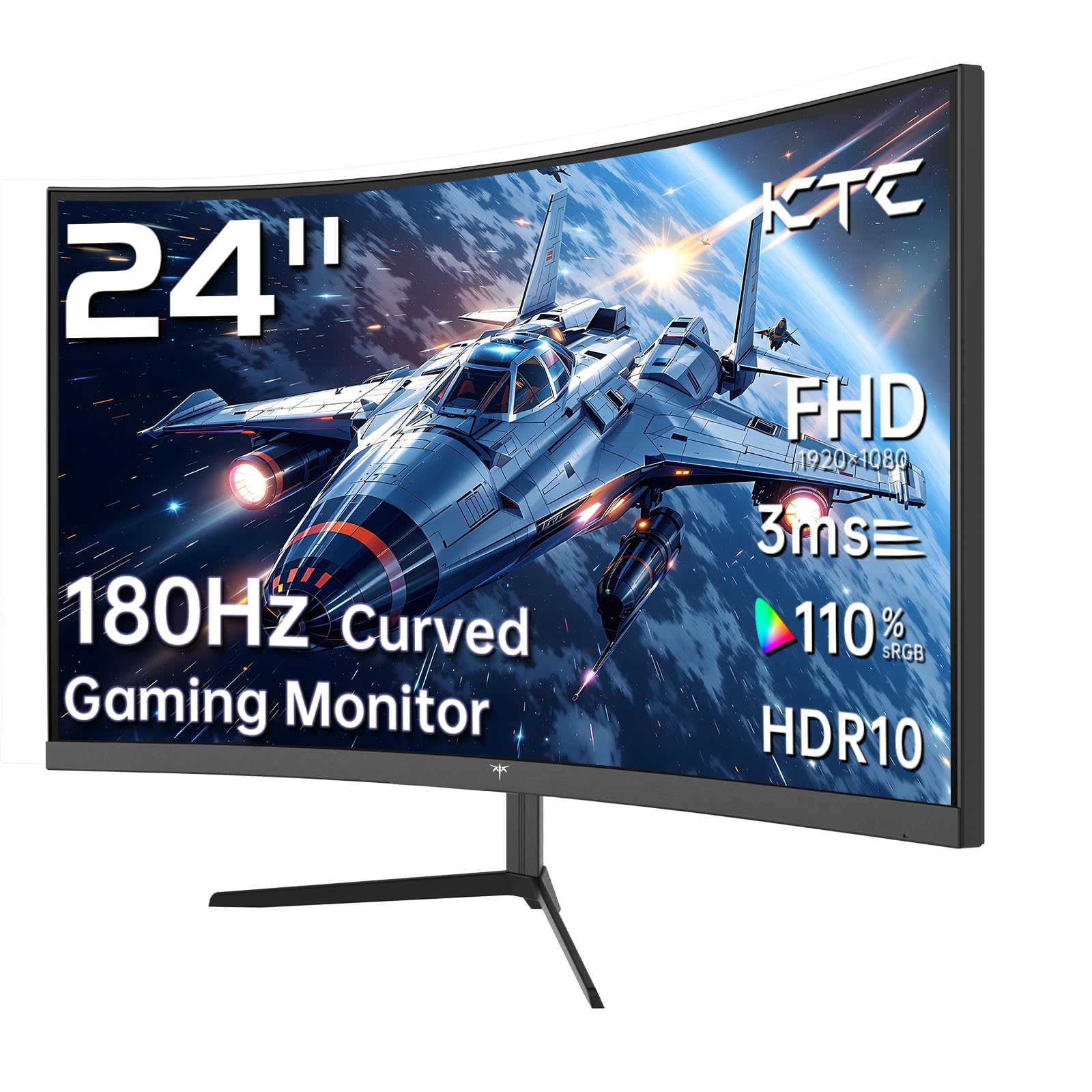
KTC 24 Inch 1500R
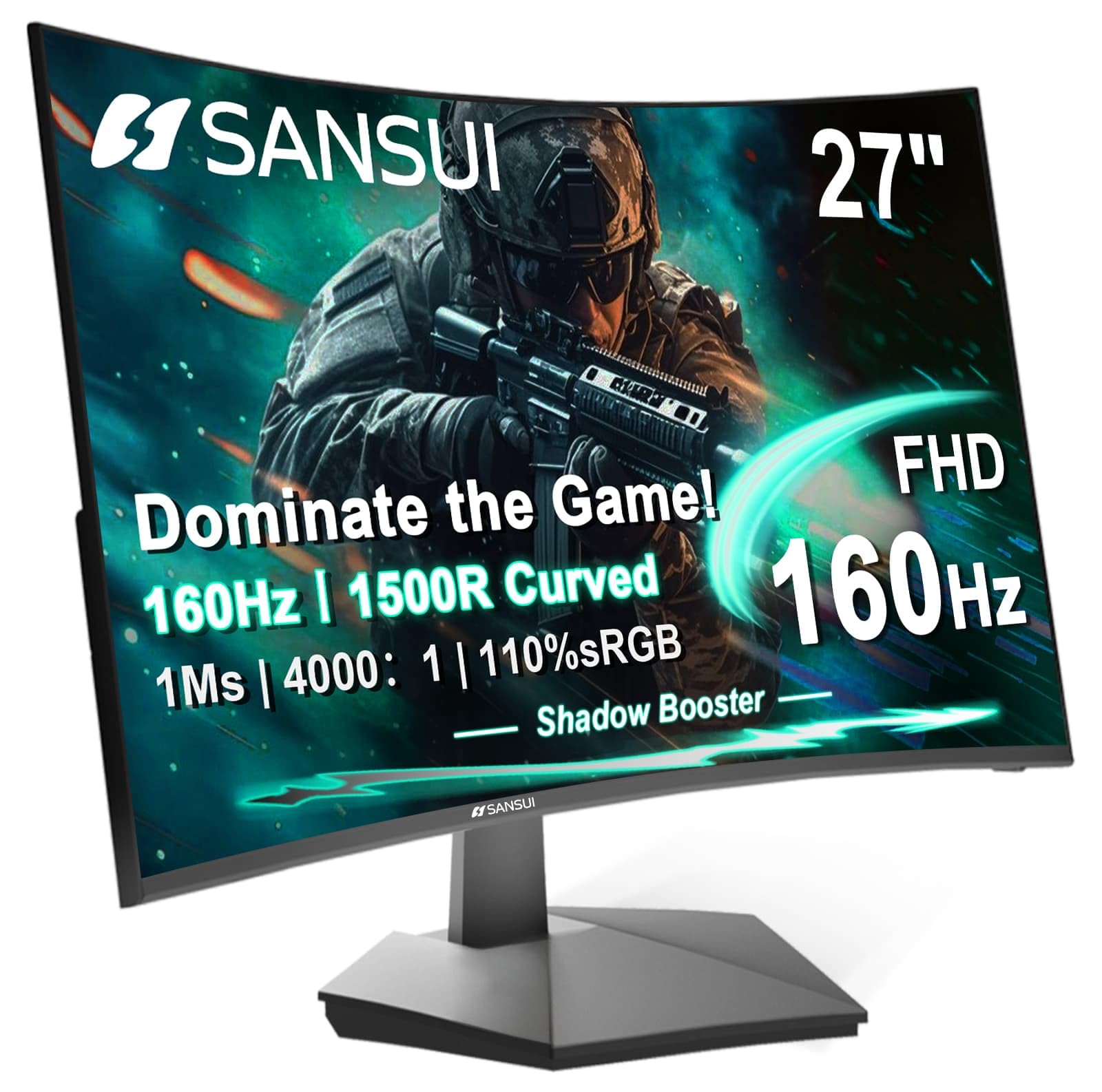
SANSUI 27 Inch Curved
Curved monitors have become a game-changer for both gamers and professionals, offering an immersive viewing experience that flat screens just can’t match. Today, we’re putting two popular budget-friendly options head-to-head: the KTC 24 Inch 1500R Curved Gaming Monitor and the SANSUI 27 Inch Curved 160Hz Gaming Monitor. Both promise high refresh rates, quick response times, and vibrant colors, but they cater to slightly different needs and setups. If you’re torn between a compact, high-performance display and a larger, feature-rich screen, this detailed comparison is for you. We’ll break down every aspect, from specs and real-world performance to customer feedback, so you can make an informed decision without any buyer’s remorse.
Why does this comparison matter? Well, choosing the right monitor is crucial—it’s the window to your digital world, whether you’re fragging enemies, editing videos, or crunching numbers. With so many options on Amazon, it’s easy to get overwhelmed. We’re here to cut through the noise and give you a clear, side-by-side look at these two contenders. You’ll learn about their strengths, weaknesses, and which one aligns best with your gaming style, workspace, and budget. Let’s dive in.
In-Depth Look: KTC 24 Inch 1500R
The KTC 24 Inch 1500R is a compact powerhouse designed for gamers who value speed and immersion without breaking the bank. With a 1500R curvature, it wraps around your field of view, making every game feel more engaging. Let’s peel back the layers and see what makes this monitor tick.
Key Features Analysis: The standout here is the 165Hz refresh rate, though the title mentions 180Hz—this might be a marketing peak, but in practice, 165Hz is still butter-smooth for fast-paced games. Combined with a 1ms response time (likely GTG), motion blur is minimal, giving you a clear edge in competitive shooters. The VA panel delivers deep blacks with a 3000:1 contrast ratio, and color accuracy is impressive for the price, covering 110% sRGB and 90% DCI-P3. Adaptive Sync via FreeSync keeps gameplay tear-free, and HDR support adds a bit of dynamic range, though don’t expect true HDR1000 performance. Connectivity is versatile with two HDMI 2.0 ports and a DisplayPort 1.4, plus audio out for headphones or speakers. Ergonomics are basic with tilt adjustment from -5 to -20 degrees, and it’s VESA mountable for more flexibility.
Pros and Cons:
- Pros: High refresh rate for smooth gaming, excellent color coverage, multiple connectivity options, compact size fits small desks, affordable price point.
- Cons: Tilt-only stand with limited range, brightness is modest at 250 cd/m², HDR is more of a bonus than a game-changer.
Customer Reviews: Real users have shared mixed but largely positive experiences. One gamer said, “I have been pleasantly surprised with this monitor. It was listed for only $110 and I got it $10 off so paid only $100 + tax. To get a 1440p monitor for so cheap is really incredible.” Note: This review mentions 1440p, but the monitor is 1080p—might be a confusion. Another user praised its performance: “The KTC 27″ is a great selection for 1080p gaming! Many would argue the size is unnecessary for 1080p, but if the price is for performance then the trade off is worth it.” This suggests good value for money, though some note the build feels lightweight.
Best For: The KTC 24 Inch 1500R is ideal for competitive gamers with limited desk space, students on a budget, or anyone needing a secondary monitor for multitasking. Its speed and color accuracy make it a solid pick for esports titles and casual content consumption.
In-Depth Look: SANSUI 27 Inch Curved
The SANSUI 27 Inch Curved steps up the game with a larger screen and gamer-centric features, aiming to deliver an immersive experience for both play and work. Its 1500R curve and 160Hz refresh rate promise to pull you into the action. Let’s explore what sets it apart.
Key Features Analysis: Size matters here—the 27-inch display offers more real estate without sacrificing sharpness at 1080p, though pixel density is slightly lower than the 24-inch KTC. The 160Hz refresh rate and 1ms MPRT response time ensure quick visuals, with MPRT focusing on motion clarity. A higher contrast ratio of 4000:1 means deeper blacks, and 300 nits brightness improves visibility in well-lit rooms. Color coverage is 110% sRGB, but it lacks the DCI-P3 support of the KTC. Where the SANSUI shines is in its software extras: Game Assistant with black level adjustment, crosshair, timer, and counter, plus preset modes for FPS, RTS, racing, and more. Connectivity includes HDMI 2.0 and DP 1.4 for 160Hz, and an audio jack, but no built-in speakers. Ergonomics are similar with tilt from -5 to +15 degrees, but it doesn’t swivel or height-adjust.
Pros and Cons:
- Pros: Larger screen for immersion, higher contrast ratio, game-enhancing software features, includes an HDMI cable, good brightness.
- Cons: Tilt-only stand, no height or swivel adjustment, HDR only works via HDMI, some users report ghosting in early units.
Customer Reviews: Feedback highlights both strengths and quirks. One user updated, “Seller warrantied the monitor. New monitor does not have the problems of the old. For the price, and panel type, this is a good gaming. Manufacturer stands by their product and warranty!” This indicates good customer support. Another non-gamer shared, “I love it. I used it to replace a flat 24″ monitor. What difference going up to 27″ has made as well as the curvature.” A third noted, “The quality is nice and the screen is so clear with a beautiful picture,” though some mentioned ghosting during motion.
Best For: The SANSUI 27 Inch Curved is perfect for gamers who want a larger, more immersive display with handy in-game tools. It’s also great for multimedia consumption and general productivity, thanks to its size and preset modes. If you value extra features over pixel density, this could be your match.
Head-to-Head Comparison
Now, let’s pit these monitors against each other in key areas. This will help you see where one might edge out the other based on your priorities.
Gaming Performance: Speed vs Immersion
The KTC 24 Inch 1500R offers a slightly higher refresh rate at 165Hz versus 160Hz on the SANSUI 27 Inch Curved, but in practice, the difference is negligible. Both have 1ms response times, but KTC uses GTG (gray-to-gray) while SANSUI uses MPRT (Moving Picture Response Time). GTG is better for color accuracy, while MPRT reduces motion blur—so for competitive gaming, KTC might have a slight edge, but SANSUI’s game assistant features like crosshair and black level adjustment can give you a tactical boost. If you play fast-paced shooters, KTC’s compact size and faster pixel transition could be beneficial. For immersive RPGs or racing games, SANSUI’s larger screen pulls you in deeper.
Visual Quality: Color and Contrast
Color accuracy is where they diverge. The KTC 24 Inch 1500R covers 110% sRGB and 90% DCI-P3, making it better for content creation or watching HDR content. The SANSUI 27 Inch Curved sticks to 110% sRGB, so colors are vibrant but not as wide. However, SANSUI boasts a 4000:1 contrast ratio compared to KTC’s 3000:1, meaning darker blacks and better shadow detail in games. Brightness is also higher on SANSUI (300 nits vs 250 cd/m²), so it handles glare better. For color-critical work, KTC wins; for contrast-rich scenes, SANSUI shines.
Ergonomics and Build: Flexibility vs Simplicity
Both monitors have tilt-only stands, which is common in budget curved displays. The KTC 24 Inch 1500R tilts from -5 to -20 degrees, while SANSUI 27 Inch Curved tilts from -5 to +15 degrees—so SANSUI offers a bit more upward tilt. Neither swivels or adjusts in height, but both are VESA mountable, so you can add an arm for better ergonomics. Build quality feels lightweight on both, but SANSUI includes an HDMI cable, which is a nice touch. If you plan to mount them, this isn’t a big issue, but for out-of-box use, ergonomics are limited.
Value for Money: Features vs Price
Pricing can fluctuate, but generally, the KTC 24 Inch 1500R is often cheaper due to its smaller size. You get excellent performance per dollar, especially for gaming. The SANSUI 27 Inch Curved costs a bit more but adds a larger screen, higher contrast, and game software features. It’s about whether you prioritize raw speed and color gamut (KTC) or screen real estate and extra tools (SANSUI). For tight budgets, KTC is a steal; for those willing to pay a premium for immersion, SANSUI delivers.
Connectivity and Compatibility
Both monitors support FreeSync for smooth gaming with AMD and NVIDIA cards (via G-Sync Compatible). The KTC 24 Inch 1500R has more ports with two HDMI 2.0 and one DP 1.4, allowing dual console or PC setups easily. SANSUI 27 Inch Curved has one HDMI and one DP, which is sufficient for most users. Both lack USB hubs or built-in speakers, but have audio jacks. For multi-device users, KTC’s extra HDMI port is handy.
Frequently Asked Questions
Q: Which monitor is better for competitive gaming like FPS titles?
A: The KTC 24 Inch 1500R might have a slight edge due to its potentially faster GTG response time and compact size, which reduces eye movement. However, the SANSUI 27 Inch Curved offers game assistant features like a crosshair that can help in shooters. Both have high refresh rates, so it comes down to preference: speed (KTC) or immersive tools (SANSUI).
Q: Is the 27-inch screen too big for 1080p resolution?
A: It depends on your viewing distance. At normal desk distances (2-3 feet), some users might notice pixelation on a 27-inch 1080p screen compared to a 24-inch. If you sit further back or prioritize immersion over sharpness, the SANSUI 27 Inch Curved is fine. For tighter spaces, the KTC 24 Inch 1500R offers better pixel density.
Q: How do the color accuracies compare for photo editing?
A: The KTC 24 Inch 1500R covers 90% DCI-P3, which is better for wider color work, while the SANSUI 27 Inch Curved is limited to sRGB. For casual editing, both are okay, but for professional use, neither is ideal—consider a dedicated IPS monitor. KTC has a slight advantage in color gamut.
Q: Are there any major drawbacks to these monitors?
A: Yes. Both have basic stands with limited adjustability, which might cause neck strain over time. The KTC 24 Inch 1500R has lower brightness, and the SANSUI 27 Inch Curved has reported ghosting issues in some units (though warranties cover this). HDR is basic on both, so don’t expect transformative HDR experiences.
Q: Which one offers better value for a home office setup?
A: For home office use, the SANSUI 27 Inch Curved’s larger screen allows more multitasking windows, and its preset office mode can reduce eye strain. The KTC 24 Inch 1500R is more compact, saving desk space. If you do mostly document work, SANSUI’s size helps; if you mix gaming and work, KTC’s color accuracy might benefit.
Q: Do these monitors work with PS5 or Xbox Series X?
A: Yes, both are compatible. The KTC 24 Inch 1500R supports up to 120Hz via HDMI for consoles, matching the PS5 and Xbox capabilities. The SANSUI 27 Inch Curved also supports 120Hz+ via HDMI, so you’ll get smooth console gaming. Check that you use the correct HDMI ports for high refresh rates.
Q: Can I use these for dual monitor setups?
A: Absolutely. The KTC 24 Inch 1500R is explicitly marketed as supporting dual monitors, and both have VESA mounts for easy stacking or side-by-side arrangements. Their curved design might take some getting used to in multi-monitor configurations, but it’s doable.
Final Verdict: Which One Should You Choose?
Choosing between the KTC 24 Inch 1500R and SANSUI 27 Inch Curved boils down to your specific needs. If you’re a competitive gamer on a budget with limited desk space, the KTC 24 Inch 1500R is a fantastic choice. Its high refresh rate, excellent color coverage, and multiple ports make it a versatile performer for both gaming and light creative work. You’ll appreciate the speed and value it brings.
On the other hand, if you crave a larger, more immersive experience and love extra gaming features, the SANSUI 27 Inch Curved is worth the slight premium. The bigger screen, higher contrast ratio, and game assistant tools enhance gameplay and multimedia consumption. It’s ideal for those who want to get lost in their games or need more screen real estate for productivity.
In summary: for raw performance and color accuracy, go KTC. For immersion and feature-rich gaming, go SANSUI. Both are solid picks in the curved monitor market, and you can’t go wrong with either. Ready to decide? Click the links below to check the latest prices and see which one fits your setup best.

I’m passionate about hardware, especially laptops, monitors, and home office gear. I share reviews and practical advice to help readers choose the right devices and get the best performance.
