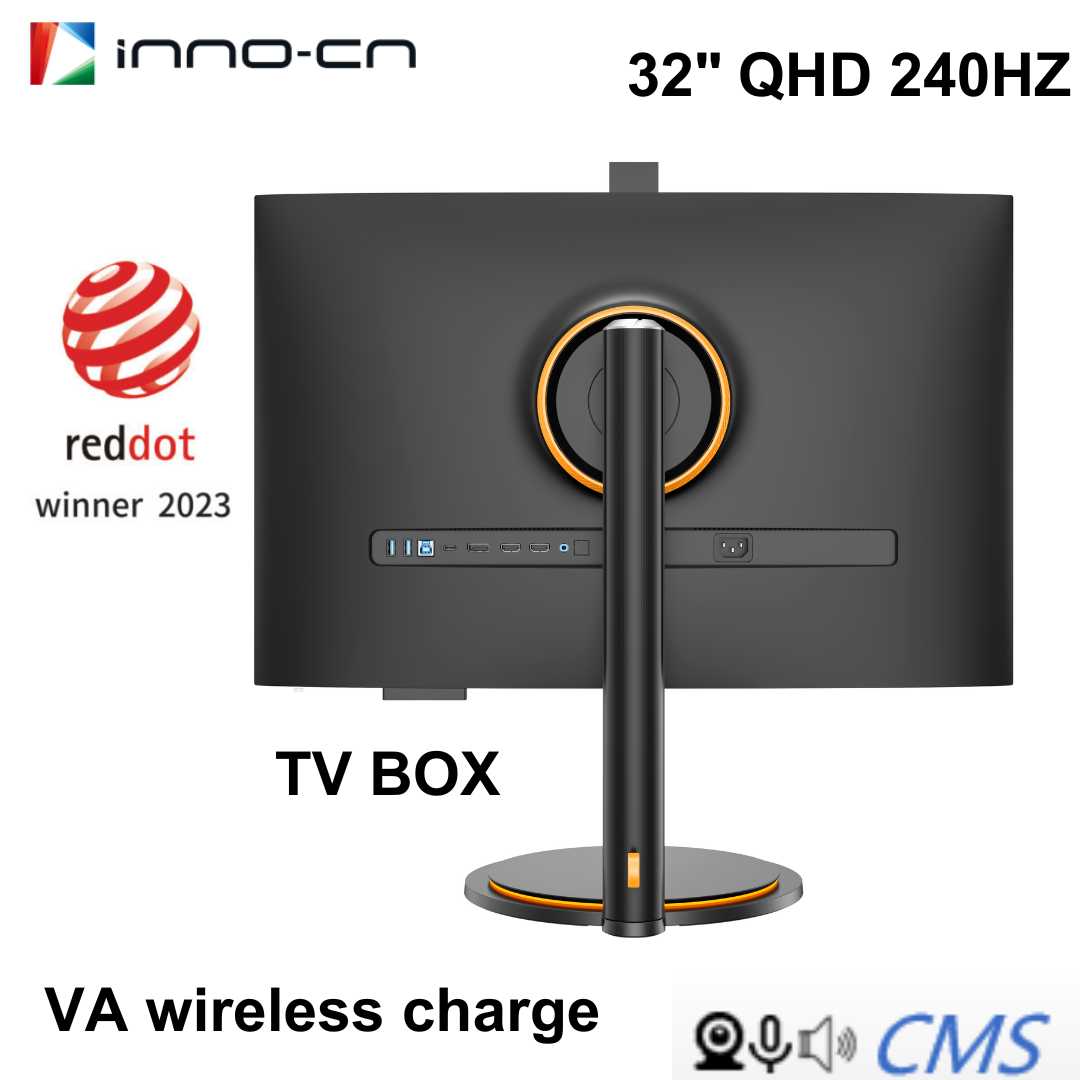
Yes, many gaming monitors come equipped with built-in speakers, but their quality varies. While some models include decent audio output, others might offer only basic sound, prompting gamers to use external speakers or headsets for a better experience.
Gaming monitors often have built-in speakers, but whether they’re sufficient depends on your needs. If you’re looking for an all-in-one solution that saves space and fuss, a monitor with speakers could be convenient. However, for immersive sound quality, especially in competitive gaming or media consumption, external speakers or headphones are usually preferred. It’s important to weigh the convenience against the potential compromise in audio clarity. In this article, we’ll explore the common features of gaming monitors regarding speakers, their benefits, and when you might want to consider alternative audio options to enhance your gaming experience.

Do Gaming Monitors Have Speakers? An In-Depth Look
Many gamers ask whether their gaming monitors come equipped with speakers. This question is important because audio plays a big role in gaming experiences. Knowing if your monitor has built-in speakers can help you decide if you need extra audio devices or if the monitor will suffice.
Are Built-In Speakers Common in Gaming Monitors?
Most gaming monitors do not have built-in speakers. Historically, monitors focus mainly on display quality and refresh rates rather than audio features. However, some models do include speakers, but they are usually basic and may not provide high-quality sound.
Manufacturers often prioritize image quality, response time, and resolution over audio. So, if sound is a priority, you might want to consider external speakers or headphones.
Reasons Why Many Gaming Monitors Lack Speakers
Limited Space Inside the Monitor
Monitors have limited space to fit speakers without increasing the size of the device. To keep monitors slim and lightweight, manufacturers often omit built-in speakers.
Focus on Visual Performance
Gaming monitors are designed for quick response times, high refresh rates, and vivid visuals. Audio features are secondary and often sacrificed for better visual performance.
Better Sound Quality with External Devices
External speakers or headphones generally provide better sound quality. Gamers prefer dedicated audio devices for immersive and clear sound.
Advantages of Having Built-In Speakers on Gaming Monitors
Convenience and Space Saving
Built-in speakers can be handy, especially in small spaces or for quick gaming sessions. They eliminate the need for extra devices, keeping setup simple.
Cost-Effective Solution
Some monitors with built-in speakers offer a budget-friendly way to get audio without purchasing separate speakers or headphones.
Decent for Casual Gaming or Multimedia Use
For casual gaming, watching videos, or everyday use, built-in speakers can be sufficient. They deliver enough sound for less demanding audio needs.
Limitations of Built-In Speakers on Gaming Monitors
Sound Quality Concerns
Most built-in speakers produce sound that is not as clear or rich as external speakers. They often lack bass, volume, and depth, which can diminish the gaming experience.
Limited Volume Range
Speakers integrated into monitors usually do not get very loud. If you prefer loud, immersive sound, these speakers might fall short.
Potential for Distortion
At higher volumes, built-in speakers can produce distortion, impacting sound quality. External speakers are better at handling louder volumes smoothly.
Factors to Consider When Choosing a Gaming Monitor with Speakers
Sound Quality Expectations
Evaluate whether the monitor’s speakers meet your audio needs. Read reviews to understand their sound quality and volume capacity.
Budget and Price Range
Monitors with better built-in speakers tend to cost more. Decide if spending extra for speakers is worth it or if you should allocate funds for external audio devices.
Space and Setup Preferences
If you prefer minimal setup, a monitor with decent speakers could be ideal. For more immersive sound, external speakers or headphones are often better choices.
Popular Gaming Monitors with Built-In Speakers
| Model | Speaker Quality | Additional Features | Price Range |
|---|---|---|---|
| Acer Nitro VG271U | Basic, decent for casual use | High refresh rate, good resolution | Moderate |
| Asus TUF Gaming VG32VQ | Average, enough for casual gaming | Curved display, adaptive sync | Moderate |
| Dell Alienware AW2521H | Better audio, multi-channel | Fast response time, high refresh rate | Higher end |
The Role of External Audio Devices for Gamers
External speakers or headphones often provide superior sound quality compared to built-in monitor speakers. They enhance immersion, especially during intense gaming moments.
Headphones can block out background noise and deliver precise audio cues, which are crucial in competitive gaming.
Speakers, on the other hand, are ideal for shared gaming sessions or casual play where high fidelity isn’t necessary.
Other Related Topics
How Important is Sound Quality in Gaming?
Sound helps in spatial awareness and can give you a competitive edge. Clear, immersive audio can increase enjoyment and performance.
Connecting External Speakers to Your Monitor
Most monitors have audio output ports, making it easy to connect external speakers or headphones. Use the audio jack or HDMI ARC for best results.
Top Tips for Choosing the Right Audio Setup
- Match your budget with your audio quality needs
- Consider using headphones for immersive solo gaming
- Opt for external speakers if sharing gameplay with friends
- Check compatibility of your monitor with audio devices
Summary of Key Points
- Most gaming monitors do not include high-quality speakers
- Built-in speakers are generally basic and suited for casual use
- External audio devices provide better sound experience
- Choosing the right monitor depends on your gaming style and audio preferences
Understanding whether gaming monitors have speakers helps you make informed decisions about your setup. While many monitors include basic speakers, investing in dedicated audio gear often results in a more immersive gaming experience. Consider your space, budget, and audio demands when choosing the best option for your gaming sessions.
A Speaker for Gaming! 🤯
Frequently Asked Questions
Are built-in speakers common on gaming monitors?
Many gaming monitors come with integrated speakers as a standard feature. These built-in speakers are convenient for casual gaming and quick setup, eliminating the need for external audio devices. However, the quality of sound varies between models, with some offering decent audio while others provide more basic sound output.
Can I expect high-quality audio from gaming monitor speakers?
Generally, the speakers embedded in gaming monitors prioritize convenience over audio fidelity. While they can handle basic game sounds and chats, they may lack the depth and clarity found in dedicated speakers or headphones. For immersive audio experiences, many gamers prefer using external sound systems.
Are there gaming monitors without speakers, and why?
Yes, some gaming monitors do not include built-in speakers. Manufacturers might omit speakers to focus on better image quality, faster refresh rates, or other features. Additionally, gamers who prefer high-quality audio often opt for external speakers or headphones for superior sound performance.
Do gaming monitors with speakers require external audio connections?
Most gaming monitors with built-in speakers connect to audio sources via a standard 3.5mm audio jack or HDMI. You can also manage audio through the monitor’s settings. External audio devices are optional but often recommended for improved sound quality and volume control.
Can I add external speakers to a gaming monitor that already has built-in speakers?
Absolutely. If you want better audio quality, you can connect external speakers or a sound system to your monitor. External speakers typically connect via a 3.5mm jack, USB, or optical audio port, giving you enhanced sound performance for gaming and multimedia use.
Final Thoughts
Gaming monitors vary in features, but many come with built-in speakers for convenience. This eliminates the need for external audio devices, saving space and setup time. However, audio quality might not match dedicated speakers or headphones.
Do gaming monitors have speakers? Some models include speakers, but their sound may be basic. For better audio, using external speakers or headphones remains a smarter choice. Overall, built-in speakers add convenience but often compromise on sound quality.

With experience in IT support and consumer technology, I focus on step-by-step tutorials and troubleshooting tips. I enjoy making complex tech problems easy to solve.