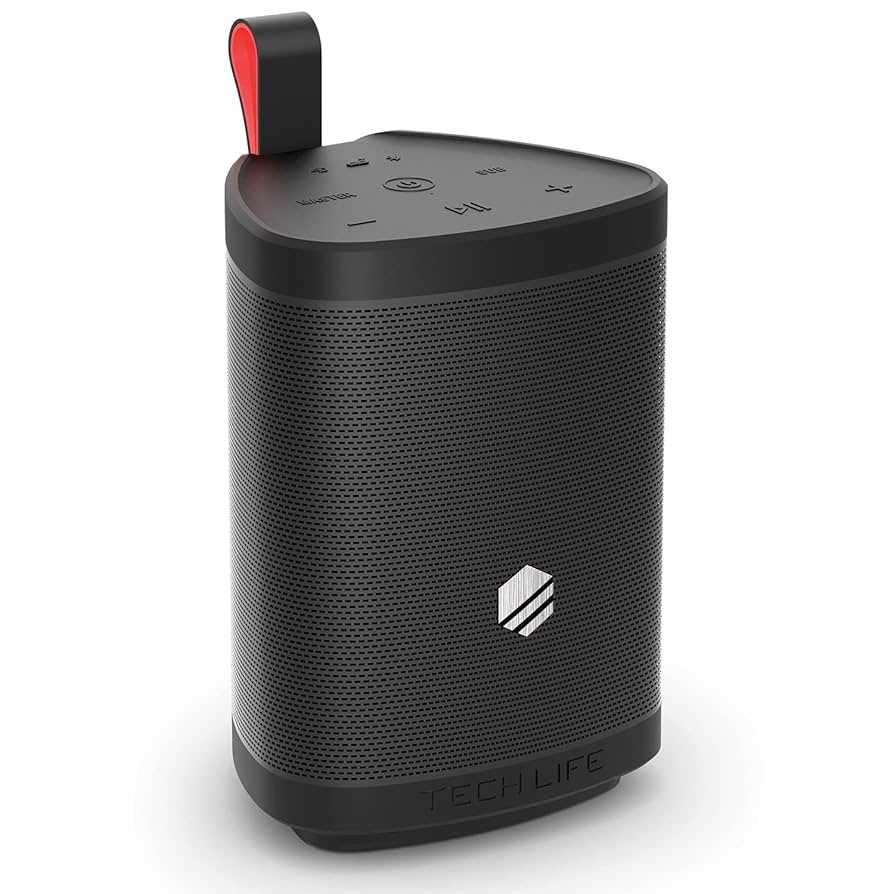
Quick fix for distorted bass on your Bluetooth sound box? Try resetting your device, checking your audio settings, or updating the firmware. Sometimes, simply adjusting the equalizer or reconnecting your device can restore clear, punchy bass.
To fix distorted bass on a Bluetooth sound box, start by resetting the device and ensuring it’s updated with the latest firmware. Check the audio settings and equalizer to make sure no settings are causing the distortion. Reconnecting your device or using a different audio source can also help identify if the issue lies with the source or the speaker itself. These simple steps can dramatically improve your listening experience without the need for costly repairs.
Distorted bass can ruin the enjoyment of your favorite tunes, and it’s often a frustrating problem to deal with. Fortunately, many issues causing this distortion are simple to fix, whether it’s a software glitch, connection problem, or a setting that’s off. In this article, we’ll explore easy and effective ways to repair or improve the bass performance of your Bluetooth sound box, ensuring your music sounds as full and powerful as it should.

How to Fix Distorted Bass on Bluetooth Sound Box
Understanding Why Bass Gets Distorted
Distorted bass often happens when the sound system struggles to handle low-frequency sounds. This distortion can occur because of poor connectivity, hardware issues, or settings that are not optimized for bass. Knowing these causes helps you choose the right fix.
Check the Bluetooth Connection
A weak or interrupted Bluetooth connection can cause audio distortion. Ensure your sound box is within a close range of your device and free from obstacles like walls or other electronics. Sometimes, re-pairing the device improves sound quality.
Steps to Improve Bluetooth Signal Strength
- Turn off and restart your sound box and device.
- Remove any other devices connected via Bluetooth to prevent interference.
- Keep your device and sound box close during pairing.
- Update the Bluetooth driver on your device if using a computer.
Adjust the Equalizer Settings
Many Bluetooth sound boxes have built-in or app-based equalizer controls. Incorrect settings can cause bass distortion by boosting bass frequencies excessively. Fine-tuning these settings ensures balanced sound.
How to Properly Tune Your Equalizer
- Start with flat or neutral settings.
- Gradually increase bass levels while listening to familiar tracks.
- Avoid setting bass levels too high, which causes distortion.
- Adjust mid and treble settings to balance overall sound.
Inspect and Clean the Speaker Components
Dust, dirt, or debris inside the speaker can interfere with sound quality, especially in the bass drivers. Regular cleaning prevents blockages that cause distortion.
Cleaning Tips for Your Speaker
- Power off and unplug the sound box.
- Use a soft, dry brush or cloth to gently remove dust.
- Avoid using liquid cleaners directly on the speaker components.
- Check for visible debris inside speaker grills or ports.
Check for Hardware Damage
Physical damage like cracks or damaged driver components can lead to bass distortion. If your device has been dropped or exposed to moisture, hardware repair may be necessary.
Signs of Hardware Damage
- Unusual noises during playback not caused by settings.
- Low or muffled bass sounds.
- Visible cracks or broken parts on the speaker casing.
When to Seek Professional Repair
If hardware damage is suspected, consult a certified technician or contact the manufacturer. Avoid trying to fix internal components yourself to prevent further damage.
Update Firmware and Software
Firmware updates can fix bugs that cause sound distortions, including bass issues. Check the manufacturer’s website or app for the latest updates.
How to Update Your Bluetooth Sound Box
- Connect your sound box to a Wi-Fi or use Bluetooth if supported.
- Download the official app or visit the manufacturer’s website.
- Follow instructions to install the latest firmware or software update.
- Restart the device and test the bass quality again.
Optimize Placement of the Sound Box
Where you place your sound box affects sound quality. Avoid placing it in enclosed spaces or near reflective surfaces. A good position enhances bass performance and clarity.
Best Placement Practices
- Place the speaker on a flat, stable surface.
- Keep it away from walls or corners for balanced sound dispersion.
- Avoid placing the device inside cabinets or enclosed spaces.
- Position the speaker at ear level for optimal sound experience.
Use External Subwoofers or Bass Boosters
If your sound box lacks sufficient bass, consider pairing it with an external subwoofer. This addition can significantly improve low-frequency sound performance.
Types of External Bass Devices
- Wireless subwoofers compatible with your sound system.
- Portable bass boosters with Bluetooth connectivity.
- Speaker docks with enhanced bass features.
Connecting External Devices
- Ensure compatibility with your Bluetooth sound box.
- Pair the external subwoofer or booster via Bluetooth or auxiliary cable.
- Adjust settings on both devices to optimize bass output.
- Test with different music tracks to check sound improvement.
Reduce Volume and Bass Boosting
Sometimes, high volume levels or excessive bass boost cause distortion. Lowering volume and dialing down bass boost can clear up the sound.
Adjusting Volume and Settings
- Set the volume to a moderate level, avoiding maximum volume.
- Disable or reduce bass boost settings in your device or app.
- Test sound quality after adjustments to ensure clarity.
Try Resetting Your Bluetooth Sound Box
Resetting can clear temporary glitches that cause distorted bass. Most devices have a factory reset option accessible via buttons or app controls.
How to Reset Your Device
- Check the user manual for reset instructions specific to your model.
- Usually, pressing and holding specific buttons for several seconds initiates reset.
- After resetting, re-pair your device and test the sound again.
Additional Tips for Better Bass Sound
Introducing some extra steps can improve your listening experience. Keep software updated, avoid overloading the speaker, and regularly maintain your device.
Extra Tips Include
- Use high-quality audio files for playback.
- Maintain your device in a cool, dry environment.
- Avoid overusing the device for long periods without breaks.
- Check for firmware updates periodically.
Related Topics to Explore
Beyond fixing distorted bass, consider exploring topics like choosing the best Bluetooth speakers, understanding sound equalizers, and tips for prolonging battery life. These can help you get the most out of your sound system and enjoy superior audio quality.
How To Fix A JBL Flip Crackling Sound: Easy Guide!
Frequently Asked Questions
What steps can I take to prevent bass distortion caused by low battery levels?
Ensure your Bluetooth sound box has a full charge before use, as low battery levels can weaken the audio output and cause distortion. Regularly check the battery indicator and recharge the device promptly to maintain optimal sound quality. Avoid using the speaker during draining battery conditions to prevent compromised audio performance.
How does adjusting the equalizer settings help in fixing distorted bass on a Bluetooth speaker?
Modifying the equalizer settings allows you to control bass levels directly. Lower the bass frequencies slightly to reduce distortion or adjust the midrange and treble to balance the sound. Experiment with these settings to find the most distortion-free audio output, especially at higher volumes.
What impact does positioning the speaker have on bass clarity and distortion?
Placing your Bluetooth sound box on a flat, stable surface can enhance bass clarity and reduce distortion. Avoid placing it near walls or corners, which can amplify bass excessively and cause distortion. Elevate or reposition the speaker to find a spot where sound remains clear and balanced.
Can pairing issues with devices cause distorted bass sound and how can I resolve them?
Yes, unstable or poor Bluetooth connections can lead to audio distortions, including bass issues. To fix this, reconnect your device, ensure it’s within close range, and remove any interference from other wireless devices. Re-pair the devices and update the Bluetooth firmware if available for better stability.
Is there a way to clean the speaker’s audio ports to improve bass quality?
Over time, dust and debris can accumulate in the speaker’s ports and affect sound quality. Gently clean the audio input and output ports using a soft, dry brush or a compressed air can. Proper maintenance of these ports helps ensure a clear signal and reduces distortion, especially in the bass frequencies.
Final Thoughts
Pour corriger la distorsion des basses sur une enceinte Bluetooth, vérifiez d’abord si le firmware est à jour. Nettoyez les connexions et repositionnez l’appareil pour éviter les interférences. Ajustez les paramètres audio pour réduire les basses excessives.
Ensuite, testez l’appareil avec différentes sources pour identifier si la distorsion provient du contenu ou du matériel. Si le problème persiste, essayez de réinitialiser l’enceinte ou de contacter le support technique.
En conclusion, pour résoudre la distorsion des basses sur une enceinte Bluetooth, il faut suivre des étapes simples. Si vous cherchez comment fix distorted bass on bluetooth sound box, cela peut souvent être corrigé en ajustant les paramètres ou en effectuant une mise à jour.

I follow the latest trends in smart devices, portable monitors, and gaming accessories. My goal is to provide real-world insights that help readers make smarter tech decisions.