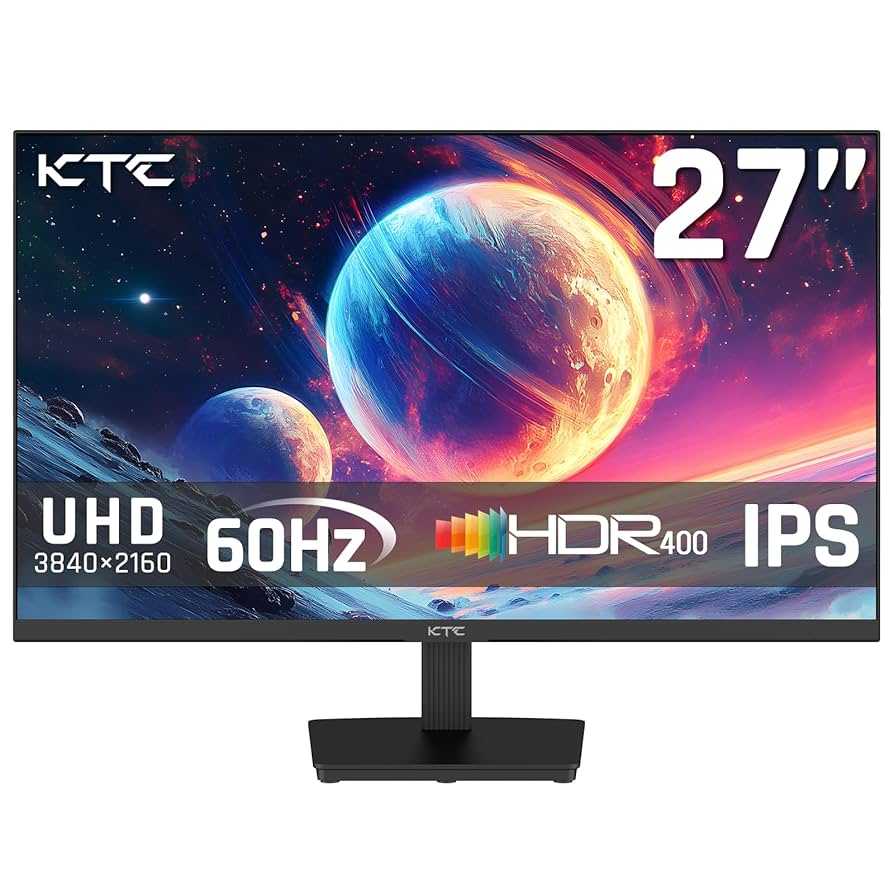
A 60Hz monitor can suffice for basic design tasks, but it may fall short for professional or highly detailed work. If you’re into intricate graphics, animation, or fast-paced editing, higher refresh rates and better color accuracy are recommended. For casual or entry-level design projects, a 60Hz display might be adequate, but for serious creators, investing in a higher-spec monitor offers a noticeable difference.
In short, a 60Hz monitor is okay for light, casual design work, but it’s not ideal for professionals who need smooth visuals and precise color fidelity. Upgrading to a higher refresh rate and better resolution can significantly improve your workflow and output quality, making your creative process more enjoyable and efficient.
Starting your journey into design with a 60Hz monitor? While it’s a budget-friendly option, it’s important to understand its limitations. Refresh rate is crucial for fluid visuals, especially when working on detailed or fast-moving projects. If you’re serious about design, opting for a monitor with at least 75Hz or higher, alongside good color support, can enhance your productivity and the quality of your work. Even for hobbyists, choosing the right display can make a difference in how your work looks and feels, so weigh your needs carefully before making a decision.

Is 60Hz Monitor Okay for Design Work?
Understanding Refresh Rates and Their Role in Design
A refresh rate tells us how many times a monitor updates its image every second. Common refresh rates include 60Hz, 75Hz, 120Hz, and higher. Many monitors, especially budget ones, use 60Hz because it provides a steady image suitable for most general tasks. But is this refresh rate sufficient for design work? Let’s explore how refresh rates impact designers.
For most design tasks, a **60Hz monitor is generally acceptable**. It displays smooth motion for static images, text, and basic animation workflows. However, when working with intricate animations or real-time editing, higher refresh rates can provide advantages.
Understanding the importance of refresh rate helps determine whether a 60Hz monitor meets your specific needs. For instance, static graphic design may not require a higher refresh rate, but tasks involving smoothness or real-time feedback can benefit from it.
How Refresh Rate Affects Visual Comfort and Productivity
A higher refresh rate can lead to a more comfortable viewing experience. When working on long design sessions, smoother motion reduces eye strain and fatigue.
A 60Hz monitor is usually adequate for most static design work like photo editing or layout creation. It provides clear, stable images without flickering. Yet, if your workflow involves frequent scrolling or reading lengthy documents, higher refresh rates can make transitions feel less choppy.
Some designers report that higher refresh rates help reduce headaches and fatigue. This is particularly true when engaging in demanding tasks that require quick movements or rapid updates on the screen.
Is a 60Hz Monitor Enough for Graphic Design?
Graphic design focuses heavily on static images, color accuracy, and fine details. For these tasks, a **60Hz refresh rate does not typically hinder performance**. The key factors for graphic design are resolution, color accuracy, and monitor size.
A 60Hz monitor with a high resolution (like 4K or QHD) can deliver sharp, detailed images essential for precise editing. Therefore, for static image work, 60Hz is more than adequate.
However, if you incorporate multimedia elements or video editing into your workflow, considering a monitor with a higher refresh rate might improve your experience. It provides smoother playback and editing of motion graphics, which can be beneficial.
Motion and Animation Work on a 60Hz Monitor
Designers who work heavily with animations or video editing should pay close attention to refresh rates. Although a 60Hz monitor can display animations smoothly, higher refresh rates (like 120Hz or 144Hz) can make motion appear even more fluid.
In animation workflows, smooth previewing of movement helps catch errors early. For video editing, higher refresh rates facilitate more accurate real-time playback.
If your focus is primarily on creating static assets, then a 60Hz refresh rate won’t limit your abilities. But if your work involves a lot of motion previewing, consider a monitor with a higher refresh rate.
Color Accuracy and Its Significance in Design
Color accuracy is crucial for design work, regardless of refresh rate. Look for monitors with high color gamut coverage (like AdobeRGB or DCI-P3) and factory calibration.
Some 60Hz monitors come with excellent color accuracy, making them suitable for professional tasks. For instance, professional-grade monitors with 60Hz refresh rates can deliver precise colors needed for branding and print design.
Remember that refresh rate alone doesn’t determine your display’s quality—resolution, response time, and color depth are equally important.
Response Time and Its Impact on Design Tasks
Response time indicates how quickly a pixel changes from one color to another. For design work, especially involving fast interactions or animations, lower response times are preferable.
A typical 60Hz monitor tends to have response times ranging from 5 to 8 milliseconds, which is acceptable for most static tasks. If you work with fast-paced multimedia editing, look for models with response times below 5 milliseconds for better clarity.
While not as critical as refresh rate in static design, response time influences the overall display quality during rapid movements.
Budget Considerations: Is a 60Hz Monitor Cost-Effective for Designers?
Budget plays a significant role when choosing a monitor for design work. Most budget-friendly monitors operate at 60Hz but still offer high resolution and good color reproduction.
If you are starting out or working with a limited budget, a 60Hz monitor can serve well for most fundamental design tasks. It allows you to save funds for other essential tools like a graphics tablet or high-performance computer.
Premium monitors with higher refresh rates tend to cost more. But for many designers, investing in a 60Hz display with excellent resolution and color accuracy provides good value.
Related Topics to Consider for Design Monitors
- Screen Resolution: Higher resolutions like 4K or QHD enhance detail and workspace.
- Color Gamut: Monitors with wider color gamuts improve color fidelity.
- Panel Type: IPS panels offer better color accuracy and viewing angles compared to TN or VA.
- Connectivity Options: Ensure the monitor supports your devices with the required ports.
- Ergonomics: Adjustable stands and eye-care features increase comfort during long hours.
Additional Factors Influencing the Choice of a Monitor for Design
While refresh rate is important, consider other specifications to ensure your monitor matches your design needs.
Prioritize resolution and color accuracy over refresh rate for static work. For dynamic projects like animation or video editing, a higher refresh rate can add value but is not always essential.
Look at familiarity and compatibility with your existing hardware to prevent issues like color mismatches or connectivity problems.
Final Thoughts on a 60Hz Monitor for Design Work
A 60Hz monitor can handle most design tasks effectively, especially when paired with high resolution and good color performance. It provides a stable image for static images, text work, and basic animation.
For professionals needing ultra-smooth motion and real-time feedback, monitors with higher refresh rates might be preferable. However, for many design projects, a well-calibrated 60Hz display remains a practical, economical option.
Ultimately, the decision depends on your workflow, budget, and specific design requirements. Be sure to consider all factors like resolution, color accuracy, response time, and ergonomics to choose the best monitor for your creative tasks.
FPS VS Refresh Rate
Frequently Asked Questions
Does a 60Hz monitor affect color accuracy during design work?
A 60Hz monitor generally provides stable visuals suitable for most design tasks. While higher refresh rates can improve motion smoothness, they do not impact color accuracy directly. As long as the monitor has good color calibration capabilities and covers the appropriate color gamuts (like sRGB or Adobe RGB), a 60Hz display can deliver accurate colors essential for professional design work.
Can a 60Hz refresh rate cause issues with detailed graphic editing?
In most cases, a 60Hz refresh rate does not interfere with detailed graphic editing. Design work often involves static images or slow-moving elements, which a 60Hz monitor handles comfortably. If your work involves fast-paced animations or video editing, higher refresh rates might be more beneficial, but for static graphics, 60Hz remains adequate.
Is a 60Hz monitor suitable for multitasking in design projects?
Yes, a 60Hz monitor can support multitasking effectively. The refresh rate mainly influences motion clarity; for managing multiple windows, color accuracy, and resolution are more critical factors. Make sure your monitor has enough screen real estate and a high enough resolution to handle multiple design applications simultaneously without compromising workflow.
How does a 60Hz monitor impact long hours of designing sessions?
Using a 60Hz monitor during extended design sessions does not typically cause fatigue or discomfort. As long as the monitor has proper brightness, contrast, and eye care features, it provides a comfortable experience. If you notice eye strain, consider taking regular breaks and adjusting display settings for better ergonomics.
Is response time on a 60Hz monitor important for design work?
Response time is less critical for design tasks compared to gaming or video editing. A standard 60Hz monitor usually offers adequate response times for detailed work, ensuring that screen lag doesn’t interfere with precision tasks. Prioritize color accuracy and resolution over response time for optimal design performance.
Final Thoughts
A 60Hz monitor can be suitable for basic design work, especially if you prioritize budget or space. However, higher refresh rates are preferred for detailed, fast-paced editing. For most static design tasks, the difference may not be noticeable. Ultimately, understanding your specific needs and workflow will help determine if a 60Hz monitor is okay for design work.

With experience in IT support and consumer technology, I focus on step-by-step tutorials and troubleshooting tips. I enjoy making complex tech problems easy to solve.