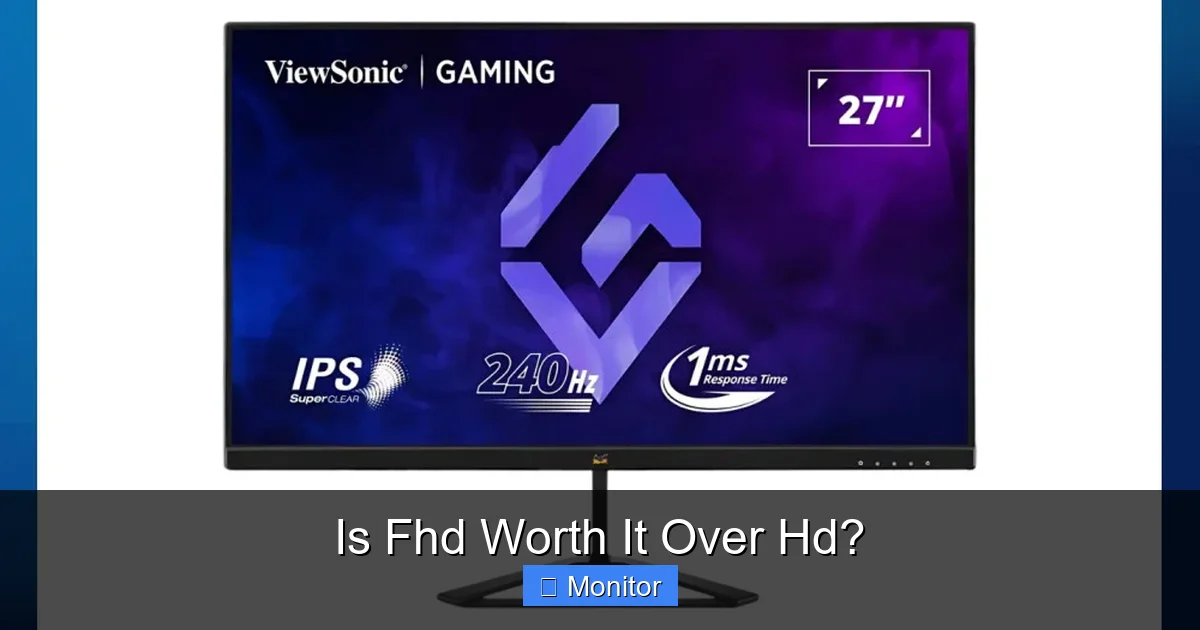
Choosing between HD (720p) and Full HD (1080p) displays is a common dilemma for consumers, from laptops to monitors. While HD offers basic visuals, FHD provides significantly sharper images, finer detail, and a more immersive experience, especially on larger screens. The decision hinges on your budget, screen size, and primary use case, as FHD generally offers a superior visual upgrade for most modern applications, gaming, and content consumption, making the case for FHD over HD quite compelling for many.
In a world brimming with dazzling displays, picking the right monitor or screen can feel like navigating a maze. One of the most common dilemmas people face revolves around resolution: specifically, is FHD worth it over HD? It’s a question that pops up whether you’re buying a new laptop, a desktop monitor, or even a television. You see these terms, “HD” and “FHD,” thrown around all the time, but what do they truly mean for your eyes and your wallet?
For many years, High Definition (HD) was the gold standard, offering a significant leap from older, blurrier resolutions. But then came Full High Definition (FHD), promising an even sharper, more detailed picture. Is the difference significant enough to warrant the upgrade, or is it just marketing hype? We’re here to demystify the pixels, performance, and price tags to help you make an informed decision about whether going for FHD over HD is the right move for you.
Let’s dive deep into the world of screen resolutions, examining everything from the technical specifications to real-world usage scenarios. By the end of this article, you’ll have a crystal-clear understanding of the pros and cons, empowering you to choose a display that perfectly fits your needs and budget, and truly answer the question: is FHD worth it over HD?
Key Takeaways
- Resolution Difference: HD (High Definition) typically refers to 1280×720 pixels (720p), while FHD (Full High Definition) is 1920×1080 pixels (1080p). FHD packs more than twice the pixels of HD.
- Visual Clarity: FHD offers a noticeable improvement in sharpness, detail, and text clarity compared to HD, especially on screens 21 inches and larger. Pictures and videos look much crisper.
- Performance Impact: Driving an FHD display requires more graphical processing power than an HD display. This is a crucial consideration for gamers or users of demanding software, as it can impact frame rates and overall system responsiveness.
- Cost vs. Value: While FHD monitors or devices traditionally cost more, the price gap has significantly narrowed. The enhanced visual experience often justifies the slight extra cost for most users, making FHD a better value in the long run.
- Ideal Use Cases: FHD is highly recommended for gaming, content creation, watching movies, and general productivity where text and detailed visuals are important. HD might suffice for very small screens, budget-conscious users, or basic tasks.
- Future-Proofing: Most new content, applications, and streaming services are optimized for or delivered in FHD resolution or higher. Opting for FHD ensures better compatibility and longevity for your display investment.
- Other Factors: Don’t forget that panel type (IPS, VA, TN), refresh rate, response time, and color accuracy also play significant roles in the overall viewing experience, alongside resolution.
Quick Answers to Common Questions
Is FHD always better than HD?
Generally, yes. FHD offers more than twice the pixels of HD, leading to a much sharper, more detailed, and visually superior image on most screen sizes. For almost all modern use cases, FHD provides a significantly better experience.
Does FHD use more battery than HD on a laptop?
Yes, an FHD display typically consumes slightly more battery power than an HD display on a laptop. More pixels require more backlight and processing power, which can lead to a marginal reduction in battery life, though often not a deal-breaker for most users.
Can I play HD games on an FHD monitor?
Yes, you can absolutely play HD (720p) games on an FHD (1080p) monitor. The monitor will simply upscale the 720p image to fit the 1080p screen, though it might appear slightly less sharp than a native 720p display or a game running natively at 1080p.
Is the difference between HD and FHD noticeable on a smartphone?
On very small smartphone screens (e.g., 5 inches or less), the difference might be less dramatic than on a large monitor due to the already high pixel density. However, most modern smartphones now come with FHD or higher resolutions, which still offer a noticeably crisper display for text and images.
Do I need a special cable for FHD over HD?
No, standard display cables like HDMI, DisplayPort, or DVI can easily handle FHD (1080p) resolution. You generally won’t need a “special” cable just for FHD, as these cables have been supporting 1080p for many years.
📑 Table of Contents
- Understanding Resolution: HD vs. FHD Explained
- The Visual Difference: What Your Eyes Will See
- Performance Impact: Does More Pixels Mean More Power?
- Cost Considerations: The Price Tag of Pixels
- Use Cases and Your Needs: Who Benefits Most?
- Beyond Resolution: Other Factors to Consider
- Conclusion: The Verdict on FHD Over HD
Understanding Resolution: HD vs. FHD Explained
Before we can compare, let’s clearly define what we’re talking about. Resolution refers to the number of individual pixels that make up a display. More pixels generally mean more detail and a sharper image.
What is HD (720p)?
HD, often referred to as 720p, stands for High Definition. This resolution typically has 1280 pixels horizontally and 720 pixels vertically. If you multiply those numbers, you get 921,600 pixels in total. Back in its day, 720p was revolutionary, offering a crispness far superior to standard definition (SD) content. It’s still common in smaller, more budget-friendly devices, entry-level laptops, and some smaller TVs.
What is FHD (1080p)?
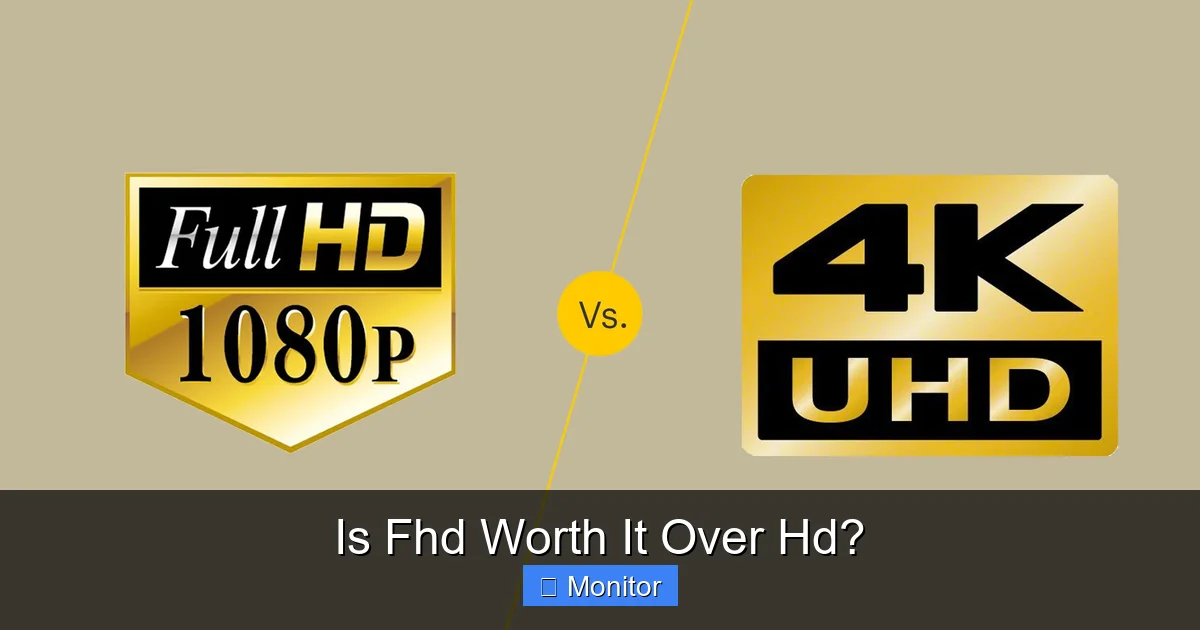
FHD, or Full High Definition, is commonly known as 1080p. This resolution boasts 1920 pixels horizontally and 1080 pixels vertically, totaling 2,073,600 pixels. That’s more than double the number of pixels found in an HD (720p) display! This significant increase in pixel count is what allows FHD screens to display much finer details and sharper images. It has become the standard for most modern monitors, laptops, smartphones, and televisions.
The Pixel Count Difference
The core of the “FHD over HD” discussion lies in this pixel count. With more than twice the pixels, an FHD display has a much greater capacity to render intricate details, smooth lines, and clear text. Think of it like drawing a picture with more dots per inch – the more dots you have, the more precise and detailed your drawing can be.
The Visual Difference: What Your Eyes Will See
So, what does this pixel count translate to in terms of your actual viewing experience? The visual difference between FHD over HD can be quite striking, especially depending on screen size and viewing distance.
Visual guide about Is Fhd Worth It Over Hd?
Image source: lifewire.com
Sharpness and Detail
The most immediate and noticeable benefit of FHD is increased sharpness. On an FHD screen, images appear crisper, and fine details that might be lost or appear blurry on an HD screen become clear. Text looks much smoother, making reading for extended periods less fatiguing. For instance, if you’re looking at a photograph of a cityscape, individual windows or distant features will be much more defined on an FHD display.
Pixel Density (PPI)
Pixel Density, or Pixels Per Inch (PPI), is a crucial factor. It describes how many pixels are packed into a single inch of screen space. A higher PPI generally results in a smoother, less pixelated image. Because FHD screens pack more pixels into the same physical screen size, they naturally have a higher PPI than HD screens of the same size. This higher PPI is precisely why FHD offers a superior visual experience.
- Example: A 24-inch HD monitor will have a significantly lower PPI than a 24-inch FHD monitor. The individual pixels on the HD screen might be discernible, giving a slightly “screen-door” effect, while the FHD screen will look much smoother.
Gaming and Media Consumption
For gamers, the difference is profound. Game worlds feel more immersive, with textures and environmental details popping with clarity. Fast-paced action benefits from the increased sharpness, helping you spot enemies or details more easily. When watching movies or streaming high-resolution content, FHD provides a far more cinematic experience, allowing you to appreciate the director’s vision without pixelation distracting you from the story. The vibrant colors and subtle gradients often look better on an FHD panel due to the higher detail available.
Performance Impact: Does More Pixels Mean More Power?
This is where the conversation around “FHD over HD” gets a bit technical, but it’s vital, especially for specific types of users. More pixels aren’t a free upgrade; they demand more from your computer’s hardware.

Visual guide about Is Fhd Worth It Over Hd?
Image source: cdn.shopify.com
The Role of the GPU (Graphics Processing Unit)
Your graphics card, or GPU, is responsible for rendering all those pixels on your screen. When you double the number of pixels, you essentially double the amount of work your GPU has to do for every frame it renders. This means:
- For Gaming: If you’re playing a game at 720p, your GPU might achieve 60 frames per second (FPS). The exact same game at 1080p (FHD) on the same GPU will likely see a significant drop in FPS, perhaps to 30-40 FPS, depending on the game and settings. This is because the GPU is working harder to draw each frame at the higher resolution.
- For Content Creation: Video editors, 3D modelers, and graphic designers will also find that their software demands more processing power from the GPU when working with high-resolution canvases or rendering complex scenes on an FHD display.
CPU and RAM Considerations
While the GPU takes the primary hit, your CPU (Central Processing Unit) and RAM (Random Access Memory) also play supporting roles. A stronger CPU can help process game logic and feed data to the GPU more efficiently. More RAM allows for smoother multitasking, which is especially beneficial when running demanding applications that might leverage an FHD display. However, for most general tasks like web browsing, word processing, or watching videos, the performance impact of FHD over HD on your CPU and RAM is negligible.
When to Consider Your Hardware
If you’re building a new PC or buying a high-end laptop, opting for a system with a dedicated graphics card (not just integrated graphics) is highly recommended to fully enjoy the benefits of an FHD display, especially for gaming or professional applications. If you have an older or budget-oriented system, sticking with HD might offer a smoother experience for demanding tasks, though many modern integrated graphics can handle FHD for basic productivity and streaming without issue.
Cost Considerations: The Price Tag of Pixels
Budget is always a factor in any purchasing decision. So, how does the cost of FHD over HD compare?
Visual guide about Is Fhd Worth It Over Hd?
Image source: hdwallpapers.in
Monitors and Laptops
Historically, FHD monitors and laptops were noticeably more expensive than their HD counterparts. This gap has significantly narrowed over the past few years. FHD (1080p) has become the new standard, meaning production costs have come down, and it’s much easier to find affordable FHD options.
- Entry-Level: You can still find very inexpensive HD monitors or laptops, often below $150-$200. These are typically smaller screens (15 inches or less for laptops, 20 inches or less for monitors).
- Mainstream: The sweet spot for value is now firmly in the FHD camp. You can find excellent 24-inch FHD monitors for around $100-$180, and many laptops in the $400-$700 range come standard with FHD displays.
The Value Proposition
While an HD monitor might save you a few dollars upfront, the enhanced visual experience and the longevity of an FHD display often represent better long-term value. With most content now being produced and consumed in 1080p or higher, an HD display can quickly feel outdated and limit your enjoyment of media. The slight extra investment for FHD over HD is usually well worth it for the improved clarity and future-proofing.
Use Cases and Your Needs: Who Benefits Most?
The question of “is FHD worth it over HD?” heavily depends on how you plan to use your screen. Let’s look at different scenarios.
For the Casual User (Web Browsing, Email, Basic Tasks)
If your primary activities involve checking emails, browsing the web, using word processors, or light social media, an HD screen might be “good enough.” However, even for these tasks, the crispness of text and images on an FHD display makes for a more comfortable and pleasant experience. Reading long articles or viewing image-heavy websites is simply better on FHD over HD.
For Gamers (Casual to Enthusiast)
This is where FHD truly shines. Whether you’re playing competitive esports titles or immersive single-player adventures, the increased detail and clarity enhance the gaming experience significantly. You’ll spot enemies more easily, appreciate game world textures, and generally feel more connected to the action. For any serious gamer, opting for FHD over HD is almost a no-brainer, provided your graphics card can handle it at a decent frame rate.
For Content Creators and Professionals
If you work with graphic design, video editing, photography, or coding, FHD is practically a requirement. The extra screen real estate and pixel density allow you to see more of your work without zooming, display finer details in images, and work with multiple windows more efficiently. For tasks where precision and visual accuracy are paramount, the benefits of FHD over HD are immense.
For Movie Buffs and Streamers
If you love watching movies, TV shows, or streaming content from services like Netflix, Hulu, or YouTube, an FHD display will provide a much more enjoyable and immersive experience. Most streaming services offer content in 1080p, and viewing it on an HD screen means you’re not getting the full quality intended by the creators. The difference in clarity and detail for video content with FHD over HD is very noticeable.
Beyond Resolution: Other Factors to Consider
While resolution is a significant factor, it’s not the only one. When buying a new display, keep these other elements in mind, as they can collectively impact your answer to “is FHD worth it over HD?”
Panel Type (IPS, VA, TN)
- IPS (In-Plane Switching): Best for color accuracy and wide viewing angles. Great for content creation and general use.
- VA (Vertical Alignment): Offers excellent contrast ratios and deep blacks, good for movies and some gaming.
- TN (Twisted Nematic): Fastest response times, often found in high-refresh-rate gaming monitors, but with poorer color and viewing angles.
Refresh Rate
Measured in Hertz (Hz), this indicates how many times the screen refreshes per second. A higher refresh rate (e.g., 144Hz vs. 60Hz) results in smoother motion, which is especially beneficial for gaming.
Response Time
Measured in milliseconds (ms), this is how quickly pixels can change color. Lower response times (e.g., 1ms vs. 5ms) reduce motion blur, another important factor for competitive gaming.
Color Accuracy and Brightness
A monitor with good color calibration and sufficient brightness (measured in nits) will make everything look more vibrant and true-to-life, regardless of resolution. Look for specifications like sRGB coverage for color accuracy.
Screen Size
The impact of resolution is inversely proportional to screen size. On a very small screen (e.g., a 13-inch laptop), the difference between HD and FHD might be less noticeable due to the high inherent pixel density. However, on larger screens (21 inches and above), FHD over HD becomes strikingly obvious.
Conclusion: The Verdict on FHD Over HD
So, after weighing all the factors, is FHD worth it over HD? For the vast majority of users today, the answer is a resounding yes. The significantly sharper image, finer detail, and superior visual experience offered by FHD (1080p) make it the clear winner in almost every scenario, from casual browsing and productivity to immersive gaming and high-quality media consumption.
While HD (720p) might suffice for very niche cases like extremely budget-constrained purchases or very small screen sizes, the benefits of FHD far outweigh its slight performance demands (which are easily met by most modern hardware) and minimal cost difference. Investing in FHD ensures you’re getting a display that can truly showcase modern content and applications, providing a more future-proof and enjoyable experience for years to come. Make the leap to Full HD; your eyes will thank you.
Frequently Asked Questions
What do 720p and 1080p actually mean?
720p refers to a display resolution of 1280 pixels wide by 720 pixels high, often called HD. 1080p refers to 1920 pixels wide by 1080 pixels high, known as Full HD (FHD). The “p” stands for progressive scan, a method of displaying images on a screen.
Will an FHD monitor make my old computer slower?
An FHD monitor itself won’t make your computer slower for basic tasks like browsing or word processing. However, if you try to run demanding applications or games at the higher FHD resolution, your computer’s graphics card will have to work harder, which could result in lower frame rates or slower performance compared to running them at HD.
Is FHD still relevant with 4K and 8K available?
Absolutely. While 4K and 8K offer even greater detail, FHD remains the most common and practical resolution for a vast majority of users. It offers an excellent balance of visual quality, performance requirements, and affordability, especially for screens up to 27 inches, making it extremely relevant today.
Does screen size matter when choosing between HD and FHD?
Yes, screen size matters significantly. On smaller screens (e.g., below 20 inches), the difference between HD and FHD might be less pronounced. However, on larger screens (21 inches and up), the higher pixel density of FHD becomes much more apparent, providing a dramatically sharper and more comfortable viewing experience compared to HD.
Can I tell the difference between HD and FHD with my own eyes?
For most people, especially on screens 21 inches or larger and at typical viewing distances, the difference between HD and FHD is quite noticeable. FHD will appear significantly sharper, with clearer text and more defined details, making it easy to distinguish from HD’s slightly softer or pixelated image.
Should I upgrade to FHD if my internet speed is slow?
Upgrading your monitor to FHD won’t directly improve your internet speed, but it will allow you to view high-resolution content in its intended quality when your internet speed *does* permit it. If your internet is consistently too slow to stream 1080p content, an FHD monitor won’t magically make it buffer faster, but it will be ready for when your connection improves or for local content.

With experience in IT support and consumer technology, I focus on step-by-step tutorials and troubleshooting tips. I enjoy making complex tech problems easy to solve.