
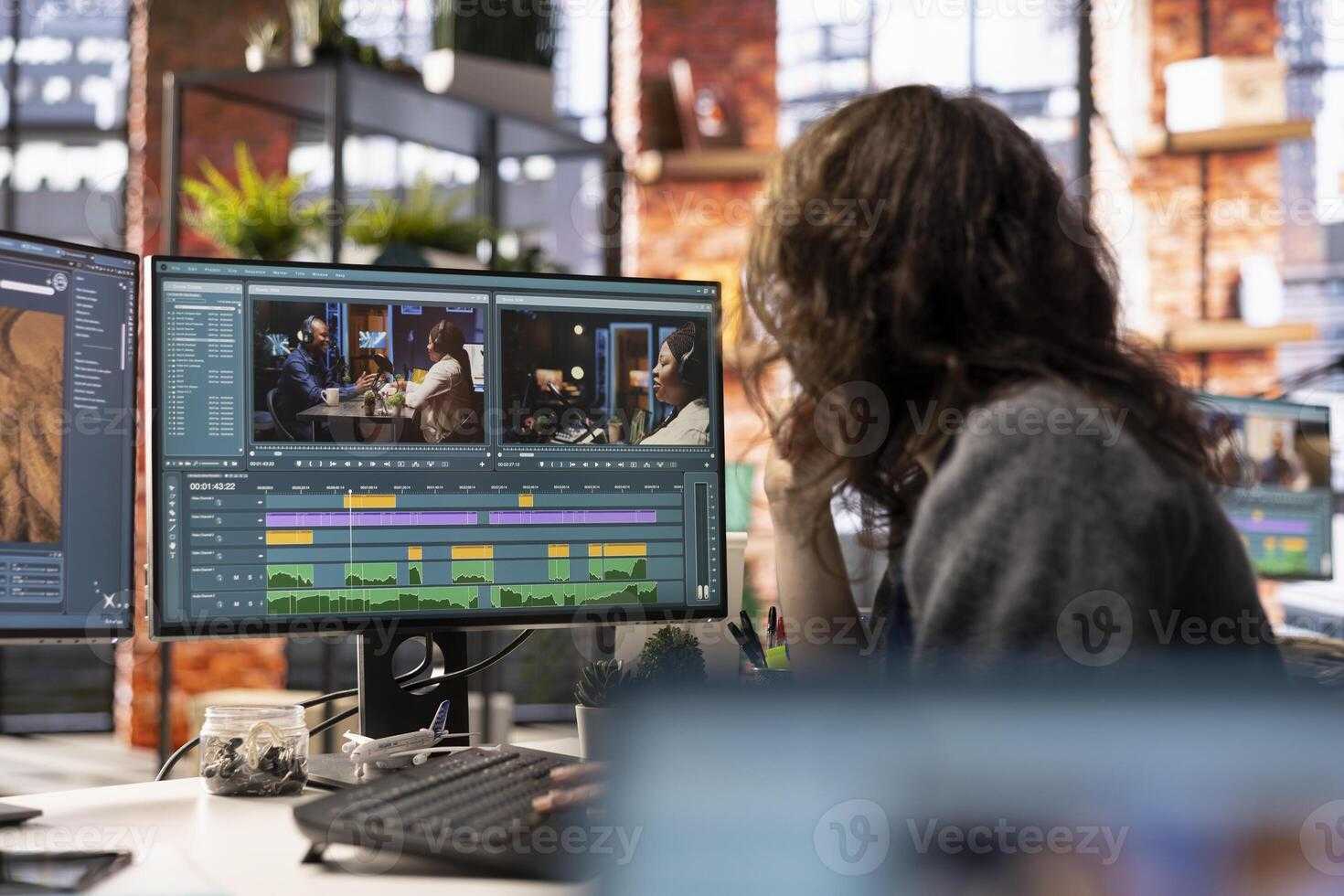
Professional editors rely on reference monitors because they provide an accurate and consistent view of the visual content, essential for making precise editing decisions. These monitors eliminate guesswork and ensure the final product looks good across different screens and environments. In short, reference monitors are critical tools that help editors deliver polished, professional results by offering true-to-life color, contrast, and clarity.
Using a reference monitor allows editors to see their work as it will appear to viewers, avoiding misjudgments caused by inaccurate displays. These monitors deliver highly detailed images with accurate color reproduction and steady calibration, which are vital for color grading, visual effects, and precise editing. Since the quality of the final video hinges on how well the content is viewed during editing, professionals choose reference monitors to maintain high standards, enhance accuracy, and produce visually stunning projects that meet industry expectations.

Why Do Professional Editors Use Reference Monitors
Understanding the Role of Reference Monitors in Video Editing
Reference monitors are specialized screens that provide an accurate view of the video in editing workflows. They are designed to display images exactly as they are, without any color, contrast, or brightness enhancements. This makes them essential tools for professional editors who need precision and consistency in their work.
Unlike consumer monitors, reference monitors are calibrated regularly to maintain color accuracy. This ensures that the colors you see on the screen match what will appear on other devices or screens. These monitors help editors make critical decisions about color grading, brightness, and contrast to produce high-quality videos.
Why Color Accuracy Matters for Editors
Color accuracy is the backbone of professional video editing. It allows editors to see true colors, which is critical when matching scenes, creating visual effects, or grading footage. If they rely on inaccurate monitors, they risk producing videos with inconsistent or incorrect color tones.
For example, a slight deviation in color can lead to scenes appearing too warm or too cool when played on different screens. Reference monitors eliminate this issue by offering consistent, calibrated displays. This consistency helps editors ensure their videos look perfect across multiple platforms and devices.
Ensuring Proper Color Grading and Consistency
Color grading involves adjusting colors to achieve a specific look or mood in a video. When editors use reference monitors, they can see the true color range and make precise adjustments. This guarantees that the final product matches the intended artistic vision.
Consistency is vital when working on multiple clips or scenes. Reference monitors assist in maintaining uniformity throughout the project by providing a reliable view of colors and exposure levels. This consistency ensures seamless transitions and professional quality in the final output.
High-Quality Calibration for Precise Results
Calibration is a key process that keeps reference monitors accurate over time. Professional editors often calibrate their monitors using specialized tools to maintain exact color and luminance levels. Regular calibration prevents color shifts that may occur due to aging or environmental factors.
A calibrated monitor offers predictable results, making editing predictable and efficient. It helps prevent costly mistakes that could lead to re-shoots or extensive post-production corrections.
Technical Features of Reference Monitors
Reference monitors have several features that set them apart from standard screens. These include:
- High resolution displays for detailed images
- Wide color gamuts like DCI-P3 or Rec. 2020 for broader color representation
- 10-bit color depth for smoother gradients
- Professional calibration options and inputs (SDI, HDMI, etc.)
- Uniform backlighting to avoid hotspots or irregularities
- Accurate contrast ratios for deep blacks and bright whites
These features allow editors to see their footage in the most accurate and detailed way possible, leading to better editing decisions.
The Importance of Proper Video Signal Compatibility
Reference monitors are equipped with various input options to match different video signals. This compatibility ensures that the monitor displays footage accurately regardless of the source. Proper signal compatibility prevents color distortions or image corruption during playback.
For example, SDI inputs are common in professional broadcast environments, while HDMI is standard for consumer and smaller production setups. Using the correct input ensures that the video remains true to the original quality.
Why Professional Editors Don’t Use Consumer Monitors
Regular consumer monitors often lack the calibration features needed for professional editing. They may oversaturate colors or adjust contrast automatically, leading to inaccuracies. This makes them unsuitable for tasks where color precision is critical.
By choosing reference monitors, editors avoid these pitfalls and achieve consistent, reliable results. This choice is essential when the final product needs to meet industry standards or client specifications.
Cost vs. Benefit of Using Reference Monitors
While reference monitors are more expensive than regular displays, their benefits justify the investment. They save time by reducing the need for frequent corrections and re-edits. Additionally, they provide peace of mind knowing that the project’s visual quality is accurate.
High-end reference monitors also have features like hardware calibration and multiple input options. These features contribute to more efficient workflows and higher final quality.
Related Topics to Consider
For those interested in expanding their knowledge, consider exploring related topics such as:
- Color grading workflows in professional editing
- Understanding color spaces and gamuts
- The importance of monitor calibration tools
- Differences between broadcast and consumer monitors
- Impact of lighting conditions on monitor accuracy
Each of these areas enhances an editor’s ability to produce professional quality videos.
Choosing the Right Reference Monitor
Selecting a suitable reference monitor involves considering factors like size, resolution, color capabilities, and input options. For most professional editing scenarios, a 24- to 32-inch display with 4K resolution is ideal. It balances workspace and detail visibility.
Additionally, look for monitors with industry-standard color spaces and calibration features. Compatibility with editing hardware and software also influences the choice. Properly chosen, the right reference monitor improves both accuracy and workflow efficiency.
Summary of Key Benefits for Professional Editors
Using reference monitors offers multiple advantages:
- Provides accurate and consistent color representation
- Enables precise color grading and correction
- Helps maintain visual consistency across scenes and clips
- Supports professional standards required for broadcast and cinema
- Reduces costly mistakes and rework
In essence, they serve as a trusted tool that helps professionals deliver top-quality videos.
By understanding why professional editors prefer reference monitors, it becomes clear they are essential for producing visually compelling, true-to-life videos. They ensure every detail – from vibrant colors to deep blacks – is rendered accurately, meeting both artistic and technical standards.
Are Studio Monitors Worth It? | Know This BEFORE Buying!
Frequently Asked Questions
How do reference monitors improve color accuracy during editing?
Reference monitors are calibrated to deliver precise color reproduction, ensuring that the colors you see on the screen closely match the final output. This accuracy helps editors make informed decisions about color grading, avoiding surprises when the project gets to post-production or broadcast. As a result, editors can maintain consistency across different devices and media formats.
Why is consistent audio playback important for professional editing?
Using reference monitors for audio allows editors to hear sound exactly as intended, without distortion or coloration introduced by consumer-grade speakers or headphones. This consistency ensures that audio adjustments are accurate, which is critical for syncing sound with visuals, balancing audio levels, and achieving the desired soundscape for the project.
In what ways do reference monitors assist in achieving precise detail in editing?
Reference monitors provide a clear, detailed audio and visual output that reveals subtle nuances often hidden on standard equipment. This clarity helps editors identify small discrepancies, such as flickering images or background noises, enabling them to refine their edits with greater accuracy and professionalism.
How do reference monitors contribute to a collaborative editing environment?
By delivering a dependable and consistent viewing and listening experience, reference monitors ensure everyone involved in the editing process perceives the project in the same way. This consistency fosters better communication among team members and simplifies decision-making, ultimately leading to a higher quality final product.
What role do reference monitors play in ensuring broadcast standards are met?
Reference monitors are calibrated to meet industry broadcast standards, allowing editors to verify that their work complies with necessary technical specifications. This helps prevent issues during the delivery process, reducing the need for revisions and ensuring the content will display correctly across various broadcasting platforms.
Final Thoughts
Professional editors use reference monitors because they provide accurate audio and video reproduction crucial for high-quality editing. These monitors eliminate guesswork, ensuring that what editors see and hear matches the final output. Precise calibration helps maintain consistency across various projects.
In short, why do professional editors use reference monitors? They rely on them to deliver precise, reliable results essential for professional-quality videos. This accuracy enhances editing choices and final production quality.

I’m passionate about hardware, especially laptops, monitors, and home office gear. I share reviews and practical advice to help readers choose the right devices and get the best performance.
