


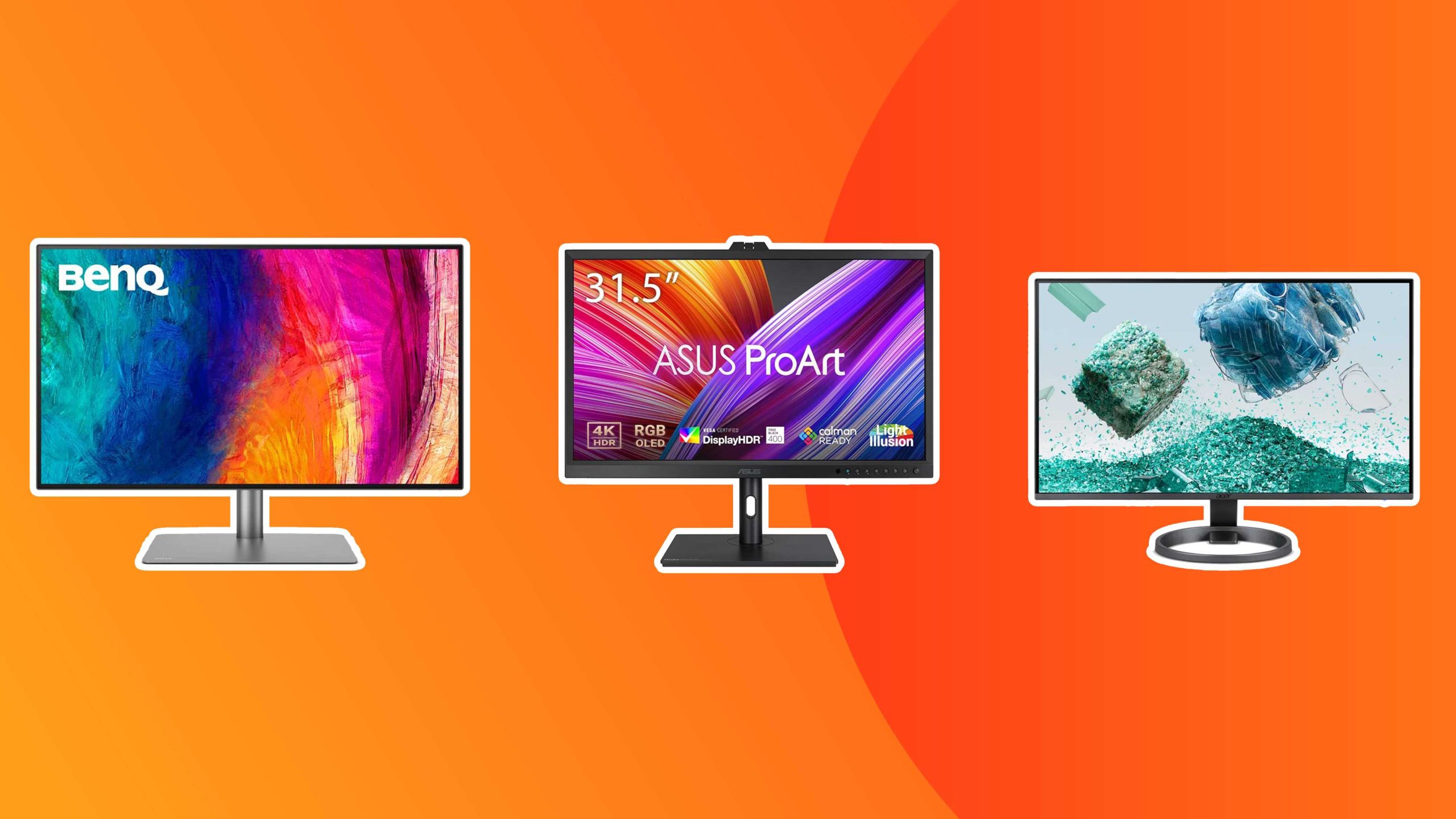
Yes, budget 4K monitors can be good for designers, but it depends on your specific needs and expectations. While they may not match high-end professional displays, many affordable 4K monitors offer decent color accuracy and resolution suitable for tackling various design tasks. For those starting out or working on less complex projects, they can be a cost-effective solution without sacrificing too much quality.
When it comes to choosing a monitor for design work, budget options are often viewed with skepticism. But advancements in display technology mean that affordable 4K monitors are increasingly capable of delivering sharp images and good color reproduction. For designers on a budget, these displays can provide a solid foundation for creative work, especially when combined with proper calibration and viewing conditions. However, for highly detailed or color-critical projects, investing in a more premium monitor might still be worth considering.

Are Budget 4K Monitors Good for Designers?
Understanding the Importance of 4K Resolution for Design Work
For designers, clarity and detail are essential. 4K monitors offer a resolution of 3840 x 2160 pixels, providing four times the pixel count of Full HD screens. This high resolution helps designers see fine details clearly, making it easier to create precise work. It’s particularly beneficial for tasks such as photo editing, digital illustration, and 3D modeling.
Benefits of Budget 4K Monitors for Designers
Despite the lower price, some budget 4K monitors still deliver impressive features. They allow designers to access higher resolution without overspending. Key advantages include:
- Enhanced image sharpness and clarity
- More screen real estate to view multiple windows
- Cost-effective solution compared to premium models
- Improved color accuracy in some models
These benefits can help streamline workflow and improve overall productivity.
Limitations of Budget 4K Monitors for Design Work
While budget options sound appealing, they often come with certain compromises that can impact design quality. Budget monitors may have:
- Lower color accuracy and limited color gamuts
- Less uniform brightness across the screen
- Reduced contrast ratios, leading to less vibrant images
- Slower response times, which can affect detailed editing
- Less durable build quality
Understanding these limitations helps designers decide whether a budget 4K monitor suits their specific needs.
Key Features to Consider in a Budget 4K Monitor for Designers
To make the most of a budget 4K monitor, pay attention to certain features that influence performance. These include:
Color Accuracy and Coverage
Look for monitors that cover at least 99% of the sRGB color space. Some affordable options now include Adobe RGB coverage, which is beneficial for print and professional work.
Panel Type
IPS panels offer the best color reproduction and wider viewing angles, making them preferable for design work. Cheaper monitors often use TN panels, which may compromise color quality.
Connectivity Options
Ensure the monitor has sufficient ports like HDMI, DisplayPort, and USB-C for flexible connections to your devices.
Refresh Rate and Response Time
Although important mainly for video editing, a higher refresh rate (60Hz or more) can also provide smoother visuals during design work.
Build Quality and Ergonomics
Adjustable stands and sturdy construction help achieve comfortable viewing angles for long work sessions.
Cost Comparison of Popular Budget 4K Monitors
Below is a table highlighting some of the best budget 4K monitors suitable for designers:
| Model | Price Range | Panel Type | Color Coverage | Key Features |
|---|---|---|---|---|
| LG 27UN650-W | $350 – $400 | IPS | 99% sRGB | HDR10 support, adjustable stand |
| AOC U2790VQ | $330 – $380 | IPS | 99% sRGB | Good color accuracy, multiple connectivity options |
| BenQ EL2870U | $300 – $350 | TN | Limited sRGB coverage | HDR support, fast response time |
| Dell S2722QC | $400 – $450 | IPS | 99% sRGB | USB-C port, adjustable stand |
How Budget 4K Monitors Stack Up Against Premium Models
Premium monitors come with higher price tags but also better features. They typically offer:
- Superior color accuracy and wider color gamuts like Adobe RGB
- Better uniformity and brightness levels
- More advanced calibration options
- Enhanced build quality and ergonomic features
For budget options, some compromises need to be made, especially regarding color and build quality.
Ideal Use Cases for Budget 4K Monitors in Design
Budget 4K monitors work well in several scenarios:
- Students and beginners learning digital art and design
- Freelancers on a tight budget who need high resolution for detailed work
- Casual or hobbyist designers not requiring professional-grade color accuracy
- Home offices where space and budget are limited
They might not be suited for high-level professional print work where precise color reproduction is critical.
Tips to Optimize Your Experience with Budget 4K Monitors
To get the best out of an affordable 4K monitor:
- Calibrate the monitor with free tools like DisplayCAL for better color accuracy
- Position the monitor at eye level to reduce strain
- Use color correction tools if necessary to improve display quality
- Pair the monitor with a capable graphics card that supports 4K resolution
- Adjust monitor settings for contrast and brightness to suit your lighting environment
Future Trends and Alternatives in Budget 4K Monitors
Technological advances are gradually improving the quality of budget monitors. Manufacturers now offer models with better color accuracy and connectivity. Alternatives include:
- Monitors with hybrid panels that balance speed and color
- Second-hand or refurbished premium monitors at lower prices
- Ultrawide monitors that offer more screen space at similar budgets
Considering these options can help you find the best monitor for your needs without overspending.
While budget 4K monitors may not match high-end professional displays, they can still serve as useful tools for many design tasks. By focusing on key features like color coverage, panel type, and connectivity, you can find a model that offers excellent value. Keep in mind the trade-offs involved and choose a monitor that aligns with your specific work needs and budget constraints. With careful selection and calibration, a budget 4K monitor can support your creative projects effectively.
Best Budget 4K Monitor for Creatives in 2024: ASUS ProArt PA279CRV Review!
Frequently Asked Questions
Can budget 4K monitors accurately display color for design work?
Budget 4K monitors can vary in color accuracy, but many models provide decent reproduction suitable for casual design tasks. While they might not match high-end professional displays, they often support sufficient color depth and calibration options to meet the needs of hobbyists or early-stage projects. For critical color work, consider choosing models with better color coverage and calibration features within your budget range.
Are budget 4K monitors durable enough for daily use by designers?
Many budget 4K monitors are built with durable materials and are designed for regular use. However, they might lack some premium build features found in higher-end models, such as enhanced bezel robustness or advanced cooling. Proper handling and regular maintenance will help extend the lifespan of these monitors, making them practical options for designers working on a budget.
Do budget 4K monitors have sufficient connectivity options for professional peripherals?
Most budget 4K monitors come with basic connectivity options like HDMI and DisplayPort, which are sufficient for connecting standard peripherals. However, they may lack additional ports such as USB-C or Thunderbolt, which are often beneficial for streamlined workflows. When selecting a monitor, check if it supports the necessary connections for your devices to ensure smooth operation.
How does the refresh rate of budget 4K monitors affect design work?
Budget 4K monitors generally feature standard refresh rates of 60Hz, which are adequate for most design tasks. Higher refresh rates, often found in gaming or professional-grade displays, improve motion clarity but are less critical for static design work. For typical creative projects, a 60Hz refresh rate provides smooth visuals without impacting your productivity.
Are there any limitations in screen size or resolution on budget 4K monitors that affect design accuracy?
Budget 4K monitors typically offer screen sizes ranging from 24 to 32 inches, which can impact workspace and detail visibility. While resolution remains high, smaller screens might limit workspace, making multitasking more difficult. Larger screens provide better viewing areas but could come at a slightly higher cost. Evaluating your workspace and workflow needs helps in choosing the right size for your designs.
Final Thoughts
Les moniteurs 4K à budget sont-ils adaptés aux designers ? Ces écrans offrent une résolution claire et détaillée à un coût abordable, rendant la création visuelle plus accessible. La qualité d’image peut varier, mais de nombreux modèles proposent une bonne précision des couleurs.
Ils conviennent parfaitement pour ceux qui débutent ou qui travaillent sur des projets moins intensifs. Toutefois, pour des travaux exigeants, investir dans un modèle plus haut de gamme pourrait s’avérer nécessaire. En résumé, are budget 4k monitors good for designers, car ils fournissent une option économique sans compromettre totalement la qualité.



