


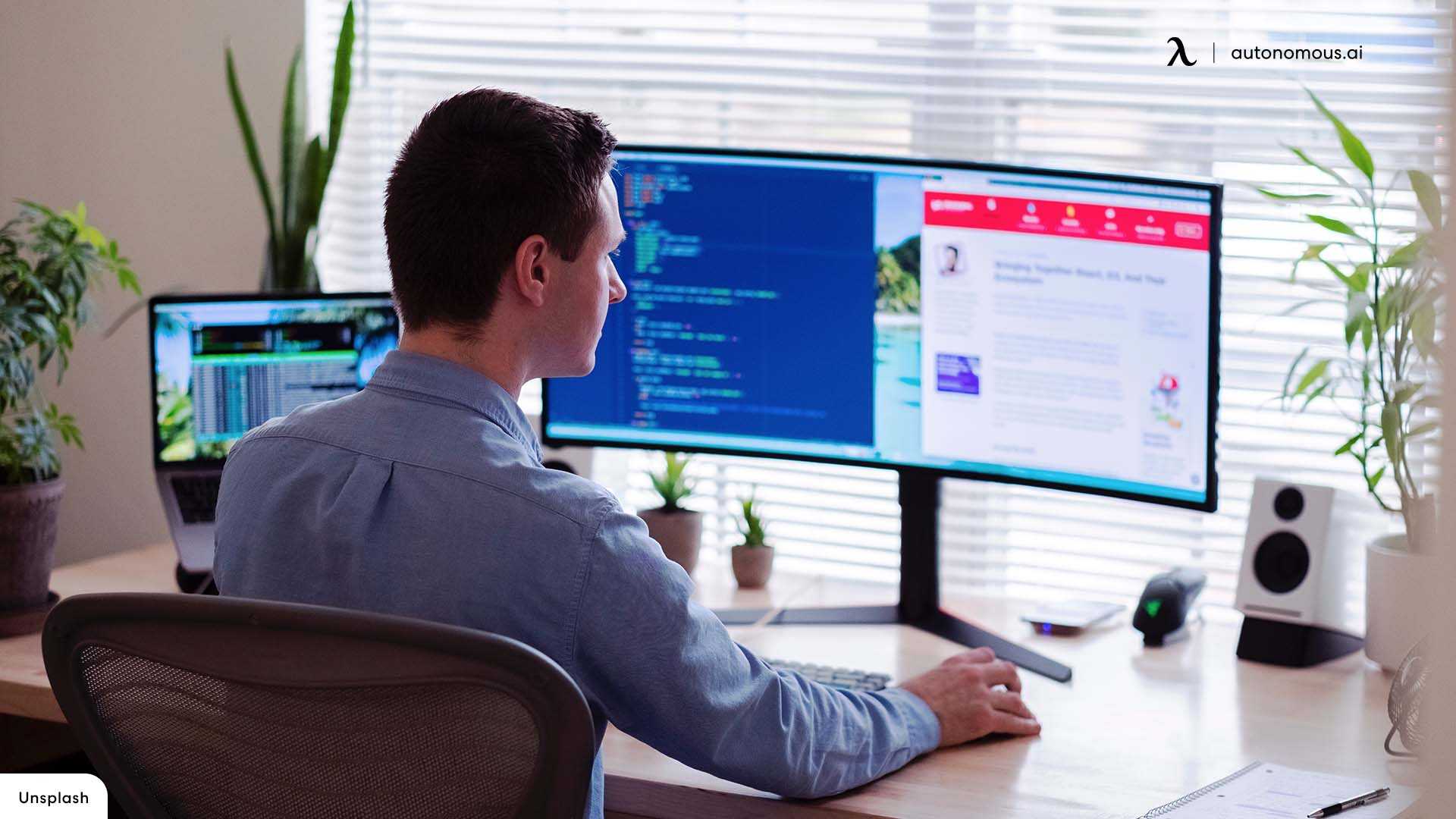
Yes, curved monitors can be an excellent choice for programming, offering a more immersive and comfortable viewing experience. They reduce distortions at the edges and help keep your focus on the code for longer periods. While not essential, many programmers find curved screens enhance productivity and reduce eye strain.
Curved monitors are indeed beneficial for programming, mainly because they create a more natural and immersive viewing environment. By wrapping the display around your field of vision, they minimize glare and reduce eye fatigue during long coding sessions. Plus, the curvature helps you easily see multiple windows or sections of code at once without turning your head excessively. However, they are not a must-have for every developer; personal preference and workspace setup also play a significant role in whether a curved monitor is the right fit. Overall, if you spend hours coding, a curved screen could be a worthwhile investment to boost your comfort and efficiency.

Are Curved Monitors Good for Programming?
Understanding the Design of Curved Monitors
Curved monitors are designed with a gentle bend that surrounds your field of vision. This curvature aims to create a more immersive viewing experience. Unlike flat screens, curved monitors wrap around your eyes slightly, reducing glare and reflections from ambient light.
How Curvature Affects Visual Comfort
The curve of a monitor can help reduce eye strain during long coding sessions. By keeping the entire screen at a consistent distance from your eyes, it minimizes the need for constant refocusing. This makes working on a curved monitor more comfortable than flat screens, especially for extended use.
Optimal Curvature for Programming
Not all curved monitors are ideal for programming. A moderate curve, typically around 1800R to 3000R, offers a balanced viewing angle. This means the edges of the screen are within your natural peripheral vision, preventing distortion and maintaining clarity across the display.
Size and Resolution Considerations
When selecting a curved monitor for programming, size matters. Larger screens like 27 inches or more provide ample space for multiple coding windows. Pairing this with high resolution, such as 1440p or 4K, ensures sharp text and detailed visuals, making code easier to read.
Multitasking with Curved Monitors
Curved screens boost productivity by enabling seamless multitasking. You can open several windows side-by-side without feeling crammed. This layout makes it easier to compare code, view documentation, and run multiple applications simultaneously.
Benefits of Curved Monitors for Programmers
- Reduced Eye Strain: The gentle curve aligns with natural eye movement, easing fatigue.
- Enhanced Immersion: The curved design offers a more engaging coding environment.
- Broader Field of View: You see more of your workspace without turning your head.
- Improved Focus: Fewer reflections and glare help maintain concentration.
Potential Drawbacks of Curved Monitors for Coding
Despite their advantages, curved monitors have some limitations. For example, they may cause distortion at the edges if the curvature is too aggressive. Also, curved screens can sometimes be more expensive than flat alternatives with similar specs.
Compatibility with Dual or Multi-Monitor Setups
Using curved monitors in a multi-screen setup can be advantageous. They create a unified, immersive workspace, especially useful for complex projects. However, aligning multiple curved monitors can be tricky, requiring careful positioning to avoid visual inconsistencies.
Impact on Color Accuracy and Image Quality
Curved monitors often feature high-quality panels with good color reproduction. For programmers working with design or multimedia, color accuracy is critical. Ensure your monitor offers wide color gamuts and good contrast ratios for the best visual experience.
Adjustability and Ergonomics
Look for monitors with adjustable stands that allow height, tilt, and swivel adjustments. Ergonomics play a vital role in comfortable long-term use. A well-adjusted curved monitor can reduce neck and shoulder strain during coding marathons.
Cost and Value for Programmers
Curved monitors range from affordable to premium prices. While high-end models might offer better display technology and features, budget options can still provide excellent value. Determine your priorities, such as size, resolution, and curvature, to find the best fit.
Related Topics to Consider
- Ultra-wide Monitors: Offer more space for multitasking and often come with curved designs.
- Panel Technologies: IPS panels deliver better color accuracy, OLED offers deeper blacks, and VA panels provide higher contrast.
- Sync Technologies: Features like G-Sync or FreeSync can improve visual smoothness when gaming or working with videos.
Final Thoughts on Curved Monitors and Programming
Choosing a curved monitor for programming depends on your workflow, workspace, and personal preference. They can significantly enhance comfort and productivity by reducing eye fatigue and providing a more engaging environment. However, ensure you select the right size, curvature, and resolution to match your specific coding needs and budget. With proper setup and selection, curved monitors can become a valuable tool for developers seeking an improved visual experience.
I Regret Buying an Ultrawide Monitor (as a programmer)
Frequently Asked Questions
How does the curvature of a monitor impact visual comfort during long coding sessions?
Curved monitors can reduce eye strain by matching the natural curve of your field of vision. This design minimizes the need for your eyes to constantly shift focus across the screen, leading to more comfortable and sustainable viewing during extended periods of programming. However, the effectiveness depends on the monitor’s radius and your seating position.
Can a curved monitor improve multitasking for programmers?
Yes, curved monitors often provide a wider immersive viewing experience, making it easier to manage multiple windows and applications simultaneously. The curved shape creates a sense of depth, which helps in distinguishing different sections on the screen and enhances focus across various tasks without needing multiple displays.
Are there any drawbacks to using curved monitors for programming tasks?
While curved monitors offer benefits, they may introduce some distortions when viewing flat content or working with multiple displays. Some users might find the curvature distracting or may have difficulty aligning windows perfectly across the screen. Additionally, the placement and viewing angle are crucial to avoid visual distortions.
Do curved monitors support productivity features essential for programming?
Many curved monitors come with features like high resolution, low blue light filters, and ergonomic adjustments that support programmer productivity. These features help reduce eye fatigue, improve clarity, and allow personalized positioning, which can be beneficial during long coding sessions.
Are curved monitors suitable for developers who work with multiple monitors or large datasets?
Curved monitors with ample screen size and high resolution can serve as effective alternatives or supplements to multiple monitors. They provide a more seamless viewing experience and can help reduce the physical space needed for setup. However, for extensive multitasking across many applications, dual or multi-monitor setups might still be more effective.
Final Thoughts
Curved monitors are indeed suitable for programming as they reduce eye strain and provide a more immersive experience. Their design allows for a wider viewing angle, making multitasking easier.
While some may prefer flat screens, curved monitors offer a slight edge by wrapping around your field of view.
are curved monitors good for programming? Yes, they are a practical choice for developers seeking comfort and efficiency during long coding sessions.



