


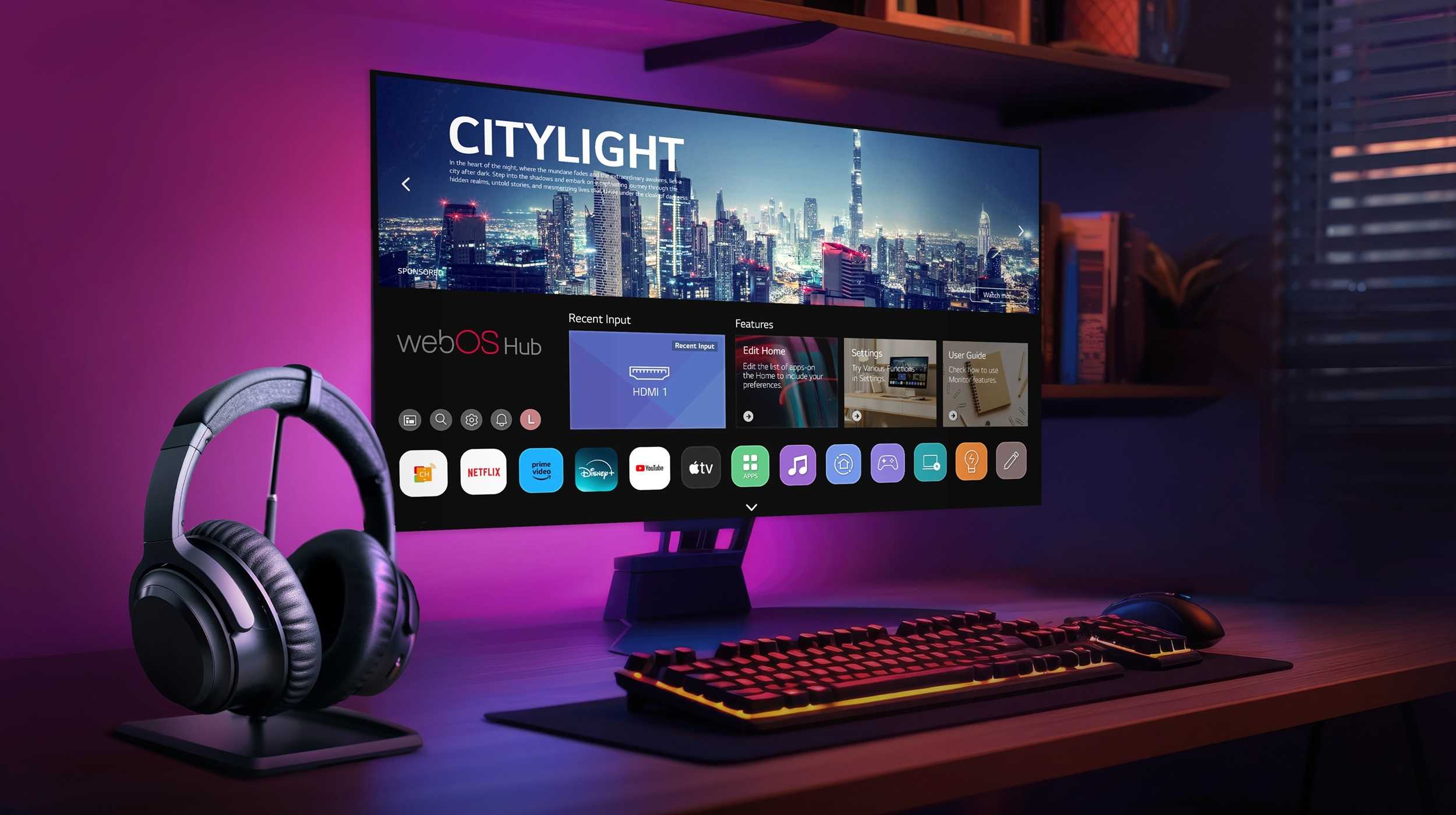
Absolutely, a gaming monitor can be used for photo editing, but there are some considerations to keep in mind. While gaming monitors are designed for speed and responsiveness, they may not always provide the color accuracy and resolution that professional photo editing requires. If you’re an occasional user or someone who enjoys editing photos for social media, a gaming monitor could work just fine. However, for photographers and designers seeking precise color reproduction and detail, it’s advisable to look for monitors that offer higher color fidelity and better calibration options. Let’s dive deeper into what makes a gaming monitor suitable or not for photo editing and what features you should look for to enhance your editing experience.

“`html
Can a Gaming Monitor Be Used for Photo Editing?
When considering whether a gaming monitor can be suitable for photo editing, it’s essential to explore various aspects that influence performance and image quality. Gaming monitors have features designed to enhance gameplay, but many users wonder if these same features are beneficial for photo editing.
Understanding the Basic Features of Gaming Monitors
Gaming monitors are typically built with high refresh rates and low response times. These features ensure smooth movement on-screen, which is crucial in fast-paced games. However, when it comes to photo editing, some additional features are more important.
**Key Features to Consider:**
- Resolution: Higher resolution means better detail, which is essential for editing photos.
- Color Accuracy: This affects how true-to-life the colors appear on the screen.
- Panel Type: Different panel types offer varying performances in color reproduction.
Resolution: A Key Factor for Photo Editing
Resolution is among the first specifications to look at when considering a monitor for photo editing. Most professional photo editors favor monitors with at least 1440p or 4K resolution. High resolution allows you to view fine details in your images, ensuring that edits are precise.
Gaming monitors often boast high resolutions, which can be advantageous. For example, a 4K gaming monitor will provide substantial detail, allowing for clearer images during the editing process.
Color Accuracy: Why It Matters
Color accuracy is crucial for any creative work, particularly for photographers. Monitors that can display a wide color gamut, such as sRGB or Adobe RGB, are ideal for photo editing.
Many gaming monitors prioritize speed over color accuracy. This means that although they may have deep blacks and vibrant colors, they might not always accurately represent the actual colors in your images.
Measuring Color Accuracy
Color accuracy can be measured using Delta E values. A lower Delta E indicates that the colors displayed on the monitor are closer to true life. Ideally, you want a Delta E of less than 2 for critical editing work.
Panel Types: Which One is Best?
The panel technology used in monitors greatly influences their performance in both gaming and photo editing. Here are the most common types:
- IPS (In-Plane Switching): Excellent color accuracy and wide viewing angles.
- TN (Twisted Nematic): Fast response times but limited color accuracy.
- VA (Vertical Alignment): Good contrast ratios but can fall short in color performance.
For photo editing, an IPS panel is often the best choice, providing vibrant colors and better luminosity.
Refresh Rate and Response Time: Are They Relevant?
While refresh rates and response times are critical in gaming, they are less important in photo editing. A refresh rate of 60Hz is generally sufficient for editing photos, as most editing tasks do not require the rapid frame changes seen in gaming.
However, if the gaming monitor offers a higher refresh rate, it shouldn’t hurt your photo editing experience. It’s just not a necessity for editing tasks.
Adaptive Sync Technologies: A Photo Editor’s Perspective
Adaptive sync technologies like G-Sync or FreeSync are designed to eliminate screen tearing during gaming. While these features are fantastic for gamers, they don’t significantly impact photo editing.
If you are also a gamer, having a monitor with these features can be a bonus, as it allows for smoother gaming experiences without compromising photo editing capabilities.
Ergonomics: Comfort During Long Editing Sessions
When editing photos, comfort is vital, especially during long sessions. Gaming monitors often come with various ergonomic adjustments, including height, tilt, and swivel options.
A monitor that can be adjusted to your eye level and distance can prevent neck or back strain. Look for a monitor that suits your workspace setup, especially if you plan to use it for extended periods.
Calibration: Ensuring Accurate Color Representation
Calibration plays a significant role in achieving consistent color accuracy across your workflow. Many high-end gaming monitors come factory-calibrated, but it’s crucial to calibrate your monitor using a calibration tool for the best results.
Regular calibration helps to maintain color accuracy and can ensure that what you see on-screen matches what gets printed or displayed on other devices.
Connecting Your Gaming Monitor to Editing Software
Another important consideration is how well your gaming monitor connects with your editing software. Most modern monitors will work seamlessly with popular editing suites like Adobe Photoshop or Lightroom.
However, ensure that your graphics card is compatible and can handle the increased resolution without lagging, especially during intense editing sessions involving large files.
Budget Considerations
Gaming monitors can vary significantly in price. If you’re on a budget, you can find decent options that provide acceptable color accuracy and resolution for photo editing.
However, investing in a higher-quality monitor can pay off in the long run. A good monitor can make the editing process smoother and help achieve stunning results.
Popular Models of Gaming Monitors for Photo Editing
Here are some gaming monitor models known for their performance in both gaming and photo editing:
- LG 27GN950-B: A 27-inch 4K IPS monitor with excellent color accuracy and HDR support.
- Acer Predator X27: Another high-end option with amazing color reproduction and HDR.
- BenQ PD3220U: Tailored for creatives, featuring a wide color gamut and excellent calibration options.
Final Thoughts on Using a Gaming Monitor for Photo Editing
In conclusion, using a gaming monitor for photo editing is not only possible but can also be very effective with the right features. By focusing on resolution, color accuracy, and the right panel type, you can find a gaming monitor that will serve your editing needs well.
A careful choice and some additional calibration can lead to great results. Whether you are a casual user or a professional photographer, you can leverage a gaming monitor to complete your projects smoothly.
In the world of digital imaging, having the right tools, including a suitable monitor, makes all the difference. So, take the time to choose wisely, and you will enjoy a rewarding editing experience.
“`
How to Pick the Right Monitor for Photo Editing / Color Grading
Frequently Asked Questions
What features should I look for in a gaming monitor for photo editing?
When selecting a gaming monitor for photo editing, focus on features like color accuracy, resolution, and refresh rate. Look for monitors that support at least 99% sRGB coverage, as this ensures vibrant and true-to-life colors. A higher resolution, such as 4K, provides more detail, making it easier to see fine adjustments in your photos. Additionally, a refresh rate of 60Hz or higher can improve the overall visual experience, although it is less critical for photo editing compared to gaming.
Do gaming monitors have good color accuracy for photo editing?
Many gaming monitors come equipped with technologies that enhance color fidelity, but not all are optimized for photo editing. Check for monitors with factory calibration and support for wide color gamuts, such as Adobe RGB or DCI-P3. Calibration tools can further improve accuracy, making it feasible to use a gaming monitor for photo editing tasks.
Can I use a gaming monitor for professional photo editing?
While you can use a gaming monitor for professional photo editing, ensure that it meets specific standards for color reproduction and resolution. Monitors designed for creative work typically offer better color accuracy and calibration options. If your gaming monitor meets these criteria, it can work effectively for professional editing, but dedicated photo monitors often provide superior results.
Is it necessary to calibrate a gaming monitor for photo editing?
Calibration is essential for any monitor used in photo editing, including gaming monitors. Even if a gaming monitor offers high color accuracy out of the box, calibration helps achieve precise color representation tailored to your specific workflow and environment. Consider using hardware calibration tools to ensure consistent results across your projects.
What is the advantage of using a high refresh rate monitor for photo editing?
A high refresh rate monitor may not significantly impact photo editing directly, but it can provide smoother scrolling and panning while working with large images. This enhanced fluidity can help you navigate your workspace more efficiently and improve your overall editing experience, especially when dealing with detailed compositions.
Final Thoughts
A gaming monitor can indeed be used for photo editing. Its high refresh rates and resolutions provide sharp images, enhancing the editing experience.
However, color accuracy is crucial for photo work. Many gaming monitors, while capable, may not always meet the standards needed for professional editing.
In conclusion, while a gaming monitor can be used for photo editing, ensure it has the right specifications for accurate color representation.



