


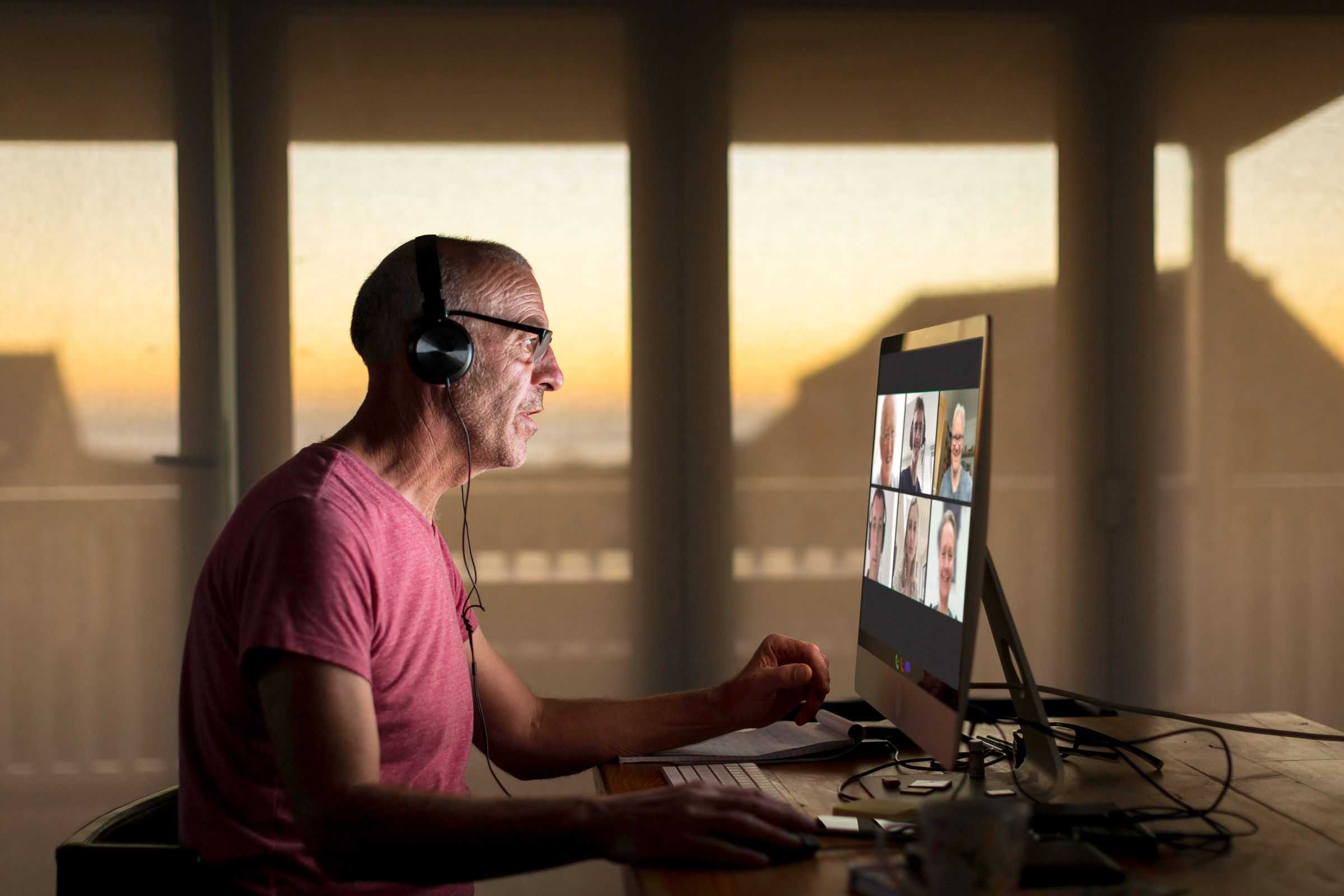
Yes, webcams can be hacked during Zoom calls, but with proper precautions, the risk can be minimized. Hackers sometimes exploit vulnerabilities to access your camera remotely, potentially spying on you without your knowledge. However, staying vigilant and using security best practices can significantly reduce this danger.
Webcams can indeed be compromised during Zoom calls, but it’s not a common occurrence if you take the right steps. Cybercriminals look for vulnerabilities in your device or software to gain access, which means keeping your system updated and using secure networks is essential. Additionally, covering your webcam when not in use and being cautious about the links or files you open can help protect your privacy. In this article, we’ll explore how webcams can be hacked, signs to watch out for, and practical tips to keep your video calls secure.

Can Webcams Be Hacked During Zoom Calls?
Understanding Webcam Hacking Risks
Many people wonder if their webcams can be hacked while they are on Zoom calls. The simple answer is yes, webcams can be targeted by hackers. Cybercriminals often look for vulnerabilities in a computer or software to gain access to cameras without permission. This can lead to privacy breaches and unwanted surveillance.
Hackers might exploit weaknesses in your device, like outdated software or unsecured network connections. The risk increases if you do not take proper security steps. Knowing how webcam hacking happens helps you stay protected during online meetings.
How Hackers Gain Access to Webcams
Hackers use various methods to access webcams during Zoom calls. Some common techniques include:
- Malware and spyware: Malicious software can be installed unknowingly through phishing emails or infected downloads. Once inside, malware can turn on your webcam without your knowledge.
- Exploiting software vulnerabilities: Outdated Zoom versions or operating systems may have security flaws that hackers can exploit to access your camera.
- Remote access tools: Hackers may use remote control software to take over your device and access your webcam directly.
Understanding these methods helps you recognize potential threats. Regular updates and cautious online behavior reduce the chance of falling victim to these attacks.
Signs That Your Webcam Might Be Hacked
Detecting a webcam hack can be difficult but there are signs to watch for. These include:
- The webcam light turns on unexpectedly when you are not using it.
- Slow or unresponsive device performance during or after a Zoom call.
- Unusual network activity indicating data transfer without your knowledge.
- Unexpected pop-ups or messages related to camera access.
If you notice any of these signs, it might be time to check your device’s security settings and run a malware scan.
How to Protect Your Webcam During Zoom Calls
Securing your device is essential before engaging in Zoom meetings. Follow these practical tips:
Use Strong, Unique Passwords for Your Accounts
Always create passwords that are difficult to guess. Avoid using common words or phrases. A strong password includes a combination of letters, numbers, and symbols.
Keep Software and Operating Systems Updated
Regular updates fix security holes that hackers might exploit. Make sure both Zoom and your device’s OS are current.
Enable Two-Factor Authentication
Adding an extra layer of protection prevents unauthorized access even if your password is compromised.
Cover Your Webcam When Not in Use
Simple physical covers or tape over your webcam can prevent any unauthorized footage from being captured. This is one of the most effective ways to prevent accidental or malicious hacking.
Use Antivirus and Anti-Malware Software
Reliable security programs can detect and remove threats before they cause harm.
Secure Your Network Connection
Use a trusted Wi-Fi network and consider enabling a Virtual Private Network (VPN). It encrypts your internet traffic, making it harder for hackers to intercept your data.
The Role of Zoom’s Security Features
Zoom offers several built-in security options to protect users. These include:
- Meeting passwords to restrict access.
- Waiting rooms where hosts can admit participants individually.
- End-to-end encryption for meetings.
- Controlling camera and microphone permissions for participants.
Using these features enhances your security during Zoom calls and minimizes the risk of hacking.
What to Do If You Suspect Your Webcam Is Hacked
If you believe your webcam has been compromised, take immediate action:
- Discontinue the Zoom call and disconnect from the internet.
- Run a complete security scan using your antivirus software.
- Update your device’s security patches and software.
- Change your passwords, especially for email and Zoom accounts.
- Check device permissions for camera access and revoke any suspicious settings.
Taking prompt action can limit potential damage and help restore your privacy.
Additional Security Tips for Online Meetings
Beyond protecting your webcam, consider these extra safety measures:
Use a Dedicated Device for Video Calls
Having a separate device just for meetings reduces exposure to malware or viruses on your main device.
Regularly Review Privacy Settings
Check app permissions and privacy options regularly to ensure only trusted apps can access your camera.
Be Wary of Phishing Attempts
Avoid clicking on suspicious links or downloading attachments from unknown sources. Hackers often use phishing to gain access to your system.
Limit Sharing Personal Information
Be cautious about what you share online during calls. Avoid displaying sensitive information on your screen.
Related Topics
You might also want to explore topics like:
- Best webcams with built-in security features
- How to disable your camera quickly during a call
- Cybersecurity tips for remote workers
- Understanding Zoom’s encryption technologies
These additional topics can help you further protect yourself during online communications.
Summary of Key Points
To sum up, webcams can be hacked during Zoom calls if proper security measures are not in place. Hackers use malware, software flaws, and remote control tools to access cameras. Staying vigilant, updating your device, and using security features offered by Zoom are vital steps to keep your privacy safe. Covering your webcam physically adds an extra layer of security, especially when not in use.
Taking these precautions significantly reduces the risk of webcam hacking. Remember, being proactive about your online security is the best way to enjoy smooth, stress-free Zoom calls without compromising your privacy.
How to hack WebCams
Frequently Asked Questions
What security measures can I take to prevent webcam hacking during Zoom calls?
To protect your webcam during Zoom meetings, always ensure your device has the latest security updates. Use strong, unique passwords for your accounts and enable two-factor authentication whenever possible. Additionally, disable your webcam when not in use, and consider covering it with a physical cover to prevent unauthorized access. Avoid clicking on suspicious links or downloading unknown files that could contain malware designed to access your camera.
Are there specific types of malware that target webcams during online meetings?
Yes, certain malware, such as remote access Trojans (RATs), are designed to gain control over your device’s camera without your knowledge. These malicious programs often arrive through phishing emails or infected downloads. Once installed, they allow hackers to monitor your camera activity, making it essential to run reputable antivirus software and scan your device regularly to detect and remove such threats.
Can using third-party apps or plugins during Zoom calls increase the risk of webcam hacking?
Using unverified third-party apps or plugins can introduce vulnerabilities that hackers might exploit to access your webcam. Always ensure that any additional software you install is from trusted sources. Limit permissions granted to third-party tools, and review their privacy policies. Keeping your Zoom app and operating system updated also reduces the chances of security loopholes that third-party applications could exploit.
Final Thoughts
Webcams can be hacked during Zoom calls if security measures are weak. Hackers often exploit vulnerabilities in software or use malware to access cameras without user consent. Using strong passwords and updating software regularly helps protect against such threats.
Always cover your webcam when not in use and be cautious with links or downloads from unknown sources. These simple steps significantly reduce the risk of hacking during video calls.
In conclusion, can webcams be hacked during Zoom calls? Yes, but proper security practices make it less likely. Stay vigilant and protect your privacy at all times.



