


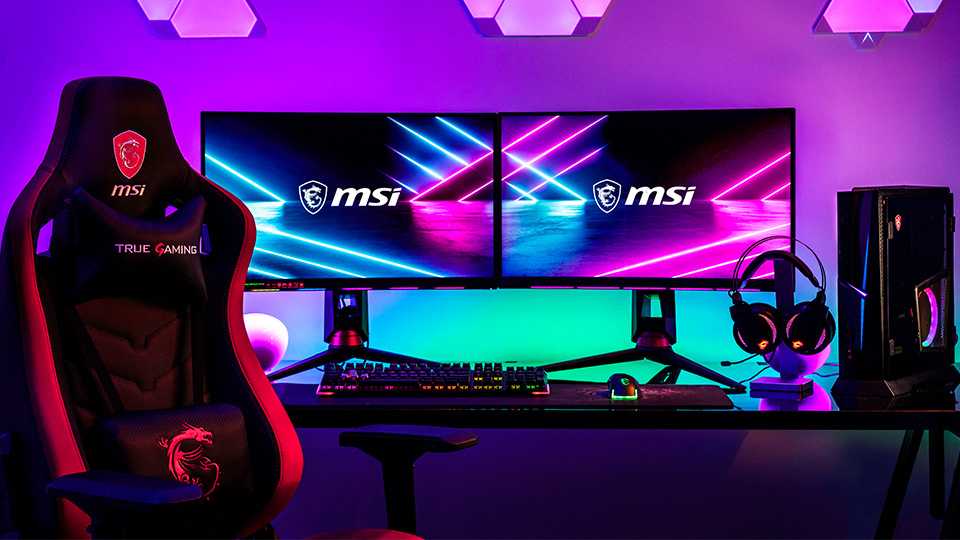
When it comes to choosing between curved and flat monitors for gaming, the quick answer is: it depends on your personal preference and gaming style. Curved monitors offer an immersive experience, wrapping around your field of vision and enhancing depth perception, which can be great for racing or first-person shooters. On the other hand, flat monitors are often more versatile, providing a consistent viewing experience that works well for a variety of tasks beyond gaming. Both options have their merits, so considering factors like space, budget, and the types of games you play will help you make the right choice. Let’s dive deeper into the pros and cons of each to find out what suits your gaming needs best.

“`html
Curved or Flat Monitors for Gaming
When it comes to gaming, the choice between curved or flat monitors can make a big difference in your experience. Both types of monitors have unique qualities that cater to different needs and preferences. In this article, we’ll delve into the pros and cons of each, helping you decide which type of monitor is best suited for your gaming setup.
Understanding Monitor Curvature
Curved monitors feature a slight arc designed to provide a more immersive experience. The curvature can help you focus more on the game by wrapping the visuals around your field of vision. Flat monitors, on the other hand, present a traditional screen shape that many gamers are comfortable with.
Here are some key features of curved monitors:
- Enhanced depth perception
- Wider field of view
- Minimized screen glare
Flat monitors are known for their:
- Consistent viewing angles
- Simpler installation
- Better compatibility with multi-monitor setups
Immersion in Gaming
One of the main reasons gamers choose curved monitors is for the immersive experience. The slight curve of the screen draws you in and makes you feel like you’re part of the game. This can be particularly beneficial in racing games, first-person shooters, and open-world explorations.
Flat monitors provide a more familiar setup, making them ideal for gamers who prioritize competitive gaming. The flat surface ensures that every corner of the screen is equally visible, which is crucial during fast-paced gaming sessions.
Field of View Comparison
Curved monitors naturally offer a wider field of view. This means you can see more of the game world without moving your head. Flat monitors, however, maintain a consistent distance from the viewer, which can help in tracking fast-moving targets more effectively.
Consider the following points:
- Curved monitors can increase peripheral awareness.
- Flat monitors usually excel in pixel quality across the screen.
Image Quality and Color Accuracy
The quality of the image is crucial for any gamer’s experience. Curved monitors often come with advanced gaming specifications, such as higher refresh rates and better response times. However, flat monitors can also provide excellent image quality, making the choice less about quality and more about preference.
When evaluating image quality, keep these factors in mind:
- Refresh rate: A higher refresh rate allows for smoother gameplay.
- Response time: This impacts how quickly a pixel can change color.
Resolution and Display Technology
Both curved and flat monitors are available in various resolutions, from Full HD to 4K and beyond. Choosing the right resolution can significantly enhance your gaming experience.
Consider the following display technologies:
- LCD: Offers great colors and sharpness.
- OLED: Provides deeper blacks and better contrast ratios.
Gaming Genres and Monitor Selection
Different gaming genres can benefit from different types of monitors. For instance, action-packed games with fast motion may be better suited to a flat monitor for its consistent visual performance. However, immersive story-driven games may shine on a curved monitor.
Here’s a breakdown of suitable monitor types by genre:
- Racing Games: Curved monitors enhance the sense of speed.
- First-Person Shooters: Flat monitors can provide better target tracking.
- Role-Playing Games: Curved monitors can immerse players deeper into the story.
Ergonomics and Comfort
Comfort is key, especially for long gaming sessions. Curved monitors can reduce eye strain by allowing for a more natural viewing angle. They also minimize reflections from overhead lighting, creating a more pleasant gaming environment.
Flat monitors are often easier to position for optimal comfort but might require more adjustments to ensure a comfortable viewing height.
Consider these ergonomic points:
- Curved monitors can help maintain a more relaxed posture.
- Flat monitors often fit better in tight spaces and on desks.
Size and Space Considerations
Curved monitors might take up more desk space due to their shape. However, they can also create a more cinematic experience due to their immersive qualities. Flat monitors tend to fit more seamlessly into multi-monitor setups.
Here are some size considerations:
- Curved monitors typically range from 27 inches to 49 inches.
- Flat monitors are available in a wider range of sizes.
Price Comparison
Price can be a significant factor when selecting a monitor. Curved monitors generally come at a premium price due to their advanced technology and immersive features. Flat monitors are usually more budget-friendly, especially for entry-level models.
Here’s a quick guide to pricing:
- Curved monitors: Price range from $300 to $2000.
- Flat monitors: Price range from $100 to $1500.
Brand Influence
Certain brands have developed a reputation for producing high-quality gaming monitors. Brands like ASUS, Dell, and Acer offer a variety of both curved and flat options, allowing you to find the perfect match for your gaming style.
Look for:
- Reviews on performance and longevity.
- Warranty and customer service support.
User Preferences and Community Opinions
Community opinions can greatly influence your decision. Many gamers share their experiences online, discussing the preferences between curved and flat monitors. It’s essential to consider these insights while making your choice.
Forums and gaming communities often weigh the pros and cons:
- Curved monitor fans praise immersion.
- Flat monitor enthusiasts emphasize competitive advantages.
Test Drives and Demos
If possible, trying out different monitors before purchasing can be incredibly helpful. Many retail stores offer demo units for you to experience firsthand the differences between curved and flat displays. Pay attention to how each monitor feels during gameplay.
When testing:
- Evaluate image quality and color accuracy.
- Assess comfort in your typical gaming position.
Additional Considerations
Beyond curvature and flatness, look into features that can enhance your gaming. Features like adjustable stands, built-in speakers, and customizable lighting can influence your choice.
Check for:
- Adjustable stands for comfortable positioning.
- Speaker quality if you prefer built-in audio.
Future-Proofing Your Setup
Technology evolves rapidly, and your monitor choice should consider future trends. Whether you opt for a curved or flat monitor, ensure it has the features that will accommodate new gaming technologies and improvements.
Look for:
- HDMI 2.1 support for upcoming gaming consoles.
- Adaptive sync features to prevent screen tearing.
In summary, both curved and flat monitors have their strengths. Understanding your gaming habits and preferences will guide you in making an informed decision. Choosing the right monitor can enhance your gaming experience and maximize your enjoyment. Whether you prefer the immersive depth of a curved monitor or the competitive edge of a flat one, the right choice is waiting for you.
“`
Curved Screen vs Flat Panel for Gaming
Frequently Asked Questions
“`html
What are the advantages of curved monitors for gaming?
Curved monitors provide an immersive gaming experience by wrapping the display around your field of vision. This design helps to reduce distortion at the edges of the screen and creates a more natural depth perception. Additionally, curved monitors often have higher refresh rates and better response times, making them ideal for fast-paced gaming. The curvature can also help reduce glare and reflections, enhancing overall visibility during gameplay.
How do flat monitors compare to curved monitors in terms of viewing angles?
Flat monitors typically offer consistent viewing angles, meaning that the color and brightness remain stable from different positions. This makes them suitable for multiplayer gaming where several people might be viewing the screen from various angles. On the other hand, curved monitors can sometimes create a more limited optimal viewing position, where colors might shift when viewed from the sides. However, they often excel when viewed directly in front.
Which type of monitor is better for competitive gaming?
Many competitive gamers prefer flat monitors because they provide an accurate representation of the game without distortion. Flat screens often have faster response times and higher refresh rates, which can give players a competitive edge in fast-paced environments. Additionally, flat monitors tend to be more versatile for a variety of gaming genres, ensuring clarity and precision in gameplay.
Can curved monitors reduce eye strain during long gaming sessions?
Curved monitors can help minimize eye strain by allowing for a more natural viewing angle and reducing the need for constant head movement. The immersive design encourages a more comfortable posture and can lead to a less fatigued experience over extended gaming periods. However, individual experiences may vary, and some users might still prefer flat screens based on personal comfort levels.
What factors should I consider when choosing between curved and flat monitors?
When choosing between curved and flat monitors, consider factors like your gaming style, available space, and personal preference. Think about the types of games you play, whether you value immersion or precision more, and how many people will be viewing the screen. Additionally, evaluate the monitor’s specifications such as refresh rate, resolution, and size to ensure it meets your gaming needs.
“`
Final Thoughts
When choosing between curved or flat monitors for gaming, consider your personal preference and gaming style. Curved monitors offer an immersive experience, wrapping the visuals around your field of view, which can enhance depth perception and reduce eye strain. On the other hand, flat monitors typically provide a wider viewing angle and are often more budget-friendly.
Ultimately, both options have their merits. Curved or flat monitors for gaming can suit different needs, whether you prioritize immersion or versatility. Assessing your gaming habits will lead you to the right choice for your setup.



