


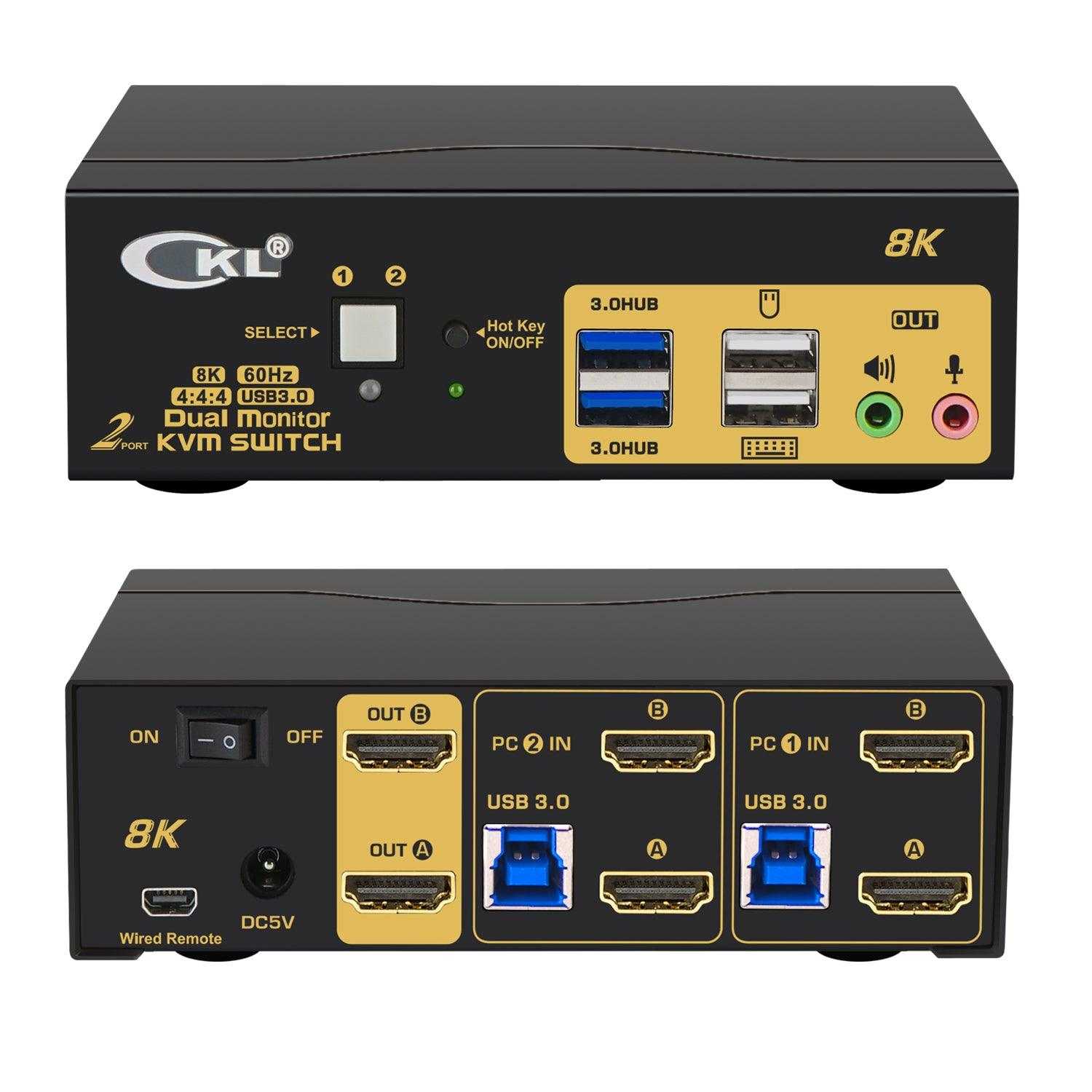
Yes, most 8K monitors do require HDMI 2.1 to fully leverage their high-resolution capabilities. HDMI 2.1 is essential for supporting 8K resolution at high refresh rates and with advanced features like HDR. Without HDMI 2.1, you might experience limited performance, such as reduced refresh rates or lack of key features that make 8K worth the investment.
In short, if you want to get the most out of an 8K monitor, especially for gaming or professional use, HDMI 2.1 is highly recommended. It ensures you can enjoy smooth visuals, up-to-date features, and future-proof connectivity, making your high-resolution display experience truly exceptional.
If you’re considering an 8K monitor, you’re probably excited about ultra-high definition visuals. However, whether your current HDMI cable and port support 8K at the desired refresh rate is a big question. As technology advances, HDMI 2.1 has become the gold standard for enabling 8K content with optimal performance. This type of HDMI supports higher bandwidth, which is crucial for transferring enormous 8K video data without quality loss. Without HDMI 2.1, users might face limitations like lower refresh rates, reduced color depth, or laggy performance. For gamers, content creators, or anyone wanting the sharpest images, having HDMI 2.1 becomes almost a necessity to truly unlock the potential of an 8K monitor.

Do 8K Monitors Need HDMI 2.1?
Understanding 8K Resolution and Its Requirements
8K displays offer a resolution of 7680 pixels horizontally and 4320 pixels vertically, providing incredibly sharp and detailed images. However, to enjoy the full potential of an 8K monitor, your hardware must support the high data transfer rates needed for such resolution. This means not only a powerful graphics card but also the right connection interfaces, like HDMI 2.1, which can handle large amounts of data swiftly.
What Is HDMI 2.1 and Why Is It Important?
HDMI 2.1 is the latest version of the HDMI standard, introduced to support higher video resolutions and faster refresh rates. It can transmit video at up to 48 Gbps, enabling 8K video at 60Hz or even 120Hz in some cases. HDMI 2.1 also includes features like Variable Refresh Rate (VRR), Auto Low Latency Mode (ALLM), and Enhanced Audio Return Channel (eARC), making it ideal for high-end monitors and gaming setups.
Why Do 8K Monitors Require HDMI 2.1?
Since 8K resolution demands a large amount of bandwidth, older HDMI versions like 2.0 or 1.4 cannot support the required data rates at high refresh rates. HDMI 2.1 is necessary to transfer the vast data associated with 8K content, with the ability to display clear, flicker-free images at 60Hz or 120Hz. Using HDMI 2.1 helps prevent issues like screen tearing or lag, which can be problematic at such high resolutions.
How HDMI 2.1 Supports 8K Content
HDMI 2.1’s increased bandwidth makes it capable of transmitting uncompressed 8K video signals. It supports resolutions up to 7680×4320 pixels at high refresh rates, which are essential for smooth motion in video playback and gaming. Its advanced features also enhance the overall experience by reducing latency and improving color accuracy.
Compatibility of 8K Monitors with HDMI 2.1
Most new 8K monitors are now designed to be compatible with HDMI 2.1. However, some older models might still use HDMI 2.0 or other standards. When choosing an 8K monitor, check the specifications to see if HDMI 2.1 is supported. This ensures your device can handle the high data rates needed for optimal 8K performance.
Alternatives to HDMI 2.1 for 8K Displays
While HDMI 2.1 is the most common and supported interface for 8K displays, DisplayPort 1.4 and DisplayPort 2.0 are also options. DisplayPort 1.4 can support 8K at 60Hz with compression, whereas DisplayPort 2.0 offers even higher bandwidth, capable of supporting 8K at 120Hz without compression. Choosing the right connection depends on your setup and whether your graphics card supports these standards.
Comparison of HDMI 2.1 and DisplayPort for 8K
| Feature | HDMI 2.1 | DisplayPort 1.4 | DisplayPort 2.0 |
|---|---|---|---|
| Maximum Bandwidth | 48 Gbps | 32.4 Gbps | 77.4 Gbps |
| Supports 8K at 60Hz | Yes | Yes (with compression) | Yes (without compression) |
| Supports 8K at 120Hz | Yes (with DSC compression) | Yes (with compression) | Yes (native support) |
Future-Proofing Your Setup with HDMI 2.1
Investing in HDMI 2.1 cables and compatible devices future-proofs your setup, ensuring compatibility with upcoming technologies and higher resolutions. This is especially valuable as content creators and game developers release more 8K content. HDMI 2.1’s versatile features make it the best choice for long-term use with high-resolution monitors.
Practical Considerations When Using HDMI 2.1 with 8K Monitors
For optimal results, use high-quality HDMI 2.1 cables certified for 48 Gbps bandwidth. Ensure your graphics card and monitor both support HDMI 2.1 features to prevent bottlenecks. It’s also advisable to keep your drivers and firmware up to date for the best performance on your 8K setup.
Cost and Availability of HDMI 2.1 Cables
HDMI 2.1 cables are slightly more expensive than previous versions but offer better longevity and performance. These cables are widely available online and in electronics stores, with options ranging from basic to premium certified cables. Always choose cables with the Ultra High Speed HDMI certification for best results.
In summary, **most 8K monitors now require HDMI 2.1** to support their high resolution and refresh rate capabilities fully. While alternatives like DisplayPort 2.0 exist, HDMI 2.1 provides a widely compatible and future-proof interface for 8K content. Investing in HDMI 2.1 ensures your setup delivers the best possible image quality and performance for years to come.
Do PS5 Players Actually Need HDMI 2.1?
Frequently Asked Questions
Can older HDMI versions support 8K monitors effectively?
Older HDMI standards, such as HDMI 2.0, cannot support the full bandwidth required for 8K displays at high frame rates. HDMI 2.1 increases the bandwidth significantly, making it more suitable for 8K resolutions and higher refresh rates. To ensure optimal performance and image quality, using cables and devices compatible with HDMI 2.1 is recommended for 8K monitors.
Will I experience lag or quality issues without HDMI 2.1?
If you connect an 8K monitor using an HDMI version prior to 2.1, you might encounter limitations in resolution and refresh rate, which can lead to reduced image quality or increased input lag. HDMI 2.1 provides higher bandwidth and supports features like variable refresh rate (VRR), which help reduce lag and enhance overall visual performance, especially for fast-paced content.
Are there alternative connection options for 8K monitors besides HDMI?
Yes, some 8K monitors support other connection standards like DisplayPort 1.4 or newer versions. DisplayPort 1.4 can handle 8K resolutions with certain refresh rates and color depths, but HDMI 2.1 offers broader compatibility for high-end gaming and professional applications. Check your monitor and graphics card specifications to choose the best connection method for your needs.
How important is HDMI 2.1 for future-proofing my 8K setup?
HDMI 2.1 enhances the capabilities required for handling 8K content, including higher refresh rates and dynamic HDR. Investing in HDMI 2.1 ensures your setup stays compatible with upcoming hardware advancements and streaming standards. It also allows you to take full advantage of the latest gaming consoles, PCs, and media players designed to support 8K content.
Does using HDMI 2.1 cables guarantee better performance with my 8K monitor?
Using HDMI 2.1-certified cables helps ensure reliable data transfer at the required bandwidth for 8K resolutions. While the cable quality matters, pairing it with a device that supports HDMI 2.1 features guarantees optimal image quality and performance. Poor-quality cables can limit bandwidth, causing issues like flickering or reduced resolution.
Final Thoughts
8k monitors demand high bandwidth to support their resolution. HDMI 2.1 offers the necessary features, such as increased data transfer and better refresh rates.
However, not all 8k monitors strictly require HDMI 2.1. Some may work with older HDMI versions or DisplayPort alternatives, depending on their specifications.
In conclusion, do 8k monitors need HDMI 2.1? For optimal performance and future-proofing, using HDMI 2.1 is recommended, but it is not always a strict necessity.



