


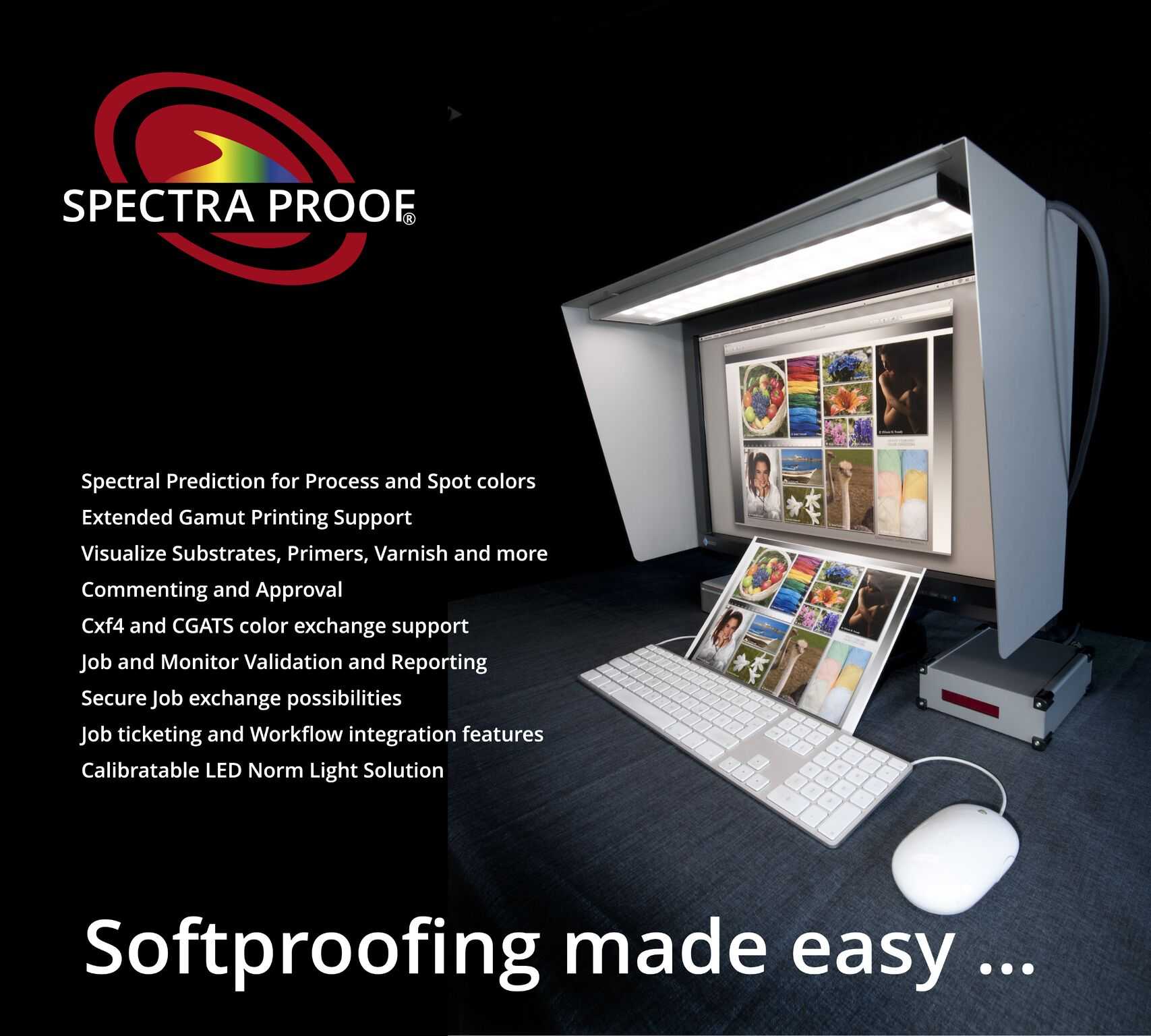
Yes, many modern monitors do support soft proofing for print, making it easier for photographers and designers to visualize how their images will look once printed. Soft proofing allows you to preview color accuracy and make necessary adjustments before going to press, ultimately saving time and paper. In short, if your monitor supports color management and has a wide color gamut, it can effectively assist in soft proofing for print.
Understanding whether your monitor can handle soft proofing is crucial for professionals aiming for perfect print results. Many screens today come equipped with features like color calibration, high resolution, and expansive color gamuts (such as Adobe RGB or DCI-P3), all of which are essential for accurate soft proofing. Modern technology has made it accessible for most creatives to assess their prints digitally, reducing surprises and ensuring the final output matches expectations. Keep reading to find out what specifications to look for and how to optimize your monitor for the best soft proofing experience.

Do Monitors Support Soft Proofing for Print?
Many people wonder if their monitors can help preview how their digital images will look when printed. Soft proofing is a handy tool that allows you to see an estimate of the final print right on your screen. But not all monitors are created equal, and support for soft proofing depends on several factors.
Understanding Soft Proofing and Its Role in Printing
Soft proofing means using software to simulate how colors and tones will appear once printed. It helps in making adjustments before printing, saving time and ink. This process is especially important for photographers, designers, and artists who want accurate color reproduction.
To perform soft proofing effectively, your monitor must display a broad range of colors and handle subtle differences in tone. If your monitor can’t reproduce colors accurately, the proof may not match the printed result.
Key Features Needed in Monitors for Soft Proofing
- Wide Color Gamut: Monitors should cover a broad spectrum of colors, ideally DCI-P3 or Adobe RGB. This allows more accurate color representation.
- High Color Accuracy: Look for monitors that can reproduce colors precisely. Calibration tools help maintain this accuracy over time.
- Good Calibration Capabilities: Monitors with built-in calibration options or compatibility with external calibration devices ensure consistent performance.
- Decent Resolution and Brightness: A high-resolution display (at least 1080p, preferably 4K) and adequate brightness (250-350 nits) help in viewing subtle details accurately.
Does the Hardware Support Soft Proofing?
Technical support for soft proofing doesn’t depend solely on the monitor itself. Your computer’s graphics card, operating system, and the calibration hardware all play a role. High-quality GPUs facilitate better color rendering and smoother soft proofing experience.
It’s essential to use software compatible with your hardware and monitor. Popular programs like Adobe Photoshop and Lightroom support soft proofing features, but they need to be paired with a properly calibrated monitor.
Why Color Spaces Matter in Soft Proofing
Color spaces define the range of colors a device can display. Monitors equipped with wider gamuts like Adobe RGB or P3 can show more colors than standard sRGB displays. This is crucial for soft proofing because it ensures you’re viewing the most accurate representation of the final print.
Matching your monitor’s color space with your printing process ensures minimal surprises. If your printer uses a specific color profile, your monitor should support it for accurate soft proofing.
Calibrating Your Monitor for Accurate Soft Proofing
Calibration adjusts your monitor’s output to match a standard color profile. Regular calibration ensures consistent and accurate color display over time.
Invest in a quality calibration device, such as a colorimeter or spectrophotometer. Use calibration software to fine-tune your display settings for brightness, contrast, and color temperature.
Software Solutions Supporting Soft Proofing
Virtually all image editing programs support soft proofing features. Adobe Photoshop offers extensive options to simulate print conditions by selecting different printer profiles and rendering intents.
Other software options like CorelDRAW, Lightroom, and Capture One also include soft proofing tools. These programs allow you to select ICC profiles that match your printer and paper combination for best results.
Limitations of Certain Monitors in Soft Proofing
Not all monitors are suitable for soft proofing. Budget monitors with limited color gamut and poor calibration capabilities may produce misleading previews. These limitations can result in prints that differ noticeably from what you see on the screen.
High-end monitors designed specifically for creative professionals tend to support soft proofing well. Their ability to display a wider color gamut and maintain color accuracy makes them more reliable for this purpose.
How to Choose a Monitor for Soft Proofing
| Feature | Importance |
|---|---|
| Color Gamut | Must support Adobe RGB or DCI-P3 for accurate soft proofing |
| Calibration Capabilities | Essential for maintaining color accuracy over time |
| Resolution | Higher resolutions like 4K allow better viewing of detailed images |
| Brightness and Contrast | Ensure sufficient brightness and contrast for precise color and tone adjustments |
| Connectivity | Multiple ports help connect calibration tools and other peripherals easily |
Additional Tips for Effective Soft Proofing
- Always calibrate your monitor before soft proofing sessions
- Use the correct ICC profiles for your printer, paper type, and ink
- Compare on calibrated monitors to avoid color shifts in different displays
- Perform test prints to validate soft proofing accuracy periodically
Related Technologies Improving Soft Proofing
Emerging technologies enhance soft proofing support. For example, OLED displays offer better contrast and color accuracy than traditional LCDs, making them ideal for print simulation.
Additionally, advancements in hardware calibration tools provide more precise control over monitor settings, improving soft proofing reliability.
Final Thoughts on Monitors and Soft Proofing
In summary, whether a monitor supports soft proofing for print depends on both its hardware capabilities and calibration quality. Monitors with wide color gamuts, high resolution, and excellent calibration features are best suited for this task.
Investing in a high-quality monitor is crucial for professionals aiming for print accuracy. Consistent calibration and proper software use will ensure your digital previews closely match your final printed piece.
Ultimately, a monitor that supports soft proofing improves workflow by reducing guesswork and enhancing confidence in your print outcomes. Choosing the right display makes a real difference in professional printing projects.
Advanced Soft Proofing Monitor Calibration with EIZO ColorEdge Monitors
Frequently Asked Questions
Can a monitor accurately display colors for soft proofing in print projects?
Yes, some monitors are capable of displaying colors that closely match print outputs when used with appropriate calibration and color management settings. High-quality monitors designed for professional work often include wide color gamuts, such as Adobe RGB or DCI-P3, which help provide a more accurate preview of how colors will appear in print. Proper calibration ensures the monitor’s display aligns with industry standards, making soft proofing more reliable.
What features should I look for in a monitor to support effective soft proofing?
Look for monitors with a wide color gamut, high resolution, and consistent color accuracy. Features like hardware calibration options, uniform backlighting, and support for color management workflows enable more precise soft proofing. Monitors that come factory-calibrated or allow for easy calibration help maintain accurate color representation over time, which is essential for print preparation.
How does monitor calibration impact soft proofing for print?
Calibration ensures that a monitor displays colors consistently and accurately, which is critical for soft proofing. Without proper calibration, colors may appear misleading, leading to inaccurate predictions of the final print quality. Regular calibration adjusts the monitor’s settings to match industry standards, helping you make better decisions during the prepress process.
Are there specific color spaces I should set my monitor to for soft proofing?
For soft proofing purposes, set your monitor to color spaces such as Adobe RGB or DCI-P3, as these cover a broader range of colors relevant to print production. Matching your monitor’s color space to your workflow and the printing process ensures that the colors you see on screen are as close as possible to the printed output.
Can standard consumer monitors be used effectively for soft proofing?
While some consumer monitors can be used for soft proofing, they typically lack the wide color range and calibration capabilities of professional-grade displays. For more accurate previewing of prints, consider using a monitor specifically designed for creative professionals, which offers better color accuracy, calibration options, and consistency essential for effective soft proofing.
Final Thoughts
Monitors can support soft proofing for print by providing accurate color representation and detailed calibration options. This feature helps designers visualize how their work will appear when printed, reducing surprises and saving time. High-quality monitors with proper color spaces are essential for effective soft proofing.
In conclusion, do monitors support soft proofing for print? Yes, many monitors are capable of supporting this, making it easier for professionals to ensure print accuracy and consistency.



