


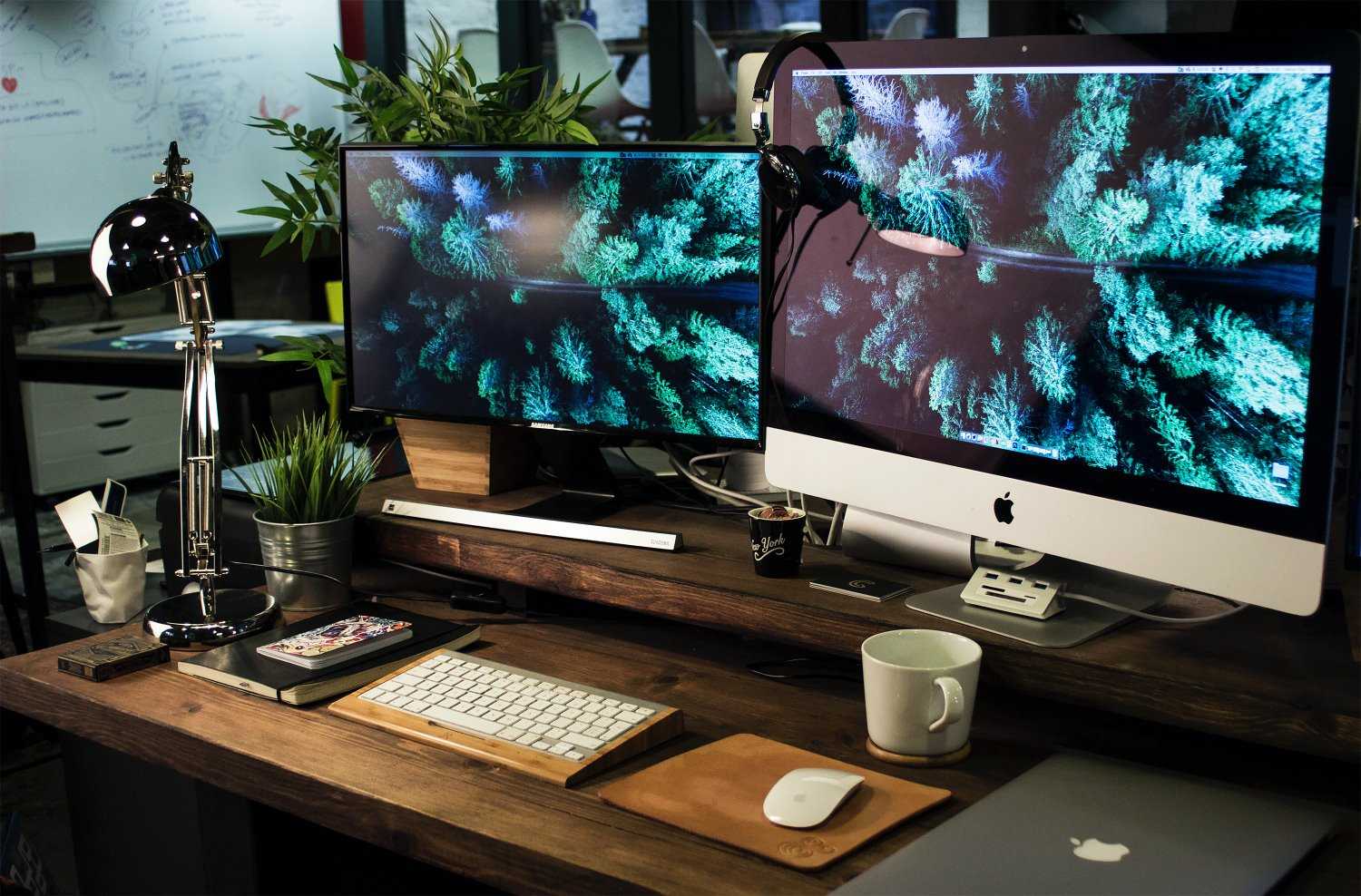
Choosing the right monitor for photo editing can transform your creative workflow and ensure your images look perfect across all devices. To pick the ideal display, focus on color accuracy, resolution, and screen size, which are crucial for detailed editing and vibrant results. Look for monitors with high sRGB and AdobeRGB coverage, a good IPS panel for consistent colors, and a resolution that suits your workspace, like 4K. Calibration options are also essential to maintain color precision over time. By prioritizing these features, you’ll find a monitor that helps you produce professional-quality edits with confidence.
If you’re serious about photo editing, selecting the right monitor involves balancing color accuracy, resolution, and size to match your specific needs. A good monitor will display true-to-life colors, allow detailed work without eye strain, and fit comfortably within your workspace, helping you bring your creative vision to life.
If you’re wondering how to choose a monitor for photo editing, start by assessing your budget, workspace, and the level of color precision you need. Focus on monitors with high color accuracy, good resolution, and adjustable settings to ensure your edits are as accurate as possible. The right display can make all the difference between a good photo and a stunning masterpiece.

How Do I Choose a Monitor for Photo Editing?
Choosing the right monitor for photo editing is essential to ensure your images look as good as possible. A good monitor helps you see colors accurately and provides clear details. In this section, we will explore all the important factors to consider when picking a monitor for photo editing.
Understanding Color Accuracy
Photo editing depends heavily on color precision. A monitor with **high color accuracy** shows true-to-life colors, helping you make precise edits. Look for monitors that support **wide color gamuts** such as Adobe RGB, DCI-P3, or sRGB.
Color Gamut Explained
The **color gamut** is the range of colors a monitor can display. A wider gamut means more vibrant and accurate colors. For photo editing, **prefer monitors with at least 99% sRGB coverage**. For professional work, consider those with **100% Adobe RGB** or **DCI-P3** support.
Color Calibration
Calibration ensures your monitor displays colors consistently. Many professional monitors come with built-in calibration tools or are compatible with calibration devices. Regular calibration keeps color accuracy reliable over time.
Monitor Resolution and Screen Size
Resolution and size impact your ability to see details and work comfortably. Higher resolutions show sharper images, and larger screens give you more workspace.
Common Resolutions for Photo Editing
- Full HD (1920×1080): Suitable for basic editing but may lack detail for advanced projects.
- Quad HD (2560×1440): Offers more workspace and sharper images.
- 4K (3840×2160): Provides excellent detail, especially for large images or multiple windows.
Choosing Screen Size
A **27-inch monitor** strikes a good balance, providing ample workspace without overwhelming your desk. Larger sizes like **32 inches** are better for detailed work but require more space.
Panel Type and Its Impact on Image Quality
The panel type affects color accuracy, contrast, and viewing angles.
IPS Panels
In-Plane Switching (IPS) panels are preferred for photo editing because they deliver **superior color accuracy** and **wide viewing angles**. They are ideal for detailed color work.
TN and VA Panels
Twisted Nematic (TN) panels are generally cheaper but offer **poorer color reproduction** and narrower angles. Vertical Alignment (VA) panels have **better contrast** but may have slower response times.
Contrast Ratio and Brightness
Good contrast and brightness allow you to see details in shadows and highlights.
Why Contrast Matters
A high **contrast ratio** brings out more depth in images, especially in darker areas. Look for ratios of at least 1000:1 for a more dynamic, realistic display.
Brightness Levels
Bright monitors with at least **250 nits** are suitable, but professionals often prefer **350 nits or higher** for better visibility and vibrant images.
Color Uniformity and Viewing Angles
Colors should remain consistent across the entire screen. And wide viewing angles are critical when sharing your work with others.
Assessing Uniformity
Look for monitors tested for **color uniformity**. Uniform screens help prevent color shifts, making your edits more precise.
Importance of Viewing Angles
IPS panels offer **up to 178 degrees** in both horizontal and vertical directions. This ensures consistent colors regardless of where you look.
Connectivity Options
Ensure the monitor supports the inputs you need such as HDMI, DisplayPort, and USB-C. These allow easy connection to your computer and peripherals.
Additional Features
– **USB hubs** for connecting accessories
– **Built-in speakers** for convenience
– **Adjustable stands** for ergonomic comfort
Calibrating and Maintaining Your Monitor
Regular calibration ensures your colors stay accurate. Use calibration tools like **X-Rite i1Display** or **Datacolor Spyder** for best results.
Color Profiles and Software
Many monitors come with color management software or support ICC profiles. Use these to maintain consistent color settings across your workflow.
Budget Considerations
Professional-grade monitors can be expensive. Decide based on your work needs and budget.
Affordable Options
Entry-level monitors with IPS panels and good color accuracy can start at a few hundred dollars. They are great for hobbyists and semi-professionals.
High-End Choices
Premium monitors with 4K resolution, wide color gamuts, and advanced calibration features cost more but provide the best quality for critical photo editing.
Additional Tips for Selecting the Perfect Monitor
- Read reviews from actual users and professionals.
- Test monitors in person if possible to evaluate color and image quality.
- Consider future needs, such as upgrading your hardware or expanding your workspace.
- Check for warranties and after-sale support for peace of mind.
Most importantly, match your choice with your specific photo editing tasks and workspace. Prioritize features like color accuracy, resolution, and panel quality to ensure your monitor supports your creative process.
How to Pick the Right Monitor for Photo Editing / Color Grading
Frequently Asked Questions
What display size should I consider for photo editing tasks?
Choose a monitor with a size that provides ample workspace without overwhelming your desk. Typically, a 27-inch display offers a good balance between detail and comfort. Larger screens, like 32 inches or more, can help you see more of your project at once but require more desk space and potentially higher resolution to maintain image clarity. Consider your workflow and workspace constraints when selecting the size to ensure comfortable viewing and precise editing.
How important is color accuracy when selecting a photo editing monitor?
Color accuracy is vital for producing true-to-life images and ensuring your edits look consistent across different devices. Look for monitors that cover a high percentage of color spaces like sRGB, Adobe RGB, or DCI-P3. Additionally, prioritize models that come factory-calibrated or offer calibration options. Accurate color reproduction minimizes discrepancies and helps you trust that your edits will translate well elsewhere.
Why should I pay attention to the monitor’s resolution for photo editing?
Resolution directly impacts the clarity and detail of your images. A higher resolution, such as 4K (3840×2160), provides sharper images and more workspace for detailed work. This allows you to see fine details and make precise adjustments. While higher resolutions require more processing power, they significantly enhance the editing experience by making your workflow more accurate and efficient.
What panel technology is best suited for photo editing?
IPS (In-Plane Switching) panels are generally preferred for photo editing because they offer better color accuracy and wider viewing angles compared to TN or VA panels. This ensures consistent color display regardless of your viewing position. IPS panels also tend to produce more accurate colors and smoother gradients, making them ideal for detailed and color-sensitive work.
How does brightness and contrast affect photo editing quality?
Adequate brightness and contrast levels help you accurately assess your images’ details and tonal range. Look for monitors with at least 300 nits of brightness and high contrast ratios to see deep blacks and vibrant colors. Properly calibrated brightness and contrast enable you to edit images with confidence, ensuring the final output maintains the intended visual impact across different viewing environments.
Final Thoughts
Choosing the right monitor for photo editing involves considering key factors like color accuracy, resolution, and screen size. Look for monitors with high color gamut coverage and calibration options to ensure precise colors. Resolution should be at least Full HD, but higher options like 4K enhance detail for editing.
Adjustability and connectivity options also matter for comfort and workflow. When asking how do I choose a monitor for photo editing, prioritize these features to find a display that meets your needs effectively.



