


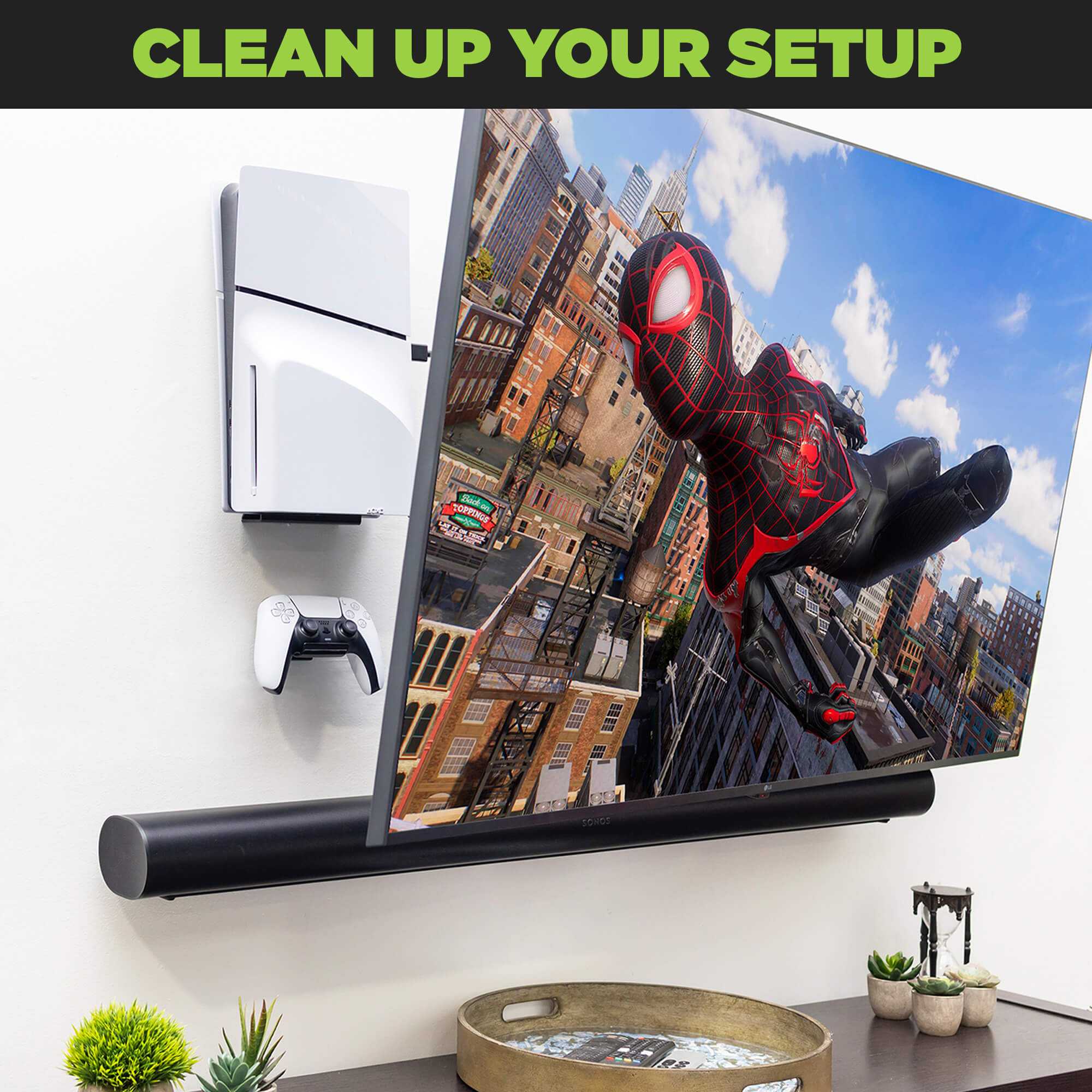
To effectively clean behind your wall-mounted TV, carefully power off and unplug the unit, then gently move it away from the wall to access the space behind. Use a soft brush or vacuum with a brush attachment to remove dust and debris, avoiding any liquid cleaners near electronic components. Reposition the TV securely afterward, ensuring all connections are intact.
Keeping behind your wall-mounted TV dust-free not only improves air quality but also prolongs the lifespan of your device. Regular maintenance prevents dust buildup that can cause overheating or damage. With the right tools and a gentle approach, cleaning behind your TV can be quick, safe, and easy, helping you maintain a pristine viewing area and a healthy home environment.
If you want to keep your wall-mounted TV clean behind the screen, start by turning off and unplugging the device. Carefully pull the TV away from the wall, being cautious with the cables. Use a soft brush or a vacuum cleaner with a brush attachment to gently remove dust from the back and the wall mount. Once cleaned, securely reposition the TV, making sure all cables are properly connected. Doing this regularly will prevent dust buildup, improve ventilation, and extend the life of your television.

How to Clean Behind Wall Mounted TVs: A Complete Guide
Understanding Why Cleaning Behind Your Wall Mounted TV Matters
Keeping the area behind your wall mounted TV clean is essential for maintaining good indoor air quality. Dust and dirt can accumulate unnoticed in hidden spaces, leading to allergies or even affecting your TV’s performance over time. Regular cleaning not only helps the environment but also extends the lifespan of your TV and keeps your living space looking tidy.
Preparing for the Cleaning Process
Before starting, gather all the necessary tools. You will need a soft microfiber cloth, a vacuum cleaner with a brush attachment, compressed air canisters, and possibly a gentle cleaning solution. Make sure the area around your TV is cleared, and the TV is turned off. For safety, unplug the power cord to avoid electrical hazards.
Checking Your Wall Mounting System
Inspect your wall mount to see how the TV is secured. Some mounts are easily removable, while others require specific tools for removal. If you plan to remove the TV, refer to the manufacturer’s instructions. Ensuring the mount is sturdy helps prevent accidents or wall damage during cleaning.
Step-by-Step Guide to Access Behind Your Wall Mounted TV
Removing the Cover or Panel
Many wall mounts have a quick-release mechanism or cover panels that can be easily removed. Use a screwdriver if necessary to detach any panels without damaging the wall or mount. Always follow the manufacturer’s instructions to avoid voiding your warranty.
Using Proper Tools to Access Hidden Areas
If the TV cannot be removed easily, use a long-handled duster or a flexible cleaning brush designed for tight spaces. Compressed air is also effective for blowing away dust from hard-to-reach spots.
Cleaning Techniques for Behind Wall Mounted TVs
Dusting
Start by gently dusting the area behind the TV with a microfiber cloth or a soft brush. Avoid using abrasive materials that could scratch surfaces. For stubborn dust, use compressed air, keeping the can upright and spraying in short bursts.
Vacuuming
Use a vacuum cleaner with a brush attachment to gently vacuum behind the mount. This method helps remove accumulated dust and debris without disturbing the wall or the mount.
Deep Cleaning
If there’s grime or sticky residue, lightly dampen a microfiber cloth with water or a mild cleaning solution. Wipe the area carefully, avoiding excess moisture near electrical components. Never spray liquid directly onto the wall or mount.
Cleaning Inside the Wall Mount Area
Some mounts have hollow spaces or gaps where dust collects more easily. Use a small brush or an air blower to clean these areas thoroughly. Regular maintenance prevents dirt buildup that could interfere with mount stability.
Reinstalling and Final Checks
Once cleaning is complete, reattach any panels or remount the TV securely. Double-check that all screws are tight and that the TV is properly aligned. Turn on the TV and verify that it functions correctly and that no debris is visible around the edges.
Additional Tips for Effective Cleaning
- Clean your wall mounted TV area at least twice a year for optimal performance.
- Use gentle, lint-free cloths to avoid scratching surfaces.
- Avoid harsh chemicals that can damage the wall or the TV’s electronic components.
- If you’re unsure about removing parts, consult a professional for assistance.
Safety Precautions to Keep in Mind
Always unplug your TV before starting cleaning. Be cautious with electrical components and avoid using excessive water or liquid cleaning products near exposed wiring. If you feel uncomfortable removing the TV, hiring a professional is the safest option.
Maintaining a Clean Environment Around Your Wall Mounted TV
Regular cleaning extends beyond just behind the TV. Dust the screen and surrounding areas weekly to prevent dirt buildup. Keep the space well-ventilated to reduce humidity and mold growth, especially in humid climates.
Tools and Products Recommended for Cleaning Behind Wall Mounted TVs
| Tool/Product | Purpose |
|---|---|
| Microfiber Cloth | Dusting and wiping surfaces |
| Vacuum with Brush Attachment | Removing dust from gaps and crevices |
| Compressed Air Can | Blowing out dust from hard-to-reach areas |
| Soft Brush | Cleaning corners and tight spaces |
| Gentle Cleaning Solution | Removing grime without damaging surfaces |
Summary of Best Practices
– Always unplug the TV before starting cleaning procedures.
– Remove or loosen the mount cover carefully.
– Use soft, non-abrasive tools to prevent scratches.
– Avoid excessive moisture near electrical parts.
– Clean behind the TV at least twice a year to prevent dust buildup.
– Reinstall the TV securely after cleaning.
Related Topics for Further Reading
- Best ways to clean a mounted flat-screen TV surface
- How to prevent dust accumulation in electronics
- Choosing the right wall mount for your TV
- Safety tips for installing wall-mounted electronics
Cleaning behind a wall mounted TV might seem challenging, but with the right tools and careful steps, it can be done safely and effectively. Regular maintenance ensures your TV stays in top shape and your living space remains clean and healthy.
Simple DIY to hide your TV and cable cords #homeimprovement #diy #diyer #diyprojects #diytips
Frequently Asked Questions
What tools can I use to clean behind my wall-mounted TV safely?
Use a soft, microfiber cloth to gently wipe away dust and dirt. A small handheld vacuum with a brush attachment can help remove debris from tight spaces. For hard-to-reach areas, consider using compressed air to blow out dust without displacing the TV or damaging any components. Always ensure the power is off before cleaning and use tools that won’t scratch or damage the wall or TV.
How can I access the space behind a wall-mounted TV without damaging the wall?
Check if the mounting bracket is accessible or designed for easy removal. Many wall mounts come with quick-release features that allow you to detach the TV from the wall gently. If not, carefully remove a small section of the wall or create a temporary opening using appropriate tools, ensuring you do not damage electrical wires or other fixtures. Always turn off the power and proceed cautiously to avoid any harm or damage.
Are there any safety precautions I should follow when cleaning behind my TV?
Always unplug your TV and turn off the power before starting cleaning. Wear gloves to prevent static buildup or accidental electrical shocks. Use non-abrasive cleaning materials to avoid damaging the wall or TV components. If you need to access behind the TV, handle tools carefully and avoid forcing or damaging the wall or mounting hardware. Consider consulting a professional if you are unsure about removing or cleaning the mount securely.
What regular maintenance can help prevent dust buildup behind my TV?
Schedule regular dusting of the wall and surrounding area to prevent excessive accumulation. Use a compressed air can to blow out dust in hard-to-reach spots periodically. Keep the environment clean and reduce humidity levels to minimize dust and mold growth behind the wall. Regular inspections of the mounting hardware can also prevent loose fittings that might trap more dust or debris over time.
Can I use cleaning sprays or liquids behind my wall-mounted TV?
Avoid using any liquids or sprays directly behind or near the TV and wall mount. Instead, lightly dampen a cloth with water or a gentle cleaning solution designed for electronic screens, and wipe down accessible areas carefully. Never spray liquids directly onto the wall or mount, as excess moisture can cause damage or create electrical hazards. If you’re unsure, consult the manufacturer’s cleaning recommendations for your specific setup.
Final Thoughts
To clean behind wall mounted TVs effectively, turn off the power and carefully remove the TV if possible. Use a vacuum with a brush attachment to remove dust and debris from the wall and around the mounts. Gently wipe the area with a damp cloth to remove any dirt or grime.
In conclusion, knowing how to clean behind wall mounted TVs helps maintain a tidy space and prolongs your device’s lifespan. Regular cleaning prevents dust buildup that could affect performance. Keep these tips in mind for a safe and efficient cleaning process.



