


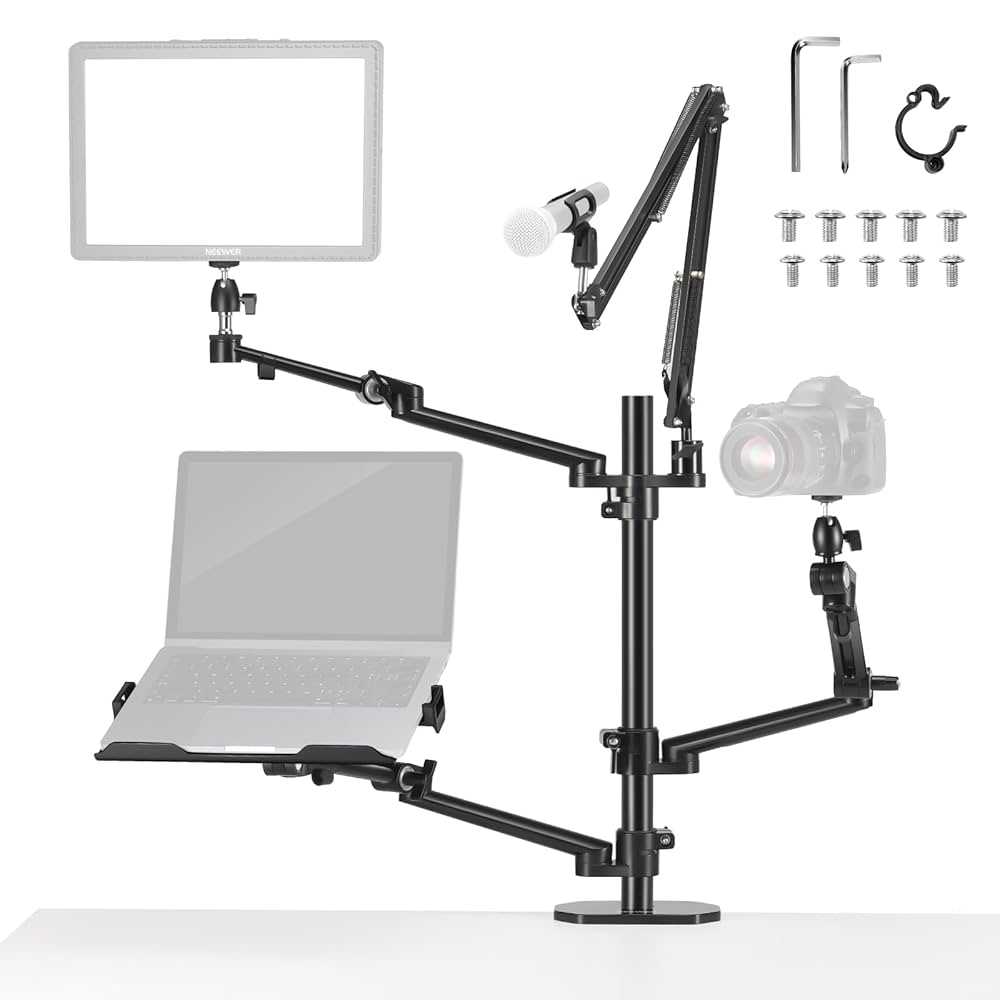
To effectively use a ring light with your webcam for teaching, position the ring light around your webcam lens, ensuring the light is evenly illuminating your face without creating harsh shadows. Adjust the brightness to suit your environment and make sure the light is facing directly at you for a professional and clear appearance. Additionally, keep the ring light at a comfortable distance to avoid glare and overexposure, and experiment with angles to find the most flattering lighting for your setup.
Using a ring light with your webcam can dramatically improve the quality of your online lessons by providing consistent, soft illumination that highlights your features and makes your image look more appealing. It’s a simple upgrade that transforms your teaching space into a professional-looking studio, ensuring your students see you clearly and engage better. Whether you teach from home or a classroom, mastering this setup can boost your confidence and presentation.
Getting started with a ring light and webcam is easier than you might think. Just position the ring light around or behind your webcam lens, connect it to power, and adjust the brightness to suit your environment. Ensure the light is directed at your face for the best effect, and tweak the angles until you’re happy with how you look on camera. This simple trick can make your online teaching sessions more vibrant, engaging, and professional, helping your students stay attentive and interested.

How to Use Ring Light with Webcam for Teaching
Using a ring light with your webcam can make a big difference in how you appear during online lessons or tutorials. Good lighting helps your audience see you clearly and makes your video look professional. In this section, we’ll explore how to set up and optimize your ring light for teaching sessions.
Understanding the Benefits of a Ring Light for Teaching
A ring light provides even, soft illumination that reduces shadows on your face. This creates a flattering look and allows viewers to see your expressions clearly. Proper lighting also minimizes glare and enhances video quality on your webcam.
These benefits lead to better engagement, clearer communication, and a more professional appearance. For teachers, a good ring light setup can boost confidence and improve overall lesson delivery.
Selecting the Right Ring Light for Teaching
When choosing a ring light, consider the size, brightness, and color temperature. A diameter of 12 to 18 inches is ideal for most teaching environments. Brightness levels should be adjustable so you can customize lighting based on your environment.
Look for a ring light with color temperature controls, allowing you to switch between warm and cool tones. This flexibility helps adapt to different times of day or specific visual preferences.
How to Set Up Your Ring Light for Optimal Teaching Results
Start by placing the ring light in front of you, at eye level. Positioning the light slightly above your eye line helps avoid unwanted shadows under your chin. Keep the light directed towards your face for even illumination.
Ensure that the light is centered around your webcam. This alignment prevents uneven shadows on your face and creates a balanced video image. If possible, use a tripod or adjustable stand for stability.
Connecting the Ring Light to Your Webcam and Computer
Most ring lights are USB-powered or connect via power adapters. Plug the light into a USB port or power outlet as specified in the product instructions. Once connected, turn on the light and adjust brightness and color settings as needed.
If your ring light has remote controls, use them to fine-tune the lighting while you prepare for your lesson. Make sure your webcam is properly connected to your computer and accessible through your video conferencing software.
Adjusting Brightness and Color Temperature
Properly adjusting brightness ensures your face is well-lit without overexposure. Start with a medium brightness setting and gradually increase or decrease to suit your environment. Too much light can cause glare, while too little leaves your face in shadows.
Experiment with the color temperature to match your surroundings. Warmer tones (around 3200K) are cozy and inviting, while cooler tones (around 5600K) provide a more natural daylight look. Choose what makes you look most natural and comfortable on camera.
Testing Your Setup Before Teaching
Always test your equipment before your scheduled lesson. Use your video conferencing platform’s preview feature to check lighting, audio, and video quality. Adjust your ring light settings as needed to achieve a clear, bright image.
Position your camera at eye level and verify your face is evenly lit. Confirm that the background is visible but not distracting. Doing this prep work helps avoid surprises during your actual session.
Tips for Maximizing the Effectiveness of Your Ring Light During Teaching
Maintaining Proper Lighting During Your Sessions
Keep your ring light on throughout your lesson to maintain consistent lighting conditions. Avoid turning the light off or adjusting settings mid-session unless necessary. Consistent lighting helps viewers focus on your content without distractions.
If you move to different areas of your room, ensure your ring light remains well-positioned. Use adjustable stands or tripods to quickly reconfigure the setup if needed.
Controlling Other Lighting Sources in Your Room
Minimize stray light from windows, lamps, or other sources that might interfere with your ring light. Use curtains or blinds during bright daytime sessions for better control over ambient light. Turning off other lights can prevent color mismatches and glare.
Consistent lighting conditions make your video clearer and more professional. Consider using a neutral-colored background to enhance the effect of your ring light.
Using Additional Equipment for Better Video Quality
Enhance your setup by adding a good quality webcam with high resolution. A webcam with autofocus and low-light correction features can further improve image quality. Use a microphone or headset for clear audio, complementing your visual setup.
For more professional videos, consider a tripod to keep your camera stable and at eye level. Good audio and stable visuals together create an engaging learning experience.
Incorporating Ring Light Settings into Your Teaching Routine
Develop a routine where you quickly check your lighting before each session. Familiarize yourself with the ring light’s controls to make adjustments easily. Keep spare batteries or power sources ready if your light is battery-powered.
Regularly review your recorded lessons to assess how your lighting appears on camera. Use this feedback to refine your setup over time.
Additional Ways to Improve Your Online Teaching Setup
Positioning Yourself in the Frame
Center yourself in the webcam frame for a balanced look. Keep your head and shoulders visible with some space above your head. Good framing helps students focus and stay engaged.
Using Backgrounds and Visual Aids Effectively
Choose clean, uncluttered backgrounds that aren’t distracting. Use visual aids like charts or slides that are well-lit and easy to read. Proper lighting on your face and background makes your teaching more effective.
Managing Shadows and Glare
Adjust the ring light’s position to eliminate shadows behind you. Use diffusers or softboxes if necessary to soften harsh light. Avoid reflective surfaces that might cause glare or unwanted reflections on your face or objects.
Creating a Comfortable and Professional Environment
Set up your teaching area with good lighting, comfortable furniture, and minimal noise. A well-lit, inviting space boosts your confidence and makes students feel more connected.
Summary of Key Points for Using a Ring Light with Webcam in Teaching
- Select a ring light with adjustable brightness and color temperature
- Position the light at eye level and centered around your webcam
- Test your setup before each lesson to optimize lighting conditions
- Minimize ambient light and reflections for clearer visuals
- Use a high-quality webcam and good audio equipment for best results
- Maintain consistent lighting throughout your session for professionalism
Using a ring light effectively during online teaching can dramatically improve how you appear on camera. Proper setup, adjustments, and testing ensure you look your best and communicate clearly with your students. With these tips, you can create a well-lit, engaging virtual classroom environment that supports effective learning.
How to Get Rid of Ring Light Glare from your Glasses!
Frequently Asked Questions
How should I position my ring light for optimal teaching visibility?
Place the ring light directly in front of your webcam, aligning it with your face. Keep the light slightly above eye level to minimize shadows and ensure your facial features are evenly illuminated. Adjust the angle so that the light covers your entire face uniformly, avoiding any glare or hotspots.
What are the best settings to adjust on the ring light when used for teaching?
Set the ring light to a neutral white color temperature for clear and natural lighting. Use a moderate brightness level to brighten your face without causing harsh shadows or washed-out skin tones. If your ring light has adjustable brightness and color temperature, experiment to find the most comfortable and professional appearance for your video sessions.
Can I use additional lighting along with my ring light for better clarity?
Yes, incorporating soft, diffused ambient lighting can enhance overall clarity. Place additional light sources at different angles to fill in shadows and create a balanced lighting environment. Make sure that these lights do not create harsh shadows or reflections on your face or background, and adjust their intensity to complement the ring light.
Final Thoughts
Using a ring light with your webcam for teaching enhances visibility and makes your lessons more engaging. Position the ring light in front of you to evenly illuminate your face and minimize shadows. Adjust the brightness and color temperature to suit your environment and skin tone for a natural look.
In conclusion, how to use ring light with webcam for teaching involves proper placement and adjustment of settings. This setup ensures clear, professional visuals that improve the overall teaching experience.



