


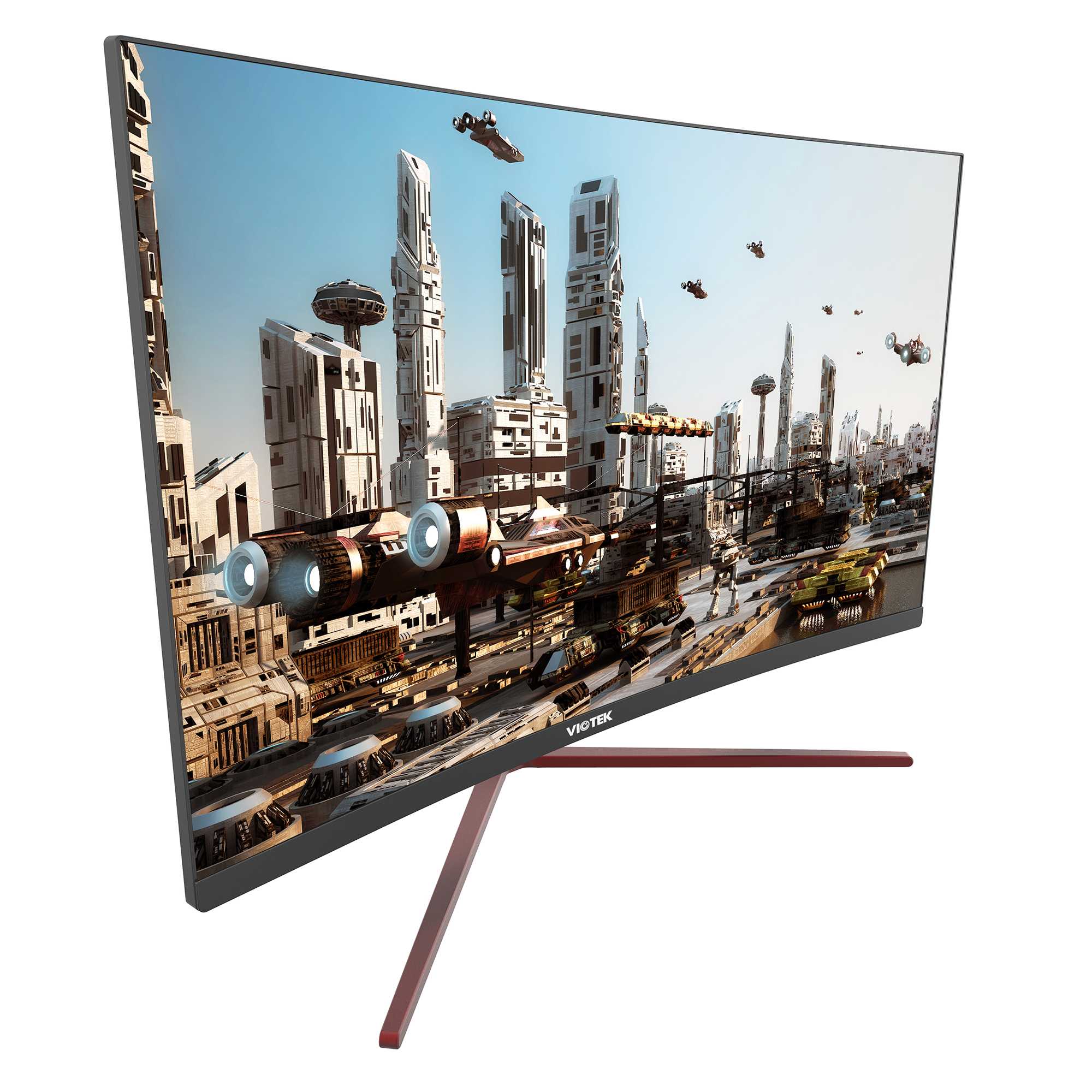
A 27-inch monitor can feel intimidating for FPS gaming, but whether it’s too big depends on your setup and preferences. If you have a good desk space and sit close enough, it can actually enhance your experience with its immersive visuals. However, if you’re cramped for space or sit too far away, it might become cumbersome and impact your performance. Ultimately, the ideal size balances your comfort, gameplay style, and viewing distance.
In short, a 27-inch monitor isn’t inherently too big for FPS gaming. It can provide an immersive experience if used with the right seating and setup, but some gamers may prefer smaller screens for quicker reactions. It’s all about personal preference and optimizing your gaming environment.
Jumping into FPS gaming with a 27-inch monitor can be exciting, but many gamers wonder if this size is too overwhelming or even detrimental to performance. The truth is, a 27-inch display offers a stunning, immersive experience that can truly elevate your gameplay — provided your desk space, sitting distance, and resolution are suitable. If you’re used to smaller screens or sit very close, the size might feel overwhelming initially, but it can improve your situational awareness and visual clarity. On the flip side, if your setup isn’t optimal, it could cause eye strain or make quick reactions harder. Read on to discover whether this popular monitor size fits your gaming style and setup, along with tips to make the most of it.

Is 27 Inch Monitor Too Big for FPS Gaming?
Understanding Screen Size and Gaming Experience
Choosing the right monitor size greatly influences your gaming session. A 27 inch monitor offers a broader view, which can make gameplay more immersive. However, size isn’t the only factor; the screen’s resolution and your sitting distance matter too.
Benefits of a 27 Inch Monitor in FPS Gaming
A larger display provides a wider field of view, helping you spot enemies more easily. It also enhances details, making textures and in-game objects pop out. For players who prefer immersive experiences, a 27 inch screen can feel very engaging.
Potential Drawbacks of a 27 Inch Monitor for FPS Gaming
Despite its advantages, some gamers find a 27 inch monitor overwhelming. The bigger size might require more head movement to scan the screen, which can slow reaction times. If your setup isn’t spacious enough, it could also cause discomfort over long gaming sessions.
Is the Distance Between You and the Screen Important?
Yes, sitting too close to a large monitor can cause strain and reduce clarity. For a 27 inch display, a recommended viewing distance is approximately 2 to 3 feet. Sitting closer may lead to neck fatigue, while sitting farther away could diminish the benefits of a larger screen.
Resolution Matters: 1080p, 1440p, and 4K
The clarity of a 27 inch monitor depends heavily on its resolution. A Full HD (1080p) display may look less sharp at this size, leading to pixelation. Monitors with 1440p or 4K resolution provide crisper images, which is vital for competitive gaming.
Field of View and Its Role in FPS Gaming
A bigger monitor can increase your peripheral vision, giving you more awareness of your surroundings. This enhanced field of view can be an advantage in fast-paced FPS games, helping you react quicker to threats from the sides.
How Does Monitor Size Affect Reaction Time and Accuracy?
Larger screens might require more eye and head movement, potentially impacting reaction speed. However, if the monitor is well-calibrated and at a proper distance, this impact can be minimized. Good reflexes depend on many factors, including display size, resolution, and personal preference.
Budget Considerations and Value for Money
27 inch monitors come in a wide price range, from budget-friendly to high-end models. Cheaper monitors may lack refresh rate or response time needed for FPS gaming. Investing in a high-quality monitor can improve gameplay and reduce eye strain.
Refresh Rate and Response Time: Key Performance Indicators
A higher refresh rate (at least 144Hz) smooths motion and reduces blur, which is critical in FPS titles. Response time measures how quickly each pixel responds to changes, with lower times (1-3 ms) preferred for competitive gaming. These features are more important than size alone.
Setup Tips for 27 Inch Monitors in FPS Gaming
Position the monitor so the top of the screen is at eye level to prevent neck strain. Use proper lighting to reduce glare and reflection. Consider a monitor stand or arm for adjustable height and tilt to optimize comfort.
Personal Preference and Comfort
Ultimately, the best size depends on your personal comfort and gaming style. Some gamers thrive on large screens, while others prefer smaller setups for quick reactions. Trying different sizes before buying can help determine what suits you best.
Related Topics
- Best monitor resolutions for FPS gaming
- How to choose the right monitor refresh rate
- Importance of response time in gaming monitors
- Ergonomics for prolonged gaming sessions
- Impact of monitor curvature on gaming experience
Final Thoughts: Is 27 Inches Too Large for FPS Gaming?
For many gamers, a 27 inch monitor strikes a perfect balance between size and performance. It enhances immersion and peripheral awareness without overwhelming the player. However, it is essential to match the monitor size with your setup, resolution preferences, and comfort level to get the most out of your gaming experience.
Best Monitor Size as a PC Gamer
Frequently Asked Questions
Does a 27-inch monitor require more gaming space than smaller screens?
Yes, a 27-inch monitor provides a larger viewing area, which can demand more space on your desk. This size can enhance your gaming experience by offering a more immersive view, but it also requires sufficient room to position comfortably and maintain optimal viewing angles.
Is a 27-inch monitor suitable for fast-paced FPS games?
Many gamers find a 27-inch monitor suitable for FPS games because it offers a good balance between screen size and clarity. However, responsiveness also depends on the monitor’s refresh rate and response time. Ensuring these features are up to par will help in quick reactions and clear visuals during gameplay.
Can a 27-inch screen cause any visual strain during extended gaming sessions?
Extended use of a large screen like a 27-inch monitor might lead to eye strain if not set up properly. To avoid discomfort, position the monitor at eye level, maintain proper lighting, and take regular breaks. Adjusting brightness and color settings can also contribute to a more comfortable viewing experience.
Is a high resolution necessary on a 27-inch monitor for FPS gaming?
While not strictly necessary, a higher resolution such as 1440p or 4K can significantly improve image clarity on a 27-inch screen. This enhancement makes details stand out, which can be particularly beneficial for spotting enemies in FPS games, but it depends on your graphics hardware capabilities.
How does the size of a 27-inch monitor impact aiming and targeting in FPS games?
A larger screen size can improve peripheral awareness but may also require more precise aiming due to increased visual information. Proper calibration and a good sensitivity setting in your control setup help ensure accuracy. Ultimately, comfort with your monitor size develops over time and practice.
Final Thoughts
A 27-inch monitor can be a great choice for FPS gaming, offering an immersive experience and clear visuals. However, it may feel overwhelming for some players due to the increased screen size and required field of view.
For fast-paced FPS games, quick reactions and precision matter most. A larger screen might slightly delay your response time or cause peripheral vision strain.
Ultimately, is 27 inch monitor too big for fps gaming? It depends on personal preference and space limitations. Many gamers find it ideal, but others prefer smaller screens for better agility.



