


A manual focus webcam allows you to control your focus precisely, which can be beneficial for content creators seeking sharp images. However, it requires more attention and adjustment than autofocus webcams. In this guide, you’ll learn how to decide if a manual focus webcam is right for you and how to set it up effectively.
Is Manual Focus Webcam Better for Content Creation?
If you’re into streaming, video conferencing, or content creation, your camera choice is crucial. You might have heard about manual focus webcams and wondered if they are better than autofocus models. This comprehensive guide will explore the advantages and disadvantages of manual focus webcams, helping you decide which type suits your needs best. We’ll also provide step-by-step setup tips and practical advice to maximize your webcam’s performance.
Key Takeaways
- Precision Control: Manual focus webcams give you complete control over focus, helping achieve sharp images in specific scenarios.
- Ideal for Static Content: They work best when your distance from the camera stays consistent, such as in studio setups.
- Requires Maintenance: Manual focus needs regular adjustments, which can be inconvenient during live streaming or recording sessions.
- Better in Certain Lighting Conditions: Manual focus cameras often perform better in tricky lighting, avoiding autofocus hunting.
- More Cost-Effective? Some manual focus webcams are more affordable, but high-end models can be pricey.
- Compatibility and Setup: Ensure your webcam is compatible with your device and learn how to fine-tune focus for optimal results.
Understanding the Difference: Manual Focus vs. Autofocus Webcams
Before diving into whether a manual focus webcam is better for content creation, let’s clarify what each type offers.
What is a Manual Focus Webcam?
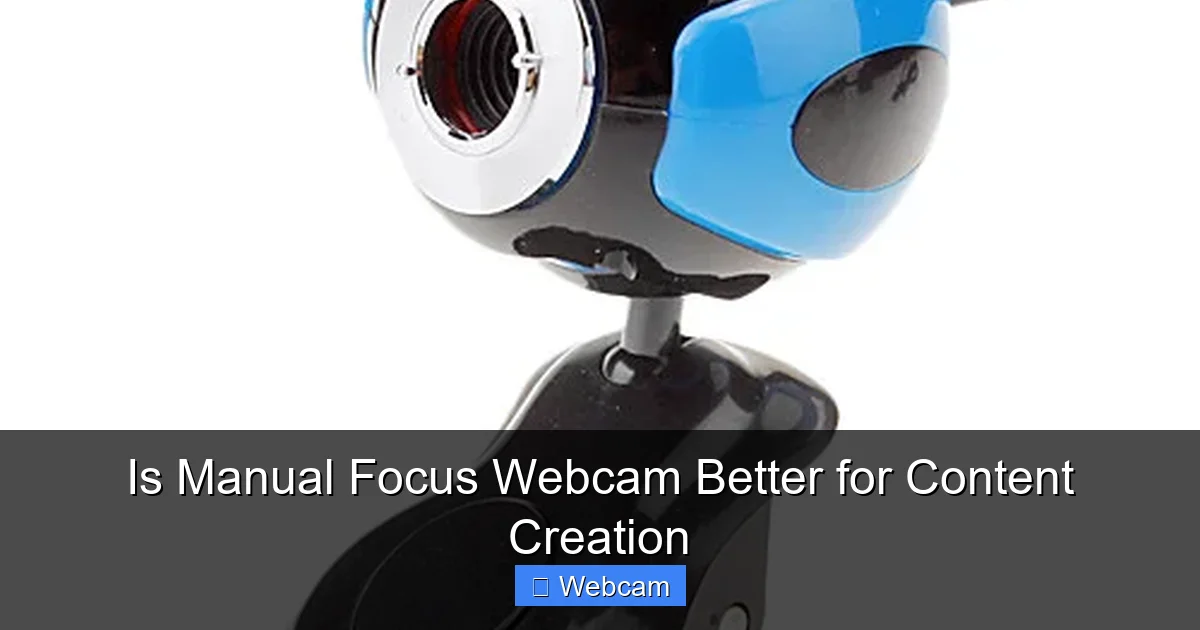
A manual focus webcam requires you to turn a ring or dial to adjust the focus manually. It doesn’t automatically change focus when you move or when the scene changes. You control focus precisely by setting it once and leaving it fixed.
What is an Autofocus Webcam?
An autofocus webcam automatically adjusts focus based on what’s in front of it. It’s designed for convenience, maintaining sharpness even if you move slightly or if the scene changes.
Advantages of Manual Focus Webcams for Content Creation
1. Precise Control Over Focus
With manual focus, you can set the focus exactly where you want it. This is especially useful when filming static scenes or when you want to avoid focus hunting.
Visual guide about Is Manual Focus Webcam Better for Content Creation
Image source: miniimg.rightinthebox.com
2. Better Performance in Challenging Lighting
Manual focus webcams typically handle tricky lighting conditions better. Since they don’t rely on autofocus algorithms, they won’t hunt for focus in low-light or high-contrast environments.
3. Consistent Image Quality
Once set, manual focus provides consistency. Your shot remains sharp without unexpected focus shifts during a live stream or recording.
4. Cost-Effective Options
Some manual focus webcams are priced lower than high-end autofocus models, making them an affordable choice for budget-conscious creators.
Disadvantages of Manual Focus Webcams for Content Creation
1. Requires Constant Attention
Manual focus isn’t automatic. If your scene or distance changes, you need to readjust focus manually, which can be inconvenient during live sessions.

Visual guide about Is Manual Focus Webcam Better for Content Creation
Image source: static3.webx.pk
2. Not Ideal for Dynamic Scenes
If you move around a lot or have multiple subjects in frame, manual focus can be limiting. Autofocus cameras adapt quickly, whereas manual focus needs adjustments.
3. Steeper Learning Curve
Getting the focus just right takes practice. New users might find it challenging to achieve perfect focus consistently.
Is a Manual Focus Webcam Better for Content Creation? — Factors to Consider
Whether a manual focus webcam is better depends on your specific needs and setup. Consider the following factors:

Visual guide about Is Manual Focus Webcam Better for Content Creation
Image source: i5.walmartimages.com
- Content Type: Static videos or tutorials benefit from manual focus, while dynamic scenes favor autofocus.
- Recording Environment: Controlled lighting and fixed distance favor manual focus.
- Mobility: Will you move around during recordings? Autofocus might be more convenient.
- Budget: Manual focus webcams can be more affordable but check for quality and features.
How to Choose the Right Manual Focus Webcam
Step 1: Determine Your Needs
Identify whether you primarily record static content, do live streaming, or require mobility. Your choice depends on how much focus adjustment you need.
Step 2: Research Models and Features
Look for webcams with easy-to-use manual focus rings, good image quality, and compatibility with your setup. Popular brands include Logitech, Razer, and some boutique manufacturers.
Step 3: Check Compatibility
Ensure the webcam is compatible with your operating system (Windows, Mac, Linux) and your streaming software (OBS, Streamlabs, etc.).
Step 4: Read Reviews and User Feedback
See what other content creators say about focus quality, ease of adjustment, and durability.
Step 5: Consider Additional Features
Look for webcams with built-in microphones, adjustable mounts, and good low-light performance if needed.
How to Set Up and Use a Manual Focus Webcam for Content Creation
Step 1: Mount Your Webcam
Securely attach your webcam to a stable tripod or mount. Position it at eye level for natural framing.
Step 2: Adjust Focus Manually
Turn the focus ring or dial on the webcam until your image is sharp. Use a well-lit scene to make focusing easier.
3. Test Different Distances
Set your distance from the camera and fine-tune focus for the clearest image. Mark the focus ring position if your webcam allows.
4. Lock the Focus
If your webcam has a lock feature, use it to prevent accidental adjustments during recording or streaming.
5: Fine-Tune in Your Software
Some webcams allow software-based focus adjustments. Use your camera’s control panel or streaming software to tweak focus if needed.
Practical Tips for Maintaining Focus Accuracy
- Use consistent lighting: Good lighting helps achieve sharp focus quickly.
- Keep a fixed setup: Avoid moving the webcam or changing distances once set.
- Regularly check focus: During long sessions, glance at your image to ensure focus remains sharp.
- Mark your focus ring: Use tape or a marker to remember the optimal focus position.
Troubleshooting Common Issues
Problem: Image is blurry even after focusing
Ensure you’re in good lighting and that the focus ring is set correctly. Clean the lens and check for any obstructions.
Problem: Focus doesn’t stay sharp during recording
Lock the focus if possible, or avoid changing the scene or distance. Consider using a webcam with a focus lock feature.
Problem: Difficult to focus manually in low light
Improve your lighting setup. Manual focus works best in well-lit environments.
Conclusion
Is a manual focus webcam better for content creation? It depends on your specific needs. If you value precise control, work in static environments, and don’t need to move around much, a manual focus webcam can be a great choice. However, for dynamic scenes or live sessions requiring flexibility, an autofocus webcam might be more convenient. Weigh the pros and cons, choose the right model, and follow proper setup practices to get the best results for your content creation journey.
Final Tips
- Invest in good lighting to enhance focus accuracy.
- Practice adjusting focus to become quick and precise.
- Keep your setup consistent for the best image quality.



