


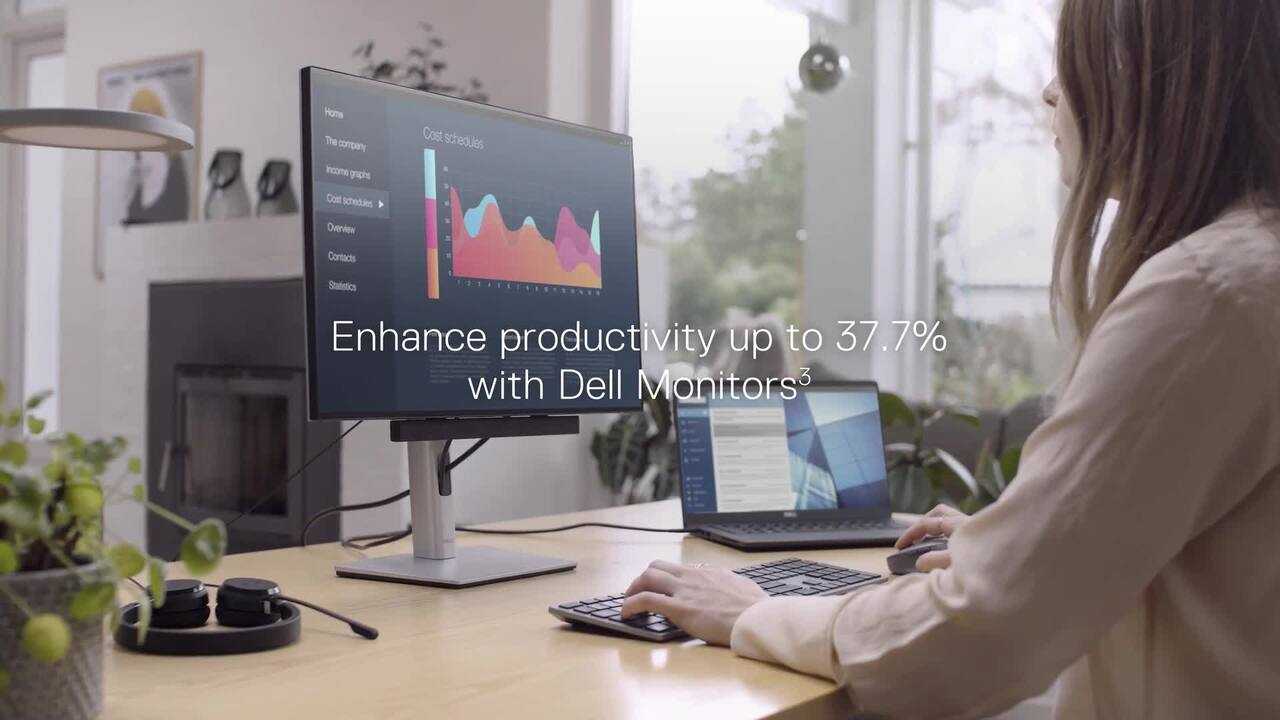
Yes, a USB-C monitor can be an excellent choice for office work because it simplifies your setup and offers high-quality visuals. It allows you to connect your laptop with a single cable that handles power, data, and display, reducing clutter and making your workspace more efficient. Plus, many USB-C monitors have features like adjustable stands and good resolution, perfect for productivity tasks. Whether you’re working on spreadsheets, presentations, or multitasking, a USB-C monitor can enhance your comfort and workflow.
In brief, USB-C monitors are highly suitable for office work due to their convenience and modern features. They streamline your workspace, reduce cable clutter, and support high-quality visuals, making them a popular choice for professionals aiming for efficiency and comfort.
Jumping into the world of office monitors, the question of whether a USB-C monitor is a good fit is increasingly relevant. With more workplaces shifting to flexible and streamlined setups, a USB-C monitor offers a promising solution. These monitors are designed to connect seamlessly with modern laptops and tablets, providing a single-cable connection for power, data, and display. This not only simplifies your workspace but also enhances aesthetics and reduces cable chaos. Additionally, USB-C monitors often come with advanced features like higher resolution, better color accuracy, and ergonomic adjustments, which make long hours at work more comfortable. If you seek a modern, clutter-free, and efficient workspace, choosing a USB-C monitor could be a smart move to boost productivity and workspace organization.

Is USB C Monitor Good for Office Work?
Understanding USB C Monitors
USB C monitors are displays that connect to your computer or device via a single USB Type-C cable. This port allows data transfer, video output, and power delivery all at once, making it a popular choice for modern office setups. Unlike older connection types, USB C combines multiple functions into one cable.
Advantages of Using a USB C Monitor for Office Tasks
Using a USB C monitor offers several benefits that can improve your work experience. First, the simplicity of a single cable reduces clutter on your desk. Second, it supports fast data transfer, which speeds up tasks like file sharing and data backups. Third, many USB C monitors can also charge your laptop, removing the need for additional power cords.
Compatibility and Connectivity
Most modern laptops and desktops now support USB C connections, making these monitors widely compatible. It is essential to check if your device supports video and power delivery over USB C. For older devices, adapters might be necessary, but newer computers often come equipped for direct connection.
Is USB C Better Than HDMI or DisplayPort for Office Use?
While HDMI and DisplayPort have been traditional video outputs, USB C offers a more streamlined experience. USB C can carry both video and power through one cable, unlike HDMI or DisplayPort, which usually require separate power sources or adapters. For office workers, this means fewer cables and a cleaner workspace.
Display Quality on USB C Monitors
Most USB C monitors support high-resolution displays, from Full HD (1080p) to Ultra HD (4K). This clarity improves productivity by making text sharper and visuals more detailed. Additionally, many models feature wide color ranges and high refresh rates that enhance visual comfort during long work hours.
Speed and Data Transfer Capabilities
USB C supports data transfer speeds of up to 10 Gbps or more, depending on the version. This is beneficial for transferring large files quickly or connecting peripherals such as external drives, printers, and webcams directly through the monitor. The fast data transfer reduces waiting time during work tasks.
Power Delivery and Charging
One of the key benefits of USB C monitors is their ability to power and charge compatible laptops or devices. A monitor with power delivery may provide enough wattage to keep your laptop charged throughout the day. This feature means you can use fewer cables and free up desk space.
Design and Ergonomics
Many USB C monitors come with adjustable stands, height modifications, and tilt options. These ergonomic features help reduce strain during prolonged periods of work. A well-designed monitor can improve comfort and productivity by aligning with your natural posture.
Port Selection and Expansion
In addition to USB C, many monitors include extra ports such as USB A, HDMI, SD card slots, or Ethernet. These expand your connectivity options without cluttering your workspace. Having multiple ports allows for seamless connection of peripherals like keyboards, mice, or external drives.
Energy Efficiency and Power Consumption
USB C monitors tend to be energy-efficient, especially models that support Power Delivery. They consume less power and can operate effectively while delivering minimal energy waste. This quality benefits both your electricity bill and the environment.
Cost Considerations
While USB C monitors can be more expensive than traditional monitors, their cost reflects their advanced features and convenience. It is worth comparing different models to find one that fits your budget while providing the necessary specifications for office work.
Potential Drawbacks of USB C Monitors
Despite many benefits, USB C monitors may have some limitations. Compatibility issues can arise with older devices that do not support USB C. Additionally, if your computer lacks a USB C port, you will need adapters, which might add to setup complexity and cost.
How to Choose the Right USB C Monitor for Office Work
Selecting the best USB C monitor depends on your specific needs. Consider the size, resolution, ergonomic features, port options, and budget. Reading reviews and checking for compatibility with your devices can help you make an informed decision.
Future Outlook and Trends
As technology advances, USB C monitors are expected to become more common and feature richer capabilities. Wireless connectivity, higher resolutions, and even better power management are trends to watch. These developments will likely make USB C monitors even more suitable for modern office work.
Related Topics to Consider
- How to Set Up Multiple Monitors for Increased Productivity
- The Best Peripherals to Use with USB C Monitors
- Comparing USB C Monitors and Traditional Monitors for Office Use
- Ergonomic Tips for Long Hours in Front of a Monitor
This detailed overview shows that USB C monitors are generally a good choice for office work, offering simplicity, efficiency, and high-quality display features. They help create a cleaner workspace while supporting essential tasks efficiently, making them a popular option for both home offices and traditional workplaces.
I Used An UltraWide Monitor For 365 Days (Worth It?)
Frequently Asked Questions
Can a USB-C monitor support multiple applications simultaneously for efficient multitasking?
Yes, many USB-C monitors support high resolutions and fast refresh rates that make multitasking smooth. With a single cable providing both power and video, users can connect multiple devices easily, enabling seamless switching between applications. This setup reduces clutter and improves productivity, especially when working with multiple windows or applications at once.
Is the display quality on a USB-C monitor suitable for detailed office work like data analysis or graphic design?
Most USB-C monitors offer sharp resolution and accurate color reproduction, making them suitable for detailed tasks such as data analysis, spreadsheets, or graphic design. When choosing a monitor, look for features like 4K resolution and an IPS panel, which provide clear, vibrant visuals that support precision work.
How reliable is the connectivity of USB-C monitors for long hours of office use?
USB-C monitors generally provide stable and fast data transfer, ensuring reliable connectivity during extended work sessions. As long as you use quality cables and compatible devices, these monitors maintain consistent performance, reducing the risk of disconnections or lag that can disrupt your workflow.
Are USB-C monitors compatible with all office devices and operating systems?
Most USB-C monitors are compatible with a wide range of devices including laptops, desktops, and tablets, regardless of operating system. However, it’s advisable to check the specifications of your device to ensure it supports USB-C with power delivery and video output features required by the monitor for optimal performance.
Do USB-C monitors require special setup or drivers for office environments?
In most cases, USB-C monitors are plug-and-play, meaning they do not need additional drivers for basic functionality. You may want to install specific drivers or software for advanced features like color calibration or screen splitting, but overall, setting them up in an office environment is straightforward and quick.
Final Thoughts
A USB C monitor offers many benefits for office work, including quick connectivity and minimal cable clutter. Its simple setup lets you connect devices seamlessly, saving time and reducing confusion. The clarity and color accuracy enhance productivity by making tasks easier to handle.
For many users, the convenience of a USB C monitor outweighs any potential drawbacks, especially when space and efficiency matter. Its compatibility with modern laptops and gadgets makes it a practical choice. Overall, a USB C monitor is good for office work, providing a reliable and efficient workspace.



