


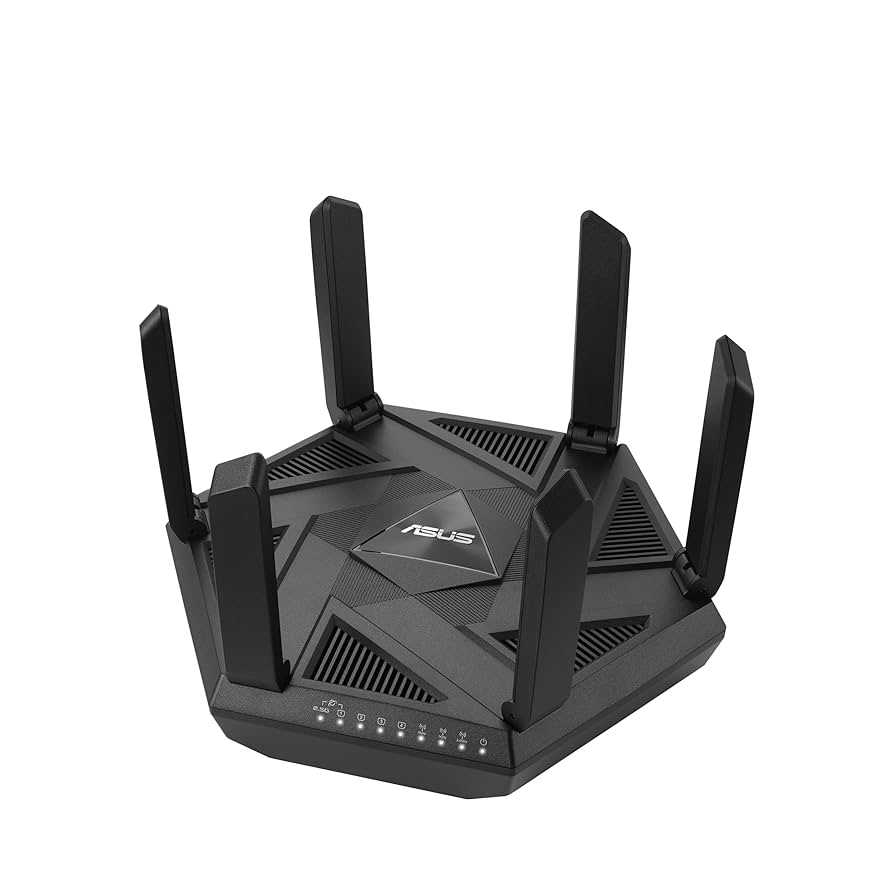
Looking for a way to keep your kids safe online without constantly monitoring their screens? The right router with parental control features can be your best ally, offering reliable management of internet access and content filtering. These devices make it easier to set time limits, block inappropriate websites, and monitor online activity, all from one user-friendly interface.
Routers with parental controls provide a simple, effective solution for parents concerned about online safety. They allow you to customize restrictions, ensuring children can enjoy the internet safely while giving you peace of mind. In this article, we’ll explore the best routers equipped with parental control features, helping you choose the perfect device to protect your family online.

Routers with parental control features for safe browsing
Understanding the importance of parental control routers
Parents want to keep their children safe while they surf the internet. Traditional routers only provide basic connectivity without filtering content. Parental control routers add a layer of security by managing what children can access online. These routers give parents peace of mind knowing that children are protected from inappropriate content. They also help prevent excessive screen time and limit access during certain hours.
Key features of routers with parental controls
Parental control routers come with a variety of features designed to make internet usage safer and more manageable. Some of the most important features include:
- Content filtering: Blocks access to harmful or inappropriate websites.
- Time management: Sets limits on how long children can use the internet each day.
- Device management: Allows parents to control which devices can connect to the internet.
- Usage reports: Provides insights into children’s browsing habits.
- Schedule-based access: Enables internet access only during designated times.
- Real-time alerts: Sends notifications about suspicious or unwanted activity.
These features work together to create a safe online environment for children.
How content filtering works in parental control routers
Content filtering is a crucial feature that blocks websites with inappropriate material. Routers use blacklists and whitelists to control access. Blacklists contain URLs or keywords to block, while whitelists allow access only to approved sites. Advanced routers also integrate with parental control services that regularly update filtering databases. This ensures children are protected from new harmful content.
Types of content filtering
Content filtering can be categorized into:
- URL filtering: Blocks specific websites based on their URLs.
- Keyword filtering: Blocks sites containing certain words or phrases.
- Category-based filtering: Blocks entire categories like adult content, gaming, or social media.
Parents can customize filtering settings based on their child’s age and maturity level.
Time management and scheduling for safe browsing
Setting time limits helps prevent excessive internet use. Most routers allow parents to schedule internet availability for each device. For example, internet access can be disabled during homework time or bedtime. These controls help instill healthy digital habits and promote better sleep routines.
Benefits of scheduling
Scheduling offers several advantages:
- Prevents children from accessing the internet late at night.
- Ensures time is allocated for offline activities and family interaction.
- Helps enforce consistent routines and boundaries.
Adjustable schedules can be set for weekdays and weekends, supporting varied activities.
Device management and access controls
Parents can control which devices connect to the internet and when. They can set permissions for personal devices, school devices, or gaming consoles. Some routers also enable pausing the internet for specific devices temporarily. Device management helps prevent unauthorized access and reduces distractions.
Benefits of device management
Using device controls offers:
- Protection against unauthorized devices connecting to the network.
- Control over internet access on gaming consoles and smart TVs.
- Ability to prioritize bandwidth for essential devices.
This management ensures a focused and secure online experience.
Usage reports and monitoring browsing activity
Most parental control routers generate detailed activity reports. These reports show which websites were visited and for how long. They help parents understand children’s online habits and identify potential issues. Regular monitoring encourages responsible internet use and discussions about online safety.
How to interpret reports
Parents should look for:
- Unusual browsing sites or content.
- Frequent access to restricted categories.
- Long periods spent online without supervision.
Using these insights, parents can adjust filters and limits accordingly.
Additional security features to look for in parental control routers
Apart from core control features, some routers offer extra security options. These include:
- VPN support: Protects privacy and encrypts internet traffic.
- Automatic firmware updates: Ensures the router always has the latest security patches.
- Guest networks: Allows visitors to access the internet without accessing family devices or data.
- Malware protection: Detects and blocks malicious sites or downloads.
Choosing routers with these features enhances overall family cybersecurity.
Choosing the right router with parental controls
When selecting a router, consider factors like the number of devices it supports, Wi-Fi speed, and ease of use. Look for models with intuitive parental control interfaces to make management easier. Compatibility with your internet provider can also influence your choice. Reading reviews helps identify reliable options that deliver on security and performance.
Popular routers with parental control features
Some top models include:
- Netgear Nighthawk AC2300 with Circle
- TP-Link Archer AX50 with HomeShield
- Asus RT-AX88U with AiProtection Pro
- Linksys MR7350 with parental controls
These routers balance performance with comprehensive parental controls.
Setting up parental controls effectively
Proper setup involves creating user profiles for each child. Assign appropriate content filters and time limits based on age. Regularly reviewing activity reports ensures controls work as intended. Communication with children about rules and safety encourages cooperation.
Tips for effective setup
- Start with default settings and customize based on needs.
- Set clear rules about internet use and explain why controls are in place.
- Update filters and schedules regularly to adapt to changing needs.
Effective setup helps create a balanced and safe online environment.
Challenges and limitations of parental control routers
While these routers offer powerful tools, they are not foolproof. Some tech-savvy children may find ways to bypass controls. Overly restrictive settings can cause frustration and restrict healthy exploration. It’s important for parents to combine technology with open conversations about online safety.
Overcoming challenges
To address limitations:
- Maintain open communication about internet use.
- Use controls as a supplement to supervision, not a replacement.
- Stay informed about new parental control options and updates.
Balancing controls with trust fosters responsible digital habits.
Final thoughts on choosing routers with parental control features for safe browsing
Using routers with built-in parental controls helps create a safer online space for children. They offer tools to manage content, time, and device access efficiently. When choosing a router, prioritize ease of management, security features, and compatibility. Combining these controls with ongoing dialogue ensures children develop healthy internet habits while staying protected.
Frequently Asked Questions
How can parental controls help prevent children from accessing inappropriate content?
Parental controls enable you to block or filter websites that contain adult content, violence, or other unsuitable material. By setting restrictions, you ensure your children only access age-appropriate content, reducing the chances of exposure to harmful information online.
What features should I look for in a router to effectively monitor internet usage?
Look for routers that offer activity logs, customizable access schedules, and real-time usage monitoring. These features allow you to see which sites your devices visit, set time limits, and restrict internet access during certain hours, helping you stay informed about your child’s online activities.
Can parental control settings be customized for different devices in my household?
Yes, many routers allow you to create individual profiles for each device, enabling tailored restrictions based on age or user. This customization helps you apply specific rules to smartphones, tablets, and computers to ensure safe browsing for everyone.
How easy is it to update or modify parental control settings on these routers?
Most routers feature user-friendly interfaces that let you quickly modify parental control settings through a straightforward web portal or mobile app. You can easily adjust restrictions, add new filters, or change schedules without technical expertise.
Are routers with parental controls effective in managing screen time limitations?
Yes, routers with parental controls often include options to set daily or weekly screen time limits for connected devices. These tools help you manage how long your children spend online, promoting healthier usage habits without constant supervision.
Final Thoughts
Routers with parental control features for safe browsing provide an effective way to safeguard your family’s online experience. These devices allow you to set restrictions, block inappropriate content, and monitor usage easily.
Choosing a router with these features ensures a safer environment for children without constant supervision. Investing in such technology helps create a balanced digital space. In summary, these routers prove essential for maintaining a secure and controlled internet experience for your loved ones.



