


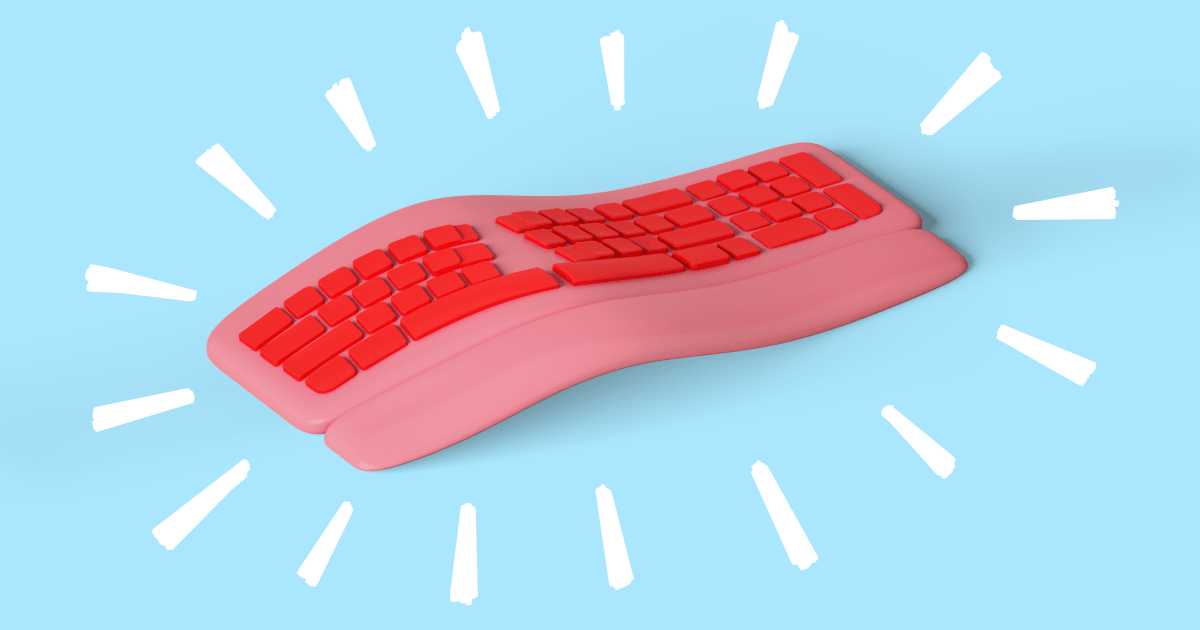
If you’re spending long hours typing, an ergonomic keyboard can be a game changer. These specially designed keyboards aim to reduce strain on your wrists and hands, promoting a more natural typing position. The primary benefits of using an ergonomic keyboard include decreased risk of repetitive strain injuries, improved comfort during prolonged use, and enhanced typing efficiency. By providing a more aligned wrist position, these keyboards can help you avoid discomfort that often leads to health issues. In a world where many of us rely on our computers for work or leisure, making the switch to an ergonomic keyboard can transform your everyday computing experience into a more enjoyable and less painful one. So, let’s dive into the specific benefits that these keyboards offer.

“`html
What Are the Benefits of an Ergonomic Keyboard
In today’s digital age, many people spend hours typing on keyboards for work, school, or leisure. This can lead to discomfort and health issues if you’re using a standard keyboard. An ergonomic keyboard can offer numerous benefits that help to improve your comfort, productivity, and overall well-being. Let’s explore these benefits in detail.
1. Reduced Risk of Repetitive Strain Injuries
One of the primary benefits of an ergonomic keyboard is the significant reduction in the risk of repetitive strain injuries (RSIs). These injuries often occur from repetitive motions, like typing on a standard keyboard.
Ergonomic keyboards are designed to encourage a more natural hand position. This helps to prevent strain on your wrists and fingers, minimizing the chance of developing issues like carpal tunnel syndrome.
How Ergonomic Keyboards Help
- Split designs allow for a more natural hand position.
- Wrist support offers cushioning for your wrists.
- Curved key layouts help to reduce finger extension and movement.
2. Improved Comfort During Long Hours of Use
Another key benefit of ergonomic keyboards is the improved comfort they provide during long typing sessions. Standard keyboards can be uncomfortable, leading to aches and pains.
With an ergonomic keyboard, your wrists, hands, and forearms have better alignment. Many ergonomic options come with padded wrist rests to support your palms while you type, allowing you to focus on your work without discomfort.
Features That Enhance Comfort
- Padded wrist supports that reduce pressure on your wrists.
- Adjustable height settings for personalized comfort.
- Soft-touch keys that require less force to press.
3. Enhanced Productivity
Using an ergonomic keyboard can also enhance your productivity. When you’re comfortable, you can focus more on your tasks than on any discomfort you may feel.
Ergonomic designs often include features that promote smoother typing. This can lead to fewer errors and faster typing speeds. You can complete your work efficiently and comfortably.
How Ergonomics Boost Productivity
- Layouts that reduce finger movement can speed up typing.
- Fewer mistakes mean less time spent correcting errors.
- Comfort allows for longer work periods without fatigue.
4. Better Posture and Body Alignment
When you use an ergonomic keyboard, you often find yourself sitting in a better posture. Good posture is essential for preventing back and neck pain, especially when working at a desk for long periods.
Many ergonomic keyboards are designed to promote an upright position. This helps to align your body correctly and encourages you to sit straighter.
Posture Benefits of Ergonomic Keyboards
- Encourages a straight back and relaxed shoulders.
- Helps maintain a neutral wrist position.
- Reduces the likelihood of tension in the neck and back.
5. Decreased Fatigue
Another advantage of ergonomic keyboards is that they can help decrease fatigue during long typing sessions. When your hands and wrists are in a comfortable position, you can type for longer without feeling tired.
Fatigue can hinder work performance. By using an ergonomic keyboard, you may notice increased energy levels overall, allowing for longer periods of focus and productivity.
Ways Ergonomic Keyboards Reduce Fatigue
- Encourages relaxed hand and finger movements.
- Less strain leads to less overall fatigue.
- A comfortable typing experience means you can work longer.
6. Adjustable Features for Personalized Use
Many ergonomic keyboards come with adjustable features that allow you to tailor the keyboard to your preferences. This customization can further enhance comfort and ease of use.
Adjustable height, tilt, and even key resistance can make a difference in how your hands feel while typing. By optimizing the keyboard’s settings, you can create a fit that suits your unique body.
Customization Options
- Height adjustments for optimal wrist alignment.
- Tilt angles to promote a comfortable typing angle.
- Key settings that match your typing style.
7. Variety of Designs
Ergonomic keyboards come in various designs to fit different needs and preferences. You can find options such as split keyboards, curved keyboards, and even those with integrated wrist rests.
This variety makes it easier to find a keyboard that feels natural to you. Everyone’s typing style and comfort preferences are different, and ergonomic keyboards cater to those differences.
Exploring Different Ergonomic Designs
- Split design keyboards that separate the two halves.
- Curved keyboards that follow the natural shape of your hands.
- Compact keyboards for small spaces.
8. Budget-Friendly Options Available
While some ergonomic keyboards can be pricey, many budget-friendly options exist. Investing in your comfort doesn’t have to break the bank.
When you consider the potential health benefits and increased productivity, an ergonomic keyboard can be a wise investment for anyone who spends significant time typing.
Finding Affordable Ergonomic Keyboards
- Look for brands that specialize in ergonomics.
- Check online reviews for budget-friendly models.
- Compare prices before making a decision.
9. Compatibility with Various Devices
Another great benefit of ergonomic keyboards is their compatibility with various devices. Whether you’re using a computer, tablet, or laptop, many ergonomic keyboards can connect seamlessly.
This versatility allows you to maintain the same level of comfort across different devices. You don’t have to sacrifice your wrist’s health when switching between devices.
Device Compatibility Benefits
- USB connectivity for computers.
- Bluetooth options for tablets and smartphones.
- Flexible designs for easy portability.
10. Encouraging Healthy Typing Habits
Using an ergonomic keyboard can also encourage healthier typing habits. Better posture and hand positioning lead to a more mindful typing experience.
When you invest in an ergonomic keyboard, you’re more likely to pay attention to your overall body alignment, reducing the chances of developing bad habits that can lead to discomfort over time.
Building Healthy Typing Habits
- Promotes awareness of hand and wrist position.
- Encourages regular breaks to stretch and rest.
- Fosters a proactive approach to your typing health.
Ultimately, the benefits of an ergonomic keyboard are numerous. From reducing the risk of injuries to enhancing comfort and productivity, incorporating one into your workspace can significantly impact your typing experience. By prioritizing your comfort and health, you can enjoy long hours of typing without the accompanying discomfort often felt with standard keyboards. Whether for work or leisure, an ergonomic keyboard is a worthwhile investment for anyone who types frequently.
“`
These are the benefits of ergonomic keyboards
Frequently Asked Questions
“`html
How does an ergonomic keyboard reduce wrist strain?
An ergonomic keyboard is designed to promote a more natural hand and wrist position, which helps minimize discomfort and strain. The split design allows your hands to rest more comfortably, reducing the angle at which your wrists bend. This design promotes a relaxed posture while typing, effectively decreasing the risk of repetitive strain injuries.
Can an ergonomic keyboard improve typing speed and accuracy?
Many users find that an ergonomic keyboard enhances their typing speed and accuracy. The layout encourages a more comfortable hand position, leading to less fatigue during extended typing sessions. As users become accustomed to the keyboard’s design, they often notice an improvement in their overall typing performance.
What features should I look for in an ergonomic keyboard?
When selecting an ergonomic keyboard, consider features such as a split or curved design, adjustable height, wrist support, and customizable keys. A detachable palm rest can also enhance comfort. Look for models that offer tactile feedback to ensure a responsive typing experience.
Are ergonomic keyboards suitable for gaming?
Yes, many ergonomic keyboards cater to gamers by combining comfort with performance. They often include features such as anti-ghosting and customizable macro keys, which can enhance gameplay. The ergonomic design helps prevent strain during long gaming sessions, allowing for a more enjoyable experience.
How do ergonomic keyboards affect posture?
Using an ergonomic keyboard can significantly improve your posture while typing. By encouraging a natural alignment of your hands, arms, and shoulders, these keyboards help reduce slumping or leaning forward, which often leads to back and neck pain. Maintaining a neutral position promotes better overall body mechanics.
“`
Final Thoughts
An ergonomic keyboard offers numerous benefits that improve comfort and enhance productivity. By promoting a natural hand position, it reduces strain on the wrists and fingers, minimizing the risk of repetitive strain injuries.
Additionally, these keyboards often feature customizable layouts that allow users to adjust their setup for optimal performance. Overall, understanding what are the benefits of an ergonomic keyboard can lead to a healthier and more efficient typing experience.



