


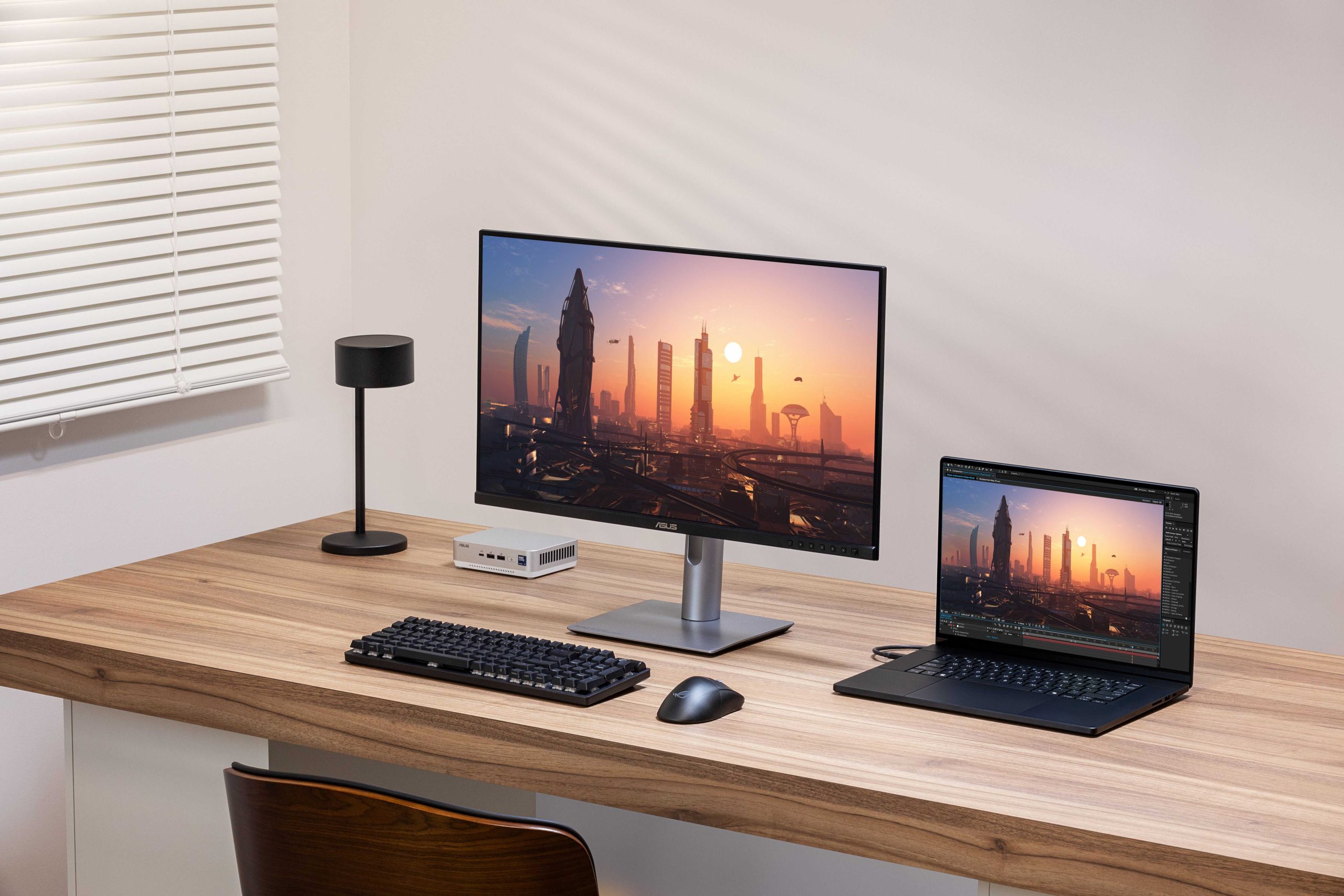
Delta E is a key measurement that tells you how accurately a monitor can display colors—crucial for content creators who need perfect color matching. Think of Delta E as the gap between what you see on your screen and the true color; the smaller this number, the more precise the display. For anyone working with video, photography, or digital art, understanding Delta E helps ensure your work looks consistent across different screens and print. In essence, Delta E measures color fidelity, making it an essential metric for choosing the right monitor for creative tasks where color accuracy is non-negotiable. Whether you’re editing images or videos, knowing your Delta E value can make the difference between a project that looks great and one that falls flat with color mismatches.
Delta E, short for “difference in color,” quantifies how much a displayed color deviates from its true value. Content creation monitors with low Delta E values provide more accurate and consistent colors, which is critical for professional work. A monitor with a Delta E below 2 is considered excellent for creative tasks, ensuring your visuals are true to life and match your creative vision.
When it comes to content creation, color accuracy is everything. A monitor’s ability to faithfully reproduce colors can shape the quality of your work, whether you’re editing photos, designing graphics, or producing videos. Delta E serves as a simple but powerful way to measure this accuracy—lower numbers mean better precision. By understanding and choosing a monitor with a low Delta E, you guarantee that your digital creations stay consistent, vibrant, and true to your intended palette. It’s an essential metric for any professional who values perfect color reproduction in their craft.

What is Delta E in Content Creation Monitors
Understanding Color Accuracy and Its Importance
Color accuracy is crucial in content creation because it ensures that images and videos look the same across different devices and screens. When working on projects like photography, video editing, or digital design, precise color representation helps maintain consistency. A monitor with high color accuracy allows creators to see true colors, making their work look professional and reliable.
Introducing the Concept of Delta E
Delta E is a measurement used to describe how much a color on a monitor differs from the original or intended color. Think of Delta E as a “distance” between two colors on a color scale. The smaller the Delta E value, the closer the displayed color is to the true, target color.
Why Does Delta E Matter for Content Creators?
For creators, a low Delta E value means their work will appear consistent and accurate across different screens and when printed. High Delta E values can cause colors to look off, leading to mismatched visuals and disappointing results. Therefore, understanding Delta E helps creators choose monitors that provide precise color reproduction.
How Delta E Is Measured
Delta E is calculated using complex color difference formulas, like Delta E 2000, which considers differences in lightness, chroma, and hue. These calculations compare the color displayed on a monitor to a reference color, usually a standard or master color. The resulting number indicates how far apart the colors are, with lower numbers indicating less difference.
Interpreting Delta E Values
A Delta E value of less than 1 indicates an almost perfect match, which is often unnecessary for most content creation tasks. Values between 1 and 2 are generally acceptable for most professional work. Values ranging from 2 to 3 are visible but still tolerable in many cases. Anything above 3 suggests noticeable color differences, which can affect the quality of creative work.
What Is Considered a Good Delta E for Content Creation Monitors?
A good Delta E value for content creation monitors is typically below 2. Many professional-grade monitors aim for a Delta E under 1. This ensures that even subtle color differences are minimized, and the displayed colors are highly accurate. For casual or hobbyist use, a Delta E under 3 may suffice.
Factors That Influence Delta E in Monitors
Several factors can impact the Delta E value of a monitor. Calibration plays a significant role in achieving low Delta E scores. The monitor’s technology, such as IPS or OLED, also affects color accuracy. Additionally, the age of the monitor and its ability to maintain consistent color output over time can influence Delta E readings.
The Process of Calibrating Monitors for Low Delta E
Calibration aligns a monitor’s color output with standardized color profiles, reducing Delta E. Many professionals use hardware calibration tools or software to measure and adjust color settings. Regular calibration ensures that the Delta E remains low throughout the monitor’s lifespan.
Different Standards and How They Affect Delta E
Various industry standards set acceptable Delta E thresholds. For example, televisions may accept slightly higher Delta E values, while professional photo editing monitors require very low values. Understanding these standards helps users select the right monitor based on their specific needs.
Benefits of Choosing Monitors with Low Delta E
Monitors with low Delta E provide more consistent and true-to-source colors. This reduces the need for extensive post-production adjustments. They also improve collaboration with clients and streamline workflows, saving time and ensuring high-quality output.
Related Topics: High Dynamic Range and Color Gamut
While Delta E focuses on color accuracy, other factors like high dynamic range (HDR) and a wide color gamut also influence overall display quality. Monitors supporting HDR and covering a large color gamut, such as Adobe RGB or DCI-P3, are often paired with low Delta E for superior content creation.
Choosing the Right Content Creation Monitor Based on Delta E
When selecting a monitor, consider the intended use and required color accuracy. Look for models that specify Delta E measurements and calibration capabilities. High-end monitors often list their Delta E values as part of product specifications.
Understanding what Delta E is helps content creators make informed decisions about their tools. Monitors with low Delta E values ensure that colors are displayed accurately, which is essential for producing professional-quality content. Regular calibration and awareness of industry standards further improve color precision. Ultimately, choosing a monitor with an acceptable Delta E enhances the entire creative process by providing reliable and consistent visuals.
What is Delta E? 🤔 & Why is it so important for content creators?
Frequently Asked Questions
How does delta E affect color accuracy on content creation monitors?
Delta E measures the difference between the displayed color and the original target color. A lower delta E value indicates higher color accuracy, which ensures that the colors you see on your monitor closely match how they will appear in their final form. For content creators, maintaining a low delta E is essential to produce visuals with precise and consistent colors, reducing the need for rework and ensuring content looks professional across different devices and platforms.
What is considered an acceptable delta E range for professional content production?
In professional content creation, a delta E value below 2 generally indicates high color accuracy suitable for tasks like photo editing, video production, and graphic design. Values between 2 and 3 are acceptable for less critical work but may still result in noticeable differences. For projects with strict color precision, aim for a delta E of 1 or less to ensure the most accurate colors possible.
How can I check the delta E value of my content creation monitor?
You can evaluate your monitor’s delta E by using color calibration tools or software that measure color performance. These tools typically require you to run calibration hardware, which captures the monitor’s color output. The software then calculates the delta E values to provide a clear understanding of your monitor’s color accuracy. Regular calibration helps maintain low delta E levels and consistent color reproduction over time.
What factors influence the delta E value of a monitor?
Several factors impact a monitor’s delta E, including its inherent color calibration, panel quality, and color gamut. Age and usage can also cause the delta E to increase over time, leading to less accurate colors. Proper factory calibration and regular recalibration help keep delta E values low, ensuring the monitor maintains optimal color fidelity for content creation tasks.
Final Thoughts
Delta E in content creation monitors measures color accuracy by quantifying the difference between displayed and actual colors. Lower Delta E values indicate more precise color reproduction, essential for professionals ensuring visual fidelity. Understanding this metric helps creators select monitors that deliver consistent and true-to-life colors. In summary, what is delta e in content creation monitors, it plays a crucial role in achieving accurate color representation, directly impacting the quality of visual work.



