


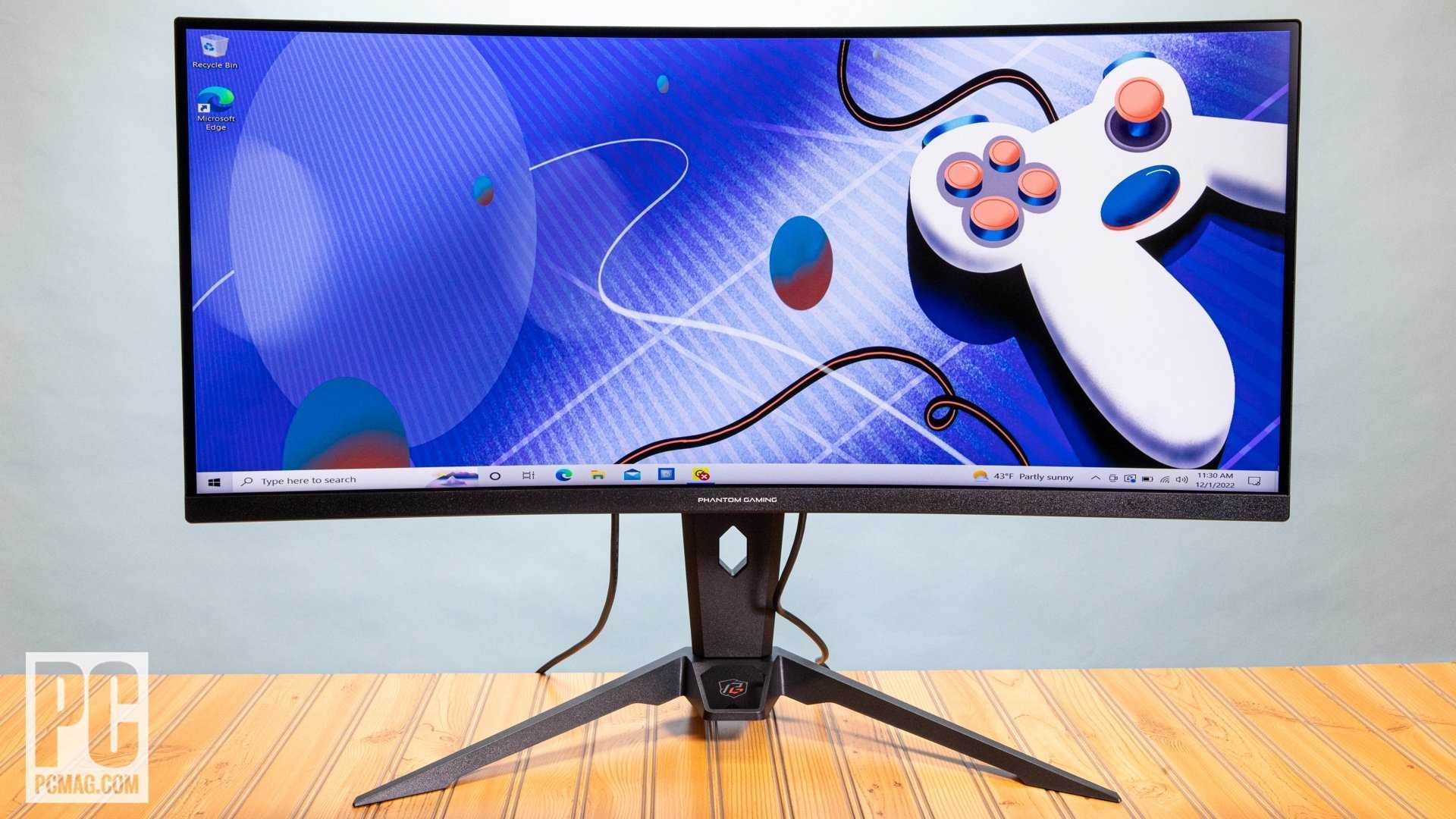
The Acer Nitro VG271 is often considered one of the most affordable yet reliable gaming monitors on the market. For gamers on a budget, finding a monitor that balances price and performance can seem daunting, but there are solid options that won’t break the bank.
A good gaming monitor doesn’t have to be expensive. The cheapest options usually still offer decent refresh rates, low input lag, and good image quality for casual gaming. In this article, we’ll explore some of the best budget-friendly gaming monitors that deliver great value without sacrificing essential features, helping you level up your gaming setup without emptying your wallet.

What Is the Cheapest Good Gaming Monitor? A Detailed Guide
Understanding What Makes a Gaming Monitor “Good”
Choosing a good gaming monitor doesn’t mean spending a lot of money. A decent gaming monitor should have clear visuals, smooth motion, and comfortable viewing. It balances affordability with performance, so gamers can enjoy their favorite games without breaking the bank.
Key Features to Look For
A good gaming monitor should include:
- Refresh Rate: Ideally 75Hz or higher for smoother gameplay
- Response Time: 1ms to 5ms helps reduce motion blur
- Resolution: Full HD (1080p) is common and affordable
- Panel Type: TN panels are cheaper but may have limited color, while IPS panels offer better colors at a slightly higher price
Why Budget Monitors Can Still Be Great
Many affordable gaming monitors offer surprisingly good features. They allow gamers to enjoy fast-paced games with minimal lag. The trick is to find models that strike a balance between cost and essential performance.
Cost vs. Performance Trade-offs
Lower-priced monitors may lack some premium features such as high resolution or vibrant color accuracy. However, they still provide enough quality for casual or beginner gamers. Focusing on core aspects like refresh rate and response time helps maximize value.
Top Budget-Friendly Gaming Monitors in 2023
Here are some of the best affordable gaming monitors available now:
| Model | Size | Refresh Rate | Response Time | Price Range |
|---|---|---|---|---|
| Acer Nitro VG241Y | 23.8 inches | 75Hz | 1ms | Under $200 |
| ASUS VP249QGR | 23.8 inches | 75Hz | 1ms | Under $200 |
| Dell SE2419Hx | 23.8 inches | 60Hz | 5ms | Under $150 |
| Samsung LC27F398FWNXZA | 27 inches | 60Hz | 4ms | Under $200 |
Best Sizes for Budget Gaming Monitors
Choosing the right size depends on your gaming style and space. Common sizes for budget monitors include 23 to 27 inches. Larger screens provide a more immersive experience but can be more expensive and require more desk space.
How Size Affects Gaming Experience
A 24-inch monitor is suitable for most gamers, offering a balance between immersion and affordability. 27-inch models can enhance visual detail but may require a higher resolution for best clarity.
Panel Types and Their Effect on Price and Quality
The two main types of panels in budget monitors are TN and IPS. TN panels are usually cheaper and have faster response times, perfect for competitive gaming. IPS panels are more expensive but offer better color accuracy and viewing angles.
Summary of Panel Pros and Cons
- TN Panels: Faster response times, lower cost, limited color range
- IPS Panels: Better colors, wider viewing angles, slightly higher price
Connectivity and Additional Features
A good gaming monitor should have multiple input options such as HDMI and DisplayPort. Features like adjustable stands and VESA compatibility enhance comfort and setup flexibility.
Essential Connectivity Options
Most budget monitors provide HDMI ports for easy connection to gaming consoles or PCs. Some models also include VGA or DVI inputs, which can be useful depending on your devices.
Extras That Add Value
Adjustable stands allow you to set the best viewing angle, reducing eye strain. VESA mounts offer versatility for custom setups, especially if you prefer wall mounting.
Where to Buy Affordable Gaming Monitors
Online retailers like Amazon, Newegg, and Best Buy frequently offer discounts and sales on budget monitors. Refurbished or open-box items can also provide significant savings without sacrificing much quality.
Tips for Finding the Best Deals
Look out for seasonal sales, bundle offers, and student discounts. Reading customer reviews helps ensure the product performs as expected.
How to Maintain Your Gaming Monitor for Longevity
Proper maintenance extends the life of your monitor. Keep it clean, avoid excessive brightness, and use protective covers when not in use.
Basic Maintenance Tips
Use a soft cloth for cleaning. Keep the monitor in a dust-free environment. Adjust brightness and contrast settings to reduce eye strain.
Summary of Choosing the Best Cheap Gaming Monitor
When selecting an affordable gaming monitor, prioritize refresh rate, response time, and size. Consider your space and gaming style to find the best fit. Features like adjustable stands and multiple connectivity options add comfort and convenience.
Finding the cheapest good gaming monitor involves balancing features and price. By understanding your needs and focusing on key specifications, you can enjoy a smooth gaming experience without overspending. Always compare models, read reviews, and look for deals to get the best value for your money.
The Best BUDGET Gaming Monitor
Frequently Asked Questions
What features should I look for in an affordable gaming monitor?
When searching for a budget-friendly gaming monitor, focus on features like a high refresh rate (at least 75Hz), low response time (1-5ms), and good resolution such as 1080p. Ensure it has a compatible connectivity options like HDMI or DisplayPort, and check for any additional gaming-specific features like adaptive sync technology to improve visual smoothness. Prioritize models that balance these features with their price for the best gaming experience on a budget.
Are there any reliable brands that offer inexpensive gaming monitors?
Many reputable brands provide affordable gaming monitors that deliver solid performance. Brands such as AOC, ASUS, Acer, and ViewSonic typically offer budget-friendly options with good build quality and gaming features. These companies often release models specifically designed for gamers at lower prices, making it easier to find a dependable monitor without overspending.
What is the typical price range for good quality budget gaming monitors?
Good quality gaming monitors that are budget-friendly usually cost between $150 and $250. Within this range, you can find models with high refresh rates, low response times, and decent resolution. Prices may vary based on features like size, brand, and additional gaming enhancements, but staying within this budget provides a good chance to get a reliable gaming display.
How do I ensure the monitor I choose is suitable for different types of games?
To select a monitor suitable for various games, consider its refresh rate and response time to handle fast-paced action smoothly. A higher refresh rate, such as 75Hz or above, benefits fast-moving shooters and racing games, while low response times reduce motion blur. Also, choose a monitor with good color accuracy and adequate size for immersive gameplay, ensuring it fits your specific gaming preferences and budget.
Can I find gaming monitors under $200 that still provide a good gaming experience?
Yes, you can find gaming monitors under $200 that offer a satisfying gaming experience. Look for models with at least a 75Hz refresh rate, a response time of 5ms or lower, and a resolution of 1080p. While they might lack some premium features, these monitors still perform well in most gaming scenarios and are suitable for casual or amateur gamers seeking quality without high costs.
Final Thoughts
The cheapest good gaming monitor combines affordability with quality. It typically offers decent resolution, refresh rates, and response times suitable for casual gamers. While it may lack advanced features, it delivers great value for its price.
Investing in such a monitor allows gamers to enjoy smooth gameplay without overspending. When searching for the best budget option, prioritize screen size, refresh rate, and response time.
In summary, the cheapest good gaming monitor balances cost and performance, making it perfect for budget-conscious gamers aiming for an enjoyable gaming experience.



