


Choosing the right laptop for college can feel like a balancing act. You need something powerful enough for demanding coursework, note-taking, and research, but also something that can handle your downtime, whether that’s streaming your favorite shows or diving into the latest gaming titles. Finding a device that excels in both academic productivity and gaming without breaking the bank or becoming a brick in your backpack is the ultimate goal. We’ve scoured the market to find the best gaming laptops that can also be your ideal college companion.
Quick Product Comparison
| Product | Image | Check Price |
|---|---|---|
| 1. Acer Nitro V Gaming Laptop | 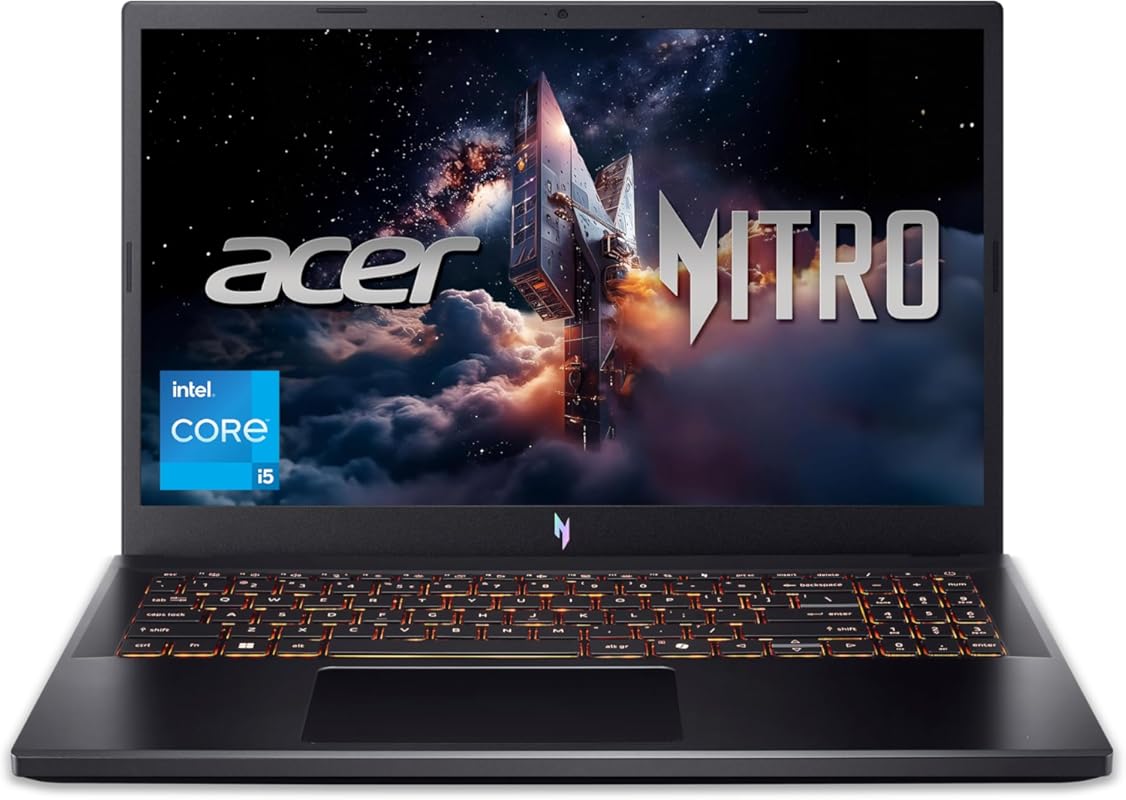 |
Check Price |
| 2. ASUS ROG Strix G16 Gaming Laptop | 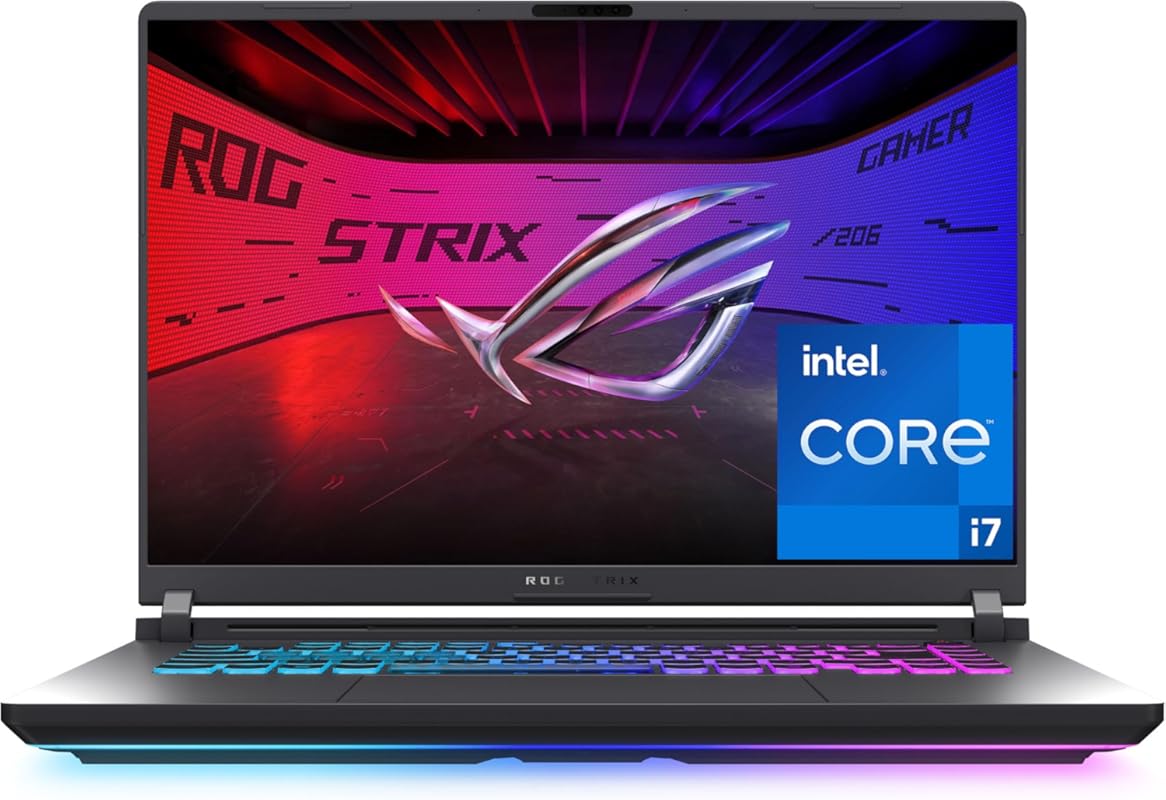 |
Check Price |
Our Top 2 Best Gaming Laptop For College Reviews – Expert Tested & Recommended
1. Acer Nitro V Gaming Laptop
★★★★☆ Rating: 4.3/5
The Acer Nitro V Gaming Laptop is a fantastic option for students who need a reliable machine for both study and play. It packs a punch with its Intel Core i5-13420H processor and NVIDIA GeForce RTX 4050 graphics, making it capable of handling most modern games. Plus, its 165Hz display ensures smooth visuals for an immersive gaming experience and is great for watching lectures or editing papers.
Key Features That Stand Out
- ✓ Powerful Intel Core i5-13420H processor for multitasking
- ✓ NVIDIA GeForce RTX 4050 GPU for great gaming performance
- ✓ Fast 165Hz FHD 15.6-inch display for smooth visuals
- ✓ Wi-Fi 6 for speedy, stable internet connections
- ✓ Durable design suitable for daily student use
Why We Recommend It
We love the Acer Nitro V for its excellent balance of price and performance. It’s a gaming laptop that doesn’t compromise too much on portability, making it a solid choice for carrying around campus. The RTX 4050 is a capable GPU for 1080p gaming, and the 165Hz refresh rate is a significant upgrade for an smoother visual experience.
Best For
This laptop is ideal for students who want to game casually or play popular esports titles while still needing a capable machine for their academic workload.
Pros and Cons
Pros:
- Excellent value for money in the gaming laptop segment.
- Good cooling system that helps maintain performance during extended sessions.
- Features like Wi-Fi 6 and a fast SSD contribute to a smooth user experience.
- The 165Hz display is a standout feature for its price point.
Cons:
- The 8GB of RAM might be a bottleneck for very demanding games or heavy multitasking.
- Build quality, while decent, is not as premium as some higher-end models.
Customer Reviews
Customer Review: So far this laptop has been great. It has the ability to play Hogwarts Legacy, which is what I purchased it for the old Acer we had was over 12 years old lost some keys and eventually the keyboard stopped working and it overheated quickly and the battery died very quick after years of use. I went wi
Customer Review: I’ve been using this computer for a while now, it works very well, but there are times when it stutters, the FPS drops to 0, which usually takes less than 1 second, but it’s still very annoying. The screen’s 165Hz refresh rate is spectacular, but I did an online test and I’m almost certain it has gh
2. ASUS ROG Strix G16 Gaming Laptop
★★★★☆ Rating: 4.5/5
The ASUS ROG Strix G16 is a powerhouse that doesn’t shy away from demanding tasks, making it perfect for students who are serious about gaming or need top-tier performance for creative software. Its Intel Core i7 processor and NVIDIA GeForce RTX 5060 GPU ensure smooth gameplay and quick rendering times. The larger 16-inch display offers more screen real estate for both productivity and immersive gaming.
Key Features That Stand Out
- ✓ High-performance Intel Core i7-14650HX processor
- ✓ Powerful NVIDIA GeForce RTX 5060 Laptop GPU
- ✓ Generous 16GB DDR5 RAM for seamless multitasking
- ✓ Fast 1TB PCIe Gen 4 SSD for quick load times
- ✓ Expansive 16-inch FHD+ 165Hz display
Why We Recommend It
The ROG Strix G16 is an excellent choice for its robust performance and premium features. It offers a truly immersive gaming experience and can easily handle intensive academic tasks like video editing or complex simulations. The combination of a powerful CPU, GPU, and ample RAM means you won’t be held back by your hardware.
Best For
This laptop is best suited for students pursuing fields that require high computational power or for those who want an uncompromising gaming experience on campus.
Pros and Cons
Pros:
- Exceptional gaming performance thanks to the RTX 5060.
- Great for demanding creative workloads and multitasking.
- The 16-inch FHD+ display provides an immersive visual experience.
- Fast storage and ample RAM ensure smooth operation.
Cons:
- It’s a larger and heavier laptop, making it less portable for some students.
- The premium performance comes with a higher price tag.
Customer Reviews
Customer Review: if (true === true) {
document.write(‘‘);
};
Customer Review: While specific reviews for this exact 2025 model might be scarce, ASUS ROG Strix laptops are consistently praised for their robust build quality, effective cooling systems, and stunning displays, making them a reliable choice for students who demand top-tier performance for both gaming and productivity.
Complete Buying Guide for Best Gaming Laptop For College
Essential Factors We Consider
When searching for the best gaming laptop for college, we look for a few key things. First, performance is crucial; it needs to handle your coursework and your games. This means looking at the CPU (like Intel Core i5/i7 or AMD Ryzen 5/7) and GPU (NVIDIA GeForce RTX series are great options). We also consider RAM – 16GB is ideal for smooth multitasking and gaming, though 8GB can suffice if budget is tight and you’re willing to upgrade later. Storage is another biggie; an SSD (Solid State Drive) is a must for fast boot times and game loading. Display quality matters too, with a high refresh rate (120Hz or more) and a good resolution (1080p is standard) making a big difference in how your games look and feel.
Budget Planning
For college students, budget is often a primary concern. Gaming laptops can range from moderately affordable to very expensive. We’ve tried to highlight options that offer a strong bang for your buck, balancing performance with cost. Remember to factor in potential costs for accessories like a good mouse, headset, or an external monitor if you plan to game at home. Sometimes, waiting for sales events like Black Friday or back-to-school promotions can help you snag a better deal on a high-end machine.
Final Thoughts
Ultimately, the best gaming laptop for college is one that meets your specific needs for both academic work and entertainment without compromising your budget or portability too much. It’s a tool that should empower you to succeed in your studies while also providing an avenue for relaxation and fun. Consider how you’ll use it most – if gaming is a secondary hobby, a more budget-friendly option might be perfect. If you’re a serious gamer or in a demanding tech-related field, investing in a more powerful machine will likely pay off in the long run.
Frequently Asked Questions
Q: Can a gaming laptop replace a student’s primary laptop?
A: Absolutely! Many gaming laptops are designed with robust performance that excels in both gaming and demanding academic tasks like coding, video editing, or running complex simulations. They often offer excellent build quality and powerful components that make them ideal for all-around student use.
Q: How much RAM do I need for a college gaming laptop?
A: For a good balance of gaming and multitasking, 16GB of RAM is highly recommended. While 8GB can get by for lighter tasks and some games, it might feel restrictive for more demanding applications or when running multiple programs simultaneously, which is common in college.
Q: Is a gaming laptop too heavy for a college student?
A: Gaming laptops can be heavier than ultrabooks, but many modern models are becoming more streamlined and portable. It’s essential to check the weight and dimensions if portability is a major concern. Laptops like the Acer Nitro V offer a good compromise between power and manageability.
Q: What’s more important: CPU or GPU for a gaming laptop?
A: For gaming, the Graphics Processing Unit (GPU) is generally more critical, as it handles rendering the game’s visuals. However, a capable CPU (Central Processing Unit) is also vital for game logic, AI, and preventing bottlenecks. For college work, both are important depending on the specific software you’ll be using.
Q: Should I prioritize screen refresh rate or resolution for a college gaming laptop?
A: For gaming, a higher refresh rate (like 120Hz or 165Hz) leads to smoother motion and a more responsive experience, which is great for fast-paced games. A Full HD (1080p) resolution is standard and offers a good balance of visual clarity and performance demands. For college work, a crisp display is beneficial for reading and productivity.
Finding the best gaming laptop for college is all about striking that sweet spot between powerful performance for your academic pursuits and enjoyable gaming experiences, all within a budget that makes sense. We’ve highlighted some excellent options that deliver on these fronts, offering strong processors, capable graphics cards, and smooth displays. Take your time, consider your specific needs and budget, and you’ll find a laptop that can be your ultimate companion throughout your college journey.



