


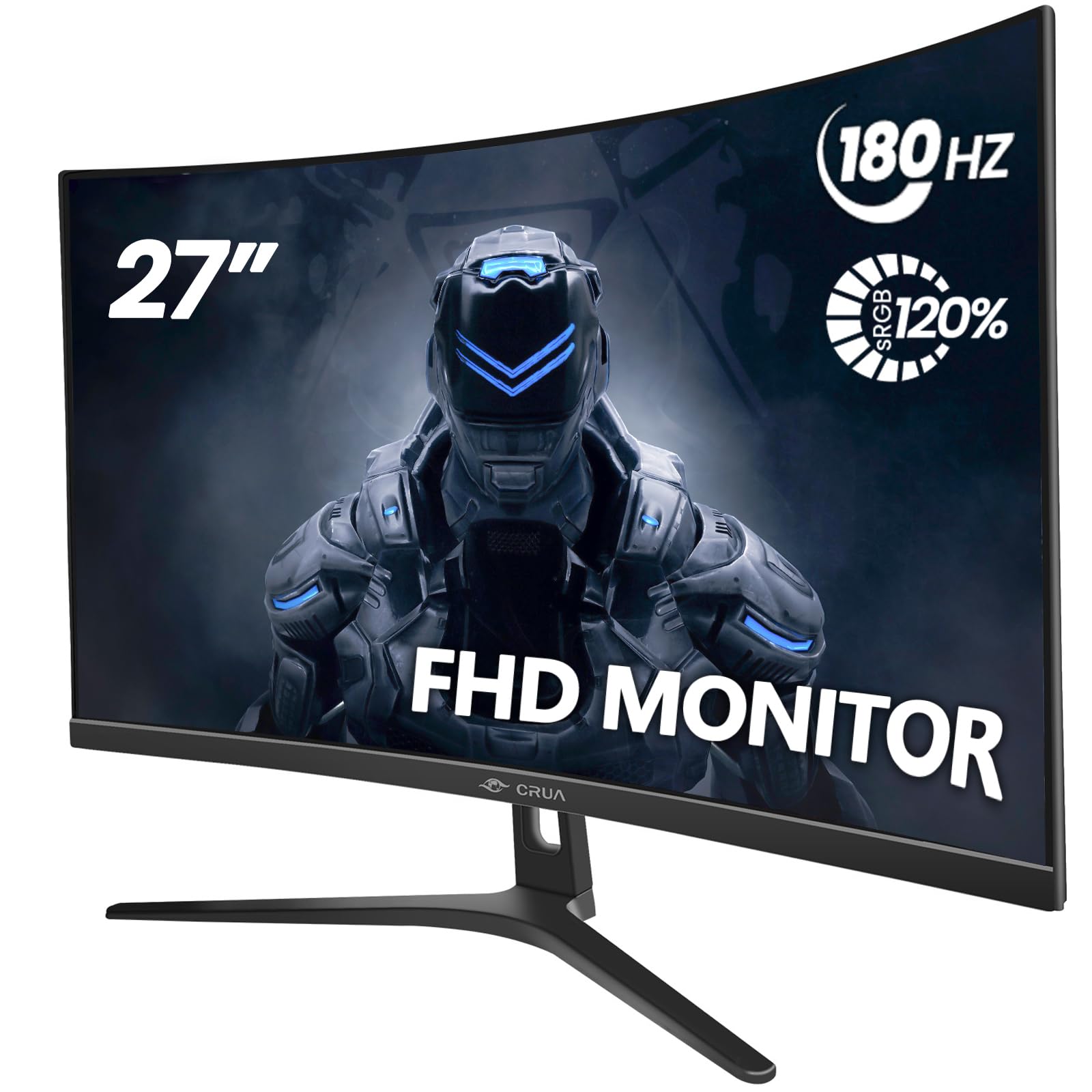
CRUA 27″ Curved Gaming
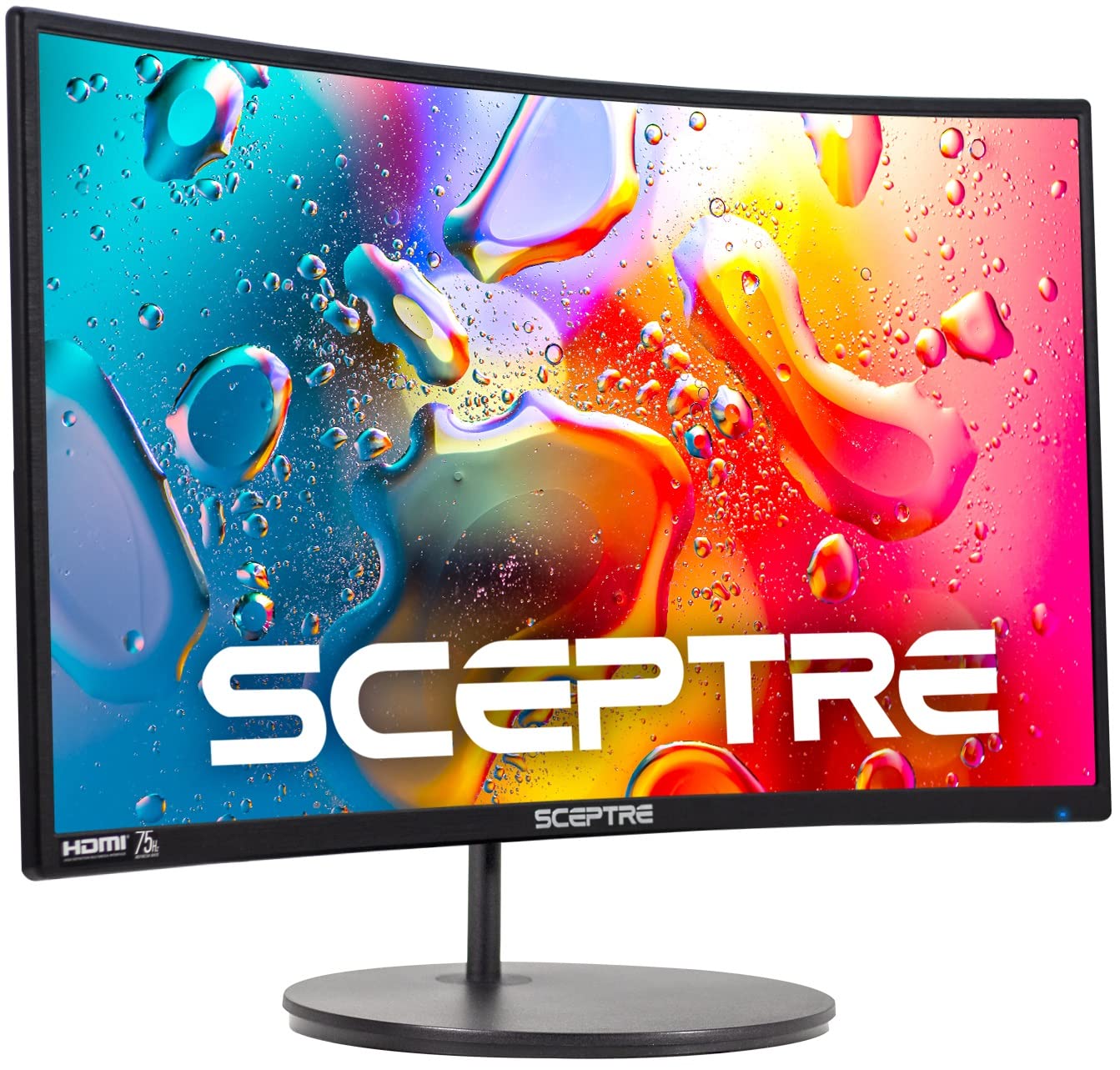
Sceptre Curved 24
Choosing the right curved monitor can feel like a big decision. You want that immersive experience without breaking the bank. Today, we are putting two popular Amazon finds side by side: the CRUA 27″ Curved Gaming Monitor and the Sceptre Curved 24-inch Gaming Monitor. Both promise enhanced visuals and gaming-ready features, but they cater to slightly different needs and budgets.
This comparison matters because specs on paper only tell part of the story. Real-world use, comfort, and value for money are what count. Whether you are a competitive gamer, a casual user, or setting up a home office, the right monitor can change your daily digital life. We are here to cut through the noise.
In this detailed review, you will learn everything from screen performance and color accuracy to ergonomics and connectivity. We will dive deep into each model, compare them head-to-head, and answer your burning questions. By the end, you will know exactly which curved monitor deserves a spot on your desk. Let us get started.
In-Depth Look: CRUA 27″ Curved Gaming
The CRUA 27″ Curved Gaming monitor is built for speed and immersion. With its 27-inch screen and high refresh rate, it aims to be a powerhouse for gamers and multimedia enthusiasts. Let us break down what makes it tick.
Key Features Analysis:
- Blazing Fast Refresh Rate: The standout feature is its 180Hz refresh rate (also adjustable to 144Hz). This means buttery-smooth motion in fast-paced games. Paired with AMD FreeSync, it eliminates screen tearing and stuttering. You get a competitive edge in shooters or racing games.
- Immersive Curvature and Design: The 1800R curvature wraps the screen around your field of vision. It feels natural and reduces eye strain during long sessions. The ultra-thin bezels and V-shaped base add a modern, stable look. You can tilt it from -5 to 15 degrees for a perfect angle.
- Vivid Color Performance: With 120% sRGB color gamut and 16.7 million colors, images pop with life. The 3000:1 contrast ratio delivers deep blacks and bright whites. Whether you are gaming or watching movies, colors feel rich and accurate.
- Eye Comfort is a Priority: CRUA includes flicker-free technology and a blue light filter. This is a big deal if you spend hours at the screen. It helps reduce headaches and eye fatigue, making it great for work and play.
- Flexible Connectivity: You get HDMI and DisplayPort inputs. HDMI supports up to 120Hz, while DP unlocks the full 180Hz. The 100x100mm VESA mount compatibility lets you save desk space with a wall or arm mount.
Pros and Cons:
- Pros: Extremely high refresh rate for smooth gaming; excellent color coverage; effective eye care features; sleek, adjustable design; includes DisplayPort for high-performance connections.
- Cons: No built-in speakers, so you need external audio; larger size may not fit compact desks; premium features come at a slightly higher price point.
Customer Reviews Insights:
Real users praise the CRUA 27″ Curved Gaming for its value. One gamer said, “I couldn’t ask for more from a monitor of this price!… I really couldn’t be happier with the visual quality.” Another noted the modern design and sturdiness, while a third highlighted how the blue light filter helped with eye strain during long sessions. The overall sentiment is surprise at the quality for the cost.
Best For:
This monitor is ideal for serious gamers who need high refresh rates and smooth gameplay. It is also great for multimedia creators who appreciate accurate colors. If you work from home and want comfort during long hours, the eye care features are a big plus. In short, choose the CRUA 27″ Curved Gaming if performance and visual fidelity are your top priorities.
In-Depth Look: Sceptre Curved 24
The Sceptre Curved 24 takes a more compact and utilitarian approach. It is a 24-inch curved monitor that balances essential features with affordability. Let us see what it offers.
Key Features Analysis:
- Compact and Immersive Design: The 24-inch screen with 1800R curvature provides a cozy, immersive experience without dominating your desk. The bezels are minimal, making the screen appear larger. However, the stand is not adjustable, which might limit ergonomics for some users.
- Adequate Performance for Everyday Use: With a 75Hz refresh rate, it is smoother than standard 60Hz monitors but not as fast as high-end gaming models. It handles casual gaming, web browsing, and office tasks well. The brightness is rated at 220 cd/m², which is decent for indoor use.
- Good Color Coverage: The 98% sRGB color gamut ensures colors look vibrant and true-to-life for most content. While not as wide as the CRUA, it is sufficient for everyday media consumption and general computing.
- Convenient Built-in Speakers: This is a key advantage. The monitor has built-in speakers, so you do not need external ones for basic audio. Perfect for quick videos or conference calls. Note that reviewers say the sound quality is basic, but it is a handy feature.
- Versatile Connectivity: It includes two HDMI ports, a VGA port, and a PC audio input. This makes it compatible with older devices like PCs with VGA output and modern ones like gaming consoles. VESA wall mount compatibility adds setup flexibility.
Pros and Cons:
- Pros: Very affordable; includes built-in speakers for convenience; multiple connectivity options including VGA; compact size fits small spaces; solid color performance for the price.
- Cons: Lower refresh rate not ideal for competitive gaming; stand lacks tilt or height adjustment; speakers are low quality; brightness is lower compared to some models.
Customer Reviews Insights:
Users of the Sceptre Curved 24 appreciate its value and simplicity. One customer mentioned, “Larger than advertised… great for me! The rim around the monitor is almost non-existent making the screen larger and easier to see.” Another praised the easy setup and picture quality, while a third noted the speakers are not loud but acceptable for casual use. The common theme is satisfaction with a budget-friendly, reliable monitor.
Best For:
This monitor is perfect for budget-conscious buyers, students, or anyone needing a secondary screen. It is great for general computing, office work, and casual gaming. If you have limited desk space or want built-in speakers without extra clutter, the Sceptre Curved 24 is a smart choice. It is also good for connecting older devices thanks to the VGA port.
Head-to-Head Comparison
Now, let us pit these two monitors against each other in key areas. This will help you see where each one shines and where they fall short.
Performance and Gaming
The CRUA 27″ Curved Gaming is a clear winner for performance. Its 180Hz refresh rate and AMD FreeSync make it a beast for gaming. Fast motion looks smooth, and response times are quick. The Sceptre Curved 24 at 75Hz is fine for casual games but may show motion blur in fast-paced titles. If gaming is your focus, CRUA is the way to go.
Visual Quality and Immersion
Both have 1800R curvature, so immersion is good on both. However, the CRUA’s larger 27-inch screen and 120% sRGB color gamut offer a more cinematic experience. Colors are richer and more accurate. The Sceptre’s 24-inch screen and 98% sRGB are still good, but side-by-side, the CRUA feels more vibrant. For graphic work or media consumption, CRUA has an edge.
Design and Ergonomics
The CRUA offers a tilt-adjustable stand and thin bezels, which add to comfort and aesthetics. The Sceptre’s stand is fixed, which might not suit all desks. Both are VESA mountable, so you can add an arm for flexibility. In terms of looks, the CRUA’s modern design feels premium, while the Sceptre is more utilitarian.
Connectivity and Features
The Sceptre wins on connectivity variety with two HDMI ports, VGA, and audio in. It also has built-in speakers, which the CRUA lacks. The CRUA, however, includes DisplayPort for higher bandwidth, essential for its high refresh rate. If you need speakers and multiple old-school ports, Sceptre is convenient. For future-proofing with DP, choose CRUA.
Value for Money
The Sceptre Curved 24 is typically more affordable, offering great basics for the price. The CRUA 27″ Curved Gaming costs more but justifies it with advanced features like high refresh rate and better color. Your budget and needs dictate value. If you want premium performance, CRUA is worth the extra. If you want a reliable, no-frills monitor, Sceptre saves you money.
Eye Comfort and Usability
CRUA explicitly includes flicker-free and blue light filter technology, making it better for long sessions. The Sceptre does not highlight these features, so it might be less comfortable for extended use. If you work or game for hours, CRUA’s eye care is a significant benefit.
Frequently Asked Questions
Q: Which monitor is better for competitive gaming?
A: The CRUA 27″ Curved Gaming is far better for competitive gaming due to its 180Hz refresh rate and AMD FreeSync. It reduces motion blur and screen tearing, giving you a smoother experience. The Sceptre Curved 24 at 75Hz is adequate for casual games but not for fast-paced esports titles. Check the CRUA monitor on Amazon for gaming details.
Q: Can I use these monitors for office work?
A: Yes, both are suitable for office work. The CRUA’s larger screen and eye care features make it excellent for multitasking and long hours. The Sceptre’s compact size and built-in speakers are convenient for calls and general tasks. Choose based on your desk space and need for comfort.
Q: Do I need external speakers with these monitors?
A: For the CRUA 27″ Curved Gaming, yes, you will need external speakers or headphones as it has no built-in audio. The Sceptre Curved 24 includes speakers, so you can use them for basic sound, though quality is not high. See the Sceptre monitor’s speaker specs on Amazon.
Q: Are they easy to wall mount?
A: Both monitors are VESA wall mount compatible. The CRUA uses a 100x100mm pattern, and the Sceptre is also VESA ready. This makes installation straightforward with standard mounts, saving desk space.
Q: Which has better color accuracy for photo editing?
A: The CRUA 27″ Curved Gaming with its 120% sRGB color gamut offers better color accuracy and vibrancy, making it more suitable for photo or video editing. The Sceptre’s 98% sRGB is good for everyday use but not ideal for professional color work.
Q: Is the size difference between 24-inch and 27-inch noticeable?
A: Yes, the 27-inch screen on the CRUA provides more screen real estate, which is great for immersion and productivity. The 24-inch Sceptre is more compact and might be better for smaller desks. Consider your space and viewing distance.
Q: Can I connect a gaming console to these monitors?
A: Absolutely. Both have HDMI ports, so you can connect consoles like PlayStation or Xbox. The CRUA’s higher refresh rate may benefit consoles that support high frame rates, while the Sceptre works well for standard gaming.
Final Verdict: Which One Should You Choose?
After this deep dive, the choice comes down to your priorities and budget.
Choose the CRUA 27″ Curved Gaming if you are a gamer, content creator, or power user. Its high refresh rate, excellent color quality, and eye care features justify the higher price. You get a premium, immersive experience that enhances both play and work. It is an investment in performance and comfort.
Choose the Sceptre Curved 24 if you are on a tight budget, need a compact monitor, or want built-in speakers. It is perfect for everyday computing, casual use, and as a secondary screen. You save money without sacrificing essential features like curvature and basic connectivity.
In summary, the CRUA is for those who want the best visual performance and are willing to pay for it. The Sceptre is for practical buyers who value simplicity and affordability. Both are solid choices, but your specific needs will guide you to the right one.



